

Published on July 30, 2026
11 min to read
7 Best Enterprise Social Media Management Software Tools in 2026

Summarize with AI


Table of contents
Summarize with AI

ChatGPT

Claude

Perplexity
Share

Vista Social

X (Twitter)


One post has crossed three teams, and nobody can say which version is approved. It’s the kind of problem enterprise social media management software should prevent. Legal reviewed version six, the regional team edited version seven, and the scheduler still holds last quarter’s disclaimer.
At enterprise scale, those loose ends show up everywhere: a market uses the wrong asset, a former contractor still has access, or an executive report contains numbers nobody can reconcile. Your platform has to keep the work under control as brands, people, accounts, and AI workflows multiply.
We scored the seven tools below on governance, scale, capability, cost, and support using current documentation. The comparison also shows what happens at 5, 20, and 50 users, because a platform has to keep working as the team grows.
The shortlist in 30 seconds
- Top overall choice: Vista Social
- Global CXM specialist: Sprinklr
- Established enterprise suite Hootsuite
- For quick team adoption: Sprout Social
- Consumer intelligence pick: Brandwatch
- Agency workspace specialist: Sendible
- Inbox-first choice: Agorapulse
Table of contents
Check security before you fall for the demo
IT can end a software evaluation with one missing control. Check the security floor before your team spends hours rebuilding a live campaign in every shortlisted platform.
- Single sign-on: IT can apply login policies and remove access from one identity provider.
- Role-based access: People see only the brands, profiles, and actions their work requires.
- Approval workflows: Sensitive content reaches the correct reviewer before it goes live.
- Audit records: Administrators can trace important access, approval, and publishing activity.
- Security evidence: The vendor can support its claims with current documentation and procurement materials.
Ask which plan includes each control. “We support SSO” isn’t helpful if SSO requires a contract three times larger than the plan you priced.
Enterprise buyers should also inspect how AI is governed. A useful AI system needs approved brand context, clear permissions, and a human checkpoint before public action. A caption generator alone doesn’t answer that.
Our guide to enterprise strategy covers the operating model around these controls.
1. Vista Social: Best overall enterprise social media management software
Overview
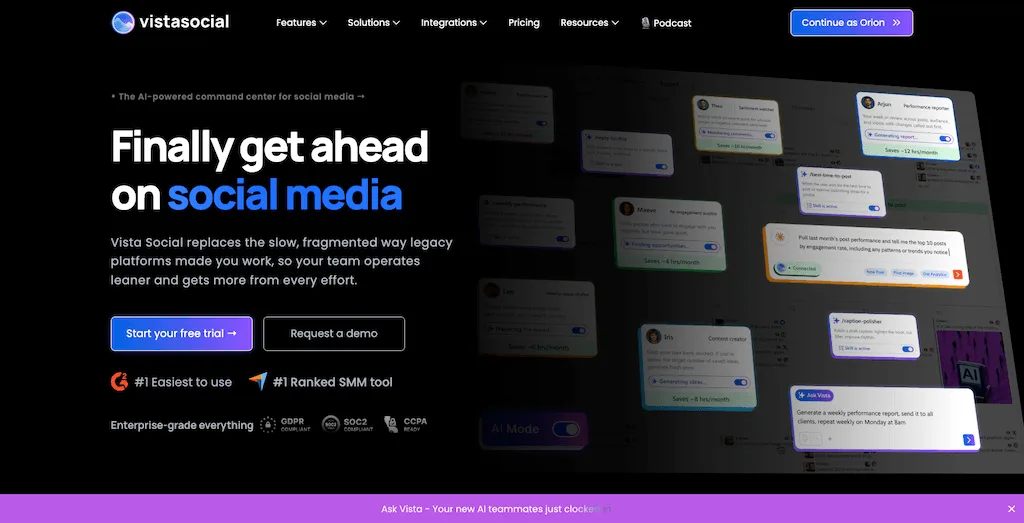
Vista Social combines publishing, engagement, reporting, listening, reviews, employee advocacy, and enterprise controls. Ask Vista, AI Training & Knowledge, and AI Agents add connected account context, approved guidance, scheduled work, and human confirmation.
| What your team needs | How Vista Social handles it |
|---|---|
| Ask questions using live social context | Ask Vista works across connected accounts and supported workflows |
| Move repetitive work off the checklist | Agents run defined jobs on a schedule with human controls |
| Ground AI in approved information | AI Training & Knowledge carries brand guidance into the work |
| Work from an external AI client | Hosted MCP access exposes more than 50 social tools to compatible clients |
| Review creative before publishing | Semantic Analysis evaluates creative signals such as platform fit and scroll-stopping power |
| Turn performance into a clear update | Reporting combines social data with AI-generated summaries |
Pros
- AI that does useful work: Ask Vista can investigate performance and start supported tasks. Agents handle recurring work and can check one another’s output, while your team keeps the final say.
- Enterprise governance: The Enterprise plan again highlights SOC 2 compliance, SAML SSO, role-based access, approval workflows, audit logs, and 99.99% uptime.
- Connected workflows with proven savings: Hosted MCP access gives compatible AI clients more than 50 supported social tools. ClickUp reduced weekly scheduling and coordination work by 70% after switching to Vista Social.
Where it could improve
- Broader customer experience scope: Sprinklr covers a wider global CXM operation when social, service, and customer experience need to run inside one large suite.
- Deeper consumer research: Brandwatch remains the stronger specialist when advanced consumer intelligence is the main reason for buying.
- Public enterprise pricing: Teams that outgrow the Scale plan need a custom Enterprise quote, so the exact cost of a larger rollout isn’t available on the pricing page.
Best for
Vista Social is best for enterprise, mid-market, and multi-brand teams that need strong governance, practical AI assistance, and plans without per-seat pricing.
Pricing
- Starting price: $79 per month.
Put Ask Vista and Agents to work on your own accounts with a free trial. No credit card is required.
2. Sprinklr: Best for global customer experience management
Overview
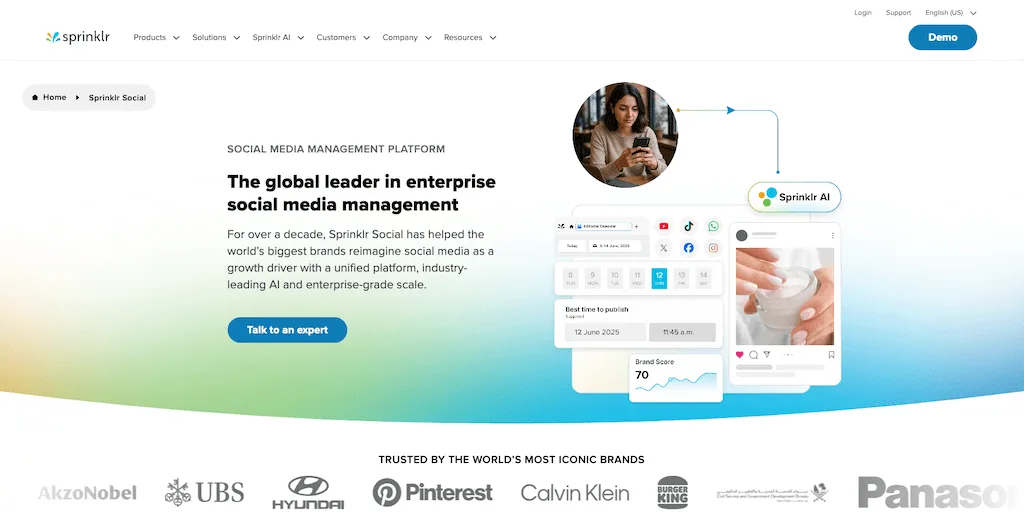
Sprinklr brings regional publishing, customer care, listening, insights, and paid activity into a wider customer experience platform.
Pros
- Global governance: Regional teams can work within centralized rules while managing the channels and markets assigned to them.
- Wider CXM coverage: Social management, customer care, listening, insights, and paid activity can sit inside the same broader customer experience program.
- Deep intelligence: Listening and research capabilities support large organizations that need to study markets as well as manage daily social work.
Where it could improve
- Pricing visibility: Public pricing isn’t available, which makes it difficult to compare likely costs before speaking with sales.
- Implementation effort: A wide deployment can require significant configuration, training, and internal ownership.
- Platform scope: A focused social team may end up buying more customer experience infrastructure than it can use.
Best for
Sprinklr is best for global enterprises where social belongs to a larger customer experience operation spanning regions, customer care, paid activity, listening, and research.
Pricing
- Starting price: Custom quote based on products, usage, and deployment scope.
3. Hootsuite: Best-established enterprise suite
Overview
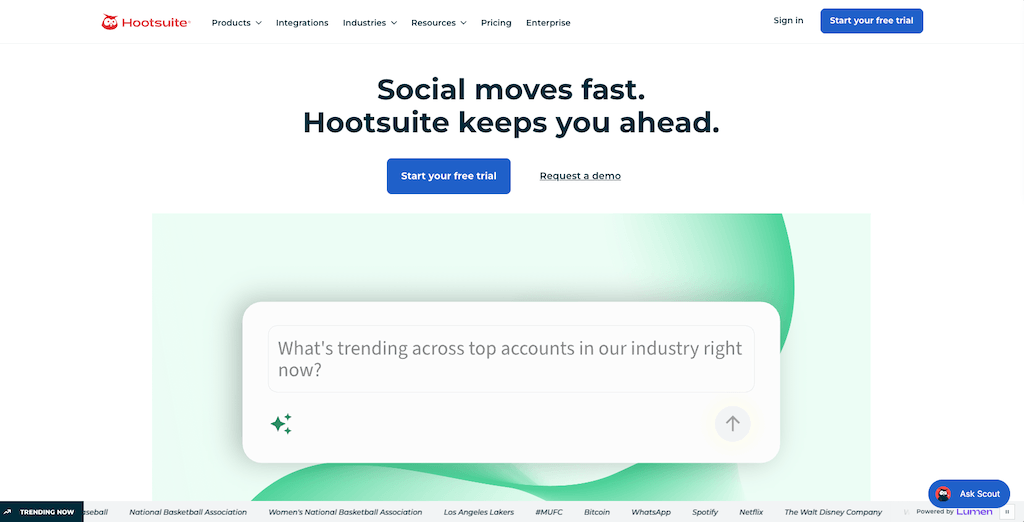
Hootsuite covers publishing, approvals, inbox management, analytics, Talkwalker-powered listening, employee advocacy, and enterprise SSO.
Pros
- Broad workflow coverage: Publishing, approvals, inbox management, analytics, listening, and employee advocacy can run within one suite.
- Enterprise access controls: Hootsuite offers approvals and an Enterprise route for SSO when IT needs centralized identity management.
- Familiar vendor: Its long presence in the category may make the platform easier to introduce across a buying committee that already knows the name.
Where it could improve
- Per-user costs: The bill rises when regional contributors, legal reviewers, or additional social managers need paid access.
- Enterprise plan requirements: SSO and the fullest governance controls require a custom Enterprise contract.
- Suite size: A centralized social team with a narrower brief may pay for products it doesn’t use regularly.
Best for
Hootsuite is best for large companies that want a familiar social media suite with publishing, listening, employee advocacy, analytics, and a custom enterprise route.
Pricing
- Starting price: $99 per user per month with annual billing.
4. Sprout Social: Best for quick team adoption
Overview
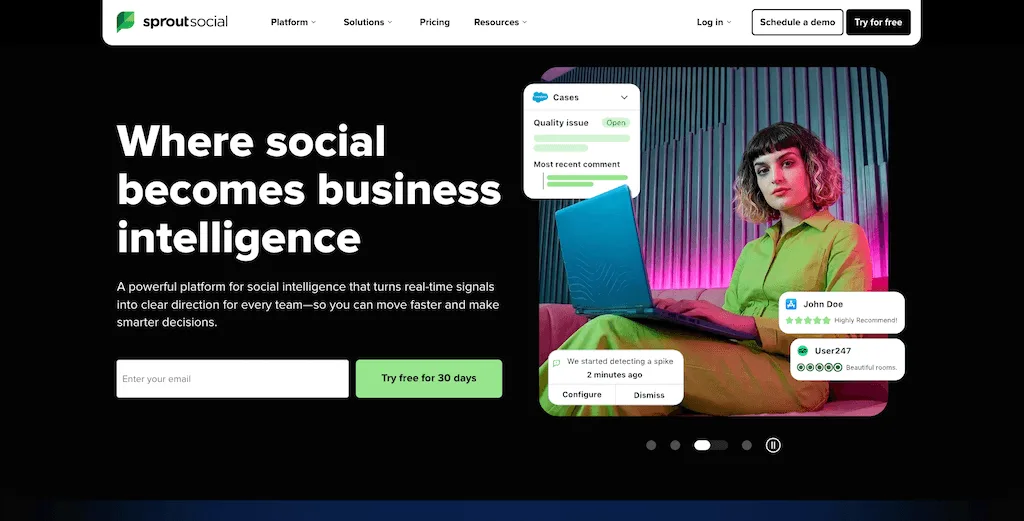
Sprout Social makes publishing, customer care, and reporting straightforward for people outside the core social team, which can shorten rollout time across departments.
Pros
- Straightforward adoption: People outside the core social team can learn the interface without a long implementation program.
- Readable reporting: Reports are easy to share with executives, clients, and departments that don’t spend every day inside a social platform.
- Connected customer care: Engagement and care workflows sit close together, which helps teams move from a message to an assigned response.
Where it could improve
- Per-seat pricing: Every active user adds to the monthly bill, including collaborators outside the core social team.
- Add-on costs: Listening, premium analytics, advocacy, and influencer marketing are separate purchases.
- Large approval groups: Giving legal, regional, and brand reviewers access can become expensive when each person needs a paid seat.
Best for
Sprout Social is best for enterprise teams that prioritize a shorter learning curve, stakeholder-friendly reports, and connected customer care workflows.
Pricing
- Starting price: $79 per seat per month with annual billing.
5. Brandwatch: Best for consumer intelligence
Overview
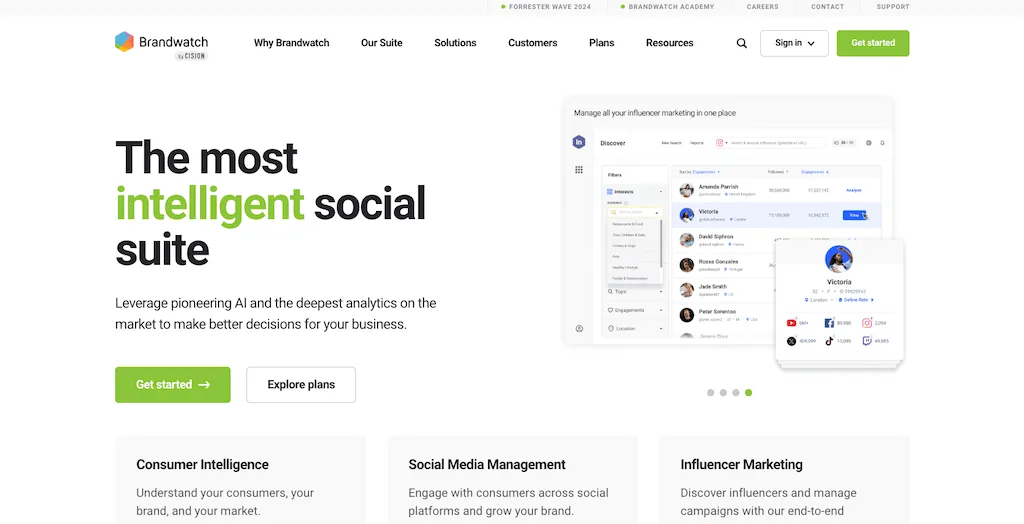
Brandwatch connects consumer intelligence, listening, and benchmarking with a calendar, approvals, an inbox, and customizable dashboards.
Pros
- Deep consumer intelligence: Research and insights teams can examine wider market conversations alongside social performance.
- Listening connected to execution: Market signals can inform the content and engagement work happening inside the social operation.
- Flexible analysis: Customizable dashboards and benchmarking help different departments view the data through their own priorities.
Where it could improve
- Pricing visibility: Costs are hidden behind a sales conversation, which makes an early financial comparison difficult.
- Research-heavy scope: Teams focused on publishing, approvals, and daily engagement may not use the platform’s full intelligence depth.
- Variable contracts: The final quote depends on the suite, users, data sources, and research scope selected.
Best for
Brandwatch is best for large organizations where consumer intelligence, market research, and social listening carry as much weight as publishing and engagement.
Pricing
- Starting price: Custom quote based on suite, users, and data requirements.
6. Sendible: Best for agency workspaces
Overview
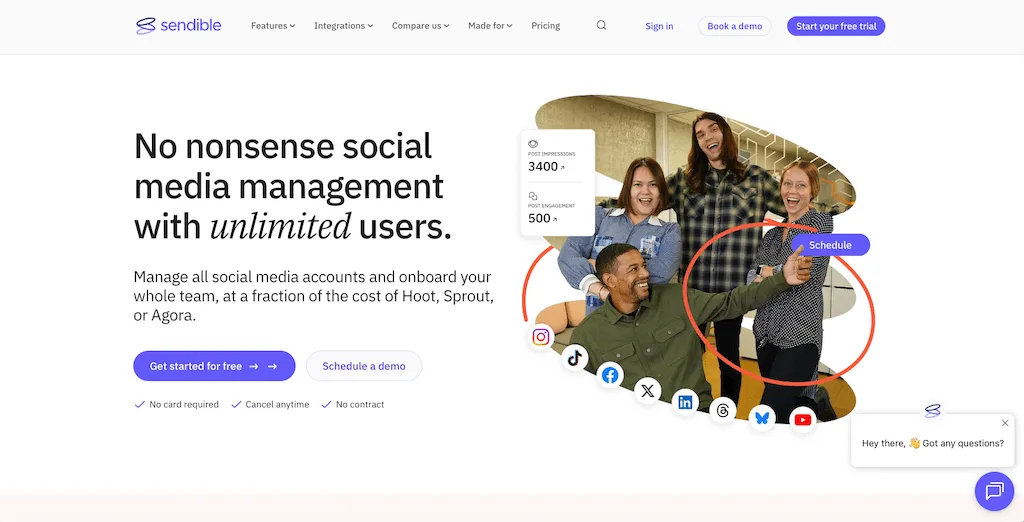
Sendible uses separate workspaces with six social profiles, a calendar, an inbox, reports, and queues while including unlimited users.
Pros
- Unlimited users: Current plans let agencies and multi-brand teams add collaborators without paying for every seat.
- Separate workspaces: Each client, location, or brand can have its own calendar, inbox, reports, profiles, and publishing queues.
- Agency collaboration: Assignments, approvals, and optional white labeling support work shared with external clients.
Where it could improve
- SSO availability: Centralized sign-on requires the Enterprise plan.
- Workspace capacity: Each workspace includes six profiles, so a company with many brands or locations may need a larger tier sooner than expected.
- Research depth: Advanced consumer intelligence and large-scale research aren’t the platform’s central strengths.
Best for
Sendible is best for agencies, franchises, and multi-brand organizations that need clearly separated workspaces and want to invite many collaborators without per-seat charges.
Pricing
- Starting price: $35 per month.
7. Agorapulse: Best for inbox-heavy teams
Overview
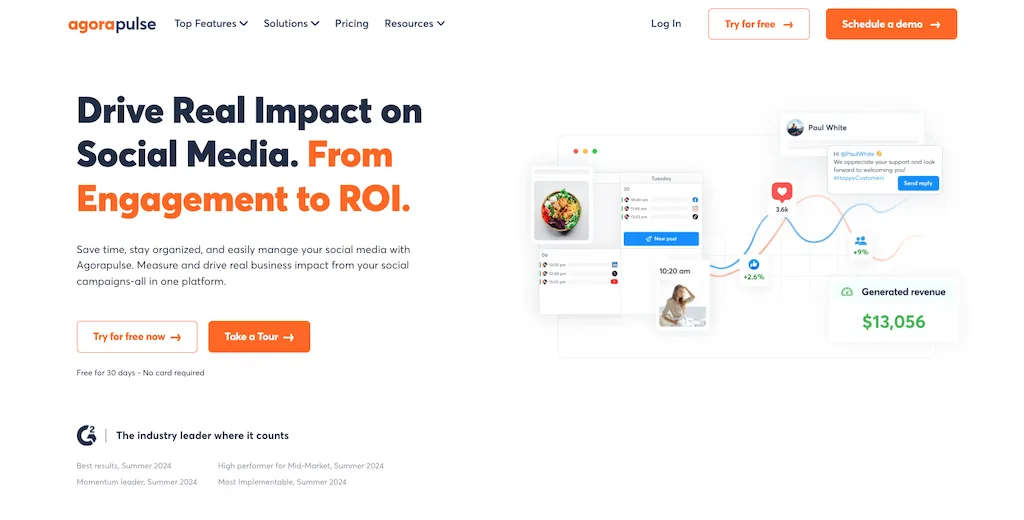
Agorapulse centers community management around a unified inbox, assignments, moderation, and reports that make message ownership easier to follow.
Pros
- Clear message ownership: Assignments help social care teams see who owns each conversation and what still needs a response.
- Inbox-centered operations: Moderation and monitoring sit close to the daily reply workflow.
- Custom governance: Custom plans add SSO, tailored roles, and multi-step approvals for larger organizations.
Where it could improve
- Growing user costs: The monthly bill rises as customer care, regional, and social teams add more users.
- Profile capacity: Public plans include 10 profiles before the company needs to buy additional capacity.
- Collaborator costs: Occasional reviewers and contributors can still affect a per-user bill.
Best for
Agorapulse is best for enterprise social care and community teams that spend much of the day assigning, moderating, and responding to a high volume of messages.
Pricing
- Starting price: $79 per user per month with annual billing.
What will these platforms cost at your team size?
The table shows the lowest public plan, the price a buyer actually pays, and the users and profiles included at that price.
These figures were checked on July 30, 2026. Sprinklr and Brandwatch require a sales quote, so we haven’t invented seat or profile counts for either platform. Prices exclude taxes, promotions, implementation, and optional add-ons.
| Platform | Starting plan | Published price | Users or seats | Profiles or accounts |
|---|---|---|---|---|
| Vista Social | Professional | $79/month | 2 users | 15 profiles |
| Sprinklr | Sales quote | Not publicly listed | Not publicly listed | Not publicly listed |
| Hootsuite | Standard | $99/user/month, billed annually | 1 seat at listed price | 10 accounts |
| Sprout Social | Essentials | $79/seat/month, billed annually | 1 seat at listed price | 5 profiles |
| Brandwatch | Sales quote | Not publicly listed | Not publicly listed | Not publicly listed |
| Sendible | Core | $35/month | Unlimited users | 6 profiles |
| Agorapulse | Standard | $79/user/month, billed annually | 1 seat at listed price | 10 profiles per user |
Why the pricing model matters
Vista Social’s lower public price needs one qualification: Scale doesn’t hold 20 or 50 users, so those teams need a custom Enterprise quote. With flat-rate pricing, the bill grows when you cross a tier rather than each time someone joins the team, and every tier still has a capacity limit.
Before taking a recommendation to finance, ask every finalist for the same five numbers:
- Year one: Subscription, implementation, migration, and training.
- Expected growth: The price at next year’s user and profile count.
- Required controls: The plan that includes SSO, roles, approvals, and audit records.
- Add-on total: Listening, advanced analytics, advocacy, support, and data costs.
- Exit cost: Data export, contract overlap, and migration assistance.
Choose for the team you’ll have next year
Your team will eventually outgrow something: a seat count, a profile limit, a reporting process, or the patience to keep moving work between tools. Decide which limit you can live with before you sign the contract.
Vista Social is our number one choice for teams that want enterprise controls and AI that can act inside connected accounts.
Take next year’s headcount into every conversation, then ask which controls require Enterprise and what work will leave your team’s plate on day one. The right enterprise social media management software should satisfy finance and make the social team’s week easier quickly after the contract is signed.
You can try Vista Social free for 14 days with no credit card or talk to our enterprise team about SSO and a custom security review.
Frequently asked questions
What is enterprise social media management software?
Enterprise social media management software helps large organizations coordinate work across many social accounts. It also adds centralized controls such as SSO, role-based access, approvals, audit records, and documented security practices.
What features do enterprise marketing teams need?
Start with SSO, role-based access, approval workflows, audit records, and current security documentation. Then compare brand separation, profile capacity, listening, reporting, integrations, AI controls, onboarding, and support.
How much does enterprise social media software cost in 2026?
Public plans can start below $100 per month, while per-user platforms can reach five figures each month for a large team. The customized enterprise suites can cost substantially more. Model the plan at your current user count, profile count, required controls, and add-ons before comparing vendors.
Is Hootsuite good for enterprise teams?
Hootsuite works well for enterprise teams that need publishing, approvals, listening, employee advocacy, analytics, and an Enterprise route for SSO. Its main trade-off is per-user pricing on public plans.
What separates enterprise tools from small-business social tools?
Enterprise tools add stronger control over identity, permissions, approvals, records, brands, and large teams. Small-business tools usually prioritize simplicity and a lower entry price. The key distinction is governance at scale.
Can enterprise social media software use AI Agents?
Vista Social lets teams give AI Agents defined social media jobs, schedule when they run, and set control levels. Human review can remain part of the workflow, so automation supports the team without removing accountability.
Is there enterprise social media software without per-seat pricing?
Vista Social and Sendible offer flat public tiers with included user and profile capacity and then provide Enterprise options for larger deployments. Their cost grows when a team crosses a tier limit instead of increasing with every user on every plan.
Try Vista Social for free
A social media management platform that actually helps you grow with easy-to-use content planning, scheduling, engagement and analytics tools.
Get Started NowAbout the Author

Content Writer
Orion loves to write content that refuses to be boring. As part of Vista Social, he helps brands, creators, and agencies stop doom scrolling and start winning with social media. When he's not in front of a keyboard, he's watching films in IMAX with his wife, dissecting football tactics (the European kind), and getting lost in a good book.
Loading related tools...

The most complete social media management platform for teams who demand more.






Tools
PublishingAnalyticsEngagementIntegrations
FacebookInstagramLinkedInRedditSnapchatThreadsTikTokX (Twitter)YouTubeMCPVista Page (link-in-bio)All IntegrationsCopyright © 2026 Vista Social LLC. All Rights Reserved.