


Powered by AI
X/Twitter management tools for business
The all-in-one X/Twitter management software your business needs to plan, schedule, and analyze your brand's content. Engage and grow your audience with ease.
Enterprise-grade everything

Why Vista Social
Everything you need for X/Twitter management
With Vista Social, you can connect one or multiple X/Twitter accounts and immediately start publishing and analyzing your presence. Collaborate with your team on content creation, performance analysis, reputation monitoring, and more on one robust platform.
Create high-quality X/Twitter content

Brainstorm content right inside Vista Social, upload images and videos to the media library, and create engaging posts before scheduling them in the calendar.
Engage with your followers

Manage every conversation in the Vista Social Unified Inbox so you never miss a single mention or message from your most important followers.
Analyze your X/Twitter performance

Keep tabs on what your audience resonates with most by tracking your X/Twitter platform and post performance in easy-to-read reports.
Publishing
Comprehensive X/Twitter content creation
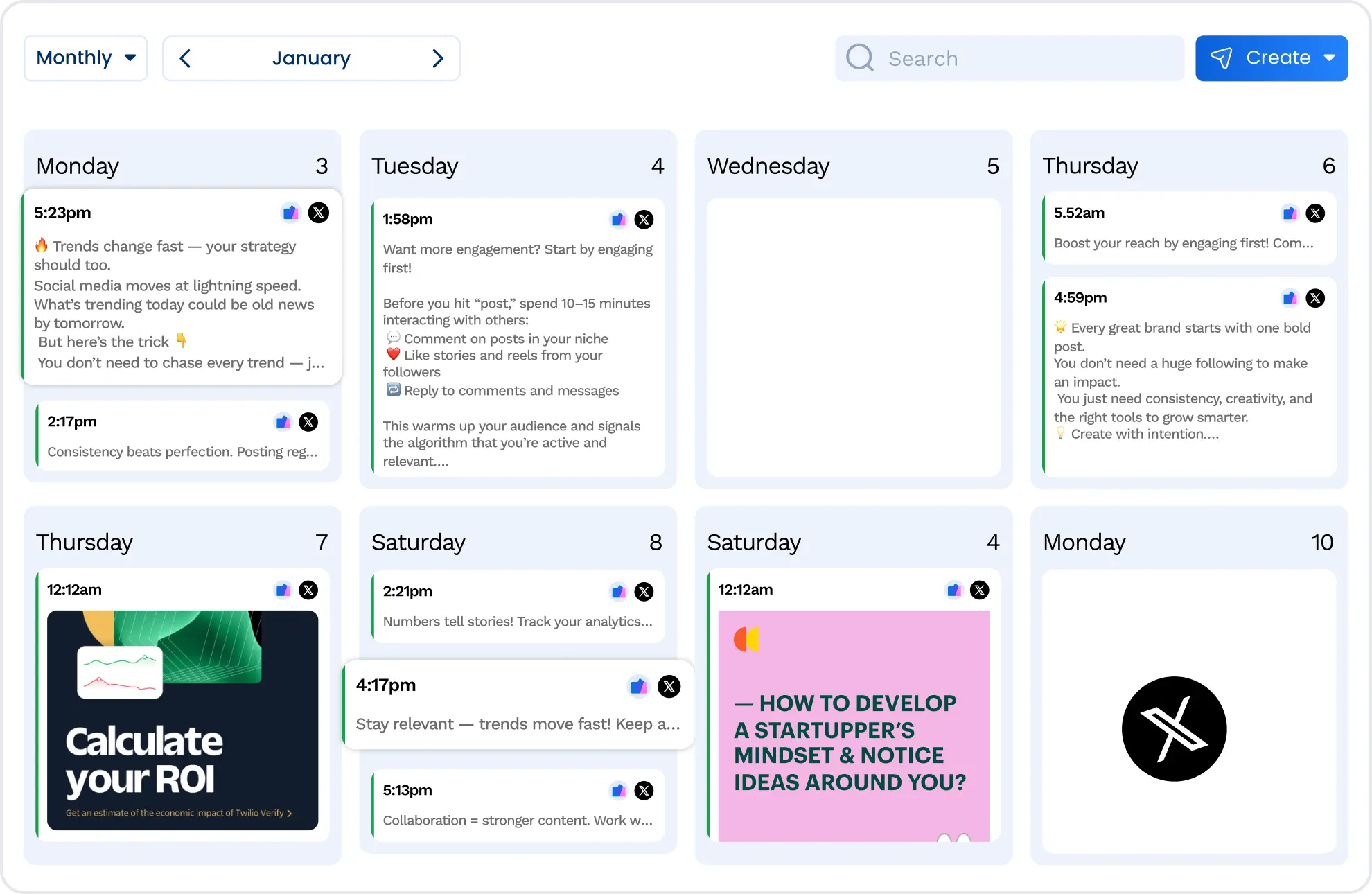
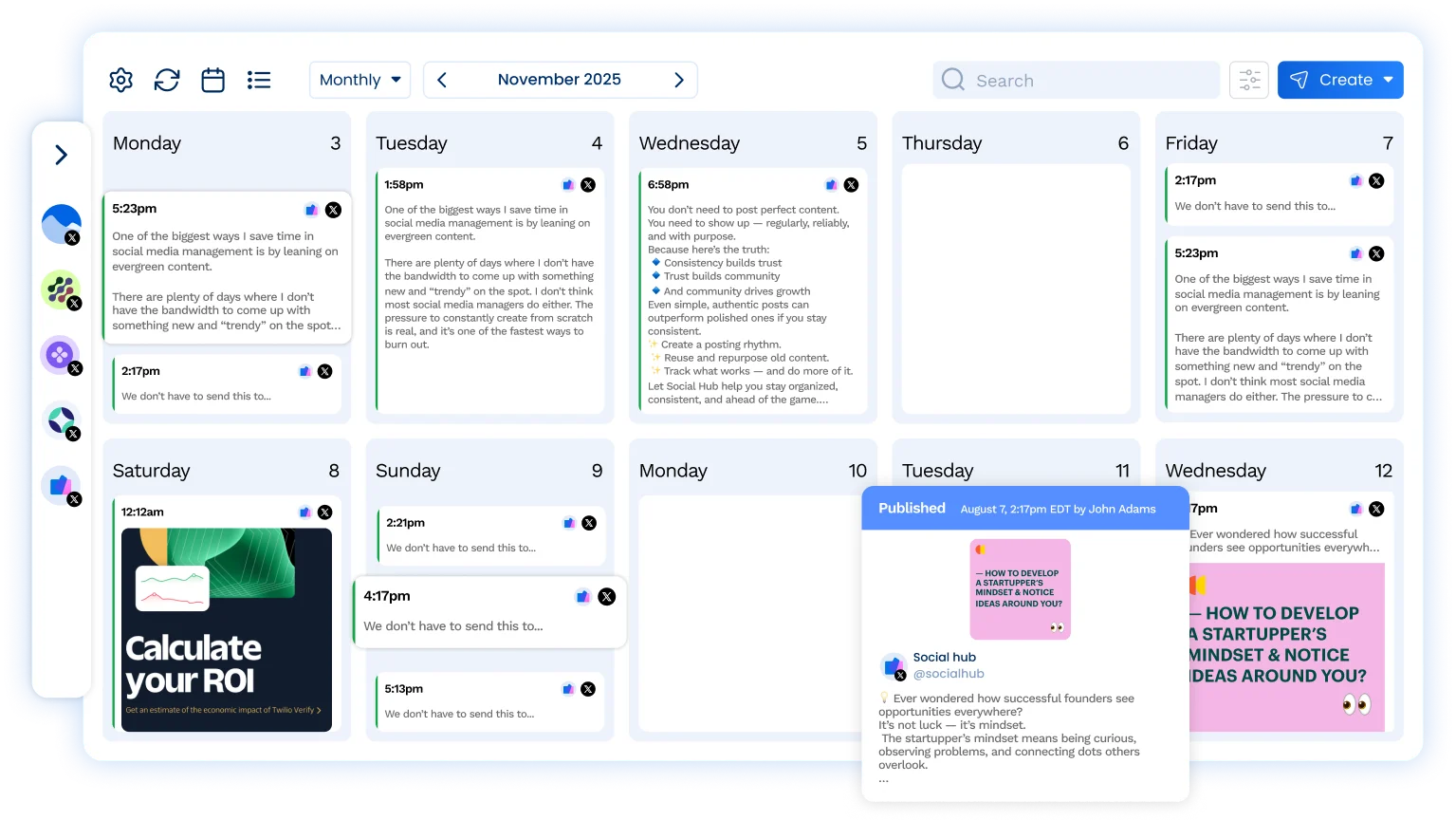
Drag-and-drop content calendar
Create and schedule engaging X/Twitter posts, then drag them around to create the perfect content calendar. Sit back as your posts auto-publish for you.
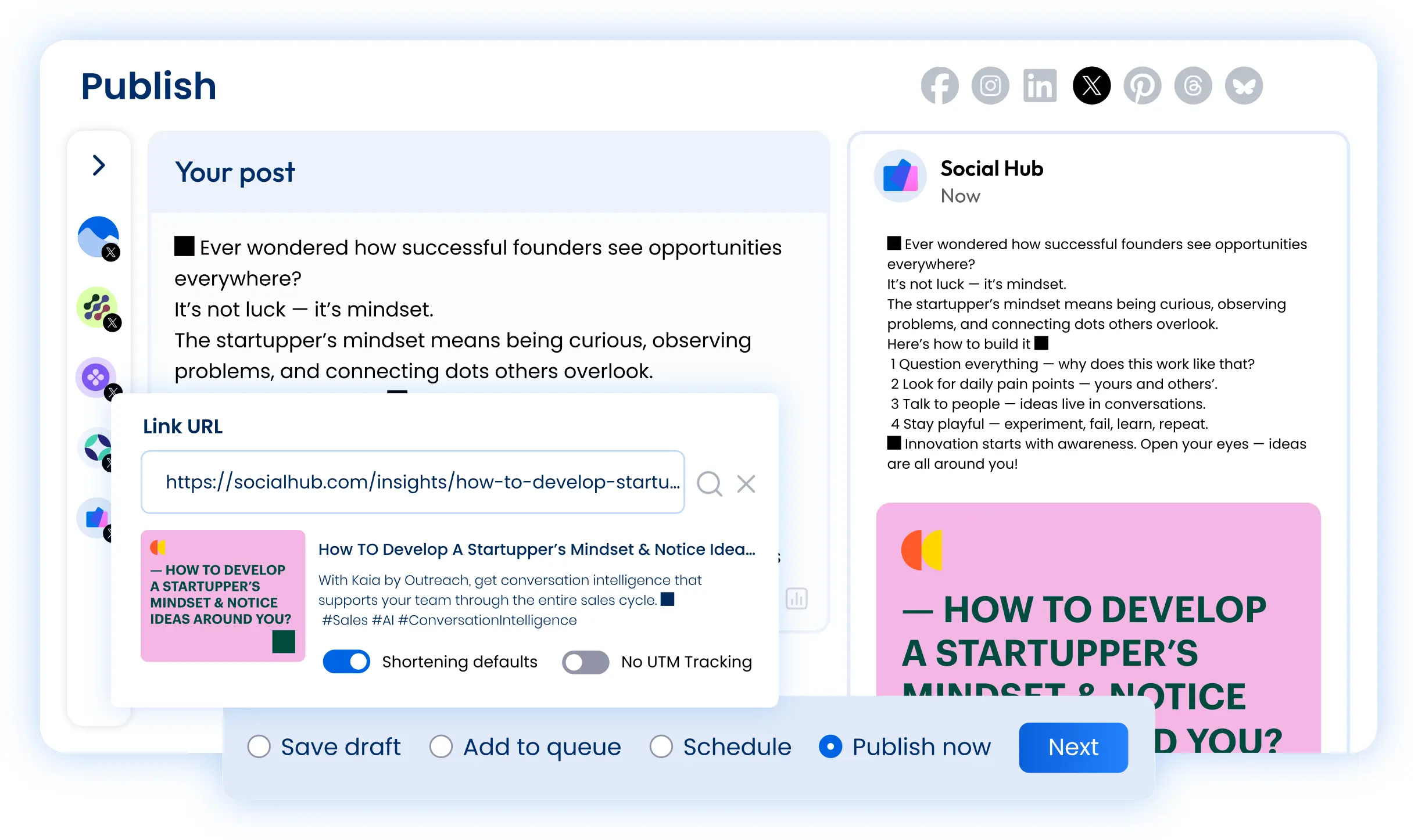
Complete post creation interface
Access all the tools you need to create amazing content to share with your X/Twitter audience. Write out text-only posts, share polls with your audience, and more.
Built-in URL tracking
Easily track clicks from your X/Twitter account by automatically adding UTM tracking tags to each link you share. Integrate Google Analytics for more in-depth reporting.
Engagement
Manage X/Twitter engagement with your team
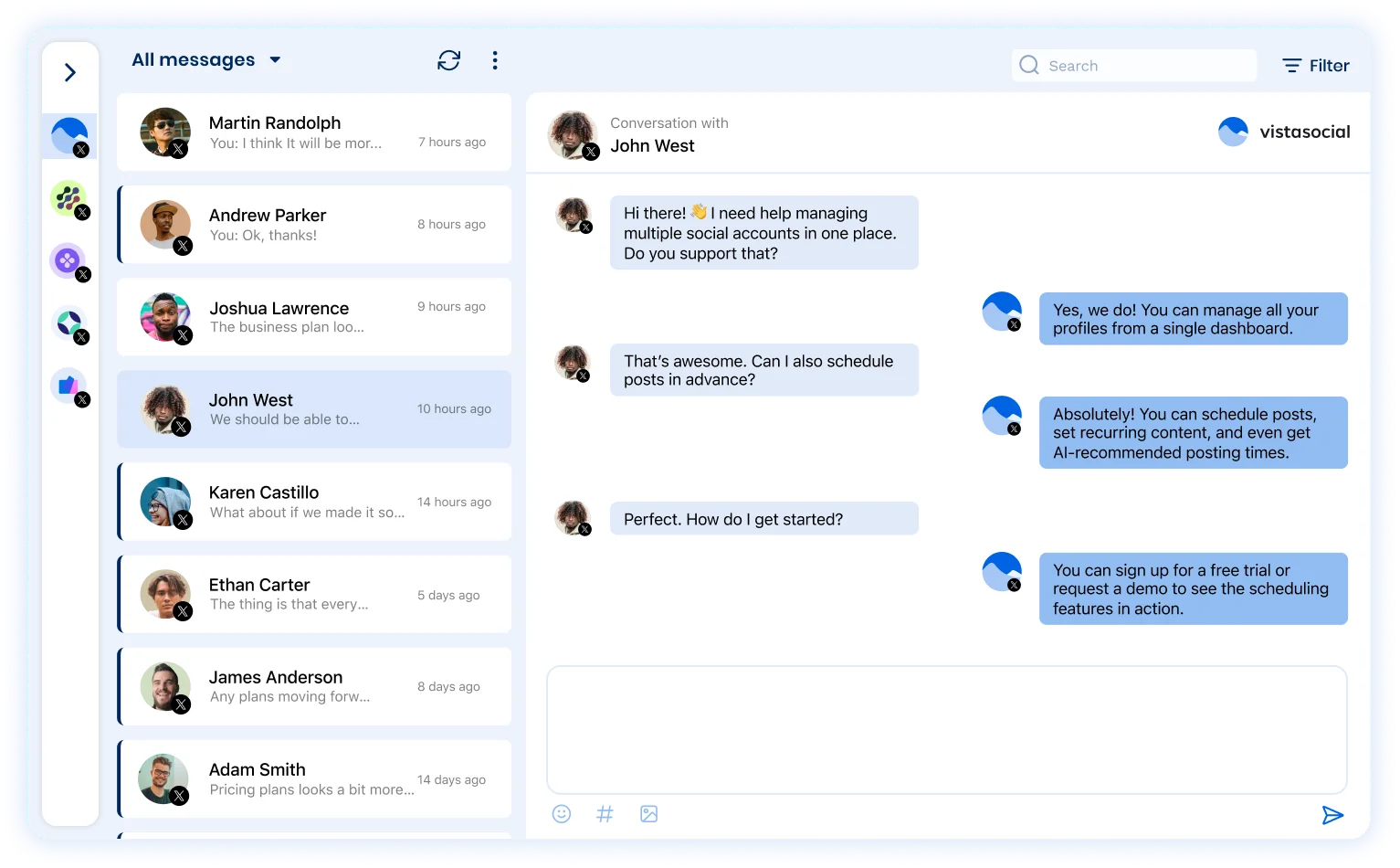
All conversations in a single inbox
Stay on top of every customer interaction with Vista Social’s Unified Inbox. Easily respond to mentions and messages from one dashboard.
User groups and approval workflows
Work together with your entire team in Vista Social. Create user groups for content creators, graphic designers, community managers, clients/team leads, and more.
Social CRM for message organization
Add customer information within the Social Inbox so you can seamlessly handle each message with everything you need right in front of you.
Long-form posts
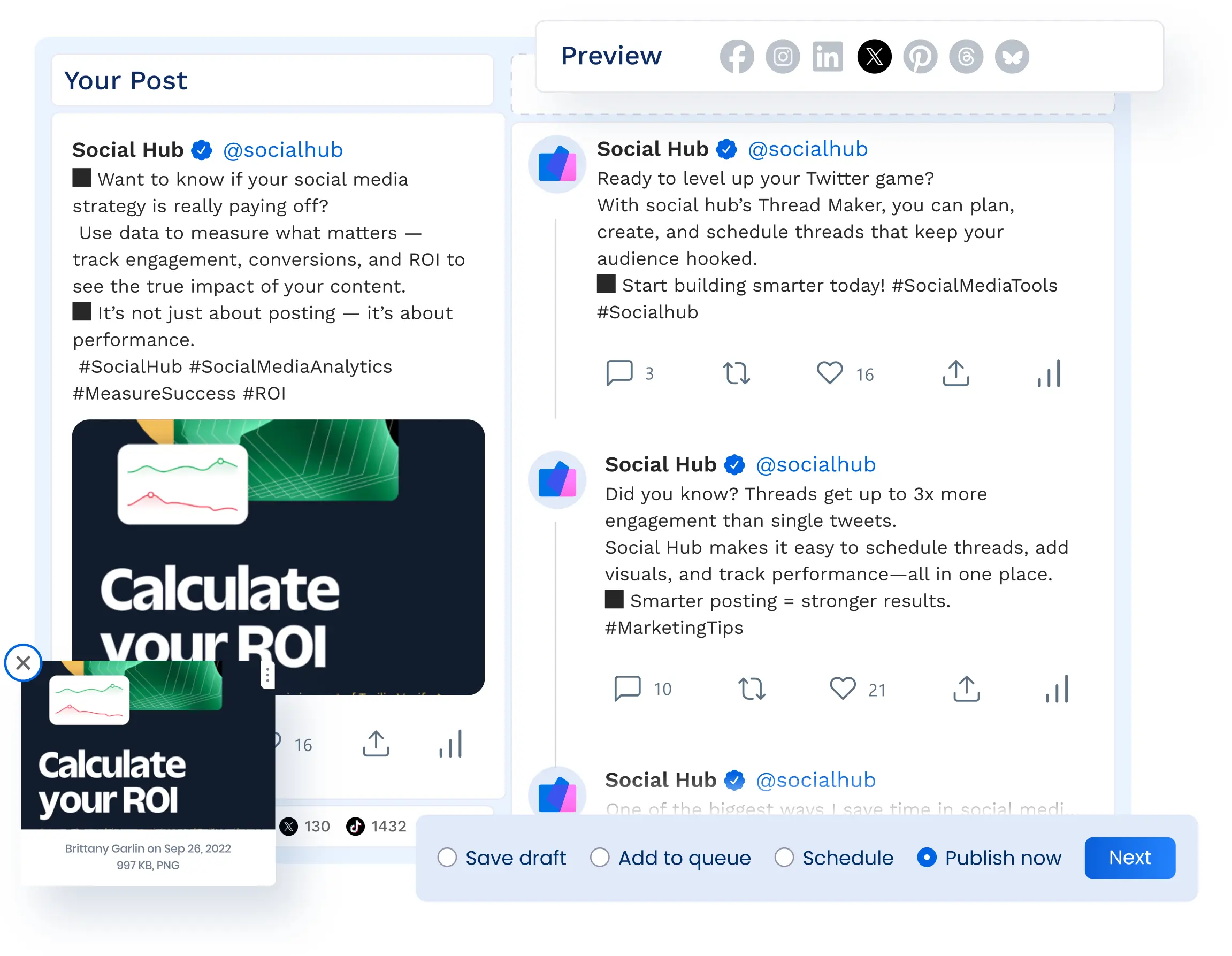
Supercharge your engagement with X/Twitter threads
Create threaded X/Twitter posts with ease
Easily start your longer, interconnected threads right inside Vista Social, ensuring your entire narrative publishes at once.
Add images and videos to your thread
Import images or videos to the media library, or grab content straight from platforms like Canva and Giphy to visualize your threaded posts.
Include links and mentions in your thread
Share links and mention other X/Twitter users within your threaded posts. Make your X/Twitter threads as valuable as possible to maximize engagement.
Features
Take your X/Twitter marketing to the next level

Scheduling
Input and schedule multiple social media posts to keep your X/Twitter presence active and engaging.

Boosting
Boost high-performing X/Twitter posts to reach an even wider audience, increase engagement, and grow your following.

Optimal send times
Find the best times to publish your X/Twitter posts based on when your specific audience is most active.

AI Assistant
Create even more on-brand and engaging X/Twitter content with the help of Vista Social’s AI assistant.

Media library
Upload and organize images, videos, PDFs, and more to the Vista Social media library to include in your X/Twitter posts.

Post queues
Set predefined times of when you would like to post to X/Twitter so you can easily add new posts to your queue.

Shared calendar
Manage X/Twitter content in a collaborative visual calendar so everyone on your team is on the same page.

Mobile app
Seamlessly manage your X/Twitter presence on-the-go with Vista Social’s easy-to-use mobile app.

URL Tracking
Add tracking data to your X/Twitter links to get an even better look into your overall content performance.
FAQ
Frequently asked questions
Yes, you can connect multiple X (Twitter) profiles to your Vista Social account and schedule your posts. The number of profiles you can connect depends on your plan. Each connected X profile also needs the X add-on. See plans.
Yes, you can publish image or video posts to X (Twitter) profiles right from your Vista Social account.
Yes. You can automatically boost posts across X (Twitter) as well as platforms like Instagram, Facebook, TikTok and LinkedIn right from Vista Social. Multiple boost settings per social profile make it easy to target different audiences and test results.
Yes, you can mention other users in your posts. Learn more.
Yes, you can respond to replies, mentions, and messages using the Vista Social Inbox. Learn more.
Used every day by teams at
Keep your X presence active and on brand.
No credit card required.