

Published on July 1, 2026
13 min to read
AI Agents Examples: We Built 25+ for Social Media So You Don’t Have To

Summarize with AI

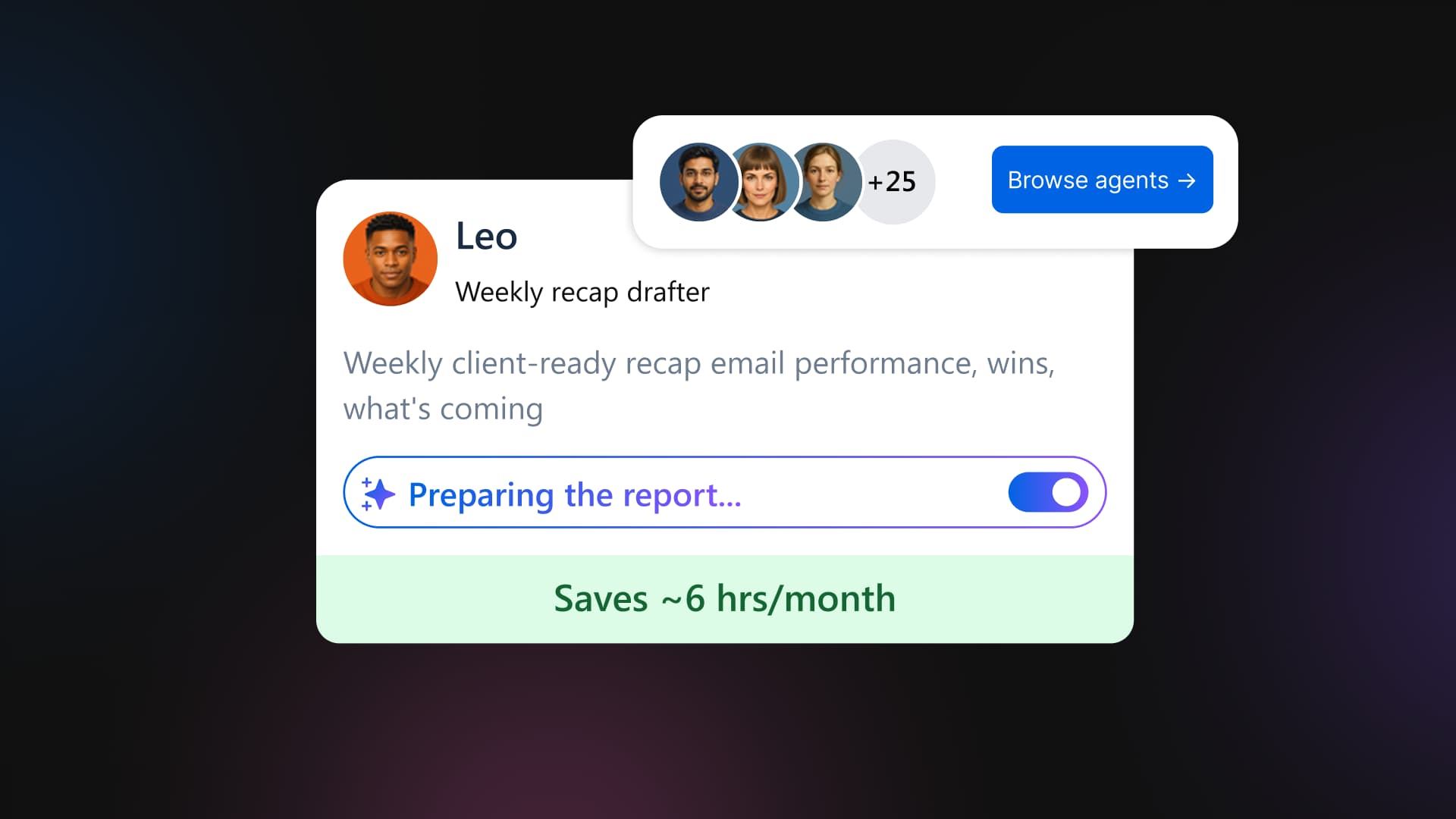
Table of contents
Summarize with AI

ChatGPT

Claude

Perplexity
Share

Vista Social

X (Twitter)


You know AI agents can run parts of your day for you. You’ve read the AI agent examples by now, and maybe you’ve even tried setting one up. Then you hit the blank box: describe your agent, define its schedule, and set its scope, and suddenly the thing that was supposed to save you an afternoon is asking you to design software before lunch.
That’s the friction we kept hearing about. It was never “does AI work,” because you already know it does; the hold-up is the setup. You’re stretched thin, you don’t trust a blank-slate bot loose on your real accounts, and you’d rather do the comment triage yourself one more time than spend an hour engineering something that might get it wrong.
So we did the engineering for you. We built a library of ready-made agents for the jobs social media managers run every week, gave each one a clear scope, and made every single one ask before it touches anything live. You pick the one that matches a task you’re tired of doing, switch it on, and it starts working.
The short version, if you’re scanning:
- AI agents for social media are tasks you set up once that run on a schedule and report back to you, like comment triage, crisis watch, and weekly reports.
- The barrier was never whether AI works; it’s the setup. A blank agent builder asks you to design software before you can save any time.
- Vista Social ships 25 ready-made agents set up out of the box, so you skip the build step and activate in a couple of clicks.
- Every agent runs on one of three control levels (Watches and reports, Drafts for approval, or Acts with consent), and nothing posts, sends, or changes without your say-so.
- Start with one read-only agent, see it work by tomorrow morning, then add more.
Table of contents
Why a library of ready-made agents beats a blank prompt
The honest problem with build-your-own is where it starts. Staring at an empty agent-builder, you’re the one deciding the exact instructions, the schedule, the tone, the guardrails, and what happens when the agent isn’t sure. Get any of it slightly wrong and you’ve either got an agent that does nothing useful or one you don’t quite trust, so you close the tab and go back to doing it manually.
That reluctance is well-earned. You’ve seen generic AI replies that sound like every other bot in the feed. You don’t want that landing under your brand’s posts while you’re not looking. A blank builder asks you to solve the quality and safety problem yourself, from zero, before you’ve saved a minute.
A library flips the starting point. Each agent is already scoped to a specific job, already set to a sane schedule, and already told what it’s allowed to do and what it must ask about first. You’re not designing anything; you’re choosing from jobs that are already built and tested, then pointing one at your accounts.
And you’re not alone in wanting this. In Social Media Examiner’s 2025 AI Marketing Industry Report, 79% of marketers said they want to develop automation workflows, more than any other AI skill they’re chasing. The appetite is there. What’s been missing is a way in that doesn’t start with a blank page.
If you’d rather pick a job than build a bot, that’s what the agent library is for. See the ready-made agents inside Vista Social.
AI agents examples: 25 ready-to-deploy agents for social teams
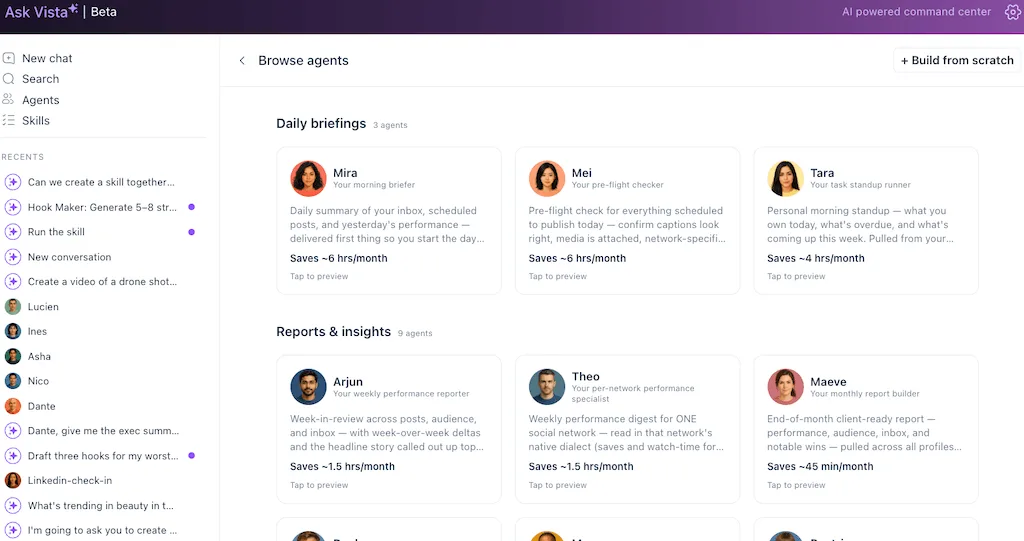
When you join Vista Social, these agents are set up out of the box. Twenty-five of them (with more being added), grouped into the five jobs that eat up a social manager’s week. Your morning briefing, your reporting, your inbox, your team ops, and your content pipeline. Each one has a name, a single clear job, and a control level you can see before you switch it on.
Every agent runs at one of three control levels, and you see which before you turn it on:
- Watches and reports: Read-only. It monitors and tells you what it found. It never touches your accounts. The safest place to start.
- Drafts for approval: It prepares the work, a report, a recap, and a batch of post ideas and leaves it for you to approve, edit, or bin. Nothing goes out until you say so.
- Acts with consent: It can take a small action, like pinging a teammate, but only after it checks with you first.
Daily briefings (3 agents)
The crew that meets you first thing, so you start the day already knowing what needs attention instead of piecing it together tab by tab.
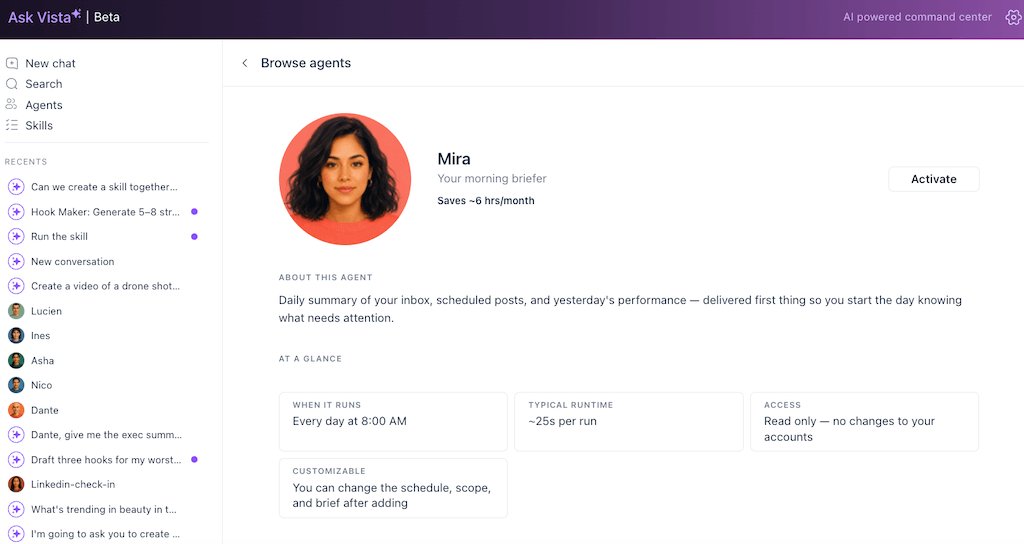
Mira
Purpose: Your morning briefer
Summary: A daily summary of your inbox, your scheduled posts, and yesterday’s performance, delivered first thing, so you open the day knowing exactly what needs attention.
Control: Watches and reports • Saves: ~6 hrs/month
Mei
Purpose: Your pre-flight checker
Summary: A pre-flight check on everything scheduled to publish today: captions look right, media’s attached, and network-specific quirks won’t bite, before the posts go out.
Control: Watches and reports • Saves: ~6 hrs/month
Tara
Purpose: Your task standup runner
Summary: Your personal morning standup: what you own today, what’s overdue, and what’s coming this week, pulled from your assigned Vista tasks so you can plan without opening the task panel.
Control: Watches and reports • Saves: ~4 hrs/month
Reports and insights (9 agents)
The reporting desk: these pull your numbers into something readable, spot the outliers, and draft the client recaps so the Sunday-night report scramble stops being a thing.
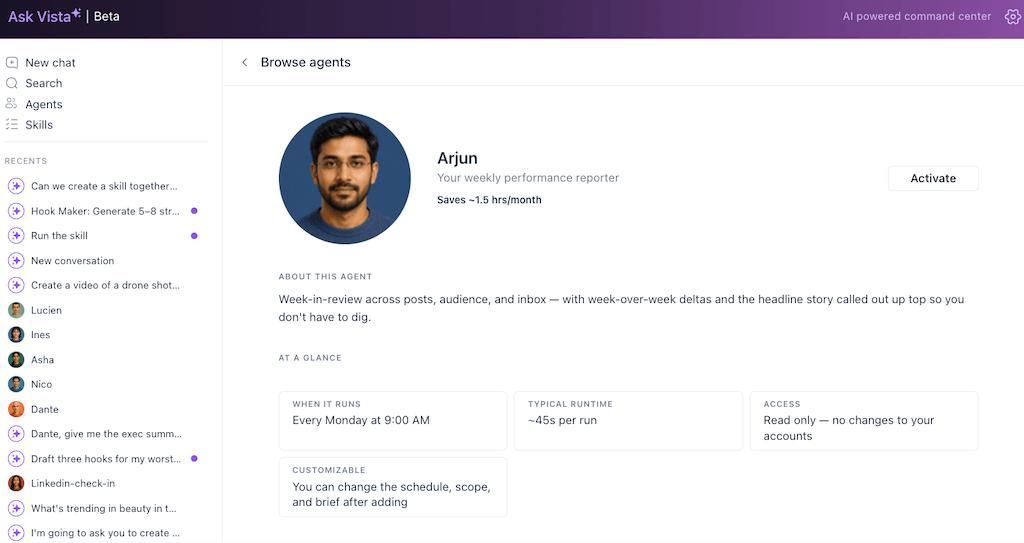
Arjun
Purpose: Your weekly performance reporter
Summary: A week-in-review across posts, audience, and inbox, with week-over-week deltas and the headline story called out up top so you don’t have to dig for it.
Control: Watches and reports • Saves: ~1.5 hrs/month
Theo
Purpose: Your per-network performance specialist
Summary: A weekly digest for ONE network, read in that network’s native dialect (saves watch time for TikTok, and reshare ratio for LinkedIn) instead of a flattened cross-channel summary.
Control: Watches and reports • Saves: ~1.5 hrs/month
Maeve
Purpose: Your monthly report builder
Summary: An end-of-month, client-ready report across all profiles in a client’s group, emailed to you as a draft to forward or polish.
Control: Drafts for approval • Saves: ~45 min/month
Declan
Purpose: Your weekly client recap drafter
Summary: A weekly client-ready recap email, performance, wins, what’s coming, rewritten for an external audience and drafted to you as a starting point.
Control: Drafts for approval • Saves: ~1.5 hrs/month
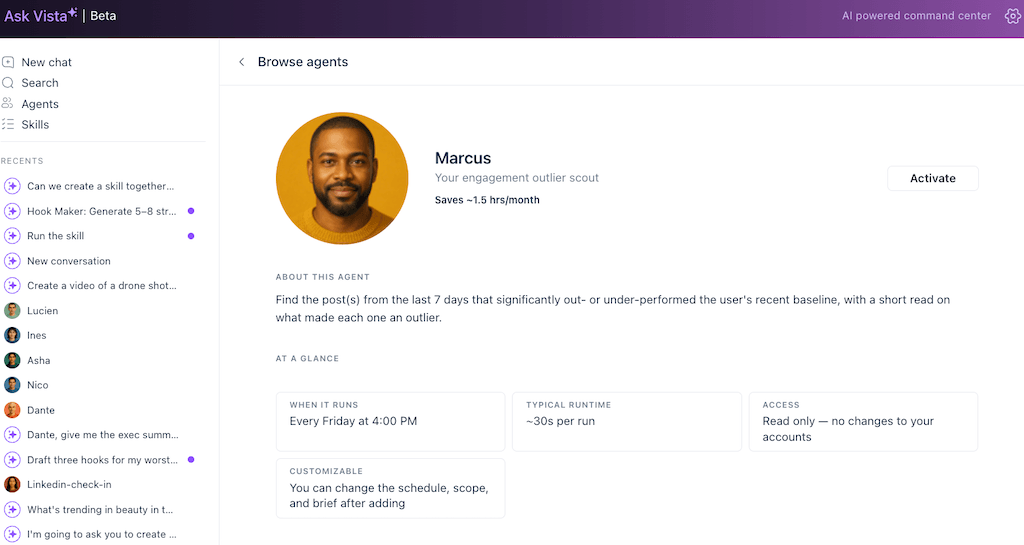
Marcus
Purpose: Your engagement outlier scout
Summary: Finds the posts from the last 7 days that significantly out- or under-performed your recent baseline, with a short read on what made each one an outlier.
Control: Watches and reports • Saves: ~1.5 hrs/month
Beatrice
Purpose: Your audience growth analyst
Summary: A weekly follower-delta read across your profiles: net change, biggest single-day swings, and which networks are pulling their weight.
Control: Watches and reports • Saves: ~1.5 hrs/month
Diego
Purpose: Your hashtag auditor
Summary: A weekly audit of which hashtags lift your engagement and which drag it down, based on your own post performance over the past 60 days, so you drop the dead weight.
Control: Watches and reports • Saves: ~2 hrs/month
Rhea
Purpose: Your re-engagement auditor
Summary: A monthly look at people who used to engage regularly but have gone quiet, a shortlist you can re-engage personally before they fully forget about you.
Control: Watches and reports • Saves: ~28 min/month
Beck
Purpose: Your boost candidate scout
Summary: A weekly shortlist of organic posts already outperforming your baseline enough to be worth paid budget, so you stop guessing which post to boost.
Control: Watches and reports • Saves: ~1.5 hrs/month
Inbox and community (5 agents)
The watch on your conversations. These are the highest time-savers in the library, because they catch the leads, the sour comments, and the dropped balls before they cost you.
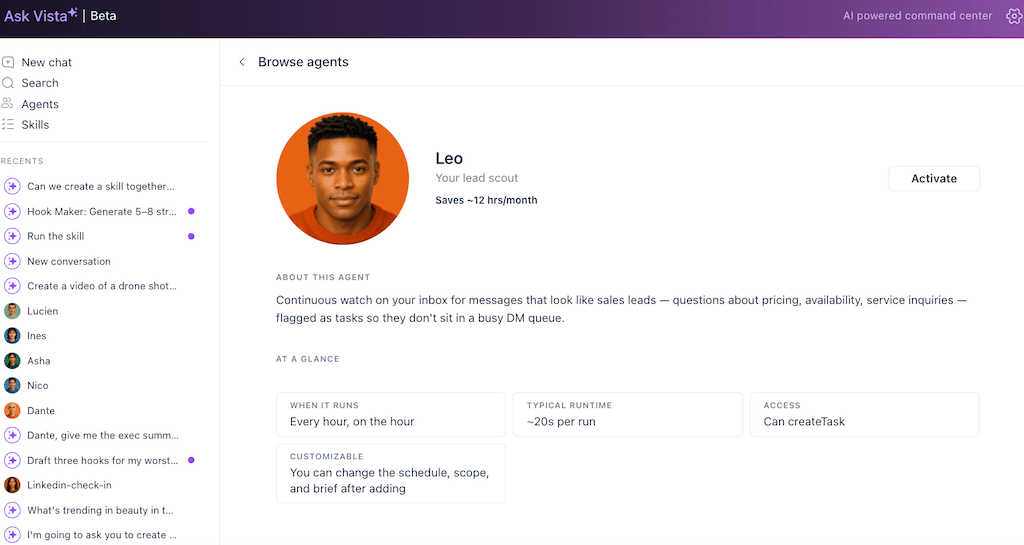
Leo
Purpose: Your lead scout
Summary: A continuous watch on your inbox for messages that look like sales leads, pricing questions, availability, service inquiries, flagged as tasks so they don’t sit in a busy DM queue.
Control: Watches and reports • Saves: ~12 hrs/month
Remy
Purpose: Your reply-worthy comment finder
Summary: Surfaces the comments and DMs worth a personal reply, high-effort, named, on-topic, so you skip the hearts and “thanks!” and catch the conversations that build relationships.
Control: Watches and reports • Saves: ~6 hrs/month
Sage
Purpose: Your sentiment spike watcher
Summary: An hourly watch on recent posts for unusual surges in negative sentiment, so you catch a brewing crisis while the fix is still small, not the morning after it spiraled overnight.
Control: Watches and reports • Saves: ~18 hrs/month
Sam
Purpose: Your inbox SLA monitor
Summary: An hourly watch on inbox items that have gone unanswered past your team’s response-time SLA. Catches the dropped balls before a client notices.
Control: Watches and reports • Saves: ~18 hrs/month
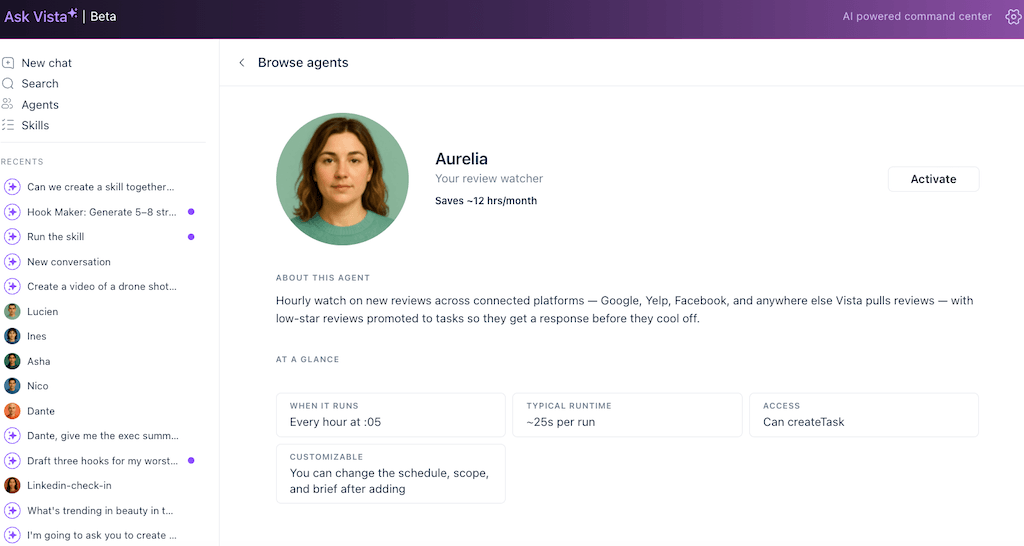
Aurelia
Purpose: Your review watcher
Summary: An hourly watch on new reviews across Google, Yelp, Facebook, and anywhere Vista pulls reviews, with low-star ones promoted to tasks so they get a response before they cool off.
Control: Watches and reports • Saves: ~12 hrs/month
Team operations (5 agents)
The agents that keep the machine running. Approval bottlenecks, stale tasks, quiet accounts, and calendar gaps, caught before they derail the calendar.
Lucia
Purpose: Your approval flow watcher
Summary: Surfaces posts stuck in approval queues, who’s holding things up for how long, and which scheduled posts are at risk of missing their slot so review bottlenecks don’t quietly derail the calendar.
Control: Watches and reports • Saves: ~6 hrs/month
Cora
Purpose: Your onboarding concierge
Summary: Onboards a new client profile: checks its setup, surfaces the first batch of post ideas grounded in past content, and queues them as drafts so the first week is ready before the handoff.
Control: Drafts for approval • Saves: ~25 min per run
Andre
Purpose: Your stale task sweeper
Summary: Finds Vista tasks sitting open too long without activity, grouped by assignee, so nothing rots in the backlog. It can ping the assignee on the oldest items when you okay it.
Control: Acts with consent • Saves: ~9 hrs/month
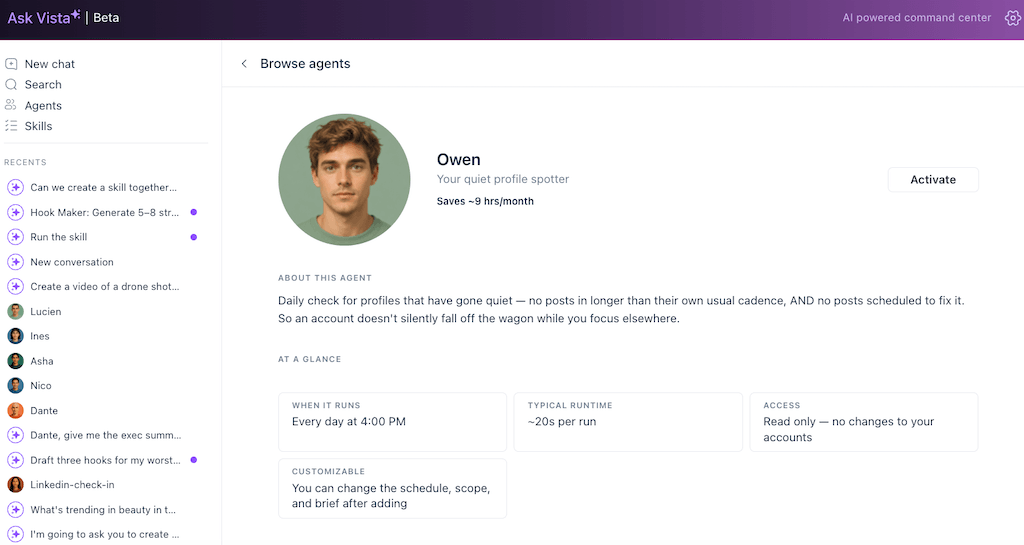
Owen
Purpose: Your quiet profile spotter
Summary: A daily check for profiles that have gone quiet, no posts in longer than their own usual cadence, and nothing scheduled to fix it so an account doesn’t silently fall off.
Control: Watches and reports • Saves: ~9 hrs/month
Cara
Purpose: Your calendar gap filler
Summary: A daily look 7 days ahead for posting gaps, days where the queue is empty but your normal cadence says something should be published, so you fix the gap before it happens.
Control: Watches and reports • Saves: ~9 hrs/month
Content and ideas (3 agents)
The agents that keep you from ever starting a content session from an empty page.
Iris
Purpose: Your idea bank topper-upper
Summary: A weekly check on your idea bank: if you’re below your target number of saved ideas, it generates fresh ones grounded in your recent winners so you never start from scratch.
Control: Drafts for approval • Saves: ~1.5 hrs/month
Anika
Purpose: Your evergreen recycle planner
Summary: A monthly sweep of your archive for posts older than 90 days that performed well, ranked by past engagement and how stale the audience has gotten, so your best old content doesn’t gather dust.
Control: Watches and reports • Saves: ~28 min/month
Hugo
Purpose: Your holiday moment watcher
Summary: A weekly look 14 days out for upcoming holidays and cultural moments worth posting about, cross-checked against your queue so you know which you’re covered for and which still need a plan.
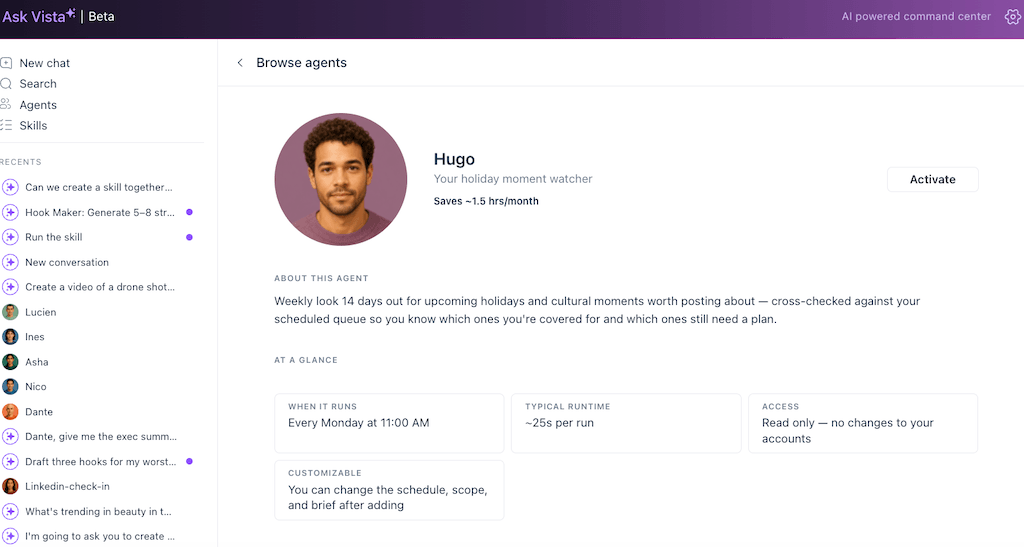
Control: Watches and reports • Saves: ~1.5 hrs/month
That’s the full crew you get on day one. You don’t switch them all on at once, and you shouldn’t. Pick the one that maps to the task you least want to do this week, turn it on, and add from there.
Every one of these is waiting inside your account, already scoped and ready to run. Use Vista Social now and switch on your first agent.
How to deploy one in a couple of clicks
Picking an agent is the easy part. Switching one on inside Vista Social takes four steps, start to finish.
- Pick a job: Open the agent library, browse by category, read the one-line description and the control tag, and choose the agent that matches a task you run every week. A read-only one like a daily recap or a crisis watch is the low-risk place to begin.
- Point it at the right accounts: Tell it which profiles or client workspaces it covers. As an agency, you can scope an agent to a single client so it never crosses wires.
- Confirm the schedule and scope: The template comes with a sensible default, like every morning, every Monday, or on every new mention, and you adjust it if you want. You’ll also see exactly what the agent can and can’t do before it runs.
- Switch it on: It works while your computer’s asleep and reaches you by email, in-app notification, or Slack when there’s something to see or approve.
That’s the process. Set it up once, and it shows up on schedule from then on. The agents that draft or act will surface their work for your approval, and the read-only ones just tell you what they found. Either way, the hour of building it is already behind you.
Pick one read-only agent, point it at your accounts, and have it reporting to you by tomorrow morning. Get Started for free with Vista Social.
What the agents can already do for you
You don’t need every agent running to feel the difference. A few, pointed at the right jobs, cover most of the week:
- Stay ahead of problems: A crisis watch reads your mentions and flags a comment turning sour before it spreads, so you hear about it from an agent, not from your boss.
- Clear the inbox faster: A comment or DM responder drafts on-brand replies for you to approve, turning an hour of typing into a few minutes of yes / edit / skip.
- Never stare at a blank calendar: An idea or drafting agent turns a trend, a brief, or an old top post into fresh draft posts waiting in your queue.
- Send reports without the Sunday scramble: A performance recap pulls your numbers into a client-ready summary on schedule, so the monthly report writes most of itself.
Each of these maps to a real agent in the library above. The point isn’t to automate your whole job. It’s to hand off the four or five recurring tasks that eat your week and keep the parts that need your judgment.
AI adoption among marketers isn’t a fringe thing anymore, either. In the same Social Media Examiner study 60% of marketers now use AI tools daily, up from 37% in 2024. Daily use is the norm now. Agents are what move you from typing prompts every day to setting a job up once and letting it run.
Point one agent at the task you least want to do this week and let it take that off your plate in Vista Social for free.
The one-agent next step
You already knew AI could do this. The thing standing in the way was the setup: the blank builder, the guardrails you’d have to design, the worry about handing a bot the keys to your live accounts. We took that off the table by building the agents for you, scoping each one to a real job, and making every one report to you before it acts.
So the honest next step is small. Of all the AI agent examples above, open the library and pick the one read-only agent that matches the task you’re most tired of, then switch it on. It’ll be working by tomorrow morning, and you’ll know within a day whether you want to add another.
Pick a ready-made agent and have it working by tomorrow. Try Vista Social at no cost.
Frequently asked questions
What are some examples of AI agents for social media?
Common ones include a crisis watch that reads your mentions and flags a problem early, a comment or DM responder that surfaces the messages worth answering, a content agent that turns your recent winners into fresh drafts, and a performance recap that pulls your numbers into a client-ready report on schedule. Vista Social ships 25 of these set up out of the box, grouped into five jobs: daily briefings, reports and insights, inbox and community, team operations, and content and ideas.
Which AI agent is easiest to start with?
A read-only one, the kind that only watches and reports, like a daily performance recap or a crisis watch. It can’t post, reply, or change anything, so there’s no risk to your accounts. You get the “this works” moment on day one, then add agents that draft or act once you trust the first.
Can I customize an agent, or am I stuck with the template?
You can adjust the schedule, the accounts it covers, and its scope to fit how you work. The template gives you a working starting point so you skip the blank-page setup, and you tune it from there rather than building from scratch.
Will an agent post to my accounts without approval?
No. Every agent runs at one of three levels you can see before switching it on: watches and reports (read-only), drafts for approval (prepares the work, waits for your yes), or acts with consent (confirms with you before it does anything live). Nothing publishes, sends, or changes without your say-so.
How many agents can I run at once?
You can run several together. A common setup is a crisis watch, a comment responder, and a weekly recap all working in parallel across your accounts or client workspaces.
Do the agents keep running when my computer is off?
Yes. Agents run server-side on Vista Social’s servers, not on your machine. They work overnight and while your laptop’s closed, then reach you by email, in-app notification, or Slack when there’s something to review or approve.

Try Vista Social for free
A social media management platform that actually helps you grow with easy-to-use content planning, scheduling, engagement and analytics tools.
Get Started NowAbout the Author

Content Writer
Orion loves to write content that refuses to be boring. As part of Vista Social, he helps brands, creators, and agencies stop doom scrolling and start winning with social media. When he's not in front of a keyboard, he's watching films in IMAX with his wife, dissecting football tactics (the European kind), and getting lost in a good book.
Loading related tools...

The most complete social media management platform for teams who demand more.






Tools
PublishingAnalyticsEngagementIntegrations
FacebookInstagramLinkedInRedditSnapchatThreadsTikTokX (Twitter)YouTubeMCPVista Page (link-in-bio)All IntegrationsCopyright © 2026 Vista Social LLC. All Rights Reserved.