


Social Media Virtual Assistant, Part-Time Manager, or AI Agent?
November 9, 2026
8 min read

Summarize with AI

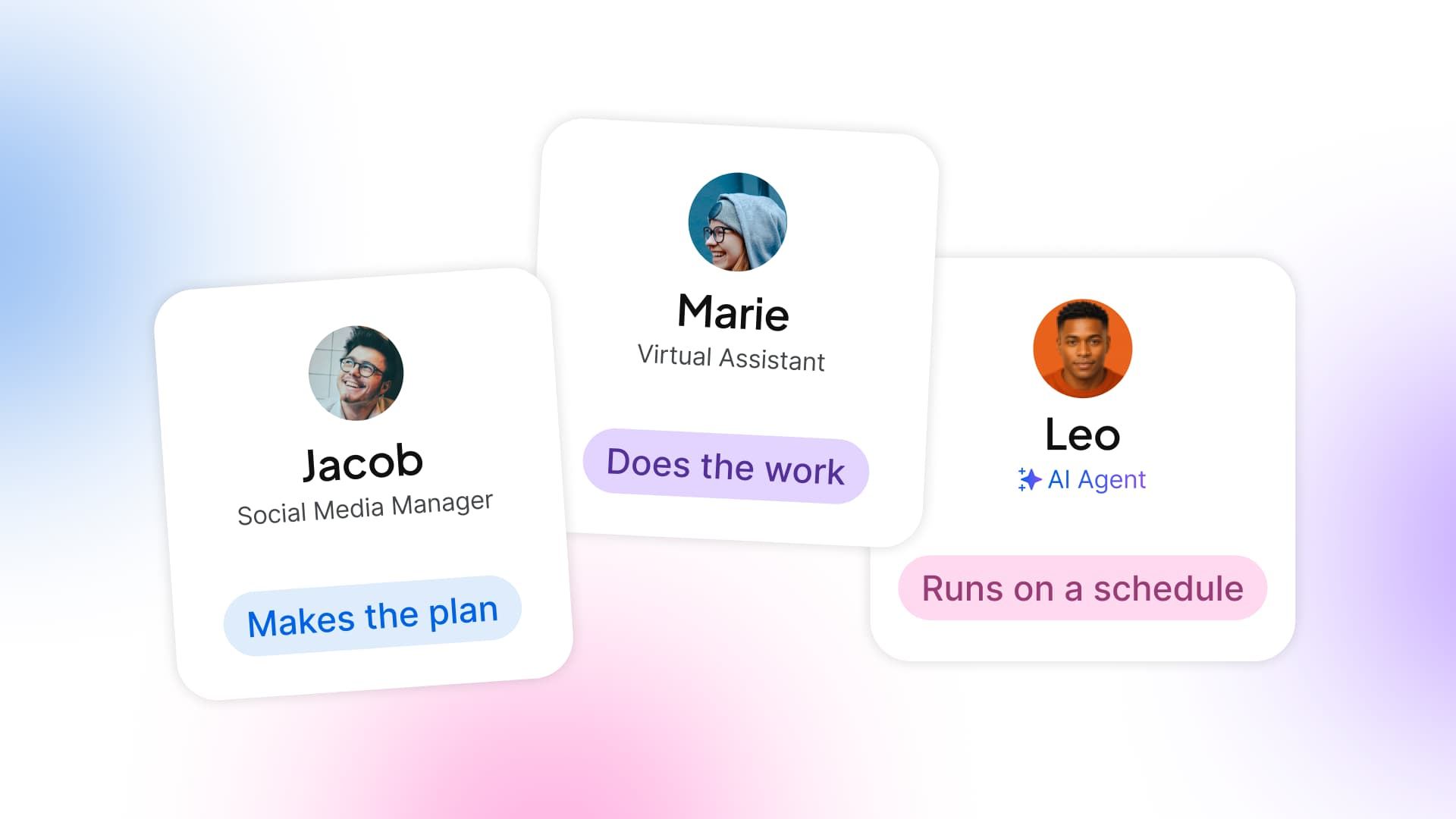
Table of contents
Share

Vista Social

X (Twitter)


You take a photo between appointments, thinking you’ll put it on Instagram when things quiet down. By the time you open the app, someone’s asking if you’ve got a spot on Friday, and you use the few minutes you had for the post to check the calendar and get back to them.
If that sounds familiar, think about which part of the job you’d happily hand over. You might want a part-time manager to figure out what to post, or you might already have ideas and need a social media virtual assistant to get the posts out. If you’re happy to reply to customers but keep missing their booking messages, you could have an AI agent flag likely requests for you to check.
The short version
- Part-time manager: Hire for judgment if you need someone to build a plan and explain what to change as you go.
- Social media virtual assistant: Hire for execution if you know what you want to say but rarely get time to put it together and post it.
- AI agent: Start here if one recurring job keeps slipping, and you can describe a useful result and make time to check it.
Table of contents
When to hire a social media virtual assistant
Say you already know which offer runs next week, and you can take photos while you’re with customers. An assistant can turn those into drafts, send them to you for review, and schedule the approved posts. You don’t have to be the one who crops the photo and checks the link at the end of the day.
- Best for: Preparing posts from material you provide, keeping the calendar up to date, and covering routine replies during agreed hours.
- Not for: Deciding what your business should say when you don’t have a plan. If you have to invent the brief from scratch every week, hire for that judgment first.
- Hand over one job first: Give them a photo, the offer details, and an example of a post you like. Ask for a draft in the shared calendar and agree when you’ll review it.
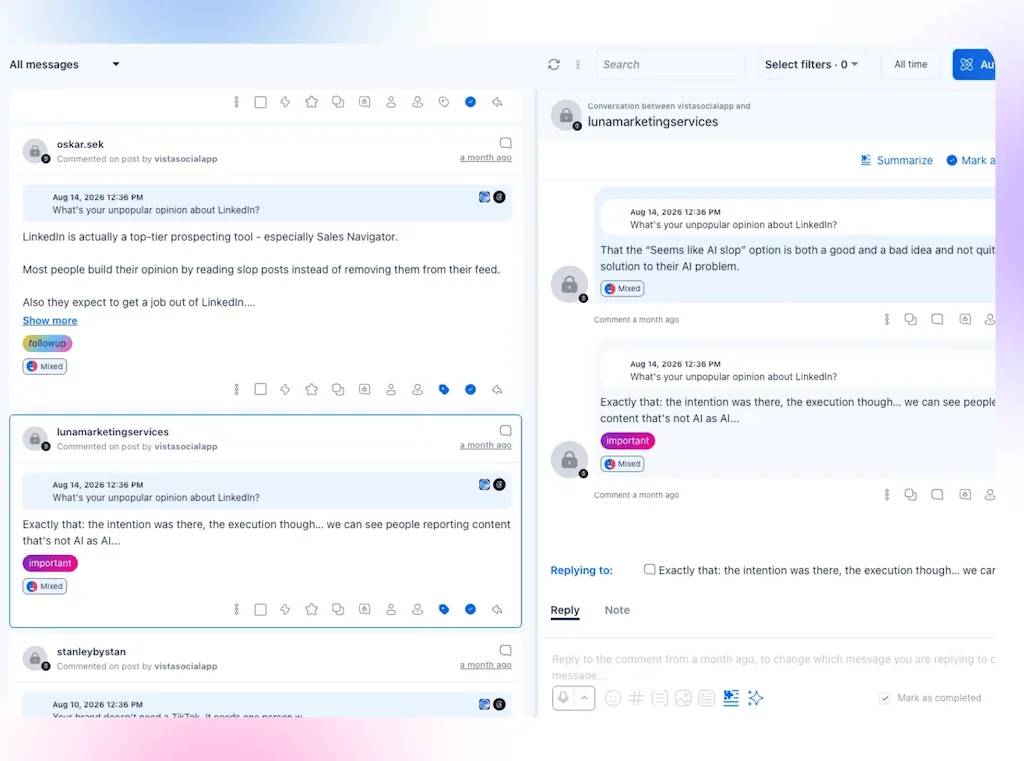
An assistant can help with the inbox, too. Agree on what they can answer without you, such as where to find the booking link, and what needs your call, such as squeezing someone in after closing. If the time goes mostly into finding the right messages, that narrower check is a job you can give an agent.
When to use an AI agent
Start with a job you can describe in a sentence. Finding new booking inquiries each morning is a reasonable test. So is preparing a weekly performance summary for you to review. “Run my social” leaves too many decisions for you to untangle later.
- Best for: Recurring checks and first passes, especially when you can compare the output with the original posts, messages, or numbers.
- Not for: Owning your plan, taking today’s photos, or making commitments to customers. If nobody can check the results and follow up, fix that before adding an agent.
- Name the approver: On a team of one, that’s you. On a slightly bigger team, agree on who checks the result and who covers when they’re away.
An agent and a person can work well together. Give the agent the morning scan and give the person on duty the replies. If you still need someone to decide what to post next month, that’s a separate job worth scoping in its own right.
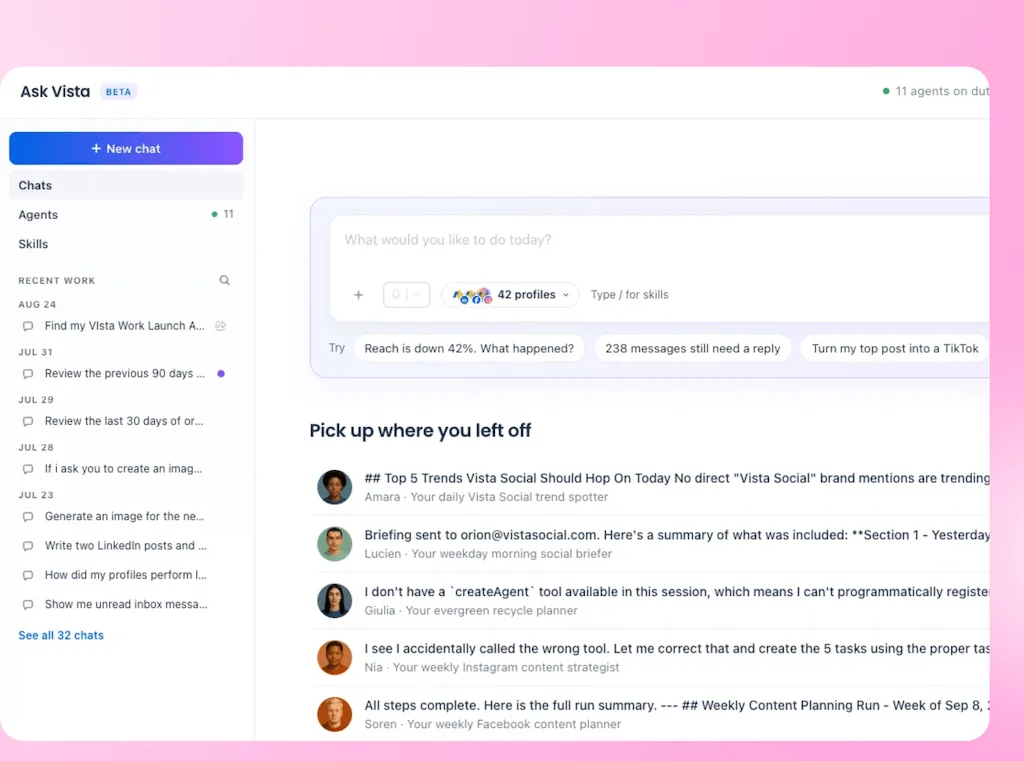
For other recurring jobs, look through these social media tasks you can hand to an AI agent. The practical guide to using AI agents shows how to set up a morning briefing or prepare replies for review.
Keep the work where you can pick it up
Whether you bring in someone for three hours a week or set up an agent that checks the inbox every morning, you should be able to find the work after they stop doing it. Make that part of the setup, while everyone is still available to show you where things live.
- Keep control of the accounts: Use business-owned profiles, shared files, and a calendar you can access. Give a contractor a separate login with the access they need, rather than sharing your password.
- Keep the decisions with the work: Save the current offers, approved posts, reply guidance, and open inquiries where you or a backup can find them.
- Check what you’d still have to do: Include the time you’ll spend briefing, approving, fixing mistakes, and covering any hours that aren’t included. Compare quotes against the same job and the same coverage, not the headline rate.
Test one recurring job before you hand over more
Take the appointment message from the opening. If the problem was finding it in time to reply, try the Ask Vista lead scout in Vista Social. It can check a connected inbox on a schedule and turn likely booking inquiries into tasks. Keep this test to finding and flagging inquiries, with replies left to you.
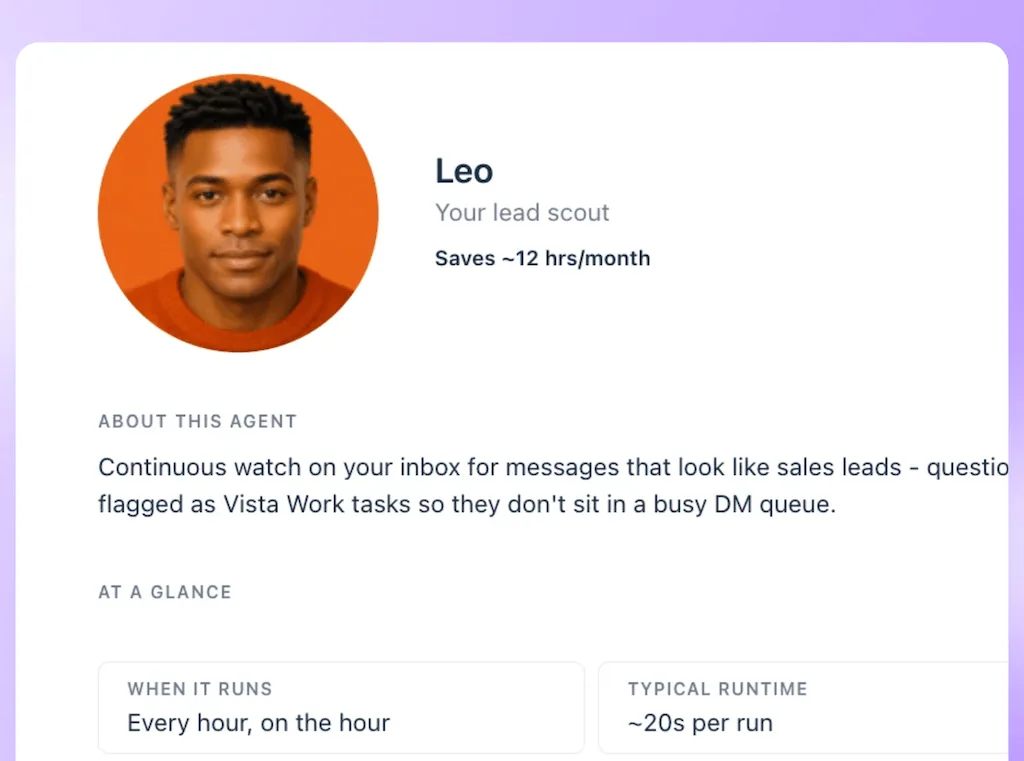
Find the lead scout under Inbox and Community in the Ask Vista agent library.
| First test | What to do |
|---|---|
| Delegate one check | Use one connected profile. Ask the agent to look for appointment requests before your usual inbox check and create follow-up tasks. |
| Name who approves | You check the original message, confirm availability and send the reply. If a teammate covers, tell them what they can confirm without asking you. |
| Check the result | Compare the tasks with the inbox after a run. Did it find the messages that mattered? Did reviewing and correcting the list take less time than your usual check? |
Ask Vista agents are available on Advanced, Scale and Enterprise. Runs use AI credits, and usage varies with the work done. The agent’s Activity tab shows the result and credits used. A scheduled check won’t reply the moment a message arrives, so keep a separate plan for any response window you promise.
If the test works, the first win is simple: when you sit down to reply, the booking inquiries are already gathered for you to check. You can confirm availability and get back to the people who asked. If finding the messages was easy and getting time to reply was the real problem, put the help into coverage instead.
Start a Vista Social free trial with one recurring job, one person responsible for the result, and a check you can make after the first run.
Frequently asked questions
Can a social media virtual assistant make my content plan?
Some assistants offer strategy as part of their service, so ask to see what’s included. If you need someone to decide what to post and explain what to change based on the results, hire for those responsibilities, whatever the job title says.
Do I have to approve every social media post myself?
You can assign approval to a teammate who knows what they can sign off on. If you’re the only person in the business, keep a regular review time and check details that can change, such as prices, dates, and availability, before a draft goes out.
Can an AI agent cover my inbox on weekends?
An agent can run a scheduled check outside working hours, but that doesn’t guarantee a reply in the same window. If customers expect an answer on Saturday, agree on who’s on duty and what they can say. For routine messages, a separate inbox automation can act on supported triggers you configure and test.
How do I compare a manager’s quote with an assistant’s or an AI plan?
Price the same job over the same period. Include what you’ll pay for software or usage and what you’ll still do yourself. If one quote includes creating a plan and another requires you to supply it, those aren’t quotes for the same work.
About the Author

Content Writer
Orion loves to write content that refuses to be boring. As part of Vista Social, he helps brands, creators, and agencies stop doom scrolling and start winning with social media. When he's not in front of a keyboard, he's watching films in IMAX with his wife, dissecting football tactics (the European kind), and getting lost in a good book.