


Published on October 21, 2026
11 min to read
The Cost of Context Switching Across Agency Clients

Summarize with AI

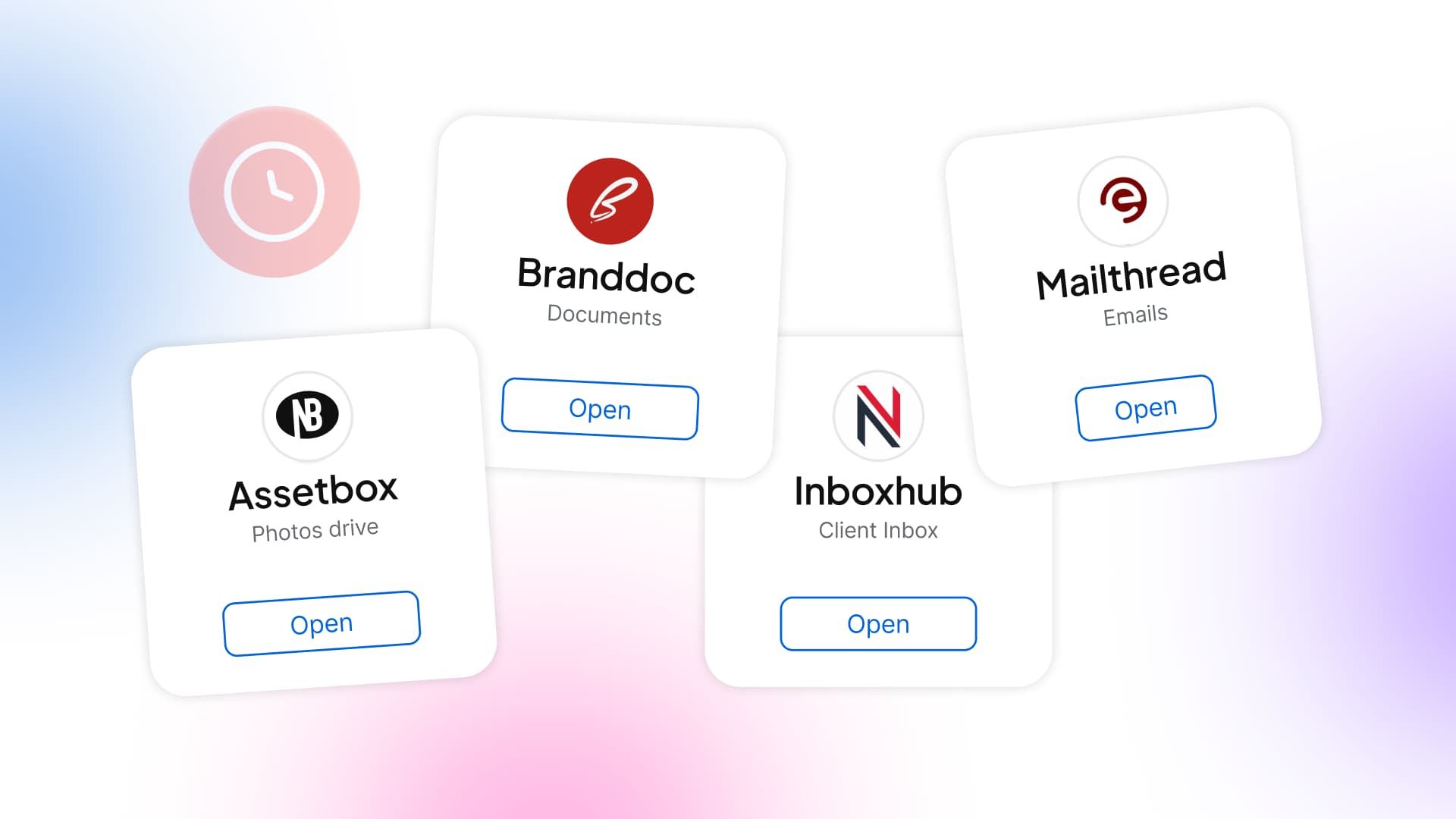
Table of contents
Summarize with AI

ChatGPT

Claude

Perplexity
Share

Vista Social

X (Twitter)


Clients don’t send feedback according to your folder structure. They reply to last week’s email, mark up a different image, or mention a change on a call. Before you can edit the post, you have to work out which version they mean.
Across a twelve-client calendar, that search keeps coming back. The bakery’s opening hours are in a message, the law firm’s wording change is in an email, and the gym’s new offer is in a voice note. Apparently, finding the instructions is now a separate job.
Switching clients is the job, and hunting through tools to reach their work is the overhead.
That extra effort is part of the cost of context switching, and it deserves a line in your capacity plan. Follow one post through its tools, measure the repeated work, and choose what to remove or hand to AI.
The short version
- Count the work around the work: Logins, file searches, and copied feedback all take time before you can make the client decision.
- Measure at agency scale: Multiply the repeated effort across the clients and posts you manage. A small delay on each post can become hours of delivery work over a month.
- Keep review with the post: A client should be able to approve without another login. Store the decision beside the draft so you aren’t carrying it back from email.
- Give AI the recurring checks: Use Ask Vista for account briefings and report preparation. Include human review and AI-credit use when you compare the cost with doing it manually.
Table of contents
What is context switching?
Context switching means moving your attention to another task, tool, or client, then working out what you need to continue.
You do it when you leave a campaign draft to answer another client’s question or move from email to the publishing calendar.
Agency work involves both: you change how you think when you move from the bakery to the law firm. Then you open the files, messages, and accounts needed to do that client’s work. A better setup makes that second part shorter.
Where your agency loses time between clients
Getting to the work
You open the bakery’s calendar to finish a post, then need its inbox for a customer’s question and a shared folder for the image. The files are familiar. Getting them all in front of you still takes a string of small actions.
Repeat that for the law firm, the gym, and the next account. Knowing all the passwords isn’t much comfort when you’re spending the morning using them.
- Searching: Find the message that explains the change, rather than opening the newest email and hoping it’s there.
- Checking versions: Match the feedback to the image and wording in the current draft.
- Starting again: Select the account, restore the right view, and work out where you stopped.
A folder link solves only part of the problem. The teammate covering your account still needs to know which image the client approved and why the caption changed.
Getting the voice and account right
The bakery likes a warm, chatty caption. For the law firm, you need precise wording without casual promises. Your gym client can use language that would sound ridiculous on either of the other accounts.
Switching voices takes thought, especially when the previous task is unfinished. You’re writing the law firm’s response while still wondering whether the gym approved its offer. That mental carryover is called attention residue: some of your attention stays with the work you just left.
For example, you paste the gym’s promotion into a draft and catch the law firm’s profile still selected. Nothing has published, but the near-miss earns another round of checks. Similar-looking tabs make it harder to stay confident about the account, voice, and instructions in front of you.
Keep the client’s writing guidance where you draft, and make the selected profile obvious. You should spend the review judging the post, not reassuring yourself that you remembered the right client.
Finding the approval
The bakery says yes by email, while the gym sends a voice note asking for one change. At the law firm, the reviewer comments on an older image. You need to confirm which draft they saw before proceeding.
You can chase each answer and keep the calendar moving, but that process depends on you remembering where every conversation happened. When someone covers the account, the search starts again.
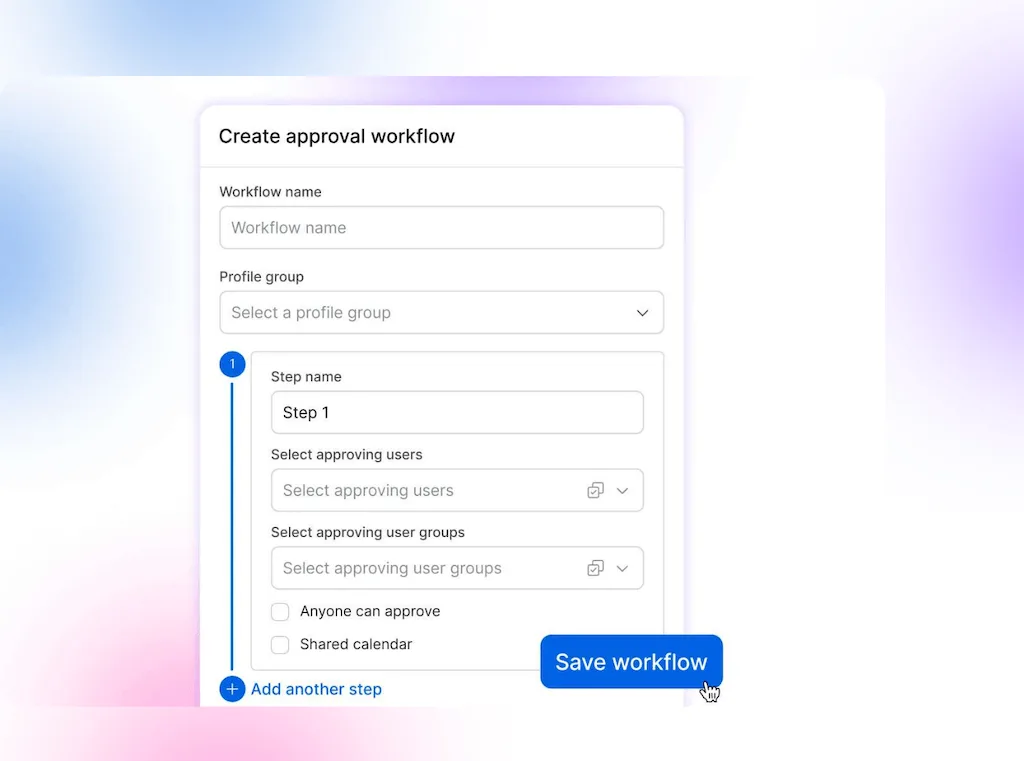
A useful approval workflow gives the reviewer an easy route in and keeps their decision attached to the post.
Finishing the thinking work after hours
The posts go out on time because you keep interrupting the campaign analysis to chase decisions. By the time the messages stop, the recommendations still need writing. The calendar looks healthy; your evening is doing the work the day couldn’t hold.
That’s a capacity problem worth raising before missed deadlines or social media manager burnout forces it. If each new retainer requires another evening of catch-up, the agency hasn’t created capacity. It has extended your working day.
Keep the client thinking. Cut the repeated searches, logins, and transfers around it.
What research says about the cost of context switching
Research helps separate a fragmented day from the work of getting started again:
| Finding | What to look for in your own day |
|---|---|
| Microsoft’s 2025 Work Trend Index survey found 48% of employees said work felt chaotic and fragmented. | Record the unscheduled inbox checks and approval chases alongside the tasks on your calendar. They belong in the workload conversation too. |
| A 2025 CHI experiment found that augmented-reality cues showing the next step shortened the delay before people resumed an interrupted sorting task. | Leave the exact next action with an unfinished post, rather than relying on memory to recover where you stopped. |
The Microsoft survey covered 31,000 knowledge workers across 31 markets. The CHI experiment analyzed 114 participants doing a physical sorting task, rather than agency work. Its useful lesson is that support for finding the next step can change how quickly someone resumes.
For your calendar, test that idea with a clear restart note: which draft, which client decision, and which edit comes next. Then measure the searches and setup around one repeated job, rather than tracking every minute of the week.
Track one client’s post
Pick a completed post and walk through it with the person who delivered it. Open the draft, messages, and files so you can see each step. Record the following:
- List the tools: Record each tool you opened and what you needed from it. Include returns to a tool you already used.
- Note the interruptions: Record messages or calls that pulled you into another client’s work. Keep those separate from planned tool changes.
- Time the work: Measure a similar live task, or label past durations as estimates. Separate writing, design, and review from searching and setup.
The example below follows one post. If you prepare several posts together, measure the batch instead. Checking a shared brief once shouldn’t become a separate cost for every post in that batch.
Example: one post across five tools
Illustrative workflow: Follow the post until the revised version returns for final review.
| Step | Tool or place | Why you need it |
|---|---|---|
| Read the brief | Understand the request | |
| Check approved wording | Brand document | Find the client’s current instructions |
| Find the image | Shared folder | Locate the approved asset |
| Edit the image | Design app | Complete the creative work |
| Prepare the post | Scheduler | Draft the post for the right account |
| Send the review request | Ask the client to approve the draft | |
| Read client feedback | Find the requested correction | |
| Revise the post | Scheduler | Apply the change and return it for review |
There are five distinct places and six moves between them. Count a move whenever the next step takes you to a different tool. Sending and reading email are separate activities in the same place, so they don’t add another tool change between them.
Some moves earn their place. The design app helps you produce the image; you may still need it. Collecting feedback beside the post could remove the return to email without removing the client’s review.
Track inbox checks and reporting separately. A monthly report doesn’t happen once per post, so adding it to every posting cycle would inflate your total.
Once you have the baseline, test the same client workflow in Vista Social and compare the work each setup requires.
Cut the extra steps
Start with the problem you observed, rather than trying to reduce your app count. These changes also work with your existing platform:
- Group-related client work: Prepare a client’s next set of posts while it’s brief and examples are fresh. Use content batching for work that can wait, while keeping urgent responses on track.
- Keep current instructions together: Use one client record for links to the brief, assets, calendar, and escalation contact. Name the person responsible for keeping each source current.
- Collect feedback beside the draft: Give the client a clear place to review the post. Agree which edits need another approval so the shorter process still gets the right sign-off.
- Leave a useful next step: Before switching away, note what remains unresolved and what to do next. A teammate should be able to continue without reconstructing your conversation.
- Schedule repeated checks: Put routine account checks and reports on a schedule. Agree when you’ll handle ordinary messages and how urgent issues should reach you.
Use the guide to managing social accounts for multiple clients for the wider account setup. Then test whether the tool can carry the repeated steps you’ve identified.
Keep client work together in Vista Social
Start with the approval chase. Shared-calendar links let clients approve, reject, and comment on a post without a Vista Social login. You can keep their review with the draft instead of copying a decision back from email.
In ClickUp’s March 2026 case study, its social team described responding from executive profiles, including the CEO’s, without logging into each account. For your agency, test whether the inbox covers the client conversations you handle. Keep the account visible before replying, and record which native-app visits you can remove.
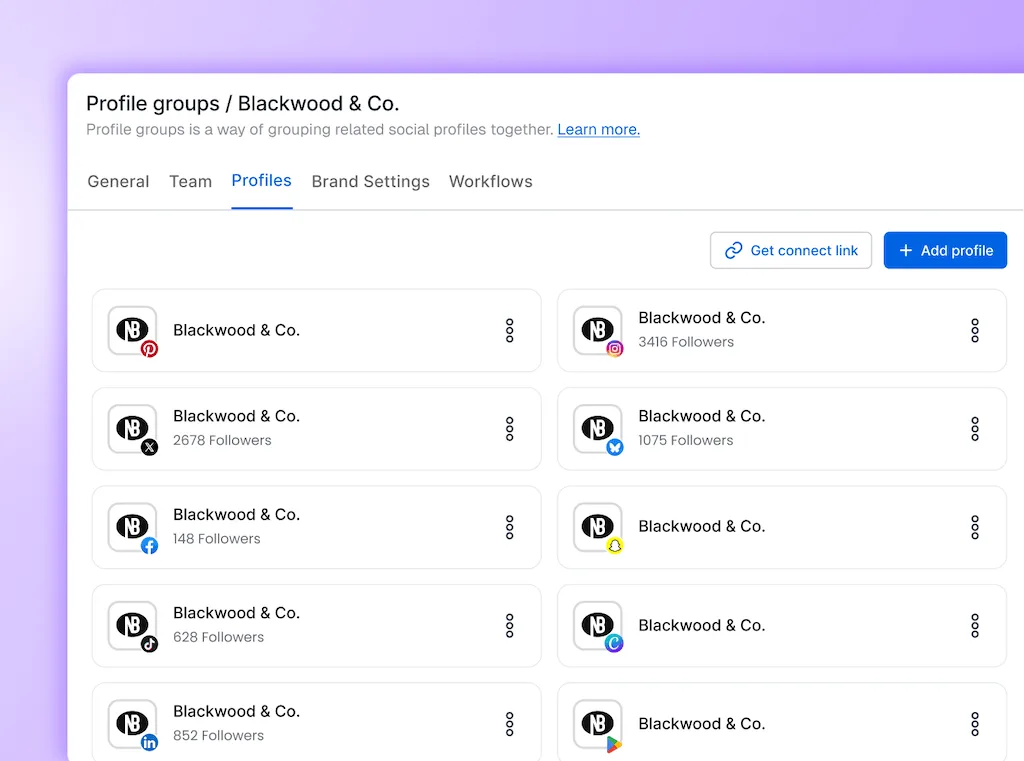
- Skip the account-selection routine: Keep a client’s social accounts in a profile group so you can select them together. You still check the destination before scheduling or replying, but you don’t have to rebuild the client’s account selection each time.
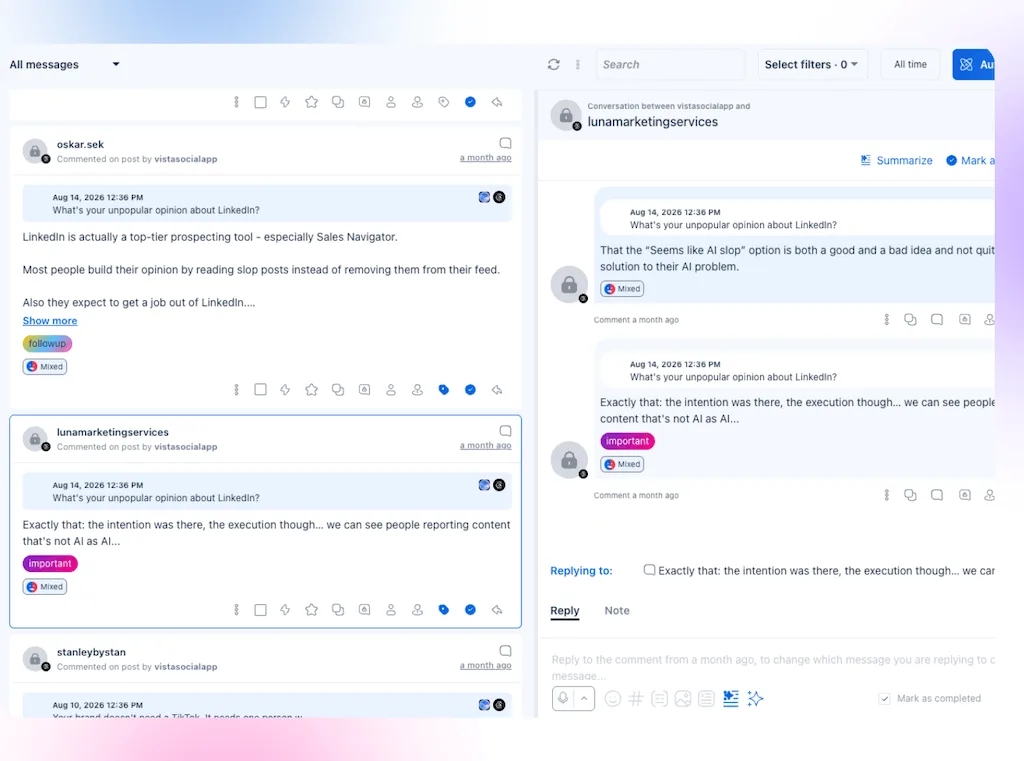
- Stop touring native inboxes: The Social Inbox collects supported comments and messages from connected profiles. Filter to the client and leave internal notes with the conversation, reducing the need to open another app or ask a colleague what happened. Network-specific coverage and response limits still apply.
- Stop reopening the voice guide: Save tone and wording preferences in the client’s Brand voice setting. Brain holds separate records called Knowledge for client facts and FAQs; select the relevant Knowledge when using the in-composer assistant. Those references support the draft without another document search, while you keep the final edit.
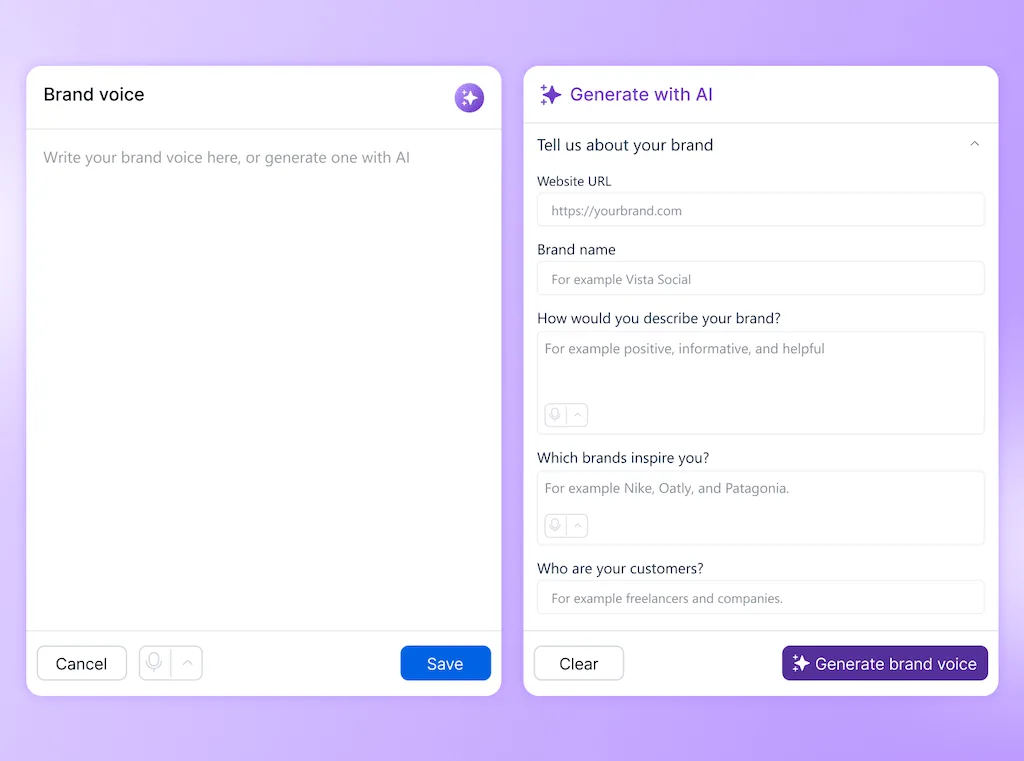
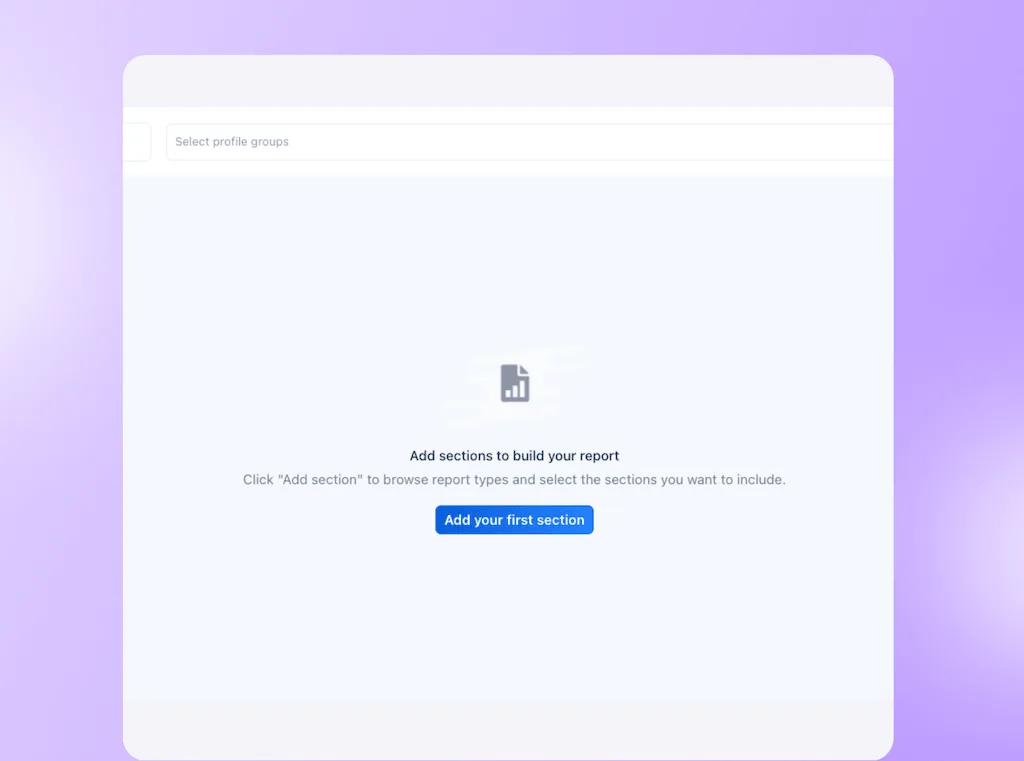
- Skip repeated exports and report emails: Set the profiles, dates, recipients and frequency once for automated reports. For routine reports, that removes the monthly export-and-send job. Deliver internally first when you need to add commentary.
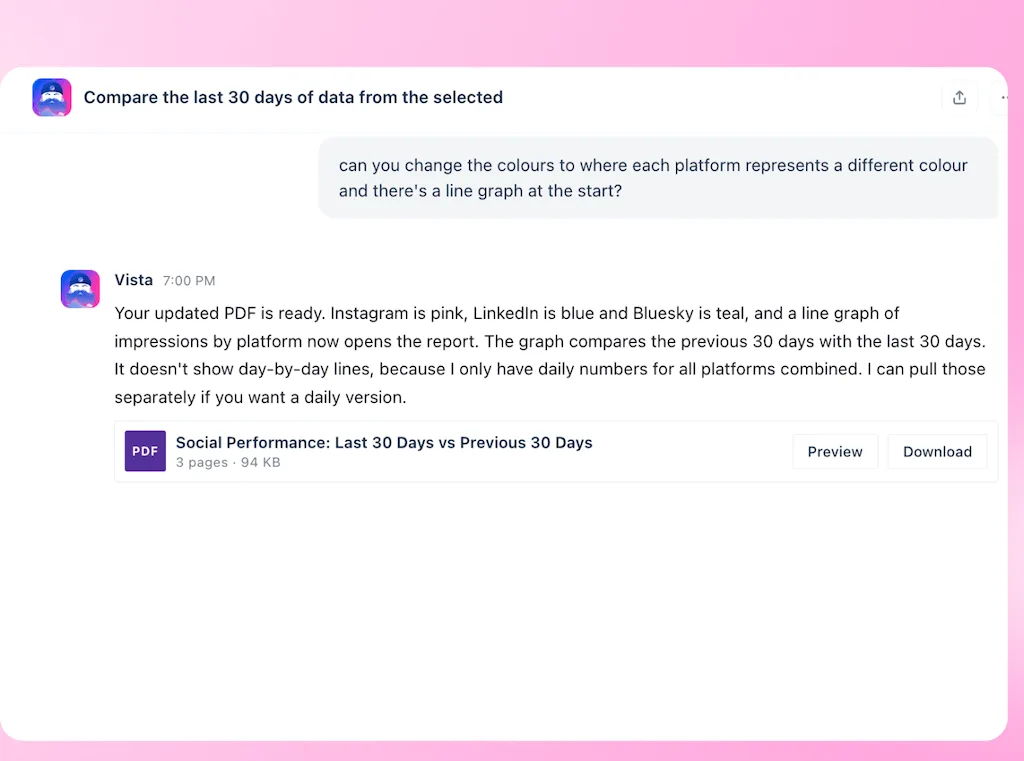
- Keep report changes in the same conversation: Ask Vista which posts contributed to a performance change, then request a PDF or PowerPoint summary. Revise the generated document in that conversation instead of carrying the analysis into another AI or presentation tool. Review the figures and conclusions before sharing.
Let Ask Vista run the morning account check
An agent is a job Ask Vista runs on a schedule. Instead of opening every client’s calendar to repeat the same check, you can have it prepare an internal list of what needs attention. Vista Home also shows items such as failed posts and pending approvals.
Use the daily check you recorded in your audit as the first test. Select one client’s profiles, choose the schedule and internal destination, and name the reviewer. Check account permissions as well as the instructions before activating it.
Count the checks you still do
Compare the briefing with your current account-check routine. The test is whether it removes repeated calendar visits while still giving you enough information to act.
- Check the findings: Compare a sample with the calendar and look for missed items as well as incorrect alerts. Count which manual checks you still need.
- Count your effort: Include setup, review and corrections when comparing the new routine with the old one. A briefing that sends you back through the entire calendar hasn’t removed much switching.
- Include AI usage: Credits are Vista Social’s AI usage units, and agent consumption varies with the work. Check the AI usage dashboard alongside your review time, including any additional credit purchases without double-counting included credits.
Keep the agent when it shortens the route to the work that needs your judgment. You decide whether a gap needs filling, a post needs changing or a client needs a call.
What a new tool won’t fix
If calls and chat messages cause most interruptions, agree response times and an urgent-contact route first. Moving the calendar won’t change a promise to answer every message immediately.
Keep a design or analysis app if its results justify the extra step. Some simple accounts already work well in native apps. Your record of the task gives you a reason to change a particular step, rather than a target number of apps to reach.
Start with one client this week
Follow one post, measure the searching and setup, then change the step that adds the most unnecessary work. Compare similar posts after two weeks, including the time spent reviewing AI output. Keep the change when it protects the client’s approval and gives writing, analysis or planning more room in the working day.
To try a different setup, start a 14-day Vista Social trial with that same client workflow. Bring the results to your owner before taking on the next account. A new retainer should come with a plan for delivering the work, without assuming you’ll finish it after dinner.
Frequently asked questions
How do you calculate the cost of context switching?
Measure avoidable effort within one task, such as a post or client batch, and multiply it by your monthly volume. Use your internal hourly rate to put a cost against that time. Calculate weekly and monthly jobs separately so you don’t count them once for every post.
Is context switching the same as multitasking?
Multitasking means handling several demands, often by switching rapidly between them. Context switching also includes planned moves, such as finishing one client’s review before starting another’s campaign. Even a planned move takes effort if you have to search for the instructions before starting.
What is attention residue?
Attention residue is the mental carryover from a task you’ve left unfinished. You start something else while still thinking about the previous job. Write down the unresolved question and next action so you have a clear place to resume it later.
Can AI reduce context switching across clients?
AI can prepare account briefings and reports from the client information it can access. Test one recurring job and compare its findings with the source, including anything it missed. Review effort and credit use belong in the cost comparison, while client decisions remain with your team.
Try Vista Social for free
A social media management platform that actually helps you grow with easy-to-use content planning, scheduling, engagement and analytics tools.
Get Started NowAbout the Author

Content Writer
Orion loves to write content that refuses to be boring. As part of Vista Social, he helps brands, creators, and agencies stop doom scrolling and start winning with social media. When he's not in front of a keyboard, he's watching films in IMAX with his wife, dissecting football tactics (the European kind), and getting lost in a good book.