


Social Media Managers: These Scheduling Tools Will Save You Hours a Week
May 5, 2025
7 min read

Summarize with AI

Table of contents
Share

Vista Social

X (Twitter)


Social media managers are always in motion—writing captions, replying to comments, checking analytics, jumping between apps. And without the best scheduling app for social media managers, that daily juggle turns into a never-ending time drain.
The numbers don’t lie: in 2025, the average person spends over two hours a day on social media and actively uses nearly seven platforms. That’s a huge content demand—and trying to manage it all manually? Totally unsustainable.
The right scheduling tool doesn’t just help you post on time. It gives you breathing room. More time to focus on strategy, creativity, or maybe even take a lunch break without checking your phone.
Table of contents
Why Scheduling Tools are Non-Negotiable Today
Managing just one platform used to be enough. Now? Social media managers are expected to juggle Instagram, Facebook, TikTok, LinkedIn, Pinterest—and maybe even Threads or Bluesky—all at once.
Each platform has its own quirks, trends, and ideal posting times. Without the best scheduling app for social media managers, it’s nearly impossible to keep up.
Posting consistently isn’t just a nice-to-have anymore—it’s how you stay visible. Most algorithms prioritize fresh, regular content, and even a short break can tank your reach.
That’s why having a tool that keeps your content calendar full (even when you’re offline) is a total game-changer.
But the best tools go beyond just queuing up posts. They help you plan campaigns, repurpose content across channels, and generate reports that actually show what’s working.
Instead of flying blind, you’re working smarter—with data and strategy on your side!
[Must Read: Top Tips for Mastering the LinkedIn Algorithm in 2025]
Features to Look for in a Scheduling Tool
Not all schedulers are built the same—and if you’re hunting for the best scheduling app for social media managers, it pays to know what actually matters.
Start with multi-platform compatibility. You want a tool that works just as well for TikTok as it does for LinkedIn. Jumping between apps defeats the purpose of streamlining your workflow.
A visual content calendar is also a must. It should let you see everything at a glance, plan ahead, and move things around without the headache.
Look for smart automations, too—like first comment scheduling, repost features, or hashtag management. These little time-savers add up fast.
Bonus points if it includes analytics integration so you’re not just scheduling blindly. And if you work with a team? Built-in collaboration tools make approvals, edits, and communication so much smoother.
The best tools don’t just post for you—they support your entire process, from planning to reporting.
Top Scheduling Tools That Save You Serious Time
If you’re serious about staying consistent across multiple platforms, choosing the best scheduling app for social media managers isn’t optional—it’s essential. Here’s a breakdown of five top tools that can help you reclaim your time and stay on top of your content game.
Vista Social
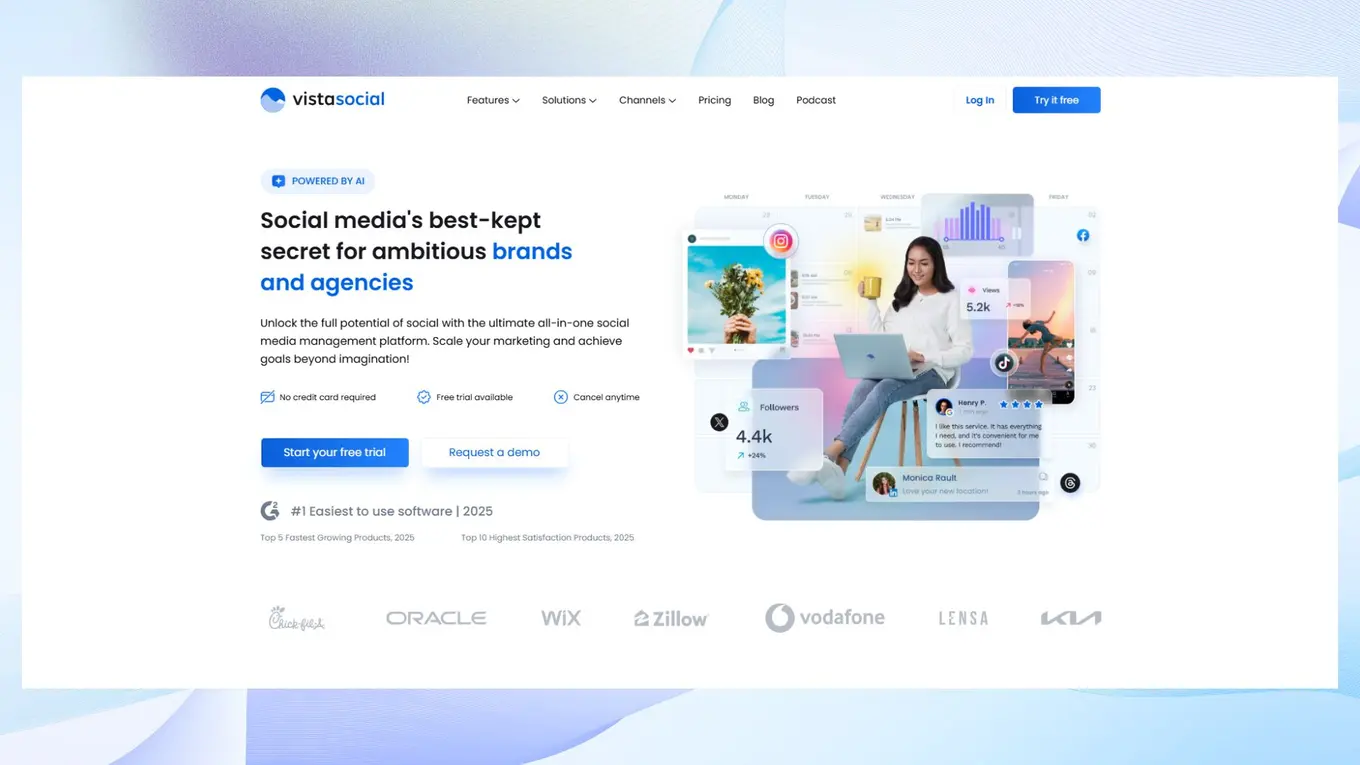
If you’re managing multiple brands, platforms, or clients, Vista Social is designed with your reality in mind. It’s not just about scheduling—it’s about owning your content strategy from start to finish.
This platform bundles powerful automation with an easy-to-use interface, so you can do more in less time without burning out.
Key features:
- Schedule posts across all major platforms (including TikTok, LinkedIn, Instagram, Facebook, and X)
- Visual content calendar with drag-and-drop functionality
- Bulk post uploads and media library support
- First-comment scheduling for Instagram
- Smart queues for evergreen content and time-slot automation
- AI-powered caption generation and hashtag suggestions
- Unified inbox and comment management
- Collaboration tools for teams and client approvals
- Custom roles and permissions, audit logs, and SSO for larger teams
Best for: Enterprise brands, multi-location businesses, and agencies handling multiple accounts who need serious time savings, plus the approvals, permissions, and security larger teams expect.
Later
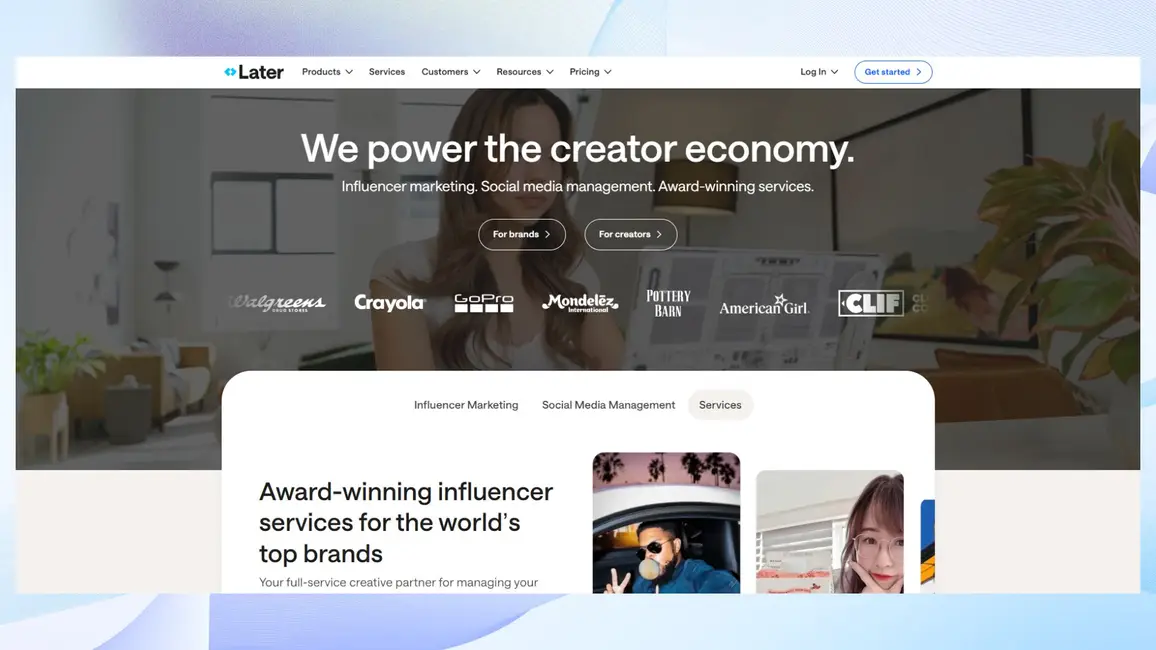
Later shines when visual content is your bread and butter. Originally built for Instagram, it still dominates that space—offering tools that help you plan, preview, and optimize your feed with ease. While its newer platform support is improving, its strengths remain in visual storytelling.
Key features:
- Drag-and-drop content calendar with visual post previews
- Instagram grid planner to perfect your aesthetic
- Media library for organizing visuals
- Hashtag suggestions and saved captions
- “Link in Bio” feature for driving traffic from Instagram posts
- Limited scheduling support for TikTok, Pinterest, Facebook, and Twitter
- Analytics for basic post performance
Best for: Solopreneurs, creators, and small businesses focused on Instagram who value design-friendly tools and visual planning above all else.
Buffer
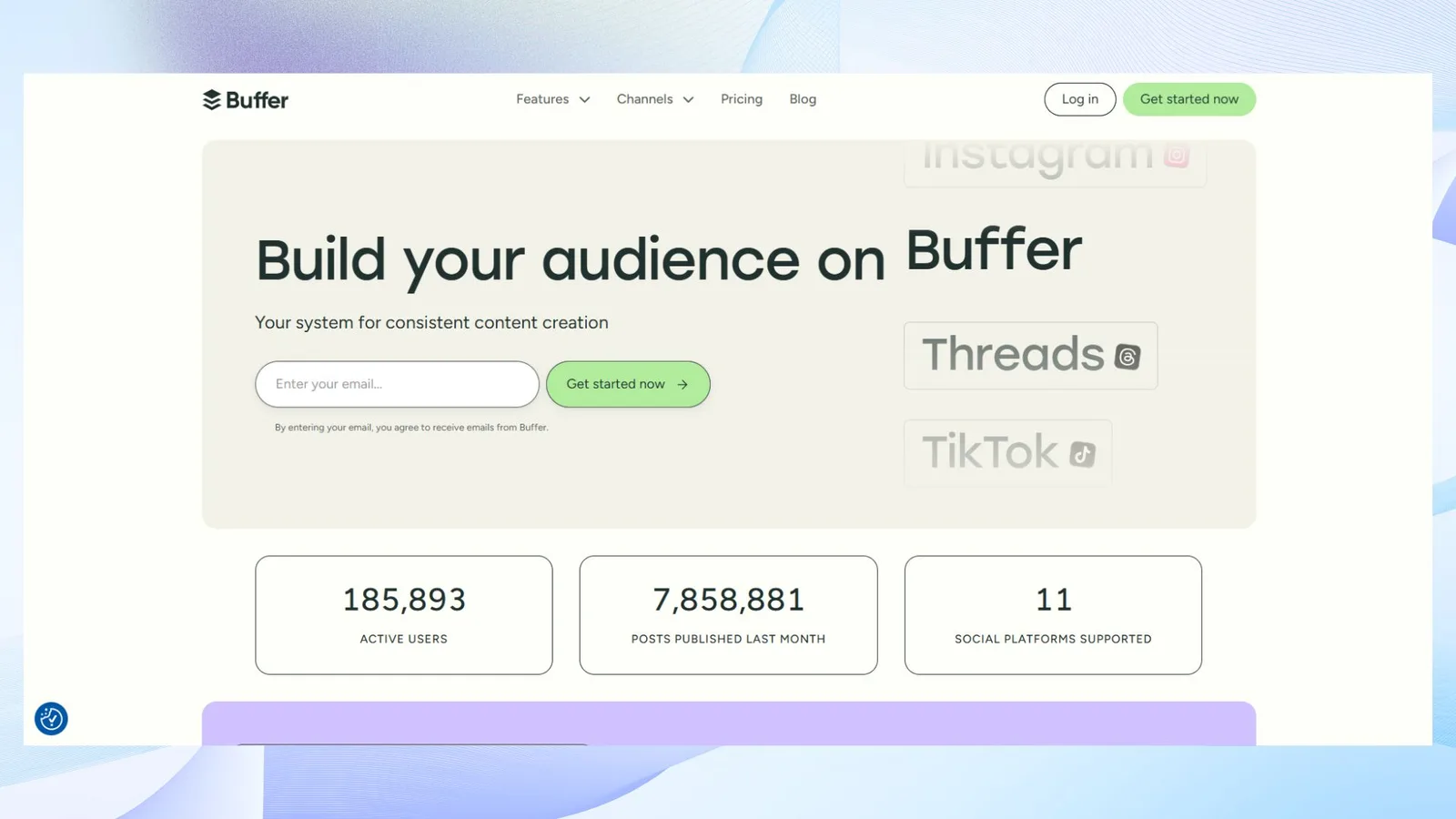
Buffer is a minimalist’s dream—no fluff, just the tools you need to create, schedule, and publish content without getting overwhelmed. It’s especially great for beginners or solo marketers who don’t need complex analytics or enterprise features.
Key features:
- Clean, distraction-free post creation interface
- Queue-based scheduling and customizable posting times
- Engagement tools for managing replies across platforms
- Basic analytics (with more in premium plans)
- Browser extension for quick content curation
- Simple team access and collaboration settings
Best for: Beginner social media managers, small businesses, or individuals who want a lightweight, user-friendly platform to start building consistency.
Hootsuite
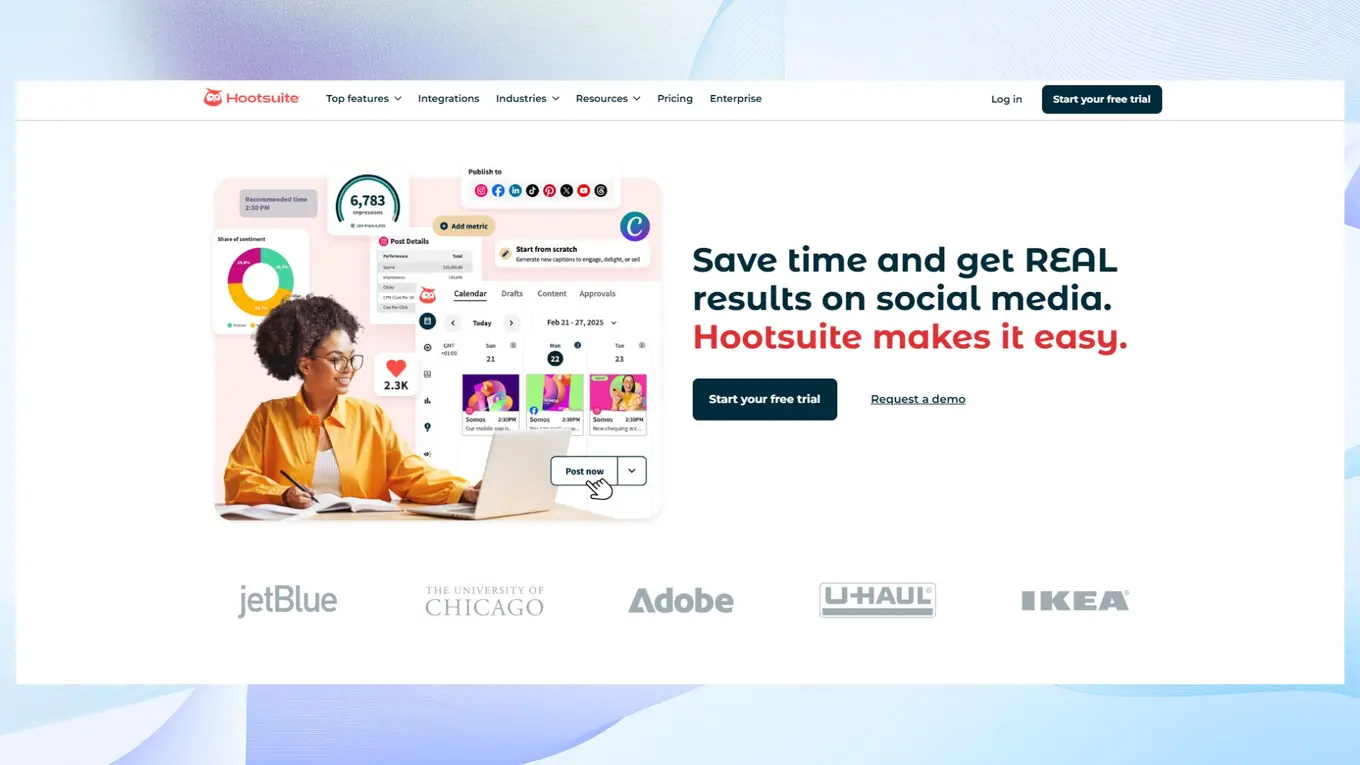
Hootsuite is robust—and for some, maybe too robust. But if you’re managing social at scale, especially across departments or markets, its depth of features really shines. It’s ideal for teams who need granular control over publishing, performance, and team workflows.
Key features:
- Unified dashboard to monitor multiple accounts and streams
- Social listening and sentiment analysis tools
- Custom analytics and report builder
- Approval workflows and role-based permissions
- App integrations for Canva, Dropbox, Trello, and more
- Paid media integration for Facebook and Instagram
- Calendar-based content planner
Best for: Large organizations and marketing departments that need advanced reporting, secure collaboration, and a bird’s-eye view of their digital presence.
Sprout Social
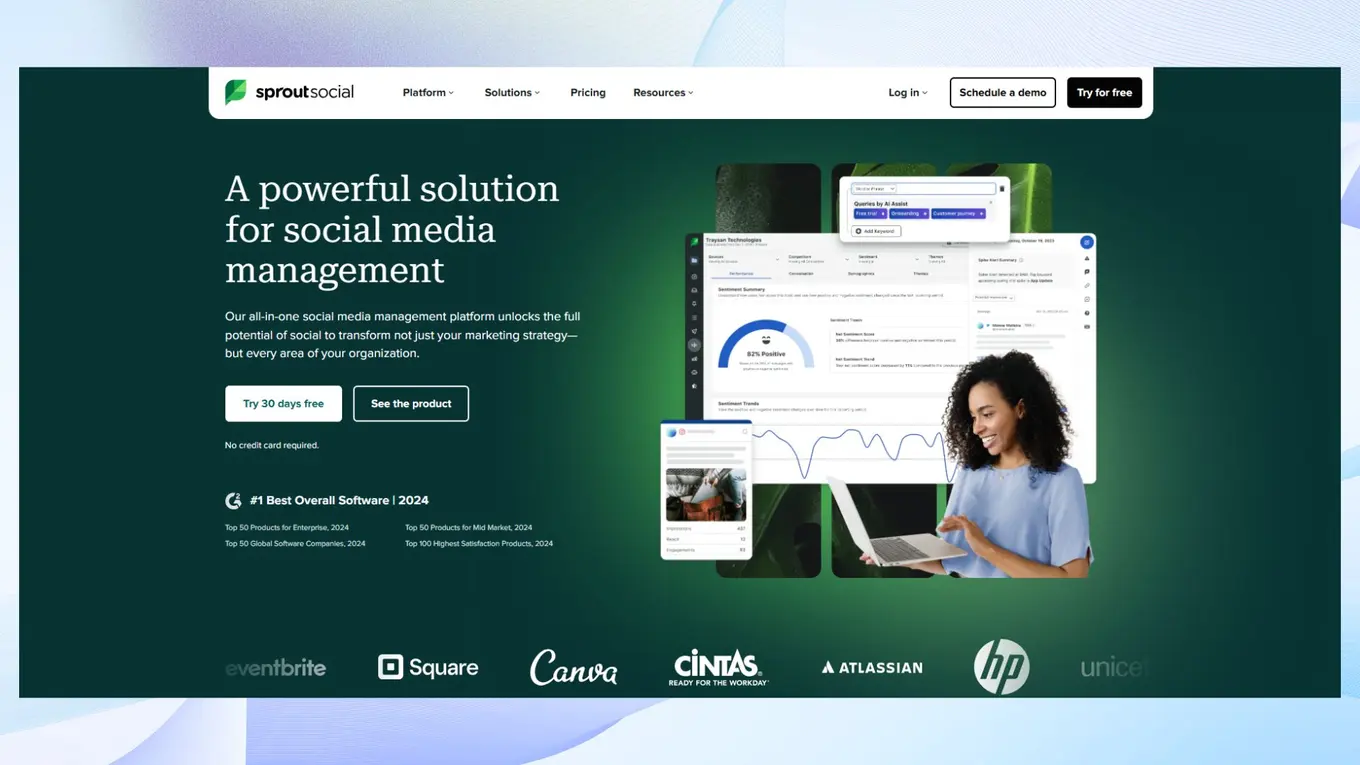
Sprout Social merges publishing and customer care in one seamless platform. It’s made for teams who don’t just schedule content—they actively engage with communities, handle inquiries, and report on deeper brand health metrics. If your team sits at the intersection of marketing and support, Sprout offers a ton of value.
Key features:
- Smart Inbox for centralized social messaging
- CRM functionality with customer profiles and conversation history
- Publishing calendar with asset management
- Task assignment and internal collaboration tools
- Listening tools for industry trends, brand mentions, and competitors
- Advanced analytics with performance benchmarking
- Chatbot integrations for automated responses
Best for: Mid-size to large agencies and in-house teams that blend social media marketing with customer service and reputation management.
Pro Tips to Maximize Your Scheduling Workflow
Even with the best scheduling app for social media managers, your results come down to how you use it. Here are a few smart ways to level up your workflow and get the most out of your time.
Batch your content weekly or monthly
Instead of scrambling to post every day, set aside time to plan and schedule your content in advance. This keeps your messaging consistent and gives you more time to focus on strategy or engagement.
Repurpose across platforms
One great post can go a long way. Turn a long LinkedIn caption into a Twitter thread, pull a stat for an Instagram Story, or turn a blog snippet into a Facebook post. Small tweaks = bigger reach.
Let AI speed things up
Tools like Vista Social’s built-in AI Assistant can help you generate caption ideas, adjust tone, or rewrite for different platforms in seconds. It’s a huge time-saver when creativity runs dry.
Use data to your advantage
Don’t just post and pray. Review your analytics to see when your audience is most active, then automate your schedule around those peak times for better reach and engagement.
When you combine smart strategy with the right tool, content scheduling becomes less of a chore—and more of a growth driver.
Why the Best Scheduling App for Social Media Managers Matters
At the end of the day, the right scheduling tool doesn’t just help you save time—it helps you show up consistently, stay organized, and look more professional across every platform.
There’s no one-size-fits-all solution, so it’s worth exploring a few options to see what works for your workflow. But if you’re looking for a strong starting point, Vista Social brings everything together in one easy-to-use, time-saving platform.
Ready to simplify your content planning and boost results?
P.S. If you’re new here, Vista Social is the social media management platform for enterprise brands, multi-location businesses and agencies. More than 30,000 brands and agencies use it to publish, engage, listen, report and manage reviews across every network, with the approvals, permissions and security larger teams need.
If you’re looking to elevate your social media game, now’s the perfect time to create a Vista Social account.
About the Author

Content Writer
Russell Tan is a content marketing specialist with over 7 years of experience creating content across gaming, healthcare, outdoor hospitality, and travel—because sticking to just one industry would’ve been boring. Outside of her current role as marketing specialist for Vista Social, Russell is busy plotting epic action-fantasy worlds, chasing adrenaline rushes (skydiving is next, maybe?), or racking up way too many hours in her favorite games.