

Published on June 8, 2026
16 min to read
12 Best AI Video Tools for Social Media Marketers in 2026

Summarize with AI


Table of contents
Summarize with AI

ChatGPT

Claude

Perplexity
Share

Vista Social

X (Twitter)


There is a gap in most social media teams right now. Algorithms on TikTok, Instagram Reels, and YouTube Shorts reward consistent, high-volume video output. Most social teams are running with one to three people responsible for content across multiple platforms. Closing that gap through traditional production alone is structurally impossible, which is exactly why AI video tools have gone from novelty to near-necessity in under two years.
The category has crossed a meaningful quality threshold. Google Veo 3.1 generates footage with synchronized audio from a text prompt. Runway Gen-4.5 holds a top position on independent video benchmarks for character consistency and motion realism. Kling 3.0 delivers 4K output with native audio at a price point small teams can actually sustain. And Sora 2, the most-hyped video model of late 2025, is being shut down in 2026, a signal that the market is maturing as fast as it is moving.
Below are 12 AI video tools genuinely worth your attention as a social media marketer in 2026, grouped by what they actually do, with honest positioning on each one. This is not a list built for rankings, but rather, one built for decisions.
Table of contents
What are AI video tools?
AI video tools are software applications that use machine learning models to generate, edit, enhance, or automate video content from text prompts, uploaded images, or existing footage. The category covers several meaningfully different product types: pure generators like Veo 3.1, Runway, and Kling that create footage from scratch; AI-powered editors like Descript and InVideo AI that work with existing footage; talking-head platforms like Synthesia and HeyGen that produce avatar-based content without filming; and all-in-one platforms like Vista Social that build generation directly into the social media management workflow.
Short-form video is where AI video tools pay off most directly. The algorithms across every major platform reward watch time and completion rate, which means producing the daily volume those signals require through traditional shoots is not realistic for lean teams. AI compresses that production timeline from days to hours.
A note on Sora 2
Sora 2, OpenAI’s video model and the most-hyped AI video tool of late 2025, launched in September 2025 and had its consumer app shut down on April 26, 2026. The API continues operating until September 24, 2026. If you have encountered it in recent coverage, the standalone product is no longer available to new users. OpenAI cited unsustainable compute costs as the reason for the shutdown. This is worth noting clearly because it demonstrates how fast this category is moving and why currency matters when evaluating any tool list. Every tool below is currently active.
AI video generators
1. Vista Social: AI video generation built into your social workflow
Vista Social’s approach to AI video is different from every other tool on this list, because the generation lives inside the social media management platform itself. You can generate a clip, caption it natively for each platform, route it through an approval workflow, schedule it, and track how it performs, all without switching tools once.
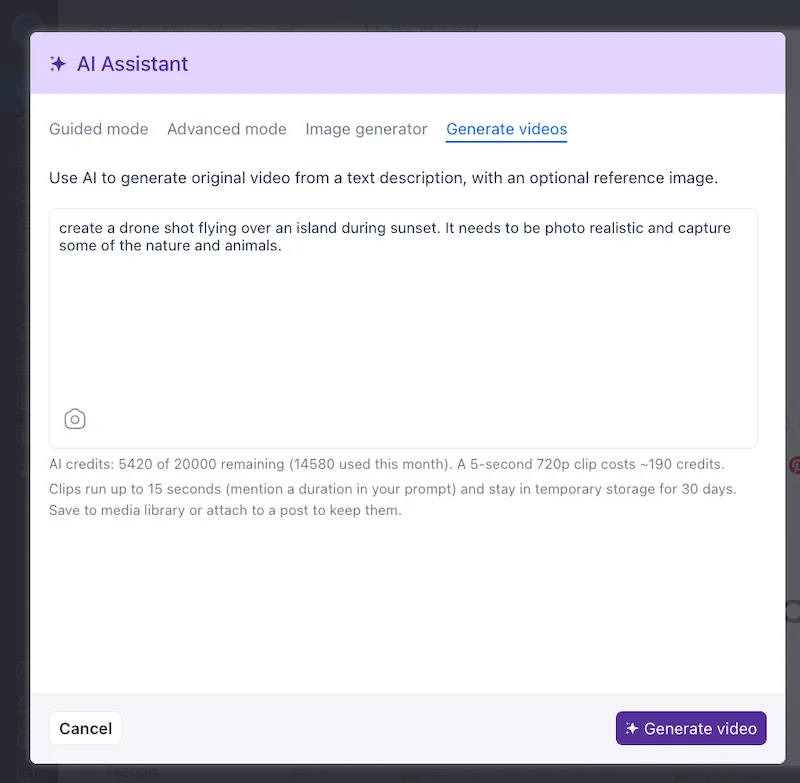
There are three input modes. Text to video converts a natural-language description into a short clip in approximately two minutes. Image to video takes any uploaded photo and animates it, which is the mode most relevant for brands that have actual assets like product shots, event photos, and team photos, rather than generic AI footage. Library to video pulls any asset already saved in Vista Social’s media library and turns it into motion content.
Both the Composer (where you draft posts) and Ask Vista (the platform’s AI assistant) support all three generation modes. Once a clip is generated, every downstream step is handled inside the same platform.
Key features:
- Text to video: Describe a scene in natural language, receive a short clip, route directly to a scheduled post
- Image to video: Upload any product shot, event photo, or brand asset and animate it
- Library to video: Turn any saved asset from your Vista Social media library into motion content
- AI Assistant captions: Native caption generation calibrated separately for TikTok, Reels, LinkedIn, and other networks
- AI Knowledge: Train Vista Social’s AI on your brand voice and guidelines so all generated copy reflects your brand consistently
- Canva integration: Design in Canva and publish directly from Vista Social without leaving the platform
- Multi-network publishing: Platform-specific aspect ratios applied automatically at scheduling (9:16 for Reels and TikTok, 16:9 for LinkedIn, 1:1 for feed)
- Optimal posting times: Pairs AI-generated video with audience activity data surfaced directly in the publishing workflow
- Approval workflows: Routes AI-generated content through your team’s review process before anything goes live
- Analytics: Watch time, completion rate, sends, and saves tracked per post so AI-generated content gets measured the same as everything else
Those three input modes apply to more workflows than most teams initially consider. A few scenarios worth thinking through:
- Product photography turned into Reels content: A DTC brand with strong product photography but no video budget uploads a hero shot, animates it, and has a 9:16 clip in approximately two minutes.
- Hospitality brands animating their property library: A hotel or travel brand sitting on years of property photography, lobby shots, pool images, and restaurant scenes.
- Upgrading static influencer deliverables: Image-to-video animates those assets before scheduling, turning a photo an influencer delivered into a Reel without going back to the creator for a reshoot.
- Enterprise employer branding across multiple regions: A global brand running employer branding across 15 regional LinkedIn accounts has years of event photography sitting unused. Those assets can be animated, routed through regional approval workflows inside Vista Social, and published with captions calibrated for each market.
- B2B and SaaS brands whose product can’t be filmed: For fintech brands, SaaS companies, and professional services firms, the product often has nothing to photograph. However, text-to-video can fill that gap in many cases.
Best for: Social media teams that need to generate, caption, approve, schedule, and measure video without leaving their management platform.
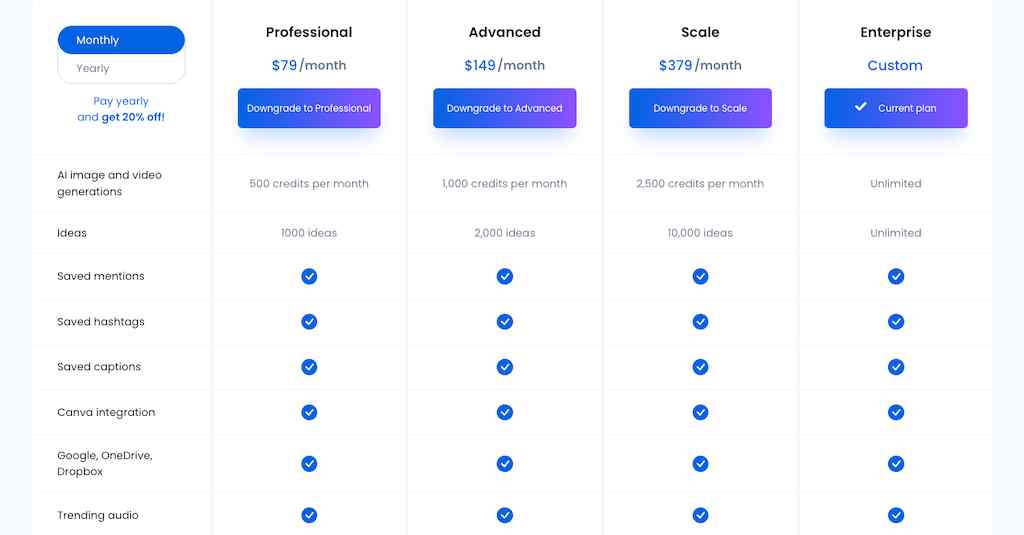
Pricing: Vista Social offers competitive pricing for AI image and video generation features for teams of all sizes.
2. Google Veo 3.1: The current quality ceiling for text-to-video
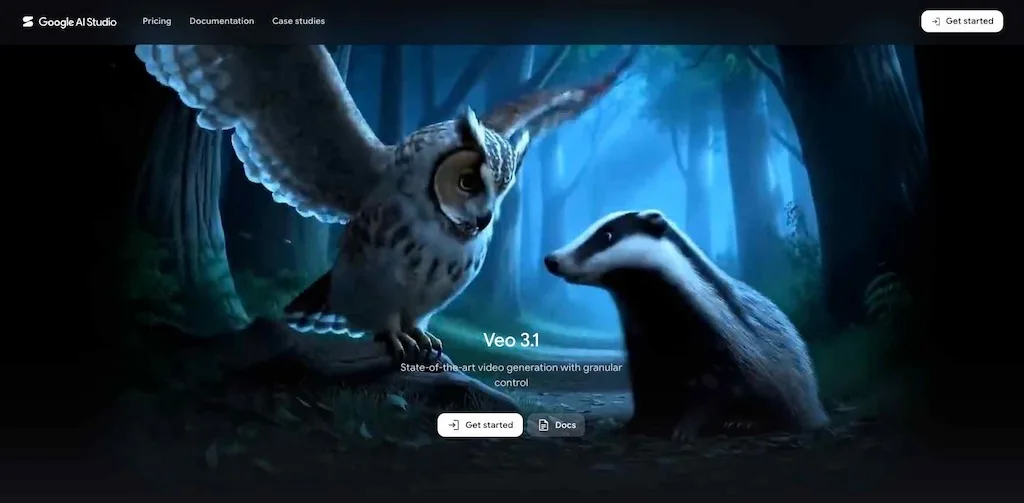
Veo 3.1, released in October 2025, is Google DeepMind’s most advanced AI video generation model. Its defining capability is native synchronized audio, where a single prompt returns dialogue, sound effects, and ambient audio alongside the video, removing a post-production step every other generator still requires as standard. It also offers spatial audio, generating three-dimensional sound environments where sound moves across the stereo field with the visual action.
Output reaches 4K resolution at up to 8 seconds per generation; longer sequences are built by chaining multiple clips. “Ingredients to Video” lets you specify character and style reference inputs so generations stay visually consistent across a series. Native 9:16 vertical format support for Reels, TikTok, and Shorts is built in, alongside standard 16:9.
Key features:
- Native synchronized audio: Dialogue, SFX, and ambient sound generated alongside the video in a single pass
- Spatial audio: Three-dimensional sound that moves with the visual action, unique in the category as of mid-2026
- 4K output: Up to 8 seconds per generation at 4K resolution; longer sequences built by chaining clips
Best for: Teams that need the highest quality generated footage for branded social campaigns, or any content where synchronized audio is part of the brief.
3. Runway Gen-4.5: The benchmark for character consistency
Runway Gen-4.5, released in December 2025, ranked at the top of the Artificial Analysis Video Arena leaderboard at launch on motion physics, character consistency, and visual fidelity. The model’s genuine differentiator for social-first workflows is its character reference feature: upload a reference image of a person or product and generate multiple separate clips that maintain that character’s facial identity, body type, clothing, and visual identity across all of them.
For teams building character-consistent content series, with a consistent on-screen host, a recurring product character, or a recognizable visual identity across ads, Runway Gen-4.5 solves a problem that previously required extensive manual post-production. Act-Two enables facial expression and motion transfer from a reference performance to a generated character.
Key features:
- Character reference: Cross-clip character consistency for serialized content from a single reference image
- Act-Two: Facial expression and motion transfer to a generated character
- Motion brush: Direct specific elements to move while keeping others static
Best for: Teams building character-consistent content series or branded campaigns where visual identity needs to carry across multiple posts and platforms.
4. Kling 3.0: High-volume production at an accessible price
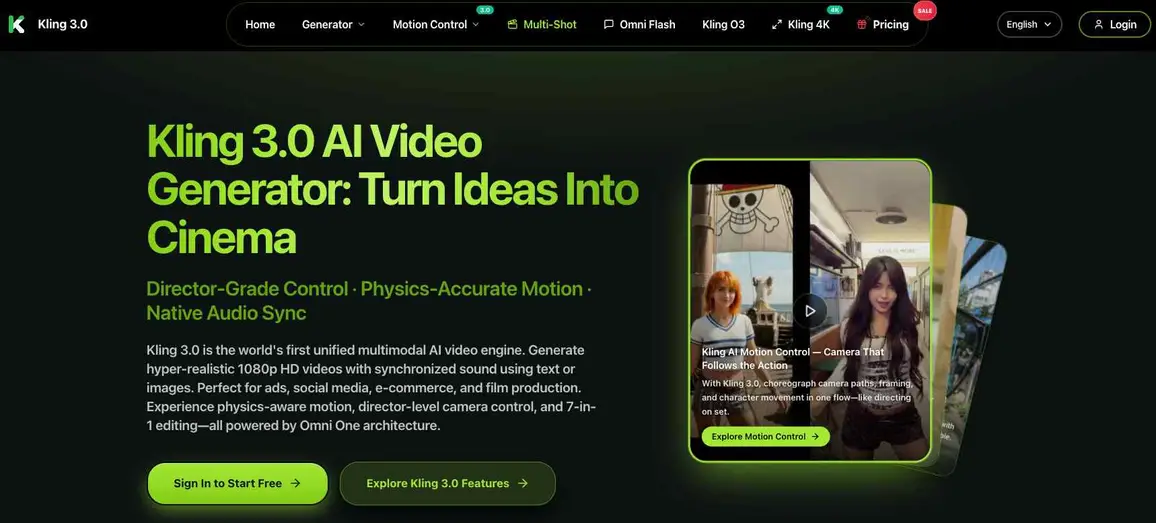
Kling 3.0, released February 5, 2026 by Kuaishou Technology, raised the bar significantly on what a cost-accessible AI video generator can deliver. The model produces up to 15-second clips at 4K resolution with native audio in multiple languages, phoneme-level lip-sync for multi-character dialogue, and a Multi-Shot Storyboard mode for building narrative sequences across multiple clips. Chain-of-Thought reasoning means the model works through complex multi-step scenes before generating, producing more coherent results for action sequences.
At a free tier of 66 credits per day and paid plans starting at $6.99/month, Kling 3.0 offers the strongest price-to-quality ratio in the category for teams producing social content at daily volume. By February 2026, it had reached more than 60 million creators and 30,000 enterprise clients globally.
Key features:
- 4K output: Native 4K resolution at up to 15 seconds per clip
- Multi-Shot Storyboard: Build multi-clip narrative sequences within the platform
- Native multi-lingual audio: Audio generation across multiple languages with phoneme-level lip-sync
Best for: Teams producing serialized social content at daily volume on a limited budget, or teams that need multilingual video content without re-recording in each language.
5. Pika 2.5: Speed-to-publish for trend-driven content
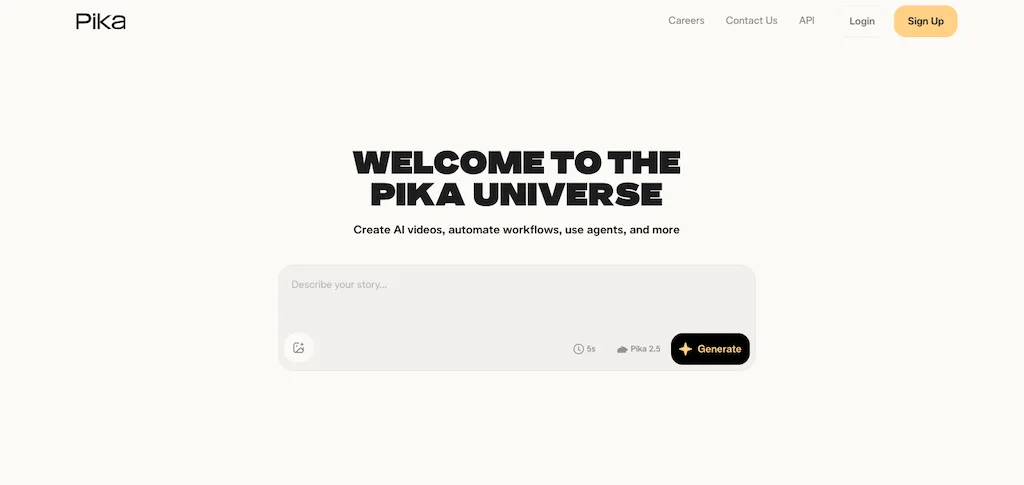
Pika 2.5 moves from prompt to publishable clip faster than most competitors in the category. The model’s creative effects suite, including Pikaffects, Pikadditions, Pikaswaps, and Pikatwists, allows for stylistically distinctive outputs that outperform most generators for social-first, effects-forward content. The resolution ceiling sits below Veo and Runway, but for teams reacting to trending sounds, formats, or cultural moments, speed is often more valuable than production polish.
Key features:
- Fast generation: Speed advantage over higher-fidelity generators for trend-reactive content
- Creative effects suite: Pikaffects, Pikaswaps, and Pikatwists for distinctive stylized output
- Free plan: 80 monthly credits with free access to the main generation tools
AI video editors
6. Descript: Text-based editing for long-form repurposing
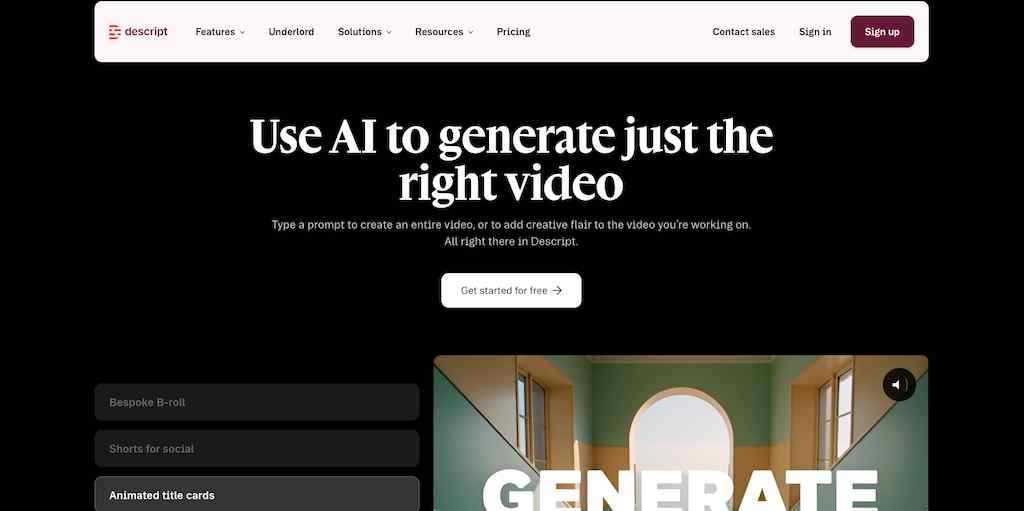
Descript transcribes your footage and lets you edit video by editing the text transcript. Removing a word from the transcript removes the corresponding clip. For social teams repurposing podcasts, webinars, or interviews into short-form content, it is the most direct path from raw footage to a publishable clip. See the best video editing tools for social media for a broader comparison of editing workflows.
Key features:
- Transcript-based editing: Edit the text, and the video updates automatically
- Overdub: AI voice cloning to fix audio errors without reshooting
- Studio Sound: Background noise and room echo cleanup
Best for: Teams turning long-form content like podcasts, webinars, or interviews into short social clips.
7. InVideo AI: Templated text-to-video for small teams
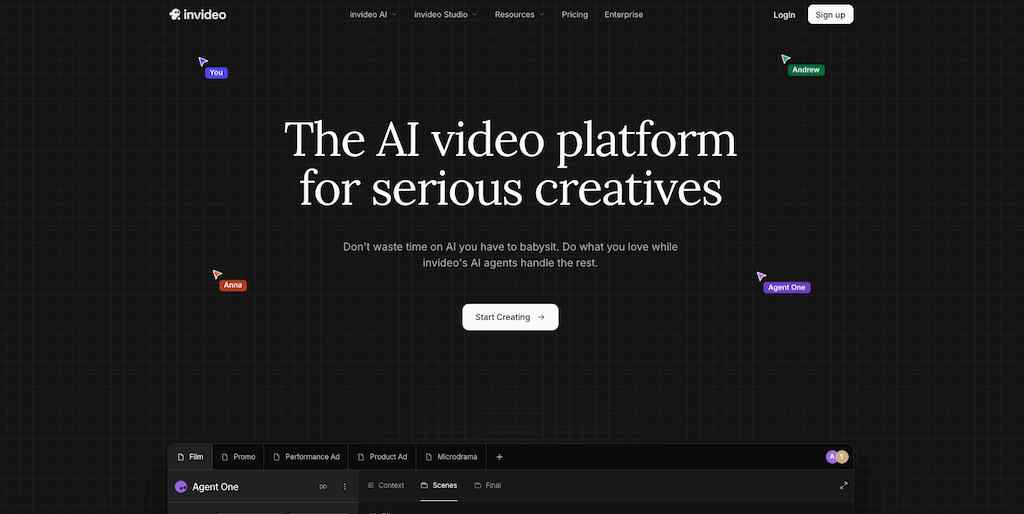
InVideo AI converts a text input into a formatted social video using AI-matched visuals, voiceovers, and scene logic. The template library reduces the prompt engineering required compared to pure generators, making it a reliable option for solo creators and small teams that need a predictable path from idea to published video without a production background.
Key features:
- Text to video: Input a script or topic, receive a formatted, voiced clip
- Smart resizing: Automatic resize for each platform on export
- AI voiceovers: Text-to-speech narration across multiple voice styles
Best for: Solo creators and small teams that need a templated path from idea to published video without investing time in advanced prompt engineering.
Talking-head and avatar tools
8. Synthesia: Multilingual avatar content at scale
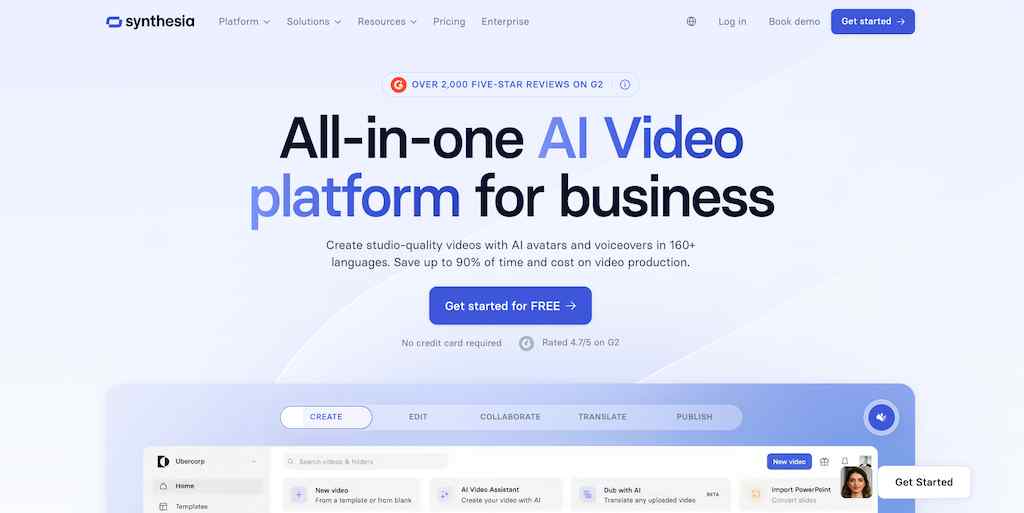
Synthesia converts text into video featuring AI avatars in more than 160 languages, removing the need to film for each language or persona variation. It is well suited for B2B brands publishing educational or multilingual social content at scale, and for training content or internal communications that benefit from consistent on-screen presenters without scheduling filmers or talent.
Key features:
- 160+ languages: Generate avatar video without re-recording or hiring language-specific talent
- Lifelike avatar presenters: Text-to-speech avatar generation with realistic lip-sync
- Templates: Pre-structured layouts for explainer, training, and marketing formats
Best for: B2B brands publishing educational or multilingual social content, training teams, and any team needing consistent on-screen presenters without filming.
9. HeyGen: On-screen brand presence without filming

HeyGen focuses on social-first features, including its Avatar IV model for high-fidelity lip-sync and video translation across multiple languages. For brands that want a consistent on-screen spokesperson without the logistics of recurring film shoots, it delivers highly realistic avatar content from a script in minutes. It is named G2’s number one fastest-growing product for 2025 and serves more than 100,000 businesses globally.
Key features:
- Avatar IV: High-fidelity AI avatar with realistic lip-sync from a text script
- Video translation: Translate existing video content into other languages with matching lip sync
- Voice cloning: Clone a speaker’s voice for consistent audio identity across content
Best for: Brands that want a consistent on-screen spokesperson for social content without filming, and teams producing multilingual video content at scale.
Creative AI platforms
10. Canva: Design-led video for social teams already in the ecosystem
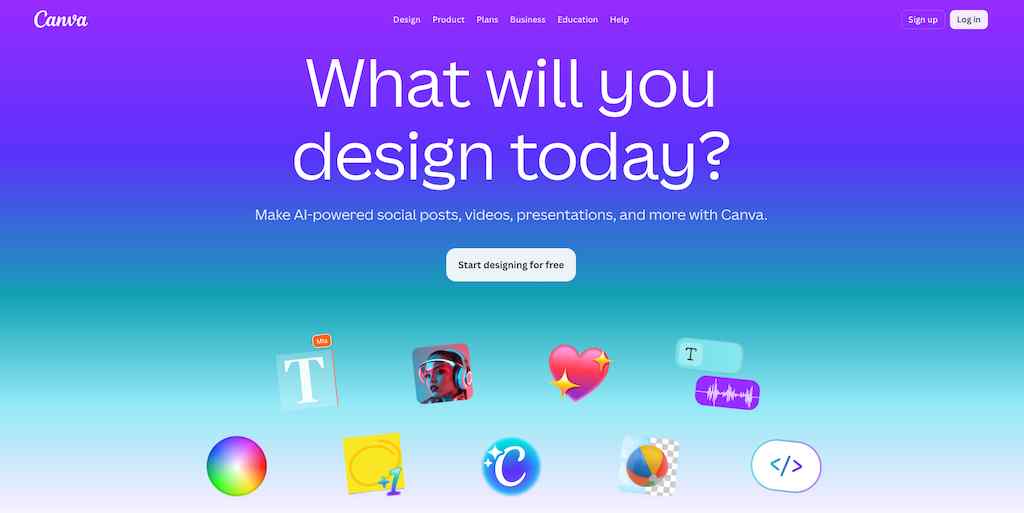
Canva’s AI video tools, including its Magic Studio video features and “Create a Video Clip” capability powered by Google’s Veo 3 model, are in the daily workflows of a significant share of social media managers already.
For design-led teams that start with templates and visual assets rather than text prompts, Canva’s approach to AI video fits naturally into that process. The direct Vista Social and Canva integration means assets designed in Canva can be published directly from Vista Social, keeping the content creation and scheduling workflow in the same flow. For teams weighing AI content creation tools more broadly, Canva often represents the lowest barrier to entry for video.
Best for: Design-led teams already operating in Canva who want to add AI video capabilities without adopting a separate generator.
11. Leonardo AI: Stylized visual content with motion
Leonardo AI is an image-first generative platform with motion and animation features. It is best for creators who need stylized, on-brand visual content where art direction matters and want motion as an output option alongside static assets. For social advertising and branded content where a distinctive visual style is part of the brief, Leonardo’s image-to-motion workflow supports that use case without requiring a full video production setup.
Best for: Creators and ad teams producing stylized branded social content where visual art direction and consistency across static and motion assets both matter.
Multi-model creative platforms
12. Magnific: All-in-one creative platform with multi-model video
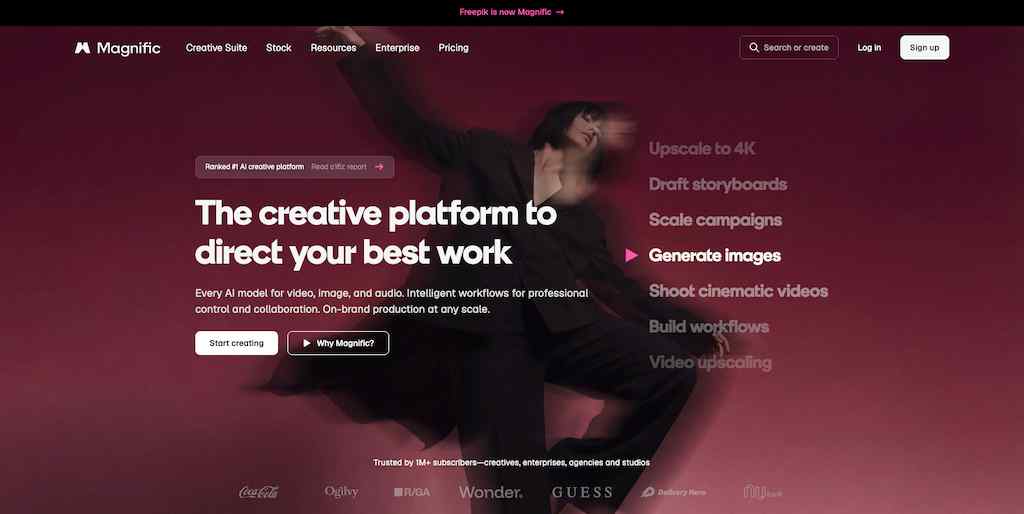
Magnific, which rebranded from Freepik on April 28, 2026 following its May 2024 acquisition of the Magnific AI upscaler, is a full AI creative platform combining image generation, video generation, audio production, and upscaling in a single environment. It gives teams access to more than 40 AI models across all creative functions, with a node-based collaborative canvas called Spaces for building repeatable visual workflows.
The platform includes Magnific’s original prompt-guided image upscaler, which pushes output to 4K resolution with intelligent detail enhancement, alongside a Video Combiner for assembling multi-shot sequences and Custom Character and Style features for locking identity and aesthetics across clips. Premium subscribers can use multiple AI models without managing separate subscriptions for each.
Key features:
- Spaces: Node-based collaborative canvas for chaining generation, editing, and upscaling into repeatable workflows
- Multi-model video generation: Access to multiple AI video models for generation from text or images
- AI Video Upscaler: Prompt-guided upscaling that pushes output to 4K with generative detail enhancement
Best for: Social teams and agencies who want multi-model video flexibility, high-quality upscaling, and a consolidated creative workflow that covers image, video, and audio without managing separate tool subscriptions.
How to choose the right AI video tool for your team
The category spans enough ground now that picking the wrong tool for your actual bottleneck is a real risk. A few practical diagnostics before you commit:
- Start with your format: Vertical short-form for Reels, TikTok, and Shorts requires a different tool than long-form podcast clips being repurposed for social. Make sure the tool you are evaluating outputs the aspect ratios and durations your platforms actually need.
- Match the tool to your bottleneck: No videographer on the team? Start with a generator (Veo, Runway, Kling). Raw footage already exists and needs editing fast? Descript or InVideo. Need a consistent on-screen voice without scheduling filming? Synthesia or HeyGen.
- Think about brand consistency at scale: If your team produces 30 or more pieces of video content a month, prioritize tools with strong character or style consistency. Runway Gen-4.5’s character reference, Kling 3.0’s multi-shot storyboard, and Vista Social’s AI Knowledge feature all address this specifically.
- Budget versus quality: Veo 3.1 and Runway Gen-4.5 are the premium tier. Kling 3.0, Pika 2.5, and InVideo AI are the more accessible options. Free tiers exist (Kling 3.0’s 66 daily credits, Pika’s 80 monthly credits) for testing before committing to a paid plan. Veo 3.1 requires a Google AI Pro subscription.
- Do not evaluate the generator without evaluating the workflow: A great generation tool is wasted if the clips sit in a downloads folder. The most important integration question is: “how does the generated video get from prompt to scheduled post with captions, approvals, and analytics attached?” That is where Vista Social’s role in the stack becomes the clearest.
AI video tool features that matter most in 2026
Not every capability listed in product marketing earns its place in a social media workflow. Here are the features worth prioritizing specifically for social-first video production.
- Native audio generation: A prompt that returns video with dialogue, SFX, and ambient sound in a single generation is a genuine production time saver.
- Character and style consistency: Runway Gen-4.5’s character reference and Kling 3.0’s multi-shot storyboard solve the serialized content problem directly.
- Vertical and multi-aspect-ratio support: Every platform requires different specs, and any tool that doesn’t generate native 9:16 adds a resizing step that wastes time.
- Auto-captions: Most social video is watched without sound. Caption support built into the generation workflow saves a manual step per clip.
- Brand voice: Whether that’s Vista Social’s AI Knowledge for on-brand captions or Runway’s reference image inputs for visual consistency, having this available matters.
- Integration with current tool: Generated content that stays measurable and schedulable within your existing workflow.
- Commercial licensing clarity: Confirm your tool’s license terms before using AI-generated content in paid advertising or client work.
- Watermark transparency: Several free tiers watermark output by default, so confirm terms before committing to a plan for brand content.
Find the best AI video tool for your needs
The 12 tools above represent the current state of AI video for social media marketers in 2026, and the landscape is still moving fast. Sora 2’s shutdown in April 2026 and Kling 3.0’s launch in February 2026 were both within the same six-month window. The tools that make this list today will iterate significantly before the year ends.
What will stay constant is the underlying challenge. Short-form video is the format that wins on every major platform, and producing the volume that algorithms reward requires help. The tools above represent the most viable ways to get that help today, across different use cases, budgets, and workflow requirements.
Vista Social’s AI video generation, combined with the publishing, captioning, scheduling, approval, and analytics layer built around it, is one of the clearest places in the market to run the full workflow from prompt to published post to performance report inside a single tool. Start a 14-day free trial with Vista Social and generate, schedule, and measure social-ready video without juggling six different tools.
AI video tools FAQs
What is the best AI video tool?
There is no single best tool for every use case. Veo 3.1 leads on output quality and is the only model with spatial audio. Runway Gen-4.5 leads on character consistency across clips. Kling 3.0 offers the strongest price-to-quality ratio for high-volume social content. For teams that need generation integrated with scheduling, analytics, and approvals, Vista Social addresses the workflow that pure generators leave unfinished.
What is the difference between AI video generators and AI video editors?
Generators (Vista Social, Veo, Runway, Kling, Pika) create footage from scratch using text prompts or image inputs. No existing video is required. Editors (Descript, InVideo AI) need source footage and use AI to accelerate editing, add captions, clean audio, or automate repurposing.
Is there a free AI video tool?
Yes. Kling 3.0 offers 66 free credits daily. Pika 2.5 offers 80 monthly free credits. Synthesia and HeyGen both offer limited free plans. Google Veo 3.1 and Runway Gen-4.5 require paid subscriptions to access. In all cases, free tiers are designed for evaluation rather than ongoing production volume, and most include watermarks that make the output unsuitable for brand content.
Can I use AI-generated videos commercially?
Commercial licensing terms vary by tool and plan. Runway Gen-4.5 and Kling 3.0 include commercial rights on paid plans. Veo 3.1 includes commercial rights for AI Pro and Ultra subscribers. Pika 2.5 requires a paid plan for commercial use. Always verify the current terms directly with the tool provider before using AI-generated content in paid advertising, client work, or product launches.
Do AI video tools watermark their output?
Most tools watermark free-tier output and remove watermarks on paid plans. Pika 2.5, Kling 3.0, and HeyGen all follow this pattern. Runway Gen-4.5’s free trial output includes a watermark. For brand content and client work, always confirm watermark terms for the specific plan before committing to production.
How long can AI-generated videos be?
Duration limits vary significantly. Veo 3.1 generates up to 8 seconds per clip; longer sequences require chaining multiple generations. Runway Gen-4.5 generates up to 10 seconds per generation, with longer sequences built by chaining clips. Kling 3.0 generates up to 15 seconds per clip (with longer sequence support through the Multi-Shot Storyboard feature). Pika 2.5 generates clips up to 10 seconds. Descript and InVideo AI handle source footage of any length since they edit rather than generate from scratch.

Try Vista Social for free
A social media management platform that actually helps you grow with easy-to-use content planning, scheduling, engagement and analytics tools.
Get Started NowAbout the Author

Content Writer
Orion loves to write content that refuses to be boring. As part of Vista Social, he helps brands, creators, and agencies stop doom scrolling and start winning with social media. When he's not in front of a keyboard, he's watching films in IMAX with his wife, dissecting football tactics (the European kind), and getting lost in a good book.
Loading related tools...

The most complete social media management platform for teams who demand more.






Tools
PublishingAnalyticsEngagementIntegrations
FacebookInstagramLinkedInRedditSnapchatThreadsTikTokX (Twitter)YouTubeMCPVista Page (link-in-bio)All IntegrationsCopyright © 2026 Vista Social LLC. All Rights Reserved.