


Published on June 2, 2026
9 min to read
14 Best AI Content Creation Tools for Social Media (2026)

Summarize with AI

Table of contents
Summarize with AI

ChatGPT

Claude

Perplexity
Share

Vista Social

X (Twitter)


You can draft a week of captions in the time it takes to make coffee now. That part of social media work got easy.
What didn’t get easy is everything that happens after the caption:
- Finding a visual that fits
- Turning it into something that moves
- Resizing it for four platforms
- Getting it scheduled before the moment passes
That gap is where most social teams still lose their afternoons. Research shows that 88% of marketers use AI in their day-to-day work, yet the typical posting workflow still runs across five or six separate tools. You write in one place, design in another, build video in a third, then carry everything back to a scheduler to publish. Every handoff is a chance for the post to stall.
The tools below are the ones worth your money in 2026, grouped by the job they actually do. Some are all-in-one platforms. Some are sharp single-purpose tools that do one thing better than anything else.
We’ve noted what each is best for, what it costs, and where it fits, so you can build a stack that matches how you work instead of collecting subscriptions you forget to cancel.
Table of contents
Best AI content creation tools: Comparison table
| Tool | Category | Best for | Starting price | Free option |
|---|---|---|---|---|
| Vista Social | All-in-one create + publish | Running the whole workflow in one place | $64/mo (paid annually) or $79/month (month to month) | Free trial |
| ChatGPT | AI writing + images | Captions, ideas, quick image generation | $8/mo | Yes |
| Claude | AI writing | Long-form, brand-voice writing | $20/mo | Yes |
| Jasper | AI copywriting | Brand-consistent copy for teams | $69/mo | Trial |
| Canva | Design | Graphics and templates for non-designers | $18/mo | Yes |
| Adobe Express | Design | Firefly-powered graphics and quick edits | $7.99/mo | Yes |
| Midjourney | Image generation | High-end, stylized still images | $10/mo | No |
| Opus Clip | Video repurposing | Turning long video into short clips | $15/mo | Yes |
| Descript | Video + audio editing | Editing by editing the transcript | $24/mo | Yes |
| HeyGen | AI avatars | Spokesperson video without filming | $29/mo | Yes |
| Synthesia | AI avatars | Multilingual explainer and training video | $19/mo | Yes |
| ElevenLabs | AI voice | Voiceovers and narration | $6/mo | Yes |
| Runway | AI video generation | Raw text-to-video and effects | $15/mo | Yes |
| Grammarly | Writing polish | Catching errors and tightening tone | $12/mo | Yes |
1. Vista Social: Plan, create, and publish in one place
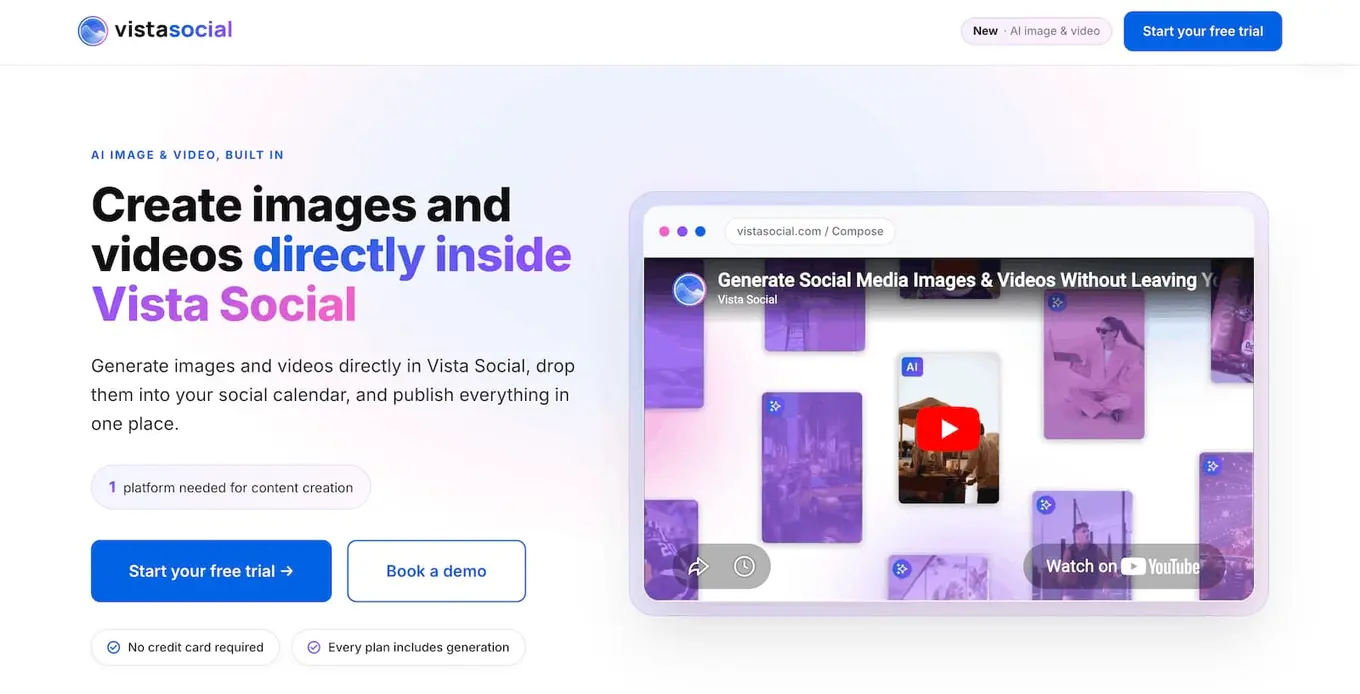
There’s a difference between AI content creation and being able to generate and publish content all at once within the same tool. And with Vista Social’s AI image and video generation capabilities, we’re bringing you the latter.
Rather than bolting AI onto existing features and workflows the way many SaaS tools are doing right now, we’re focusing on making AI the centerpiece to your workflow.
That means AI is incorporated in every aspect:
- Generate ideas
- Draft captions
- Create images
- Prompt videos
- Analyze posting times
All of it done in Vista Social through our AI-powered system. Posts are created from nothing within minutes.
But let’s talk more about what these tools look like.
AI image generation
Type what you want and get an image back in about 10 to 30 seconds. Ask for “an overhead shot of a steaming bowl of pumpkin soup on a rustic table, warm autumn light, for a café announcement” and you get exactly that.
Or ask for “a photo of a soccer team celebrating a goal” and see what comes up. You can have just a single image generated or up to four different options to see what the AI can come up with.
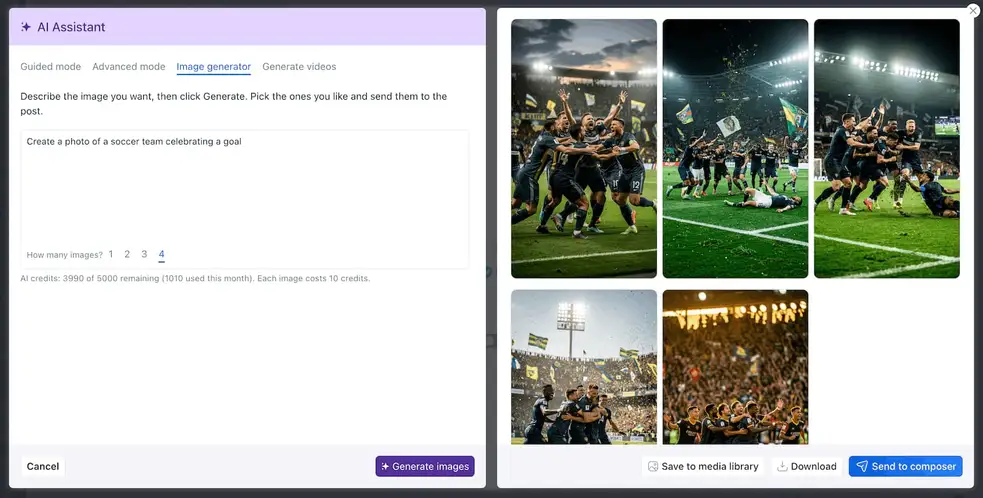
Then refine it in plain language: “change the background to an outdoor patio,” “make this an Instagram story.” Talk to the AI the same way you’d talk to a designer or edit (like “change all jerseys to yellow” in the example below) and watch your changes come to life.
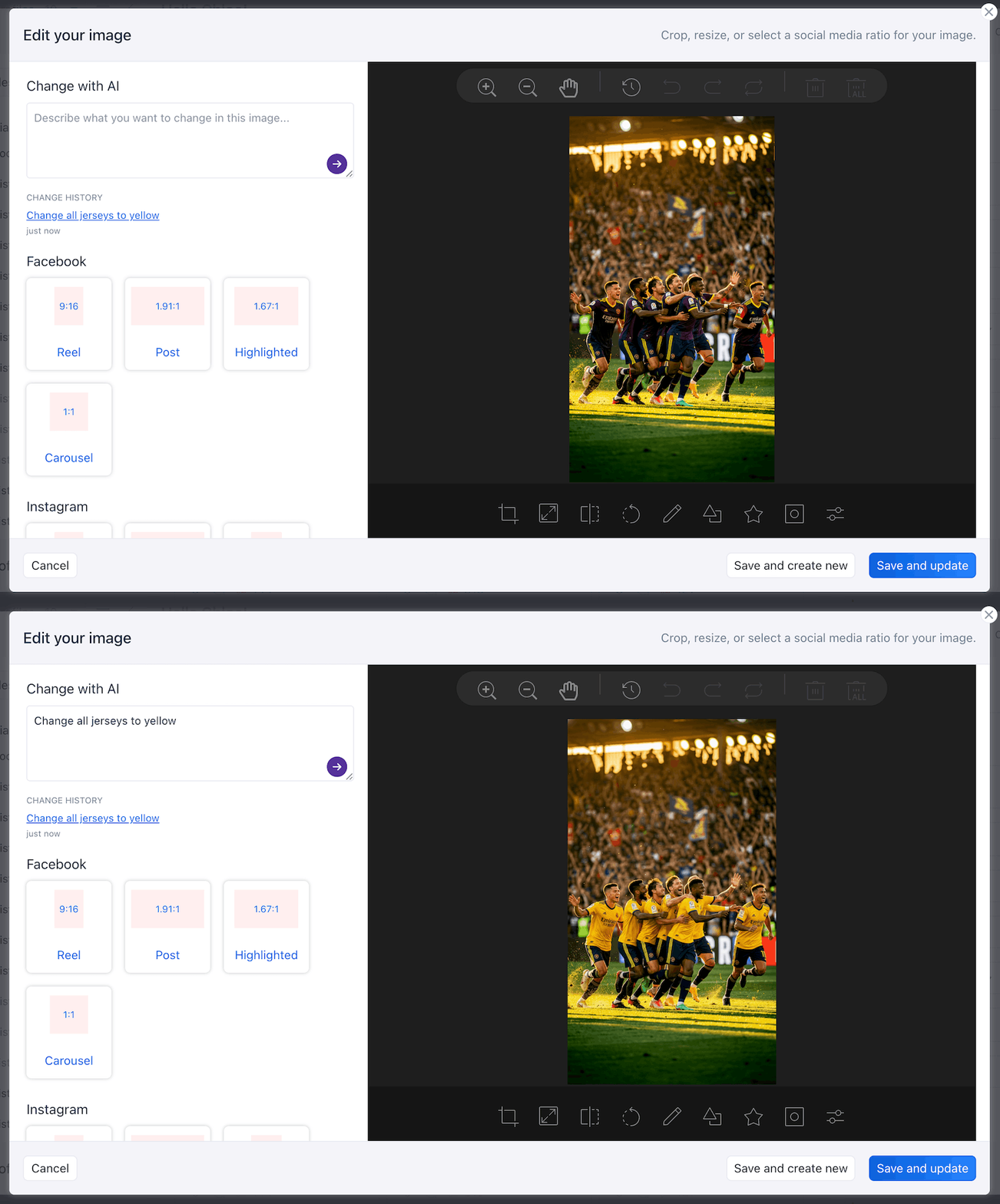
You can ask for platform-specific outputs, so asking for an Instagram story gives you something sized for one—but you can also specify 9:16 or square to override.
You can also upload an image to the AI image generator to incorporate within the AI output, which is a great way to generate lifestyle images for a product launch.
From there, send it straight to a scheduled post, save it to your media library, or download it.
AI video generation
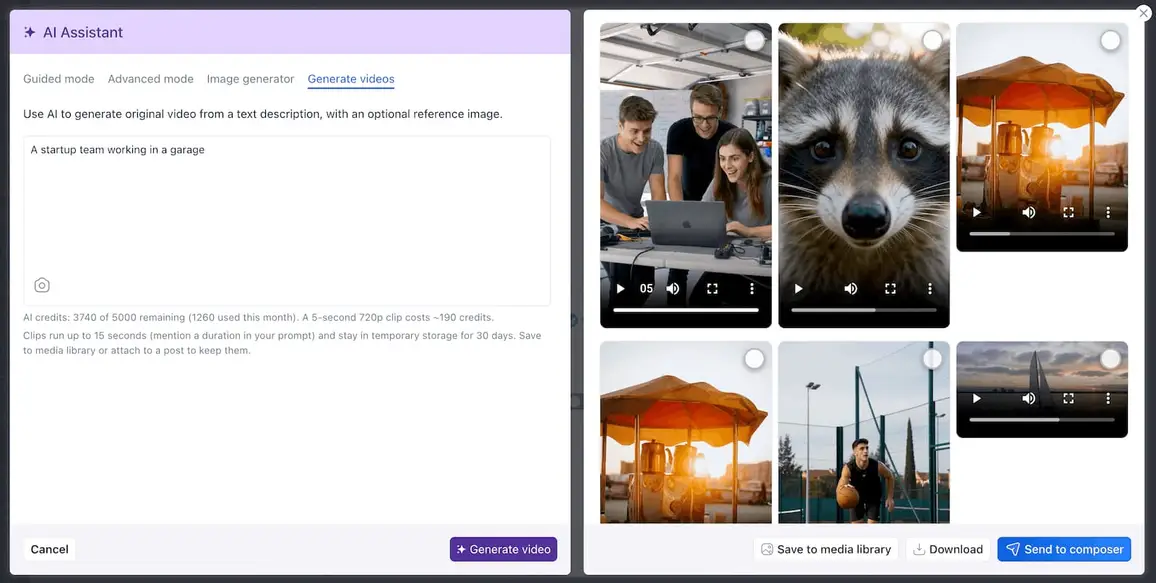
This runs three ways:
- Text-to-video turns a description into a short clip in about two minutes
- Image-to-video animates a still—i.e., upload a real photo of your product, your team, or your event, and get your actual assets in motion instead of generic stock footage
- Library-to-video animates anything already in your media library, including images you generated a minute ago
Around all of that sits the rest of the platform: caption generation, brand-voice training on your own documents, context-aware sentiment, smart scheduling, analytics, and native integrations with Claude, ChatGPT, and Copilot.
Best for: Social teams and agencies that want to cut the five-tool shuffle down to one workflow.
What you’ll like:
- Caption, image, video, and scheduling in a single screen
- Upload images to prompt using your real brand assets
- AI generation included on every plan
- Brand-voice training that keeps output on-brand
Pricing: Premium plans start at $64/month paid annually or $79/month paid monthly, with AI image and video generation available on every tier; 14-day free trial available to test it out
2. ChatGPT: The assistant most marketers open first
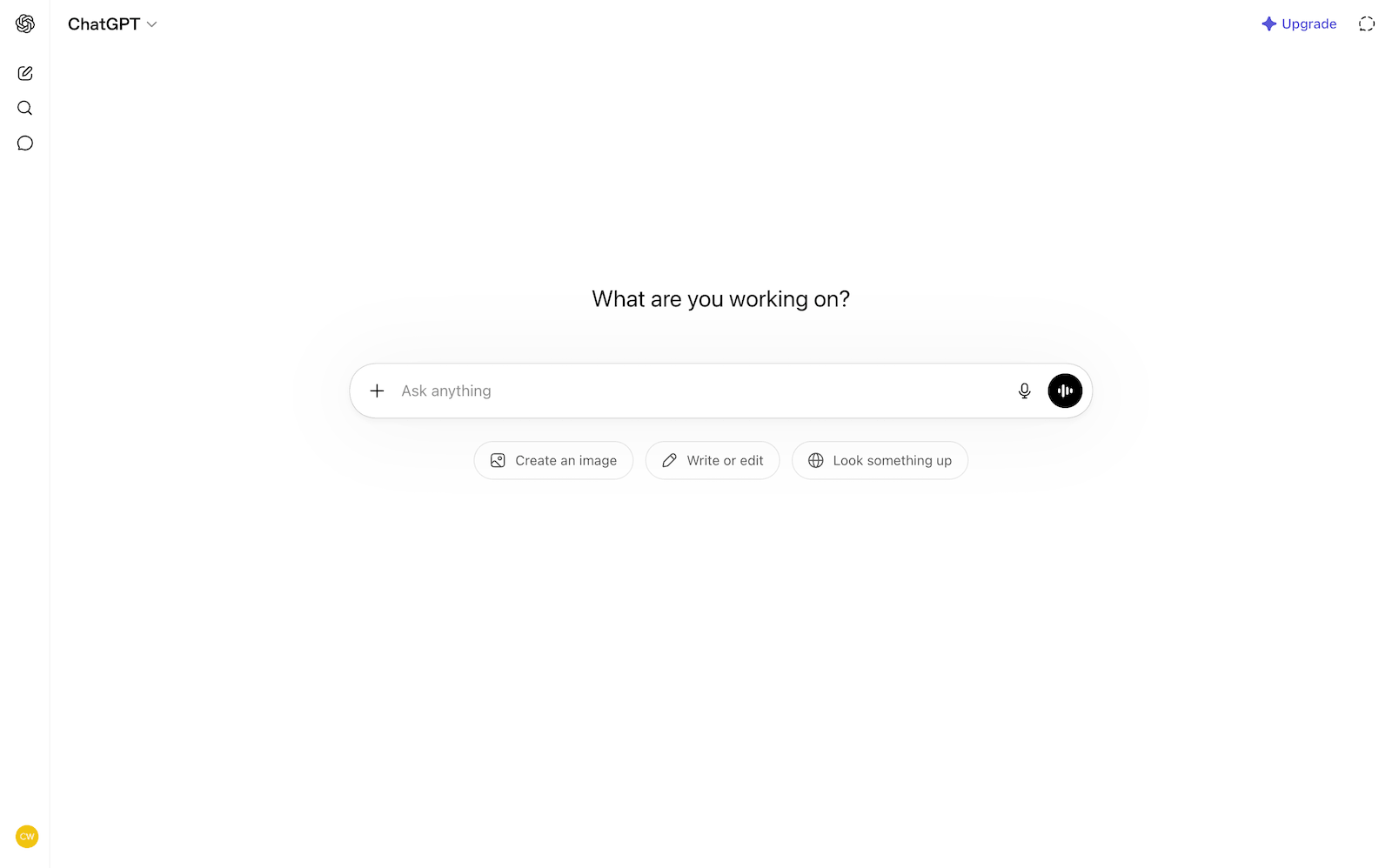
ChatGPT is the default first stop for a reason. It drafts captions, brainstorms angles, rewrites a post for a different platform, and, since its native image generation arrived, produces usable graphics from a prompt. For a lot of solo marketers it quietly replaced three older single-purpose writing tools.
It isn’t a social platform, so you’ll still move the output somewhere to schedule it. Treat it as the ideation and first-draft engine, then bring the result into your publishing workflow.
Best for: Fast captions, ideas, and quick image generation
Pricing: Free plan available; premium plans start at $8/month
3. Claude: Longer thinking and brand-voice writing
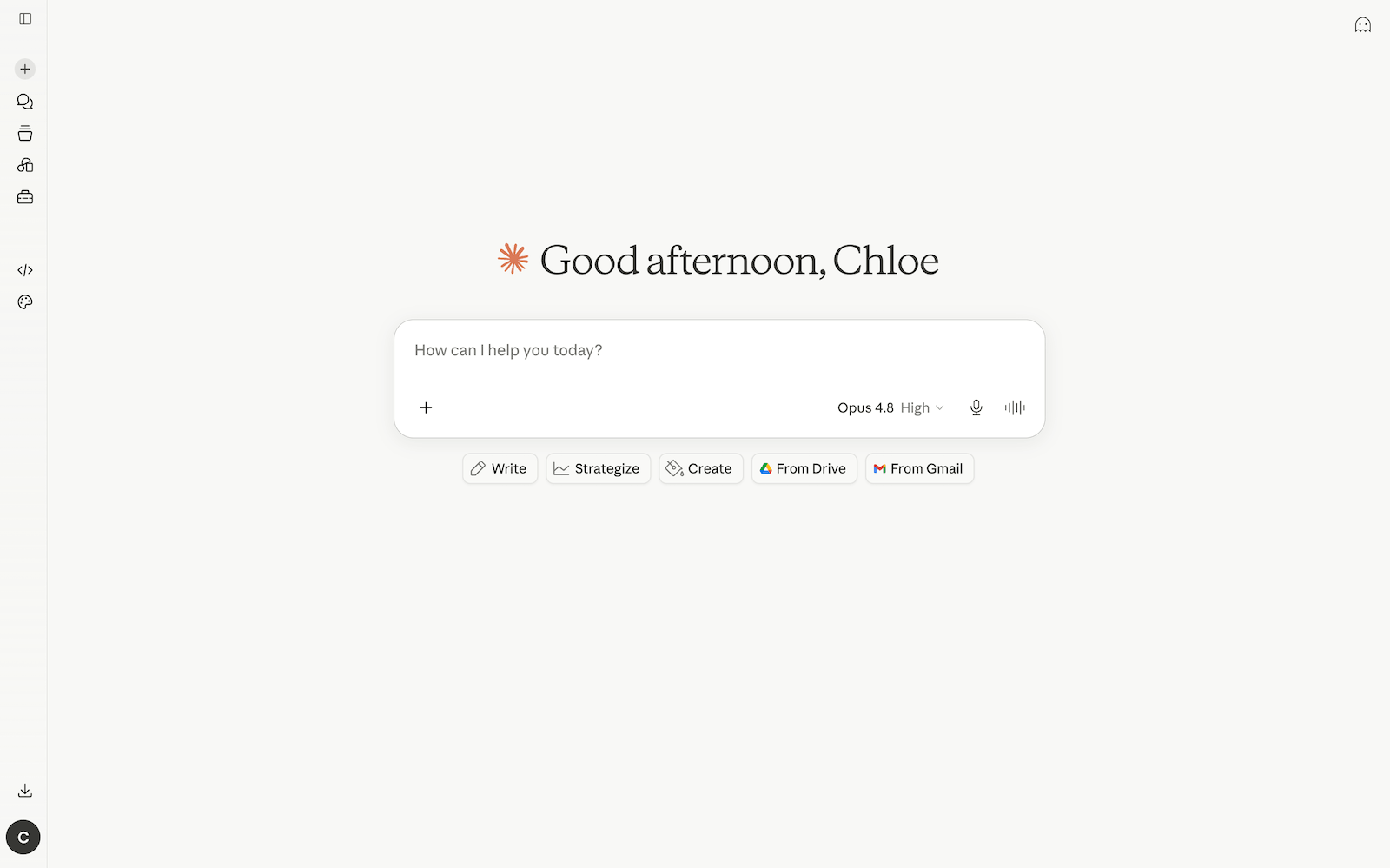
Claude has become the writing tool people reach for when the output needs to sound like a person wrote it. It holds a brief well across longer pieces, which makes it useful for turning one idea into a week of differentiated posts rather than five rewordings of the same sentence. If you’ve trained it on your brand’s references, it stays in voice better than most.
Like ChatGPT, it’s a writing partner rather than a publishing tool, and the two are worth using side by side depending on the task. Vista Social connects to both natively, so you can use them without leaving where you schedule.
Best for: Long-form and brand-voice writing
Pricing: Free plan available; premium plans start at $20/month
4. Jasper: Brand-consistent copy for marketing teams
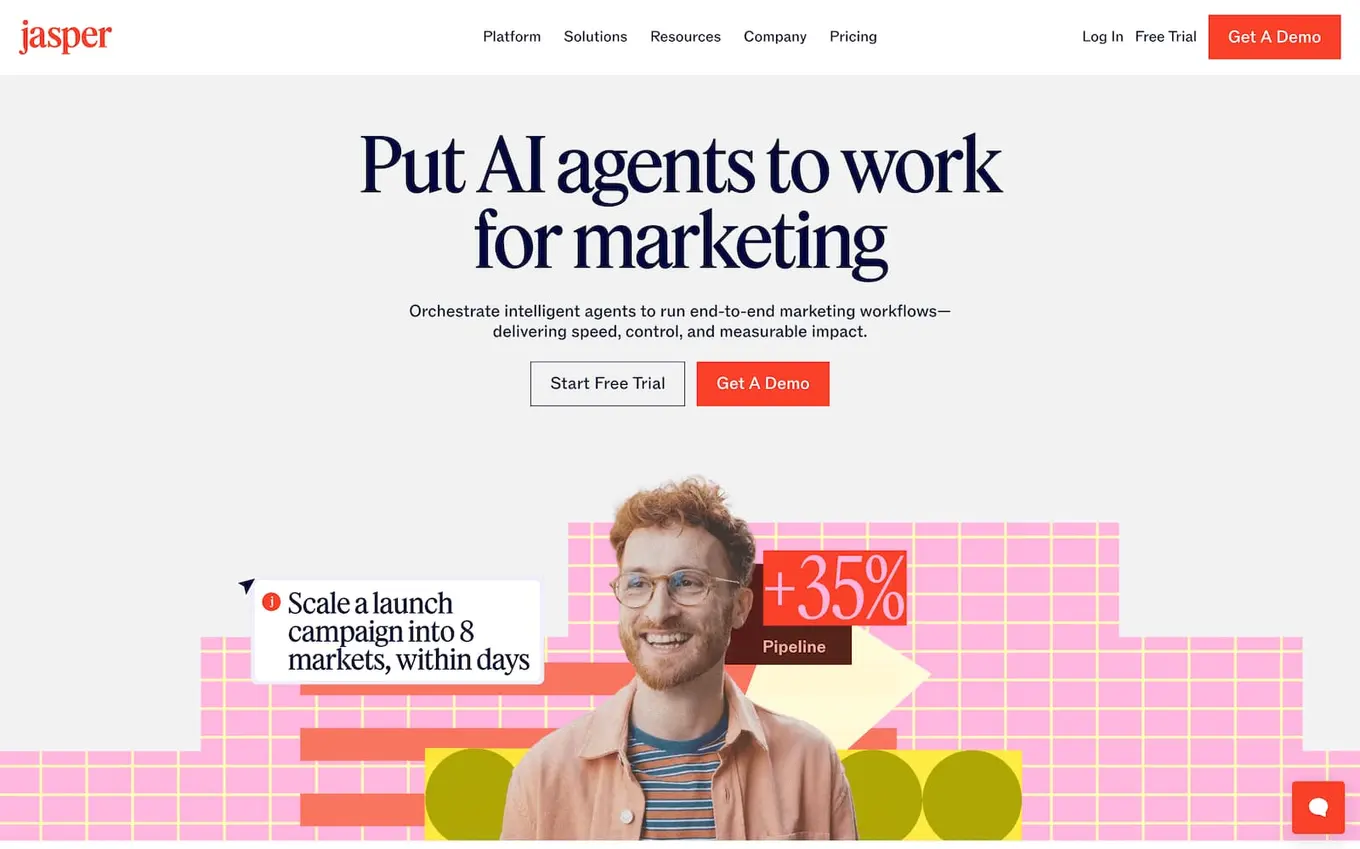
Jasper went through a rough patch in 2024 and came out the other side more focused. It’s now built for marketing teams that need brand-consistent copy across channels, with brand-voice enforcement, approval-friendly workflows, and SEO support.
If a team of three or more is producing regular blog and social content and consistency matters more than raw flexibility, Jasper earns its place.
Best for: Teams that need on-brand copy at scale
Pricing: Premium plans start at $69/month after a 7-day free trial
5. Canva: Design without a designer
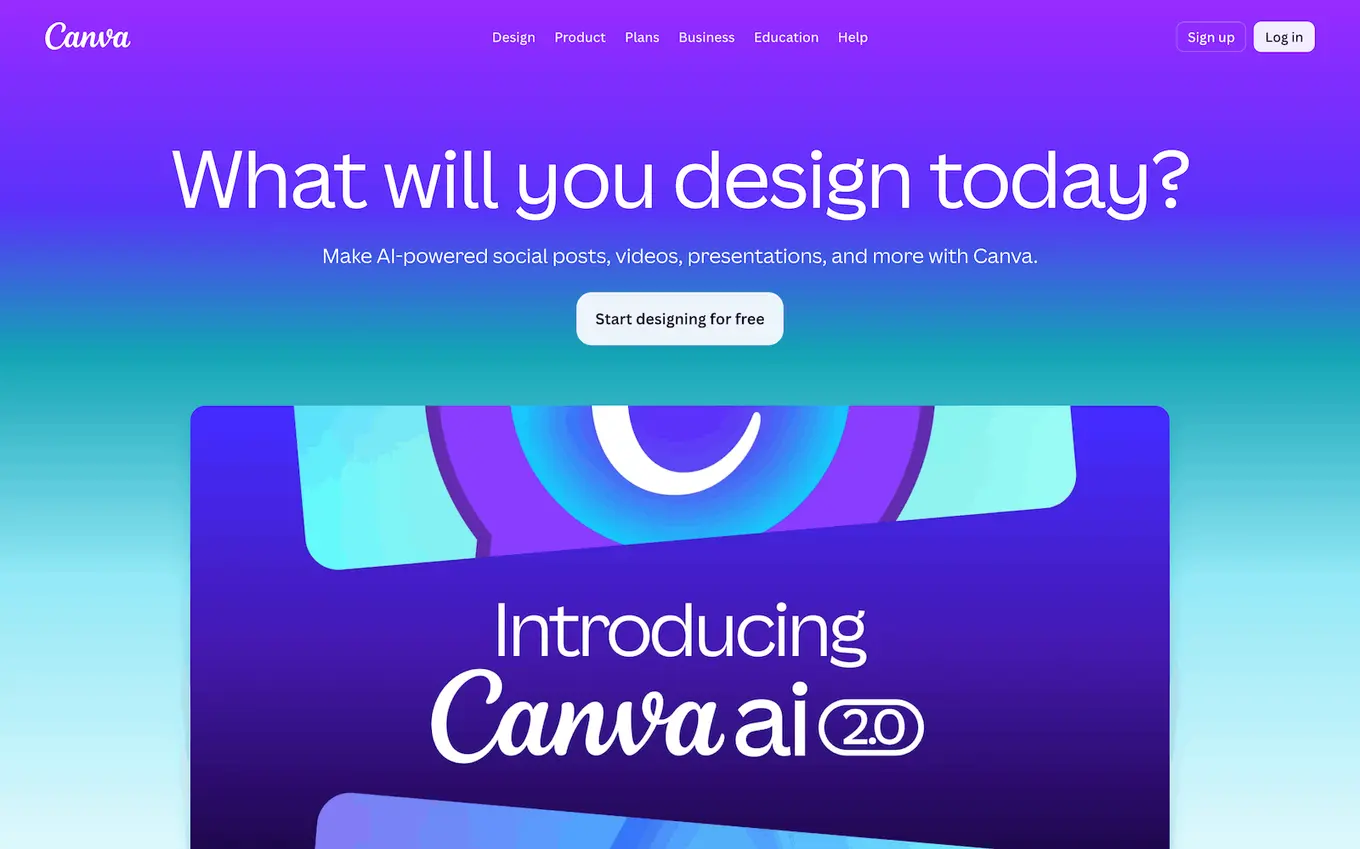
Canva is still the most pragmatic design tool for people who aren’t designers, and its Magic Studio AI features have moved from novelty to core.
Magic Media generates images and video from text, Magic Resize reformats a single design into every platform’s dimensions in seconds, and Magic Write handles short copy. For social teams, Magic Resize alone can save hours a week.
Best for: Templates and graphics anyone on the team can make
Pricing: Free plan available; premium plans start at $18/month
6. Adobe Express: Firefly-powered graphics
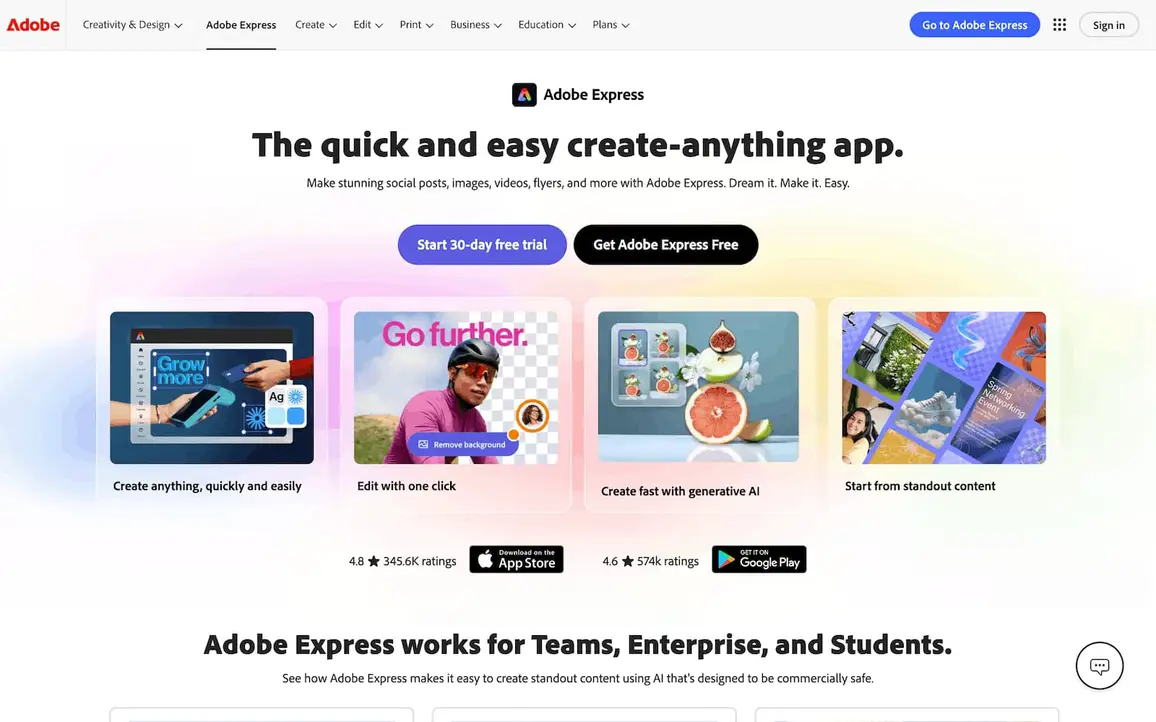
Adobe Express puts Adobe’s Firefly generative AI into a lightweight, social-friendly editor. Text-to-image, generative fill, background removal, and quick brand templates make it a strong, affordable option, especially for teams that want commercially cleared AI imagery without stepping into full Creative Cloud.
Best for: Quick, on-brand graphics with Firefly AI
Pricing: Free plan available; premium plans start at $7.99/month per user for teams or $9.99/month for individuals
7. Midjourney: When the image has to be exceptional
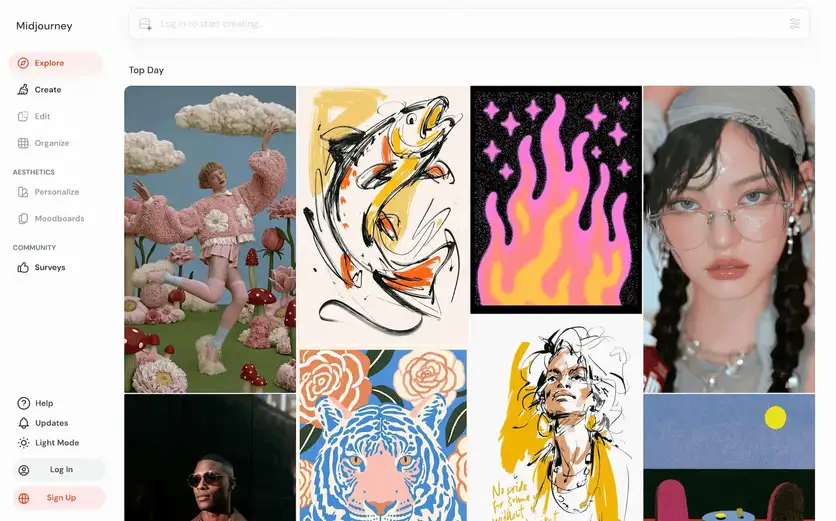
When a still image needs to be genuinely striking rather than just adequate, Midjourney is still the standard. The output quality and stylistic control are ahead of the general-purpose tools.
The tradeoff is that it’s a standalone creative tool with a learning curve, not a one-click social helper, so it suits brands where the visual is the point.
Best for: High-end, stylized still images
Pricing: Plans start at $10/month with no free plan available
8. Opus Clip: Turn one long video into a month of clips
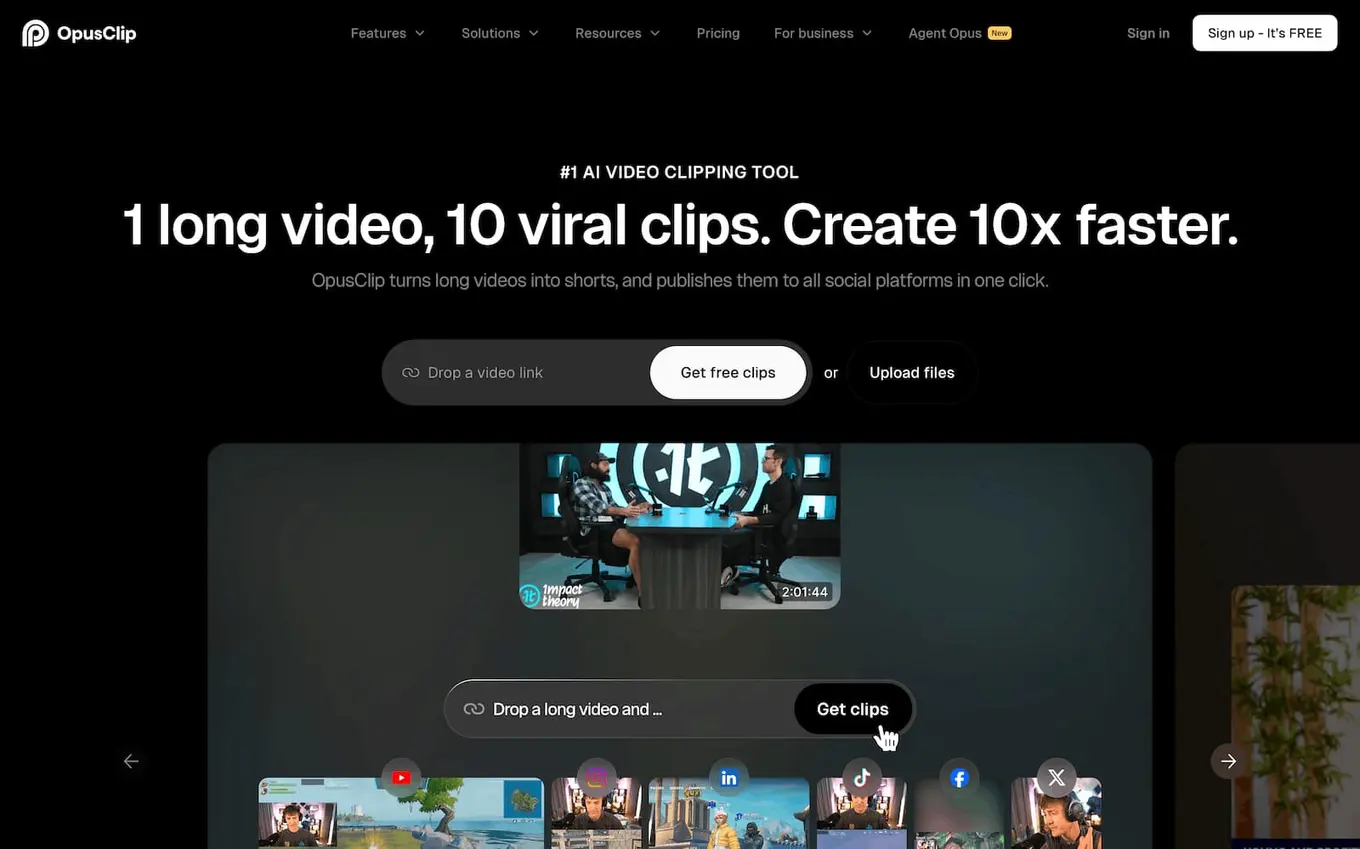
Opus Clip solved one of the biggest jobs in social video—repurposing. Feed it a long video (a podcast, a webinar, a recorded talk) and it finds the strongest moments, cuts them into vertical clips, adds captions, and scores each one for likely virality.
What used to be an afternoon of editing becomes a few minutes of review. For any brand sitting on long-form video, this is close to free reach.
Best for: Repurposing long video into short-form clips
Pricing: Free plan available; premium plans start at $15/month
9. Descript: Edit video by editing the words
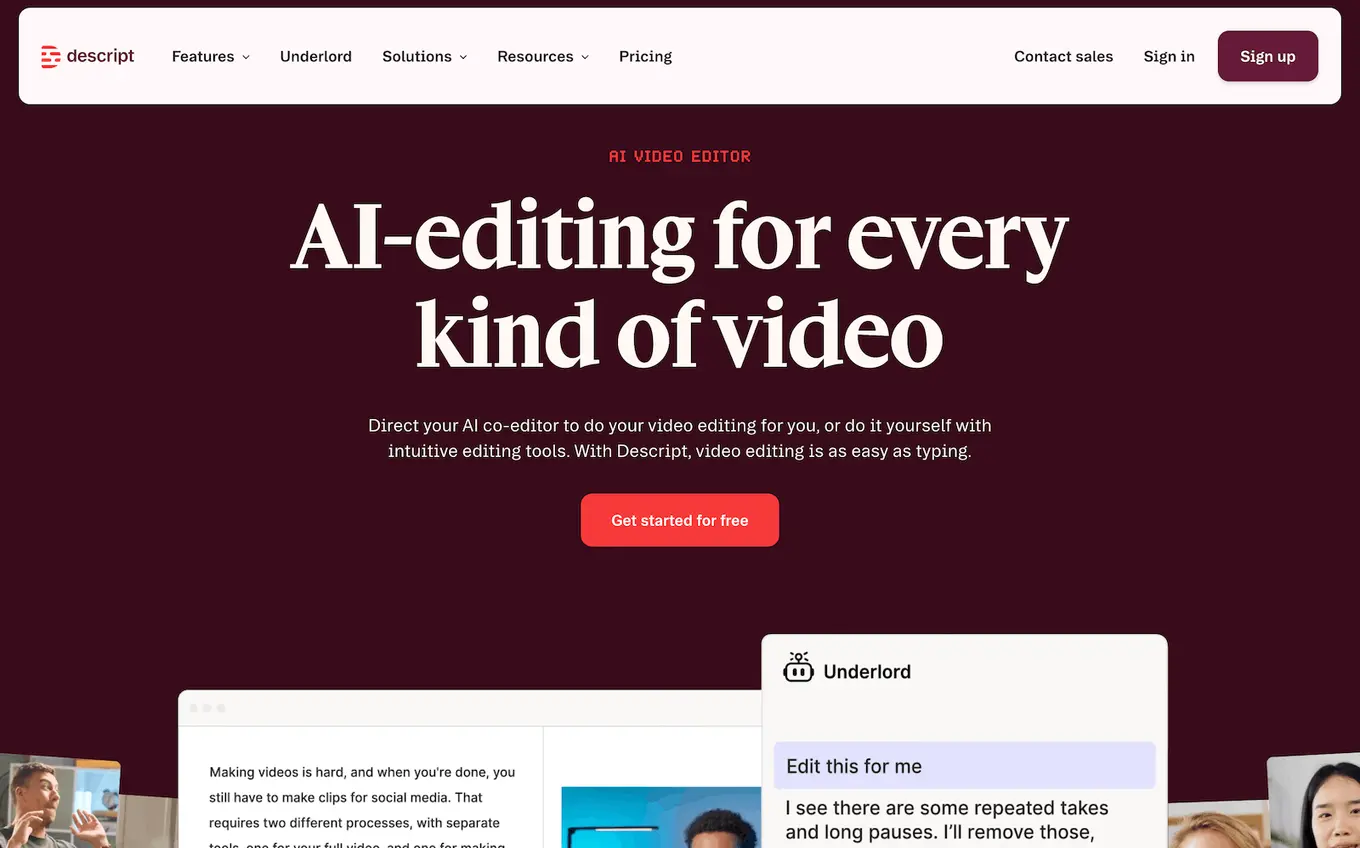
Descript lets you edit video and audio by editing the transcript, which is a genuinely different way to work. Delete a sentence in the text and it’s gone from the video. Add features like studio-grade audio cleanup and AI voice, and it’s become a favorite for podcasts and short-form repurposing.
Reviewers tend to call it one of the tools you’ll still be using years from now, which is a good sign for anything you build a workflow around.
Best for: Transcript-based video and audio editing
Pricing: Free plan available (for 1 hour of video editing per month); premium plans start at $24/month
10. HeyGen: A spokesperson without the shoot
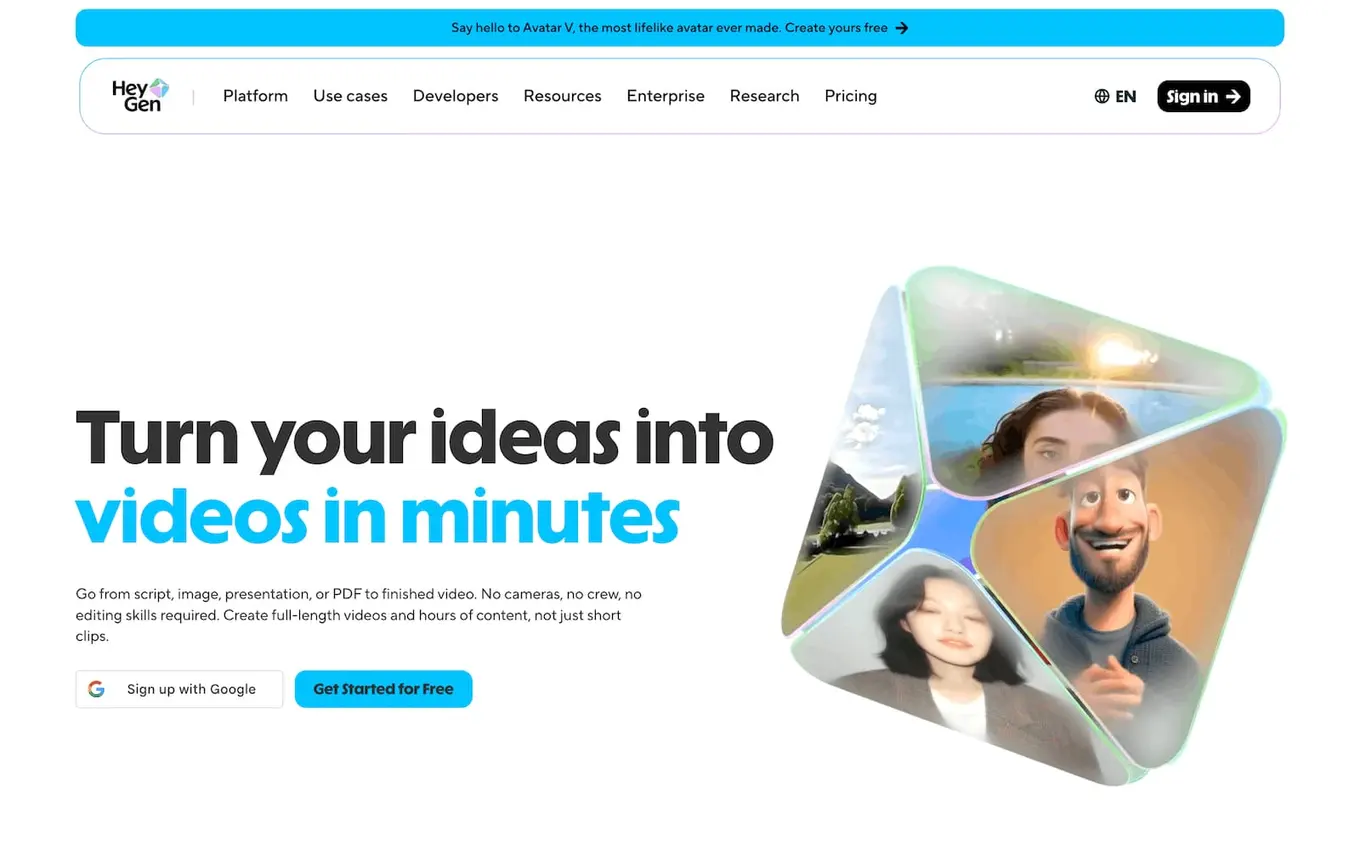
HeyGen creates AI avatar videos from a script, with multilingual dubbing and custom avatars. It removes a specific bottleneck: filming the same kind of talking-head video over and over.
The results aren’t indistinguishable from a real presenter yet, but they’re more than good enough for explainers, onboarding, and product walkthroughs, and they let one person produce spokesperson video at a volume that used to need a crew.
Best for: Scalable spokesperson-style video without filming
Pricing: Free plan available; premium plans start at $29/month
11. Synthesia: Avatars built for explainer and training video
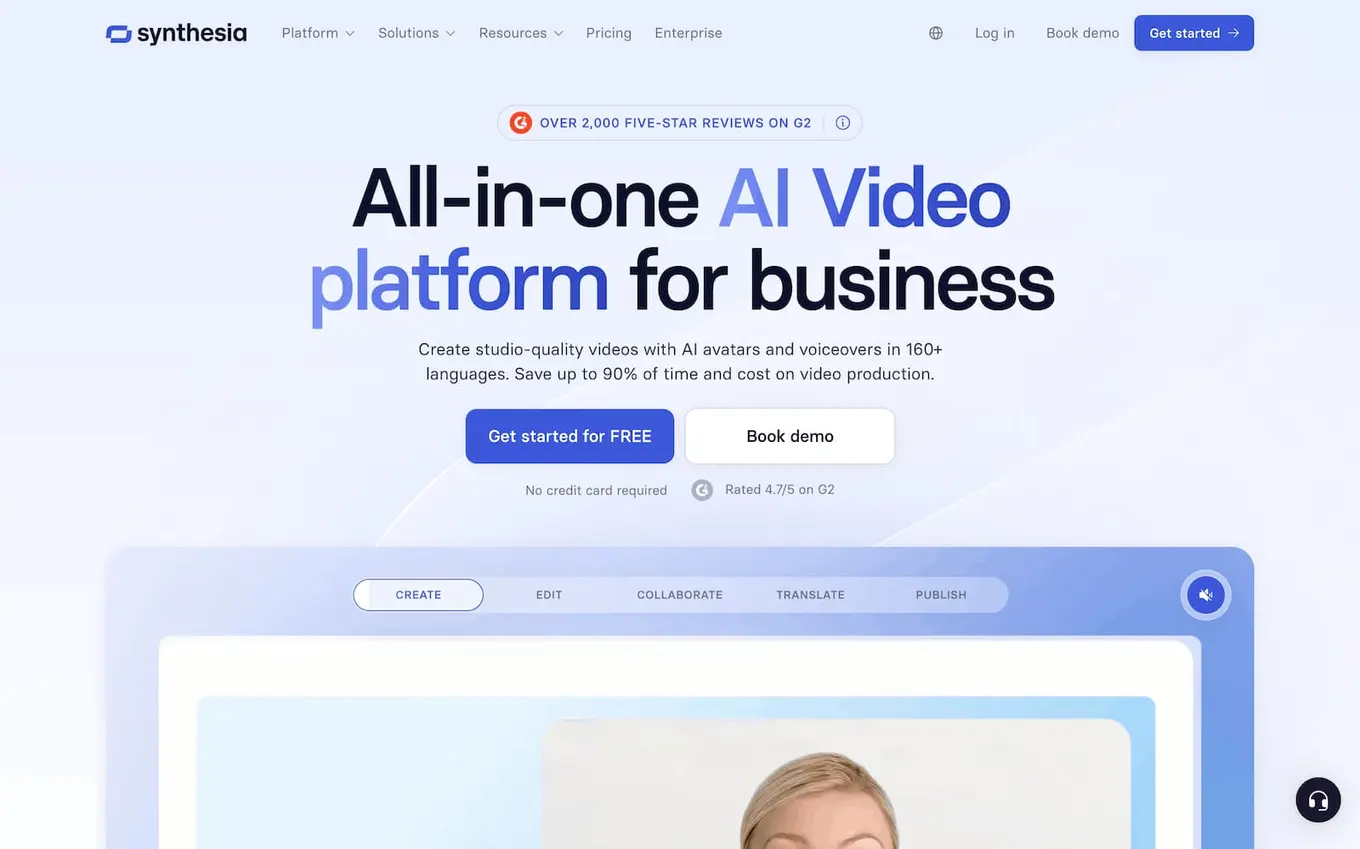
Synthesia is the established player in AI avatar video, with strong multilingual support that makes it useful for brands publishing the same content across languages.
It and HeyGen cover similar ground, so most teams pick one. Synthesia tends to win on ease of use and language coverage; HeyGen on flexibility. Try both with their free minutes and keep whichever fits your content.
Best for: Multilingual explainer and training video
Pricing: Free plan available (for 10 minutes per month); premium plans start at $19/month
12. ElevenLabs: Voiceovers that sound human
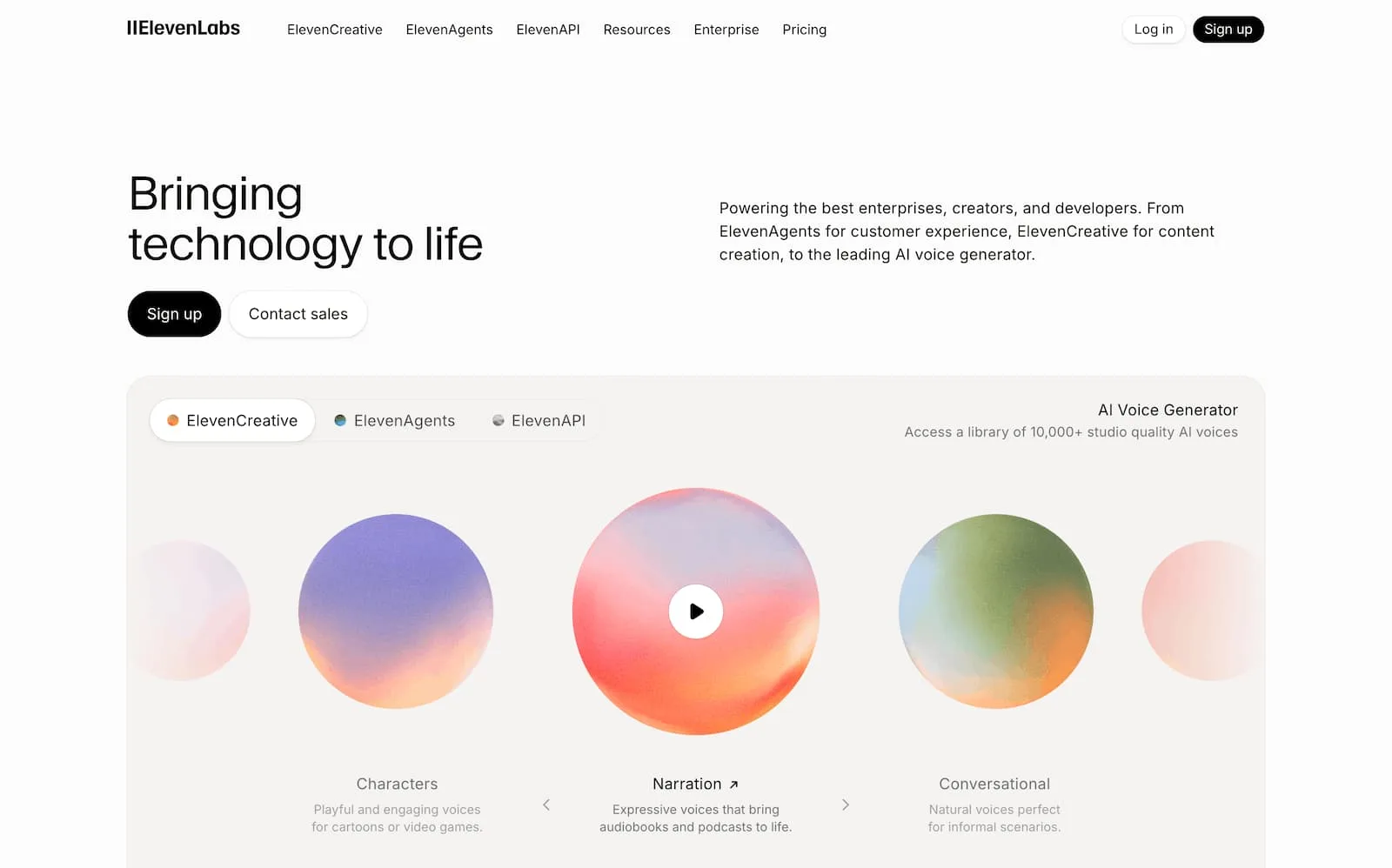
ElevenLabs produces the most natural AI voice available right now, with voice cloning and support for 30-plus languages. For faceless content, narration, dubbing, or accessibility, it’s best-in-class, and it’s replaced older voiceover tools for most teams. And the entry price is low enough that it’s an easy addition to a video workflow.
Best for: AI voiceover and narration
Pricing: Free plan available; premium plans start at $6/month
13. Runway: Raw text-to-video and effects
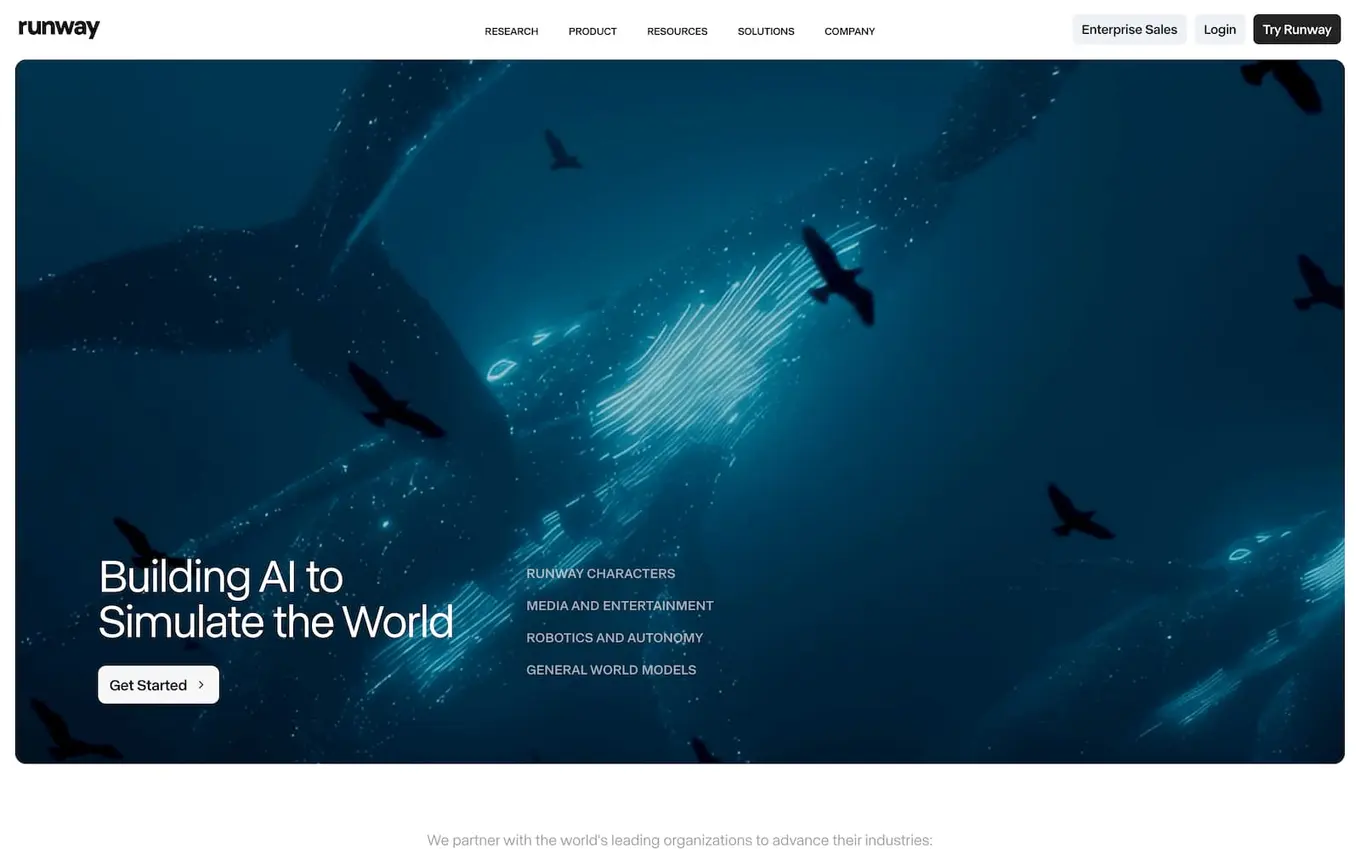
When you want to generate video from scratch rather than animate an existing asset, Runway is a leading standalone option, alongside Google Veo and OpenAI’s Sora. It’s built for more creative, effects-driven work and gives you control that a quick in-platform generator doesn’t.
If you’re producing a lot of original AI video, it belongs in the stack. If you mostly need fast, publish-ready clips tied to your posts, you may find Vista Social’s built-in generation covers it without another subscription.
Best for: Original, effects-heavy AI video
Pricing: Free plan available; premium plans start at $15/month
14. Grammarly: The last pass before you publish
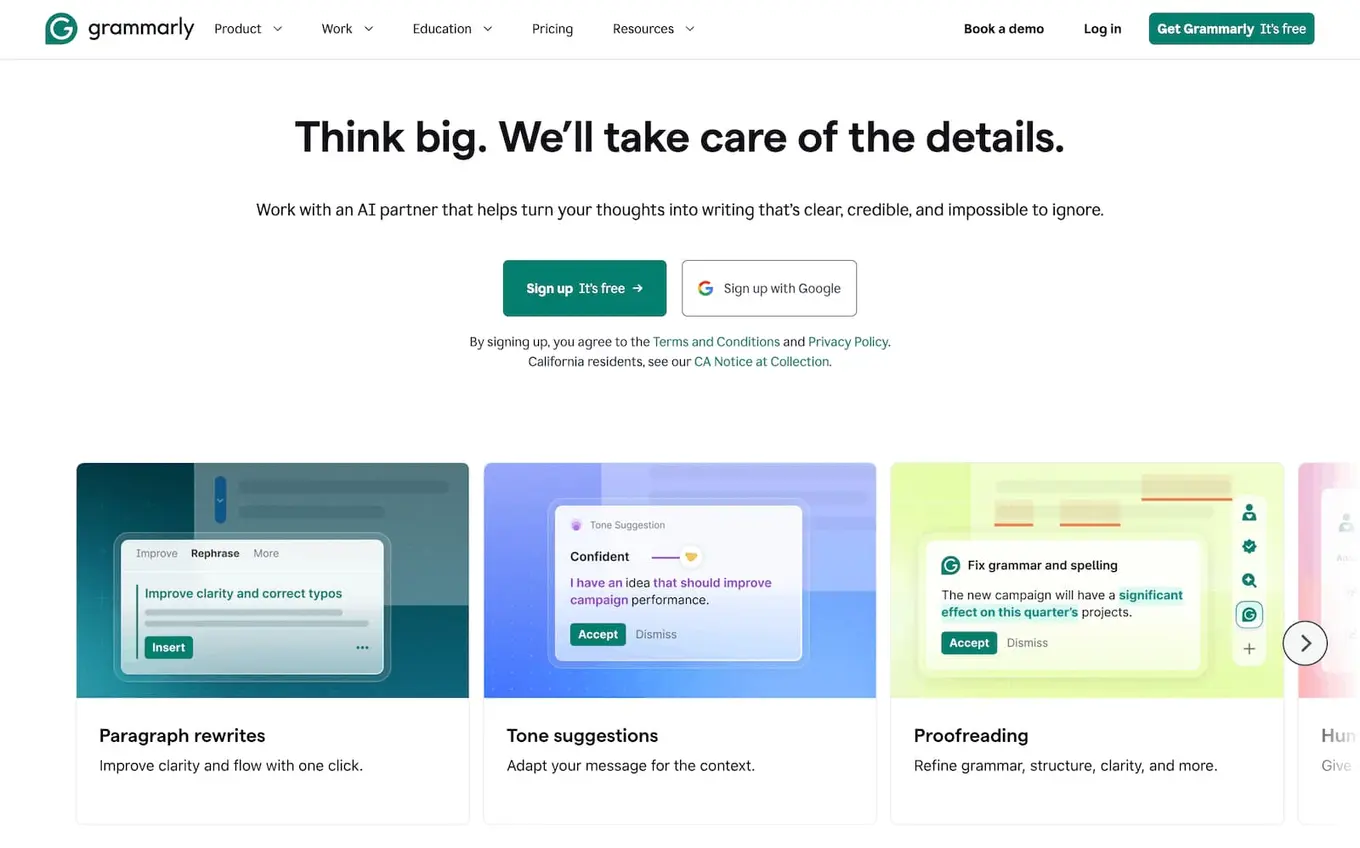
Grammarly has grown past spell-check into a generative writing assistant, but its real value for social teams is still the final pass. It catches the typo before it goes live, flags a tone that reads wrong for the platform, and keeps a team’s writing consistent. Grammarly works across nearly everywhere you write, which is why it stays installed long after people stop thinking about it.
Best for: Catching errors and tightening tone before posting
Pricing: Free plan available; premium plans start at $12/month

Try Vista Social for free
A social media management platform that actually helps you grow with easy-to-use content planning, scheduling, engagement and analytics tools.
Get Started NowAbout the Author

Content Marketing @ Vista Social
Chloe West is a content marketing manager for Vista Social. She has over seven years of experience in digital marketing for B2B SaaS companies. When she's not working, you'll find her spending time with her family, reading a book, or watering her plants.