


Published on August 24, 2026
6 min to read
Intoducing Vista Work: Project Management Built Into Social

Summarize with AI

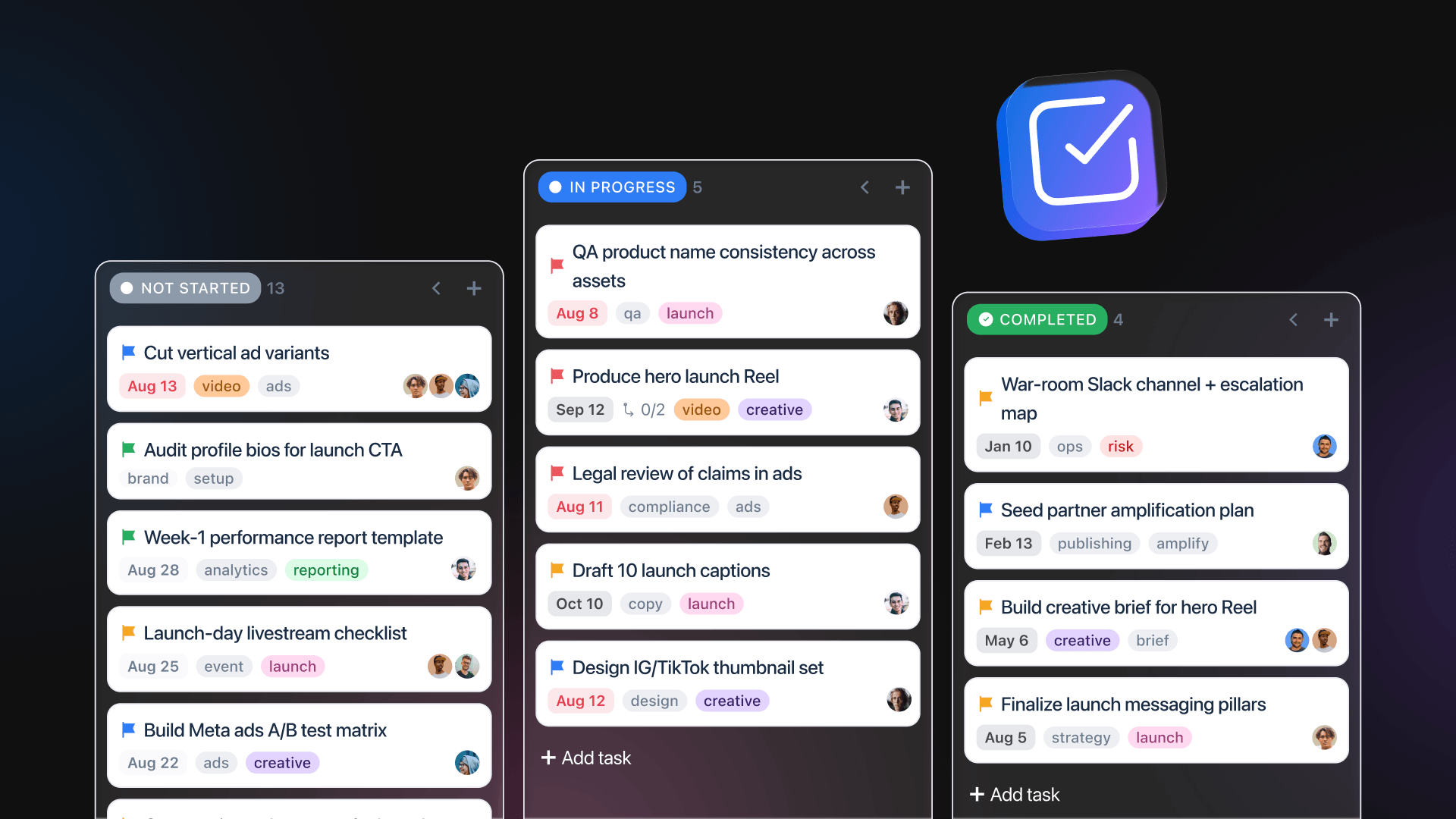
Table of contents
Summarize with AI

ChatGPT

Claude

Perplexity
Share

Vista Social

X (Twitter)


Vista Work is available today on all Vista Social paid plans at no extra cost, with no separate seat or workspace to provision.
Access it from the Work menu in your sidebar. If you can post, you can manage the work behind that post, starting today.
Table of contents
The work behind your content finally has a home
Every social team runs the same split: content lives in Vista Social, but the work about that content lives somewhere else. A board in one tab, a composer in another, and you in the middle copying context between them.
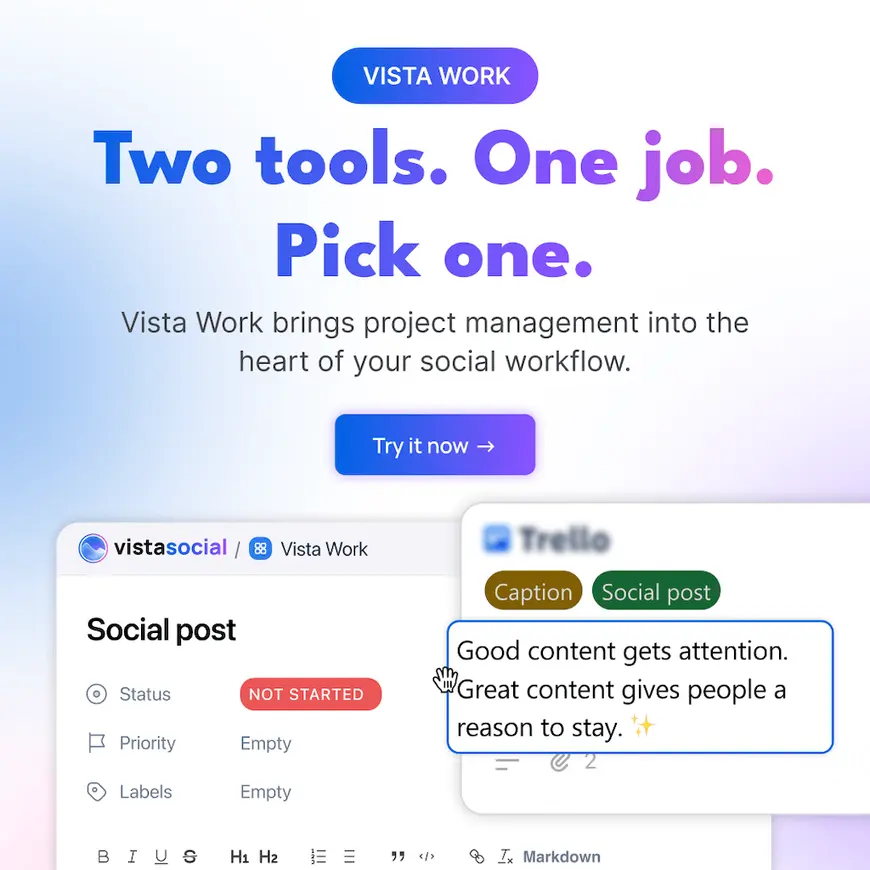
Vista Work closes that gap. Plan, assign, and track the work behind every post, conversation, review, and campaign in the same tool where the posts live. One workspace. One login. One source of truth.
No more recreating tasks that already exist. No more explaining which client, which post, which conversation. The task knows because it carries a live link back to the social item that created it.
What just changed
- The second tool is gone: The project board and the social platform are the same platform now. Your team stops paying twice, learning twice, and updating twice.
- Tasks know what they’re about: Every task links to the post, inbox conversation, review, report, listener, or automation behind it. Click a task, land on the source. No hunting.
- Work creates itself: An Instagram DM becomes a task through an automation. Inbox messages, listening matches, and macros spin up tasks without anyone copying and pasting. The composer can create a linked task for every post it publishes.
- A cleaner personal queue: Open My Work to see today’s assignments, upcoming deadlines, and overdue work across every project and client.
- It’s deliberately simple: Projects, tasks, boards, and calendars. No Gantt charts, no formula fields, no wiki sprawl. This is the antidote to PM tools your team dreads opening.
What you can do right now
My Work: one screen, every client
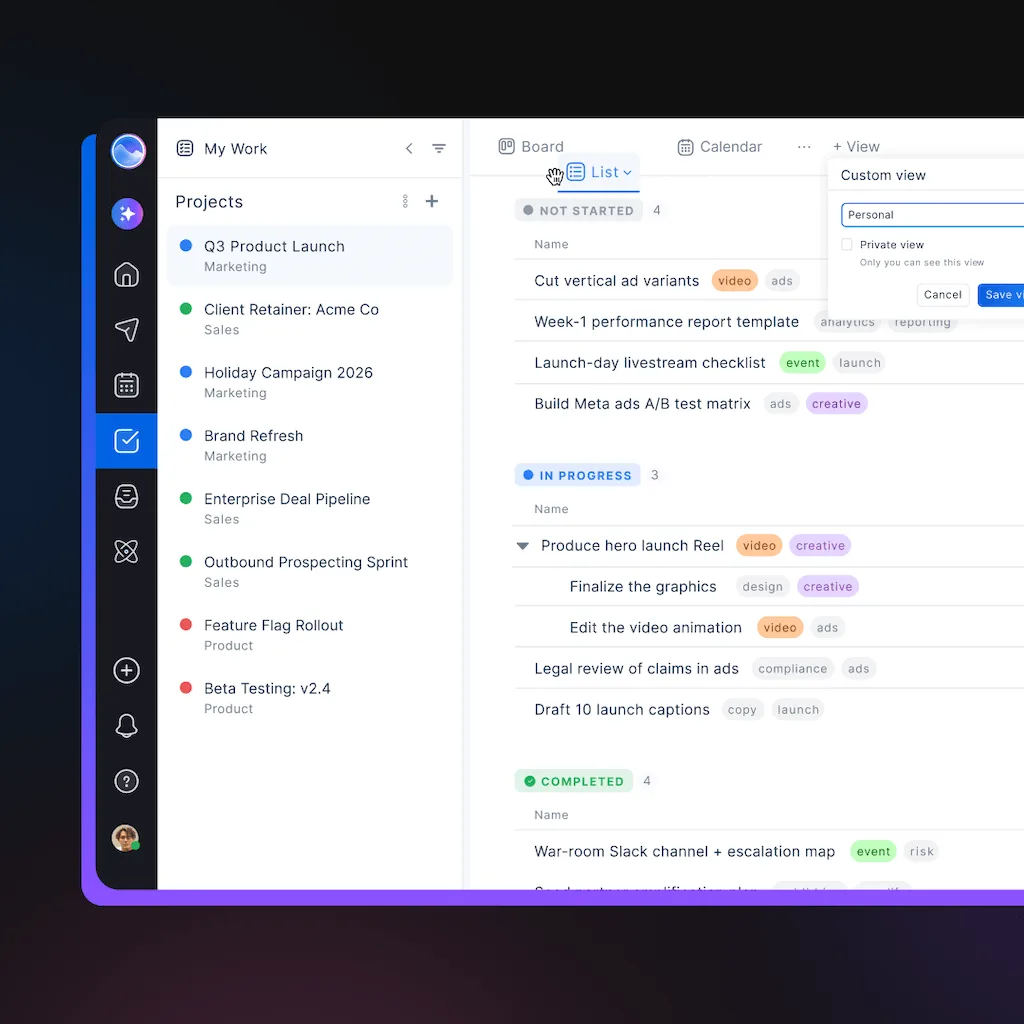
My Work brings your assignments together across every client, brand, and project. It separates work due today from upcoming and overdue, so an agency SMM can plan the day without opening each client board.
A community follow-up, a Reel approval, and a report can share one personal queue while staying inside their original projects.
Projects shaped around your team
Create a project for a client, brand, campaign, or internal team. One profile group can support several projects, so a large account can separate always-on content from a product launch or community work.
Each project gets its own statuses and custom fields. Add text, number, date, dropdown, checkbox, or link fields to track whatever matters to that client: market, campaign code, legal owner, final asset.
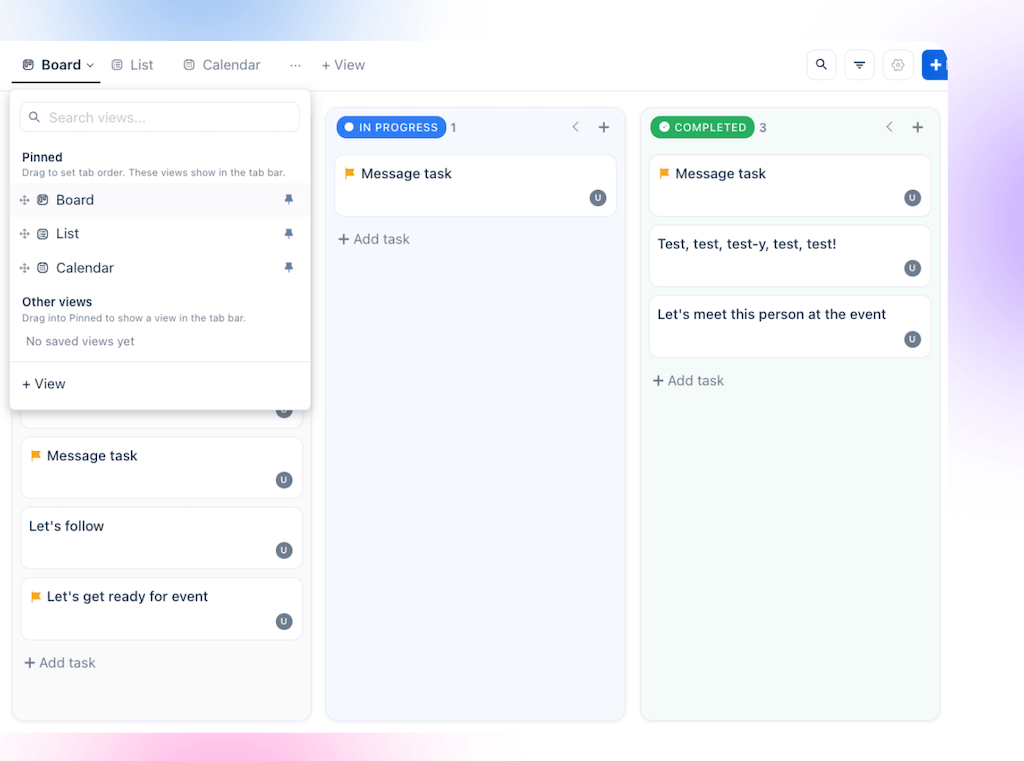
Three views of every project: Board (kanban), List, and Calendar. Save views the whole team shares, switch between them without losing context.
Tasks with enough context to act
Multiple assignees, priorities, labels, due dates with time and timezone, rich text descriptions, media library attachments, subtasks, checklists, comments with @mentions, and custom statuses per project.
| When you need to | Use this in Vista Work |
| Break a deliverable into smaller steps | Subtasks and checklists |
| Share responsibility | Multiple assignees and @mentions |
| Match a client process | Custom statuses and fields |
| Keep approved creative nearby | Media library attachments |
| Coordinate across regions | Due dates with time and timezone |
Notifications respect your settings: assignment, mentions, due soon, and morning-after overdue reminders across email, in-app, browser, and Slack. Each teammate picks what works for them.
Create a task from anywhere: Shift+T
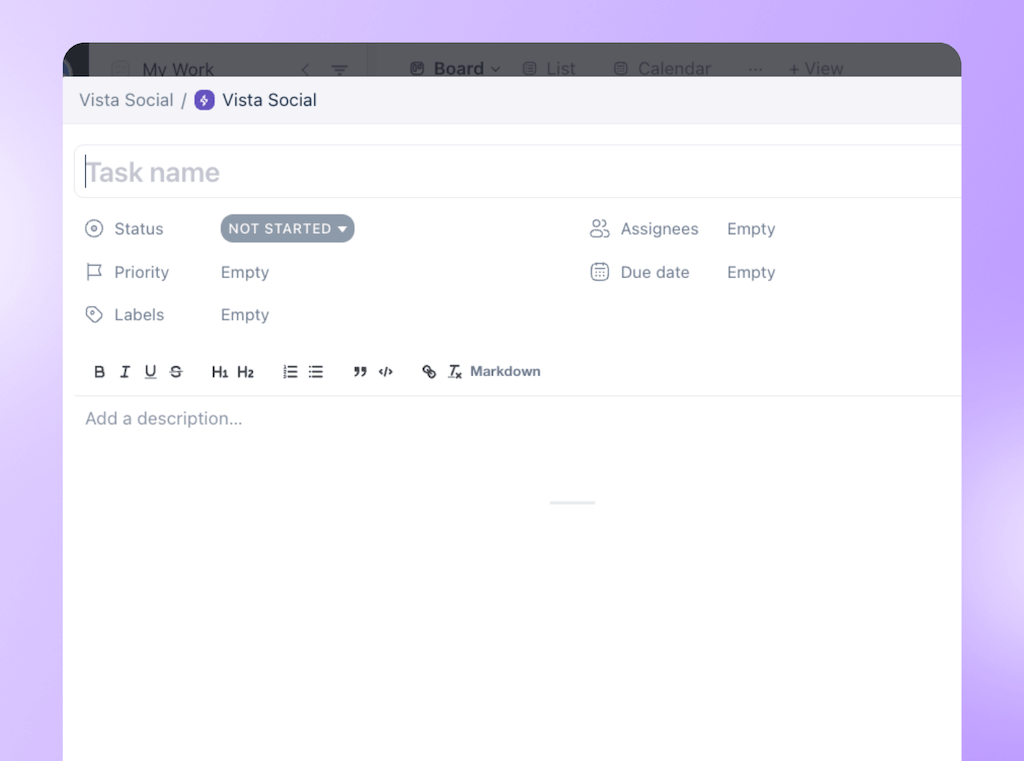
Press Shift+T on any screen in Vista Social. The task automatically links to whatever you’re looking at: an inbox conversation, a scheduled post, a review, a report, a Vista Page, a listening result, an automation, or advocacy content.
The assignee works from the current source rather than an old screenshot or rushed summary. A task created from a report preserves its selected filters, so the next person doesn’t rebuild the view.
The 30-second pitch
Open an inbox conversation. A customer asks for a spec sheet under your latest Reel. Create a task, assign the designer, set Friday as the due date.
The task carries a live link back to the original conversation. The designer opens it, reads the customer’s exact words, sees which profile received it, and delivers the asset. No Slack message asking, “Which post was this about?” No screenshot pasted into a card.
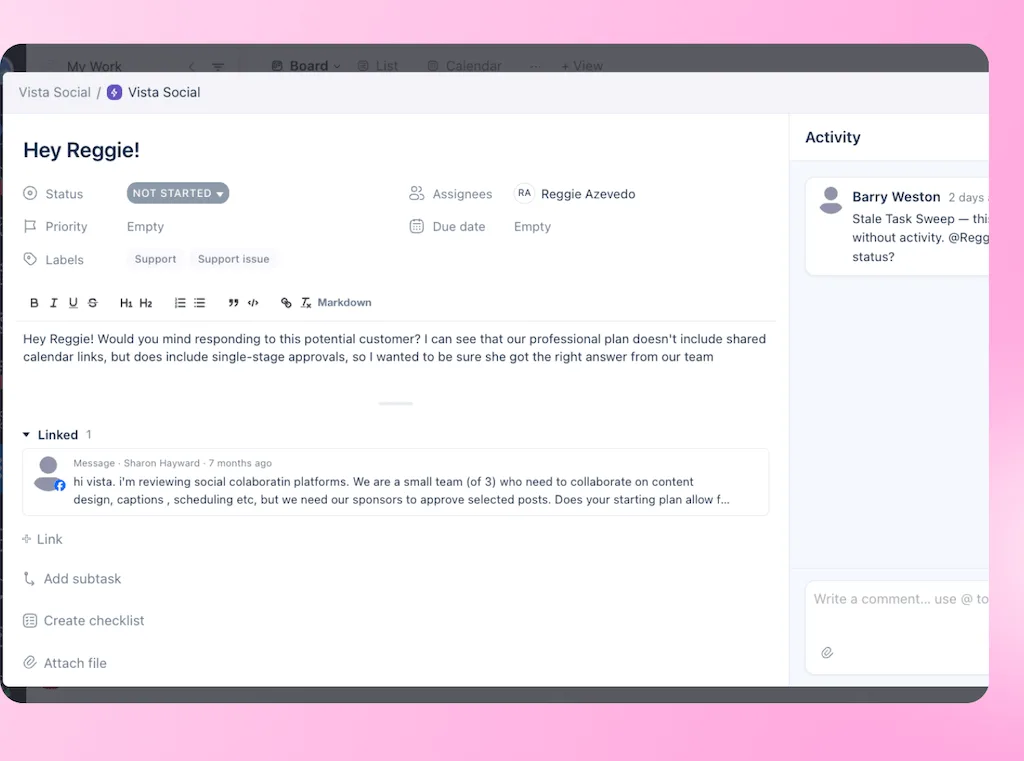
Then open My Work. Everything due today, across all your clients, on a single screen. No back-and-forth, no lost context, just the work that needs doing.
Work that creates itself
Some assignments should begin when a social event happens. Vista Work can create those tasks through automations, so repeatable follow-ups don’t depend on somebody copying them into a board.
An Instagram DM can trigger a task. Inbox messages, listening matches, and macros can also create work, while the composer can make a linked task for every post it publishes.Use those workflows to:
- Assign sales-ready DMs to the teammate handling social leads.
- Send sensitive comments into a review queue with a due date.
- Turn relevant listening matches into community or PR follow-ups.
- Create a post-publish check for content that needs close monitoring.
Start with one event and choose a clear owner, then check the first few tasks before expanding the automation.
AI belongs here too
Ask Vista and your connected AI tools can read, draft, and organize tasks right alongside your team. Let AI handle the administrative heavy lifting, such as triaging inbox requests or tagging priority items. All this happens while your human team keeps full control over approvals and strategy.
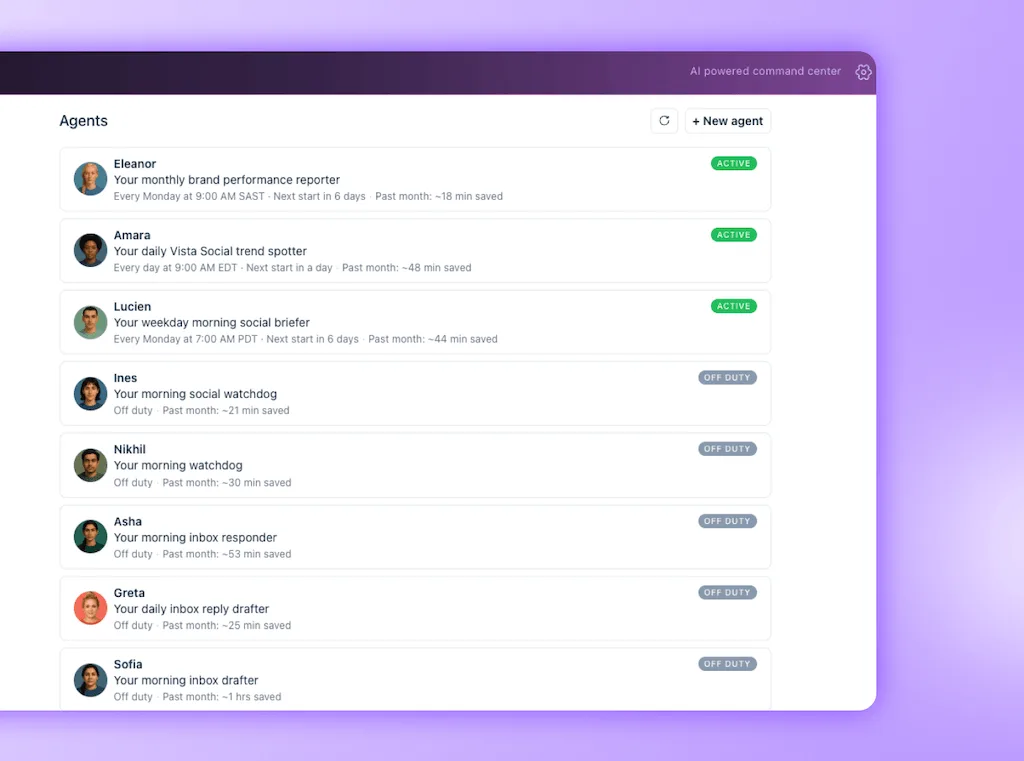
The pattern is simple: AI handles task administration, humans decide what matters. An agent might prepare the day’s queue, but the social team still decides what deserves attention and what reaches the public.
For agencies: drop your second PM tool
You’re paying per seat for a project board, then paying per seat for Vista Social, then spending your team’s hours keeping them in sync. Every client is two sets of tasks, two sets of statuses, two places to check.
Vista Work is included. Every teammate who can post can also manage work. Same clients, same profile groups, same permissions. One vendor, one invoice, one place to train new hires.
Set up each client with its own project, custom statuses that match their approval flow, and fields that track what matters to them. The process stays consistent where it should and flexible where it needs to be.
For more ways to structure client access and workflows, explore Vista Social for social agencies.
Why this isn’t just another project board
General project tools handle owners, dates, dependencies, and cross-department planning well. Keep them for company launches, staffing, budgets, and projects that extend far beyond social.
Those platforms don’t own your social data, so a task only carries information about a post, DM, inbox conversation, or approval when somebody adds it. That extra coordination matters when workflow and approval problems are already common. A benchmark study found that 33% of B2B marketers considered managing workflow issues or content approvals a challenge.
Vista Work keeps the social source attached to the task. The assignee can see what started the work, open the current post or conversation, and act with the original context in front of them.
Use Vista Work for the social part of your operation. When an assignment begins with a post, message, review, idea, report, listening result, or automation, the task can stay beside its source.
Get started with Vista Work
Already a Vista Social customer?
Open it now. Click Work in your sidebar. Create your first project, drag one workflow out of your old PM tool, and see how many “which post is this about?” questions disappear by Friday.
New to Vista Social?
Start free and manage social content and its supporting tasks in one tool. Fourteen days, no credit card, and no automatic charge. Vista Work is included from day one on every paid plan.
The next time a comment turns into a design request, create the task before you leave the conversation. Your designer gets the original context, your manager can see the deadline, and you can keep moving without rewriting the request in another tool.
Try Vista Social for free
A social media management platform that actually helps you grow with easy-to-use content planning, scheduling, engagement and analytics tools.
Get Started NowAbout the Author

Content Writer
Orion loves to write content that refuses to be boring. As part of Vista Social, he helps brands, creators, and agencies stop doom scrolling and start winning with social media. When he's not in front of a keyboard, he's watching films in IMAX with his wife, dissecting football tactics (the European kind), and getting lost in a good book.