

Published on January 19, 2023
1 min to read
Tagging Locations and Users on Social Posts with Vista Social

Summarize with AI

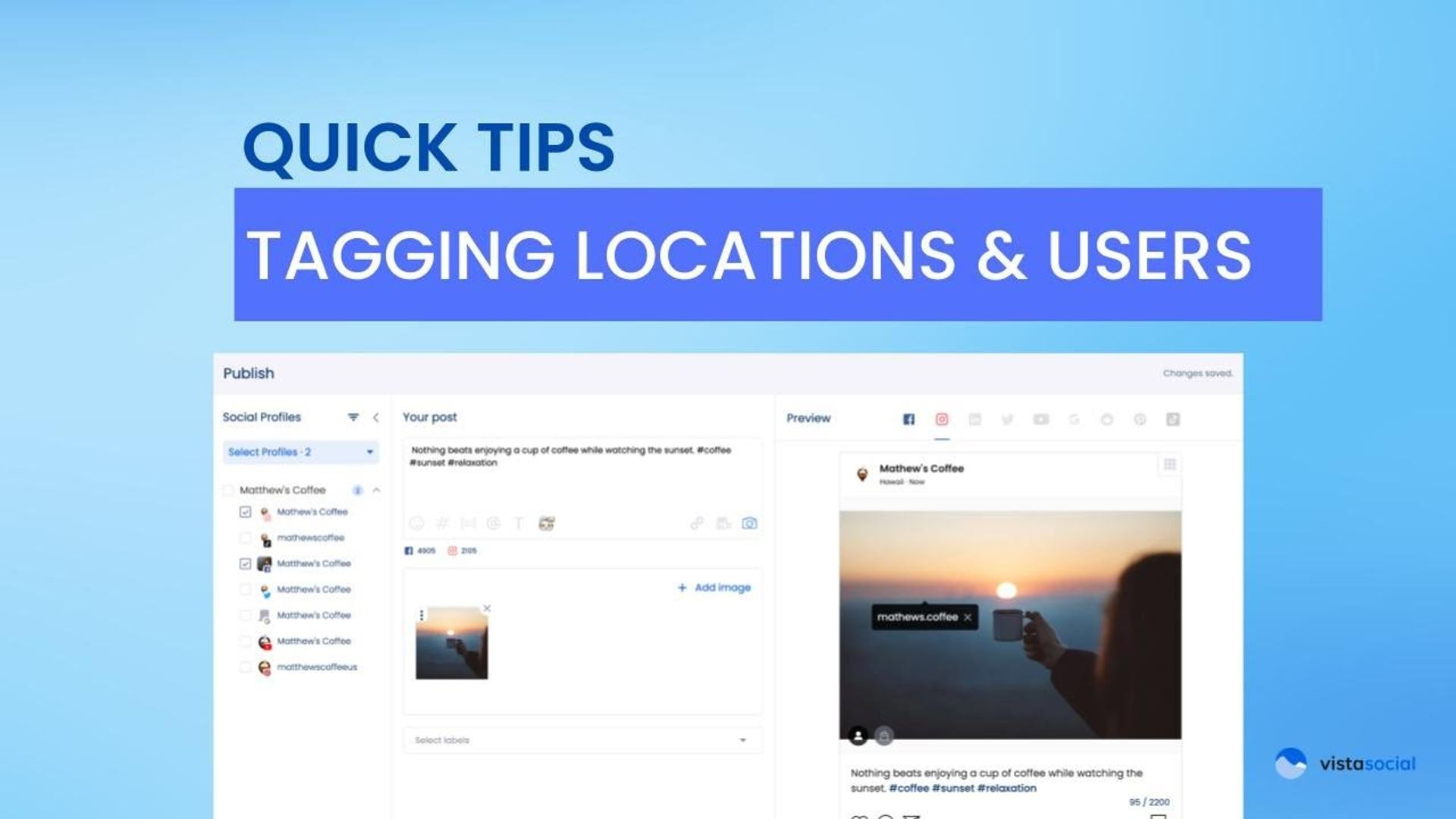
Table of contents
Summarize with AI

ChatGPT

Claude

Perplexity
Share

Vista Social

X (Twitter)


Hey, Reggie here with Vista Social’s product team. This video is going to help you do location tagging as well as tagging users on your posts.
So, I have my composer open up here, my publisher. I’ve got a video attached. Now, what I want to do is maybe I want to tag my location here on this Instagram post.
Table of contents
How to Tag Users in Photos
Now, on the preview side, on the right hand side here, for Instagram, I can click anywhere on this photo. I can click on tag a user. You can type in the username of that profile that you want to tag.
That’s it. When this post gets published through Vista Social, you’ll see it natively on Instagram. It’ll have the location tag, in my case Hawaii. I’ll also see any users that I’ve tagged in the photo as well.

Try Vista Social for free
A social media management platform that actually helps you grow with easy-to-use content planning, scheduling, engagement and analytics tools.
Get Started NowAbout the Author

Content Writer
Russell Tan is a content marketing specialist with over 7 years of experience creating content across gaming, healthcare, outdoor hospitality, and travel—because sticking to just one industry would’ve been boring. Outside of her current role as marketing specialist for Vista Social, Russell is busy plotting epic action-fantasy worlds, chasing adrenaline rushes (skydiving is next, maybe?), or racking up way too many hours in her favorite games.
Loading related tools...




Tools
PublishingAnalyticsEngagementIntegrations
FacebookInstagramLinkedInRedditSnapchatThreadsTikTokX (Twitter)YouTubeBlueskyVista Page (link-in-bio)All IntegrationsCopyright © 2026 Vista Social LLC. All Rights Reserved.