


Table of contents
Share

Vista Social

X (Twitter)


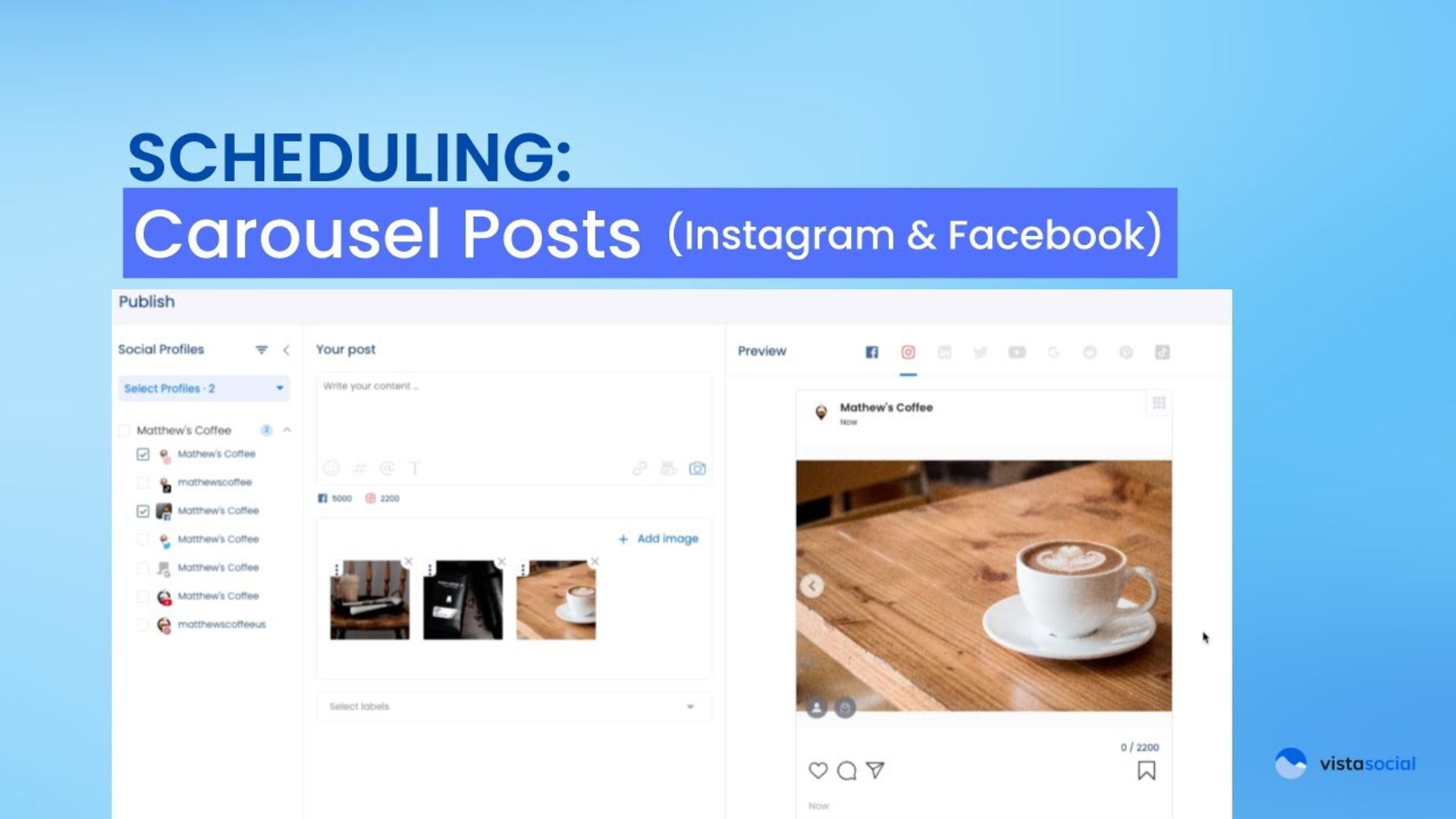
Scheduling Carousel posts to Instagram and Facebook is super simple with Vista Social. We can start in the media library.
Table of contents
Creating Image Carousels from Media Library
I will filter based on images and maybe just select the first couple of images here. At the bottom here, I can click on “create a post” and all of these images will get added to the composer. Now, by default, if we look at this Instagram preview on the right hand side, it has already determined, “Hey, this is a multi-image post, this is going to be a Carousel.”
Setting Up Facebook Carousel Posts
On the top there, we can select Facebook as a network to make that customization as well. By default on Facebook, it is publishing in a grid fashion, but under this “publish as” area, we can switch that over to a Carousel. You can cycle through and get a preview.
Creating Video Carousels
Now, keep in mind, you can do the same thing with videos. I’ll go ahead and attach from my media library, select a couple of my videos here and attach them to this post. On Instagram here, we can see that this has defaulted into a carousel post with these videos as well.
About the Author

Content Writer
Russell Tan is a content marketing specialist with over 7 years of experience creating content across gaming, healthcare, outdoor hospitality, and travel—because sticking to just one industry would’ve been boring. Outside of her current role as marketing specialist for Vista Social, Russell is busy plotting epic action-fantasy worlds, chasing adrenaline rushes (skydiving is next, maybe?), or racking up way too many hours in her favorite games.