

Published on January 16, 2026
11 min to read
Top 18 Social Media Automation Tools to Power Your Workflow

Summarize with AI

Table of contents
Summarize with AI

ChatGPT

Claude

Perplexity
Share

Vista Social

X (Twitter)


If you want to keep up with social media in 2026, automation isn’t just helpful anymore—it’s absolutely essential.
Let’s be honest about what we’re dealing with here. With more than 5.24 billion people worldwide using social media, the pressure to maintain a consistent presence across multiple platforms has never been higher. Manual posting, responding to comments, and tracking performance can easily consume your entire workday.
With social media automation, you’re able to free up your time so you can focus on strategy and building genuine connections with your audience. The best tools handle repetitive tasks like scheduling and basic responses, so you can spend energy on what really matters.
In this guide, we’ll break down 18 automation tools that can transform your workflow and help you choose the right platform for your team.
Table of contents
Top 18 social media automation tools to power your workflow
Now that you know what automation can do for you, let’s dive into the tools that can actually make it happen. We’ve researched dozens of platforms to bring you the 18 best options for different needs and budgets. Whether you’re a solo creator just getting started or managing social media for a large enterprise, there’s something here that’ll work for your situation.
Remember that each tool has its own strengths, and the “best” choice really depends on what you’re trying to accomplish. Some excel at visual content planning, others shine with customer service automation, and a few go all-in on conversation automation that can actually generate leads while you sleep.
Vista Social
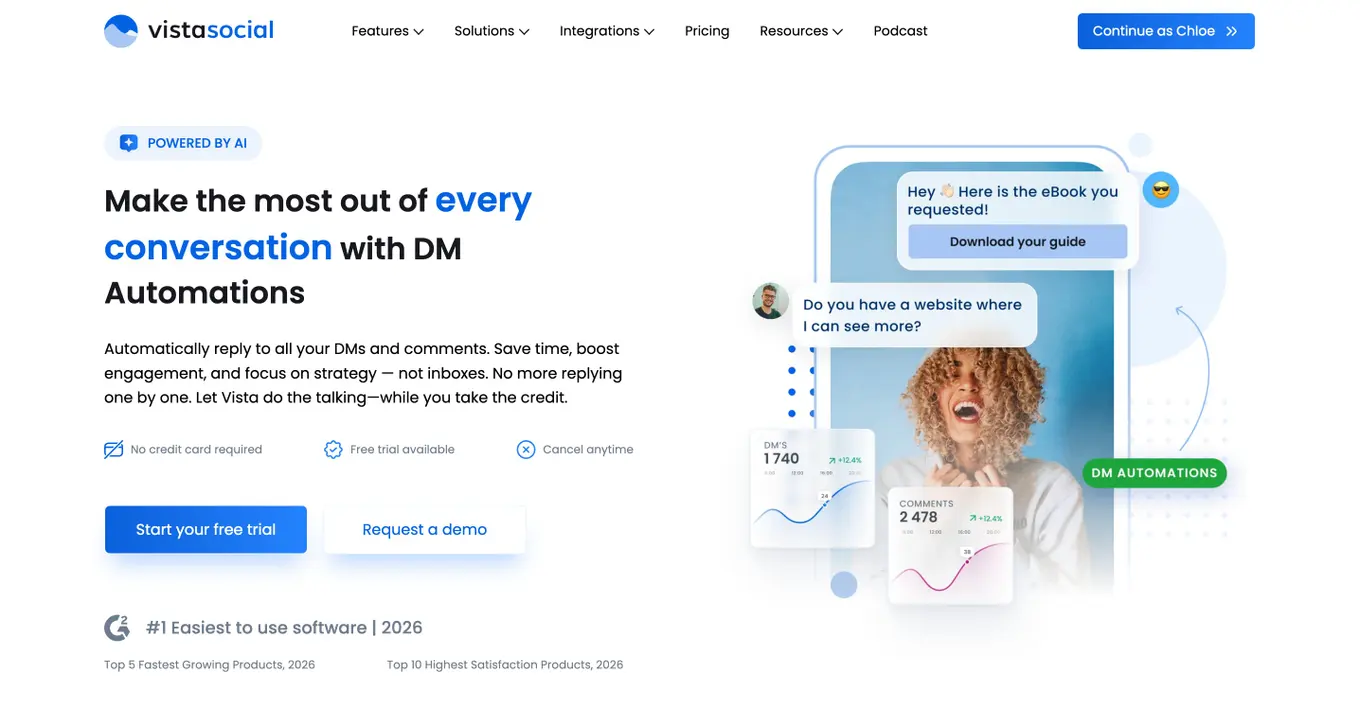
Best for: Teams that need comprehensive automation features with advanced DM capabilities and affordable pricing
Vista Social stands out because it actually automates conversations, not just posts. The tool combines powerful scheduling with advanced DM automation that can collect leads, answer questions, and guide followers through custom sequences. This isn’t just about posting content—it’s about having real conversations with your audience while you focus on bigger picture stuff.
The DM feature can detect when someone asks about pricing and automatically send them a link to your services. It collects email addresses, shares resources, and even boosts follower counts through automated engagement sequences. If you want to automate more than just posting, Vista Social gives you the most bang for your buck.
Key features:
- DM automation with AI intent detection
- Automated post scheduling across all major platforms
- Lead collection through automated conversations
- Automated comment responses
- Inbox macros for faster customer service
- Automated reporting and analytics
- Integration with Zapier and Make for workflow automation
- Client onboarding automation for agencies
- SMS campaign automation
Pricing: These prices are for annual billing.
- Professional: $64/month
- Advanced: $120/month
- Scale: $304/month
- Enterprise: Custom pricing
Manychat
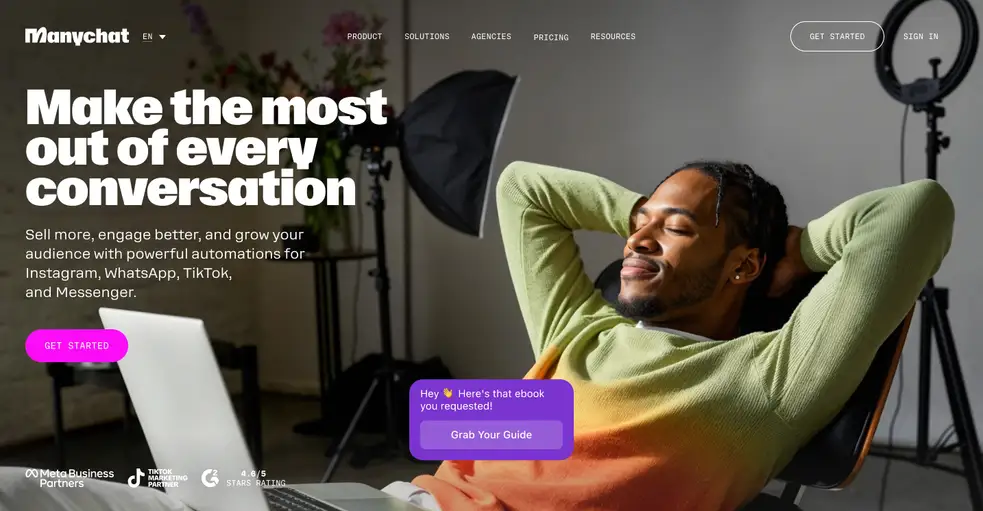
Best for: Businesses focused on Instagram and Facebook automation for lead generation
Manychat is the go-to tool for those “comment [keyword] for [link]” strategies that actually work. If you’ve ever seen a creator ask people to comment “RECIPE” to get a link, that’s often Manychat in action—though we’d be remiss if we didn’t mention that Vista Social can also do this exact automation (and more).
The platform excels at creating automated conversation flows that turn social media interactions into business opportunities, making it perfect for creators and small businesses focused on lead generation.
Key features:
- Instagram comment automation
- Facebook Messenger chatbots
- WhatsApp automation (limited)
- Lead collection workflows
- E-commerce integration
- Broadcast messaging
- Growth tools for follower acquisition
Pricing: Free plan available with basic features. Pro plans start at $15/month for up to 1,000 contacts.
Nuelink
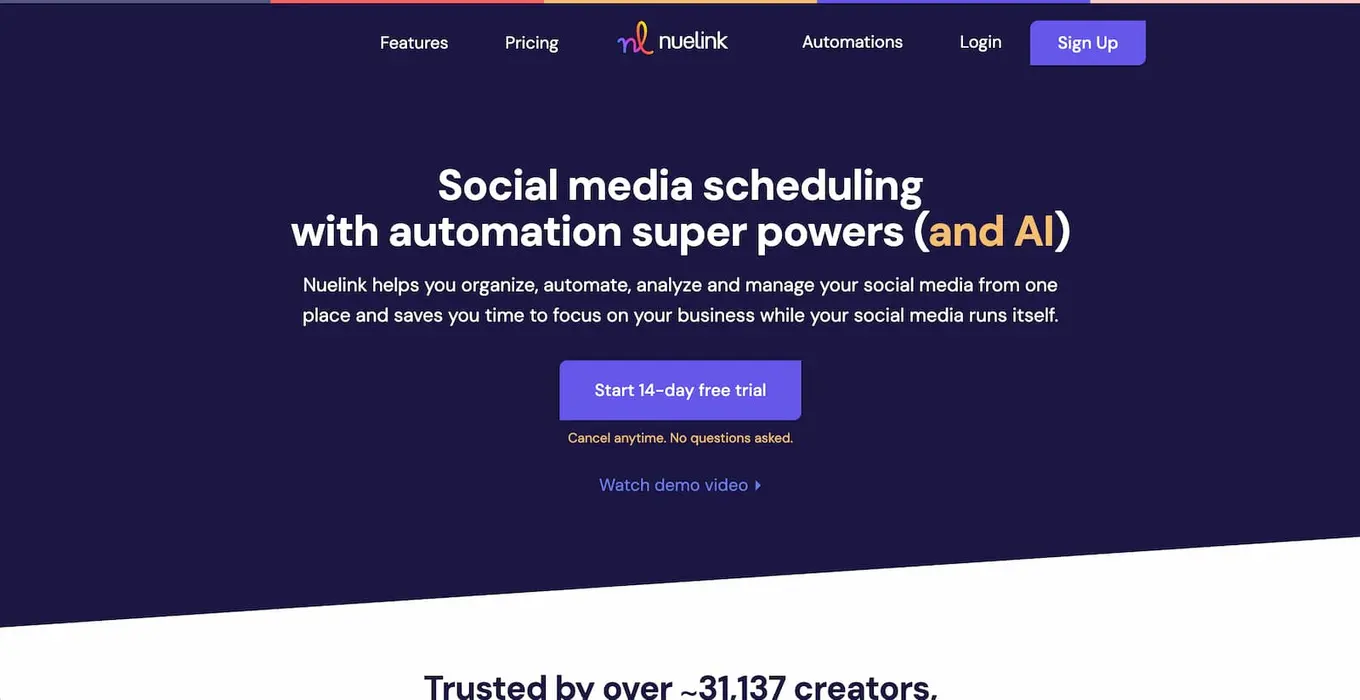
Best for: Businesses, agencies, and creators who want built-in automation, bulk scheduling, and AI-assisted social media growth without complexity.
Nuelink is designed to help you spend less time managing social media while still growing consistently. The platform combines advanced scheduling, automation workflows, and AI content assistance in one intuitive dashboard. Whether you’re managing multiple brands, running campaigns for clients, or scaling your own content, Nuelink focuses on efficiency — letting you plan months of content in minutes using bulk scheduling and smart automations. It also provides clear performance insights through advanced analytics, so you always know what’s working and what needs improvement.
Key features:
- Bulk scheduling and automation workflows
- Multi-platform publishing and cross-posting
- Advanced analytics and performance tracking
- AI caption and content generation (NueAI)
- Content recycling and evergreen automation
- Team collaboration and workspace management
- Media library and Canva integration
- Link-in-bio (Nuebio) integration
- Automated posting from RSS and external sources
Pricing: These prices are for annual billing.
- Standard: $12/month
- Premium: $30/month
- Business: $46/month
- Agency: $70/month
Sendible
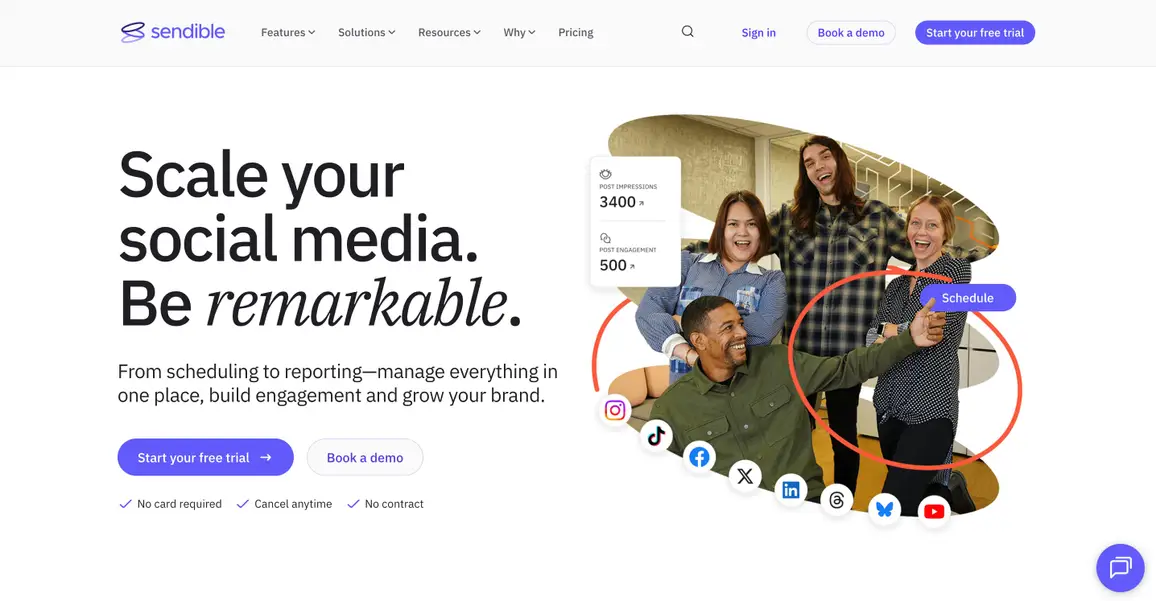
Best for: Agencies managing multiple client accounts with team collaboration needs
Sendible gets that agencies have different needs than solo creators. The platform offers robust agency features including client dashboards, team permissions, and white-label reports that you can send to clients without them knowing you’re using a third-party tool. It combines scheduling automation with client management features, making it ideal for agencies that need to manage multiple brands from a single dashboard without the chaos.
Key features:
- Multi-client dashboard management
- Automated post scheduling
- Client approval workflows
- White-label reporting automation
- Content curation feeds
- Social listening automation
- Team collaboration tools
- Custom branding options
Pricing: These prices are for annual billing.
- Creator: $25/month
- Traction: $76/month
- Scale: $170/month
- Advanced: $255/month
- Enterprise: $638/month
SocialBee
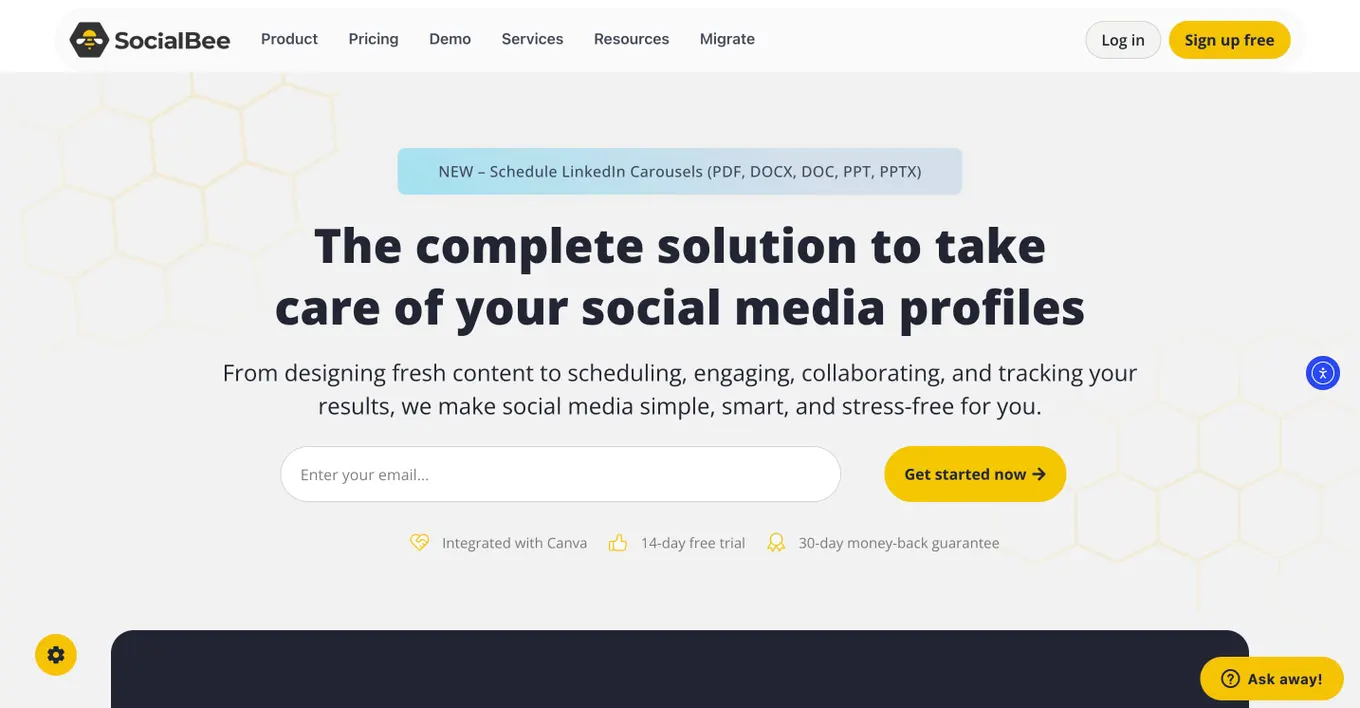
Best for: Content creators who want to automate evergreen content recycling
SocialBee’s secret weapon is its content category system that automatically recycles your best-performing posts. The AI Copilot can generate entire social media strategies automatically, which honestly feels like magic when you’re staring at a blank content calendar. This approach helps extend the lifespan of quality content while reducing the workload for busy social media managers who don’t want to constantly create new material.
Key features:
- Content category automation
- Evergreen content recycling
- AI strategy generation with Copilot
- Automated hashtag suggestions
- RSS feed automation
- Team collaboration features
- Performance analytics automation
Pricing: These prices are for annual billing.
- Standard
- Bootstrap: $24/month
- Accelerate: $40/month
- Pro: $82/month
- Agency
- Pro50: $149/month
- Pro100: $274/month
- Pro150: $374/month
SocialPilot
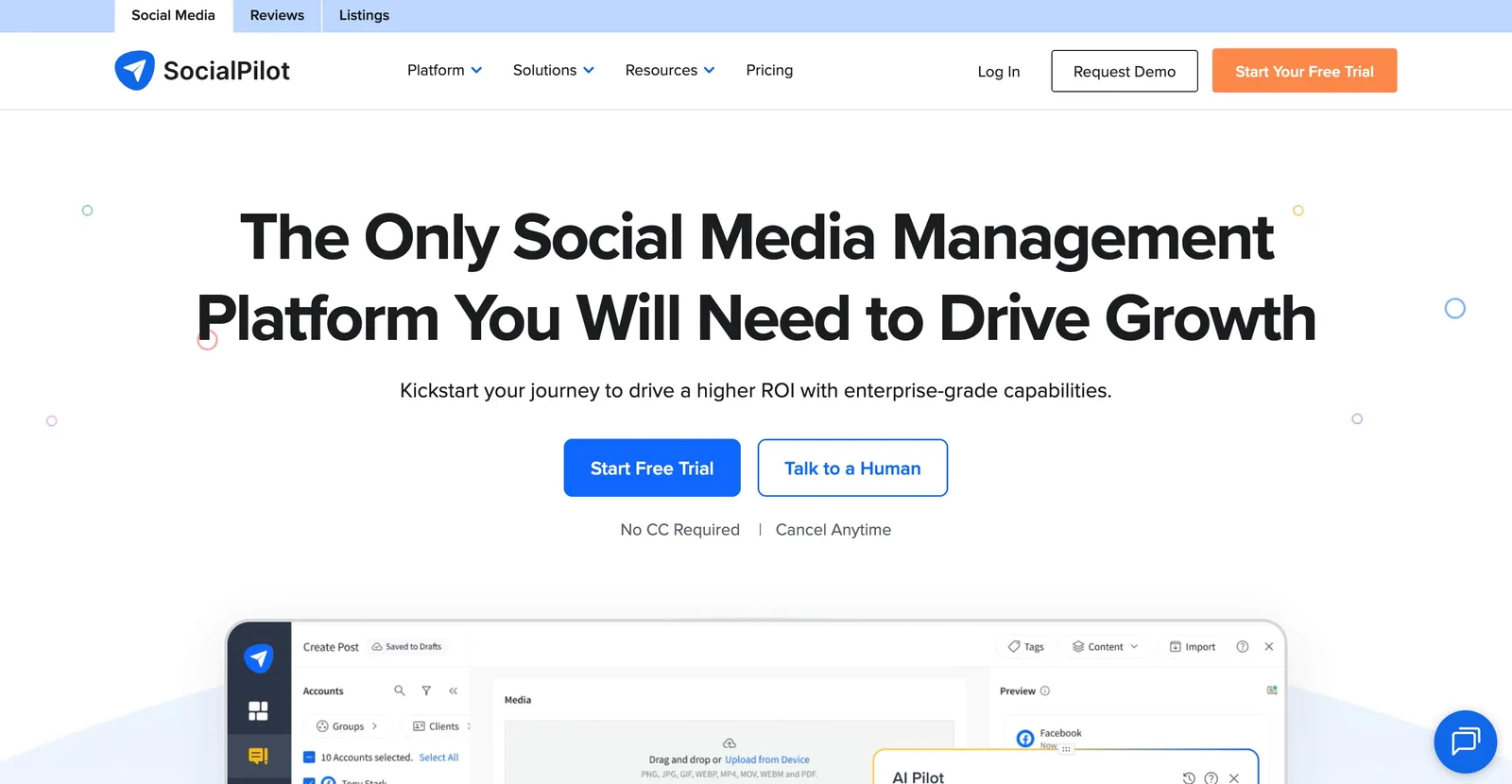
Best for: Agencies and teams that need bulk scheduling and client management
SocialPilot is built for volume. If you’re managing social media for multiple clients or brands, its bulk scheduling feature can handle hundreds of posts at once—which is a lifesaver when you’re trying to plan content for the entire month. The platform combines efficiency with comprehensive client management tools to streamline agency workflows without making you feel like you need a computer science degree.
Key features:
- Bulk content scheduling
- Client management dashboards
- Team collaboration tools
- Automated content curation
- Social media calendar automation
- Performance reporting automation
- White-label solutions
Pricing: These prices are for annual billing.
- Essentials: $25.50/month
- Standard: $42.50/month
- Premium: $85/month
- Ultimate: $170/month
Viraly
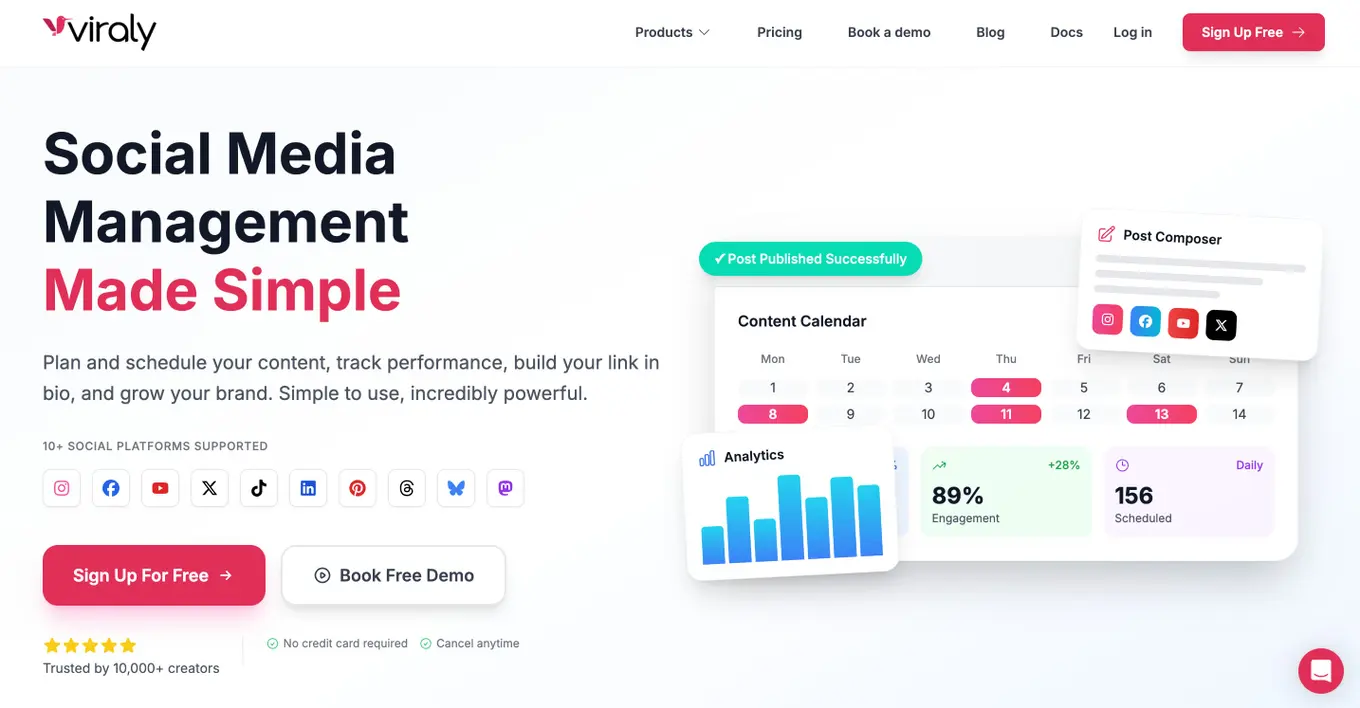
Best for: Small teams looking for powerful automation on a budget
Viraly proves you don’t need to spend a fortune to get solid automation features. The platform provides content recycling and automated scheduling with a generous free plan that actually works for small teams. It’s ideal for creators who want automation features without the enterprise-level price tag, offering essential tools that help maintain consistent social media presence without breaking your budget.
Key features:
- Automated content recycling
- Post scheduling automation
- Social media analytics
- Team collaboration features
- Content calendar management
Pricing: These prices are for annual billing.
- Free
- Influencer: $15.80/month
- Business: $40.80/month
- Agency: $82.50/month
Rella
Best for: Influencers and creators focused on Instagram automation
Rella gets that Instagram creators have specific needs that other platforms don’t always address. The platform specializes in Instagram automation with features designed specifically for content creators and influencers who want to grow their personal brand and engage with their audience more effectively through automated tools that don’t feel robotic.
Key features:
- Instagram-focused automation
- Content scheduling
- Analytics and insights
- Engagement automation
- Story scheduling
Pricing: These prices are for annual billing.
- Pro: $24/month
- Premium: $36/month
- Premium Plus: $48/month
Pallyy
Best for: Content creators who want visual planning with automation features
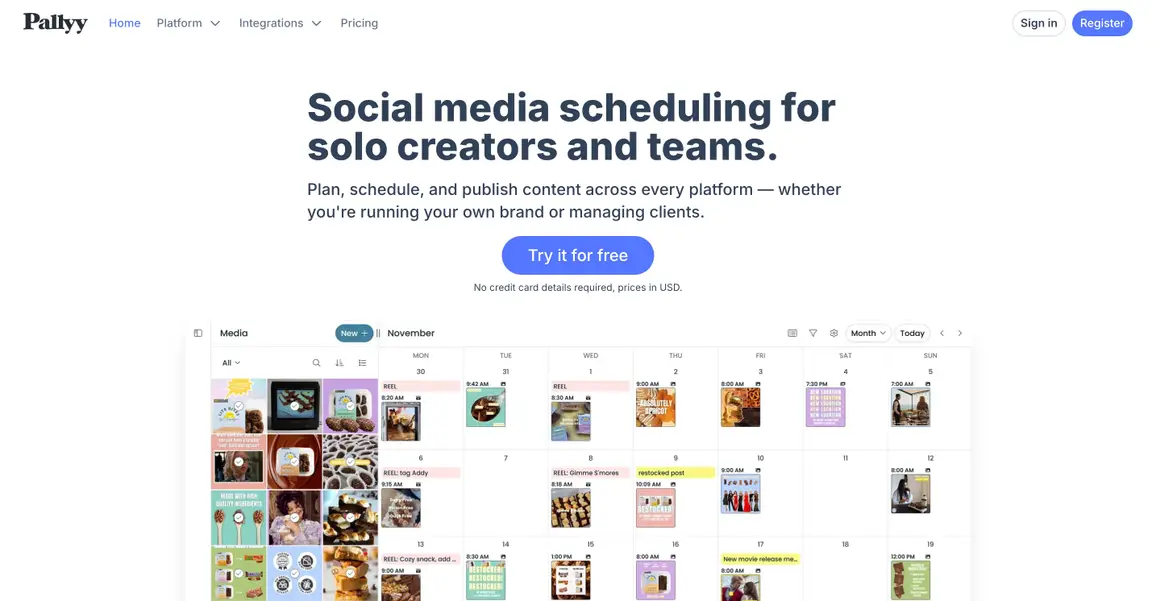
Pallyy takes a visual-first approach that makes content planning feel less like spreadsheet work and more like actual creative planning. Its drag-and-drop interface makes content planning intuitive, allowing creators to see how their feed will look before posts go live. This visual approach helps maintain aesthetic consistency while automating the publishing process—perfect for brands where visual cohesion matters.
Key features:
- Visual content planning
- Automated post scheduling
- Content queuing system
- Analytics automation
- Team collaboration tools
Pricing: These prices are for annual billing.
- Starter: $12/month
- Pro: $20/month
- Agency: $70/month
- Scale: $165/month
ContentStudio
Best for: Teams that need content discovery and curation automation
ContentStudio solves the “what should I post today?” problem by automatically finding and suggesting relevant content from across the web based on your keywords and industry. This makes it perfect for teams that want to maintain an active social media presence by sharing a mix of original and curated content without spending hours searching for relevant articles and posts to share.
Key features:
- Automated content discovery
- RSS feed automation
- Social media scheduling
- Content curation tools
- Competitor content tracking
- Automated analytics reporting
Pricing: These prices are for annual billing.
- Standard: $19/month
- Advanced: $49/month
- Agency Unlimited: $99/month
Metricool
Best for: Small businesses wanting comprehensive analytics automation
Metricool’s standout feature is its Autolists system that groups and schedules related content automatically. Instead of manually organizing every single post, you can create content buckets and let the tool handle the distribution. This approach helps small businesses maintain organized content strategies without needing dedicated social media staff to manually categorize and schedule posts throughout the week.
Key features:
- Automated analytics reporting
- Content Autolists for grouped scheduling
- Social media calendar automation
- Performance tracking
- Competitor analysis automation
Pricing: These prices are for annual billing.
- Free
- Starter: $18/month
- Advanced: $45/month
- Custom
Agorapulse
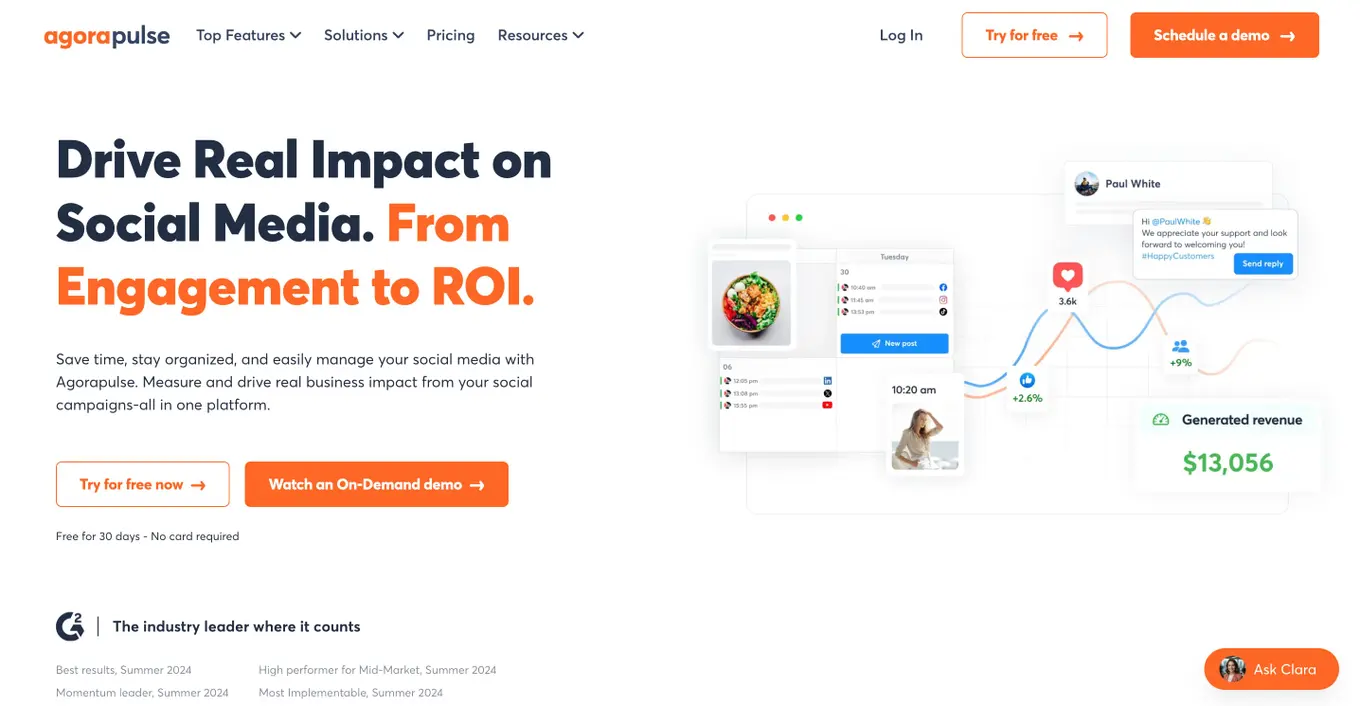
Best for: Businesses that need unified inbox automation for customer service
Agorapulse shines when it comes to customer service automation. The platform brings all social media conversations into one place and intelligently routes them to the right team members, making it ideal for businesses that prioritize responsive customer service across multiple social channels. No more missing important messages because they got buried in different platform notifications.
Key features:
- Unified inbox automation
- Automated message routing
- Social media scheduling
- Community management tools
- Automated reporting
- Team assignment features
Pricing: These prices are for annual billing.
- Standard: $79 per user/month
- Professional: $119 per user/month
- Advanced: $149 per user/month
- Custom
Hootsuite
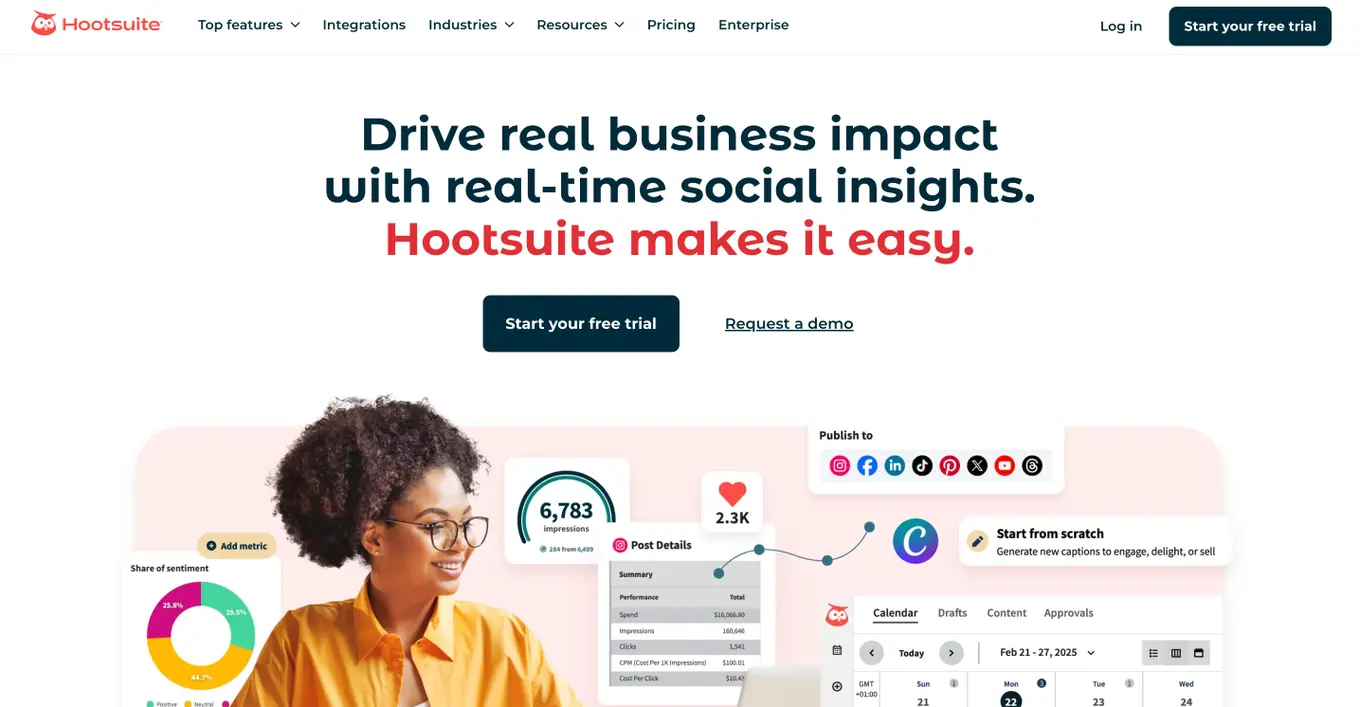
Best for: Large enterprises needing comprehensive social media automation
Hootsuite has been around forever for a reason—it works for big organizations that need enterprise-grade features. The platform offers extensive automation features for enterprise teams, including advanced social listening and automated workflows. As one of the most established platforms in the market, it provides enterprise-grade security and compliance features that larger organizations require for their social media operations.
Key features:
- Multi-platform scheduling automation
- Social listening automation
- Automated content curation
- Team workflow automation
- Enterprise-level reporting
- Advanced analytics automation
Pricing: These prices are for yearly billing.
- Standard: $99/month
- Advanced: $249/month
- Enterprise: Custom pricing
Sprout Social
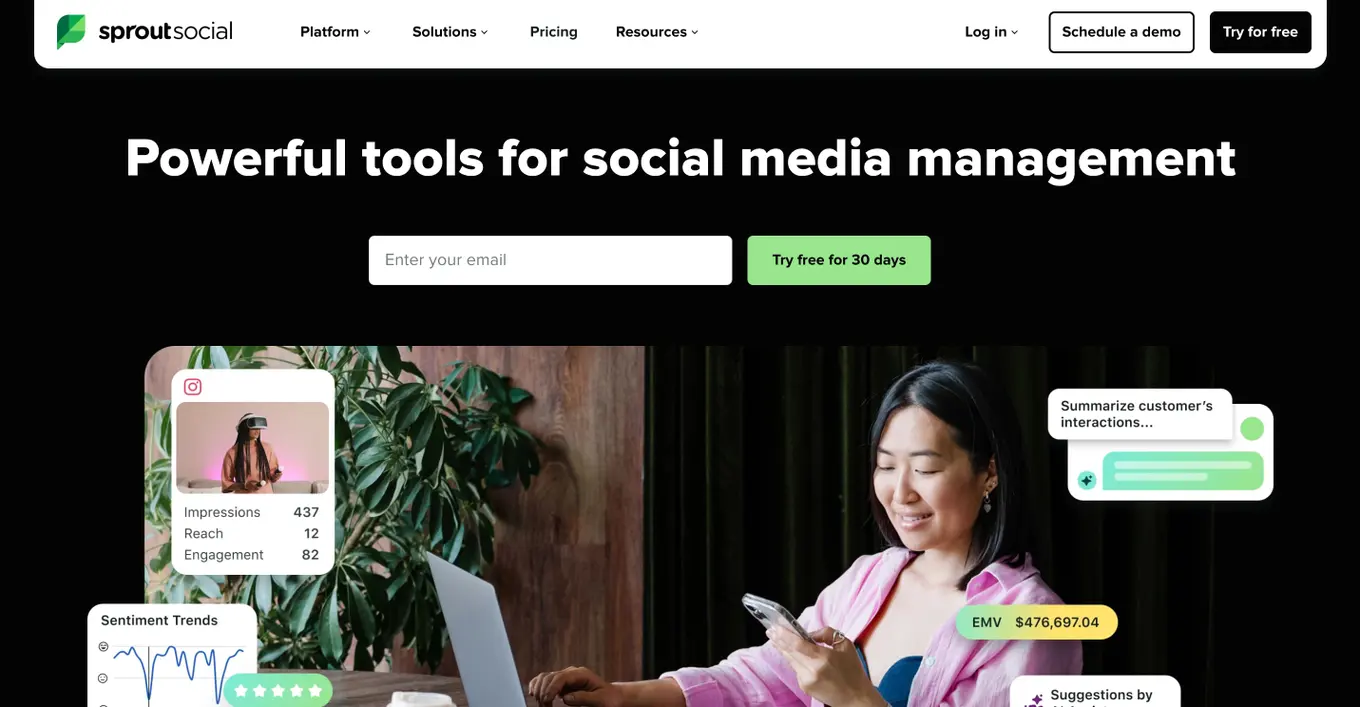
Best for: Mid-size businesses wanting premium automation with social listening
Sprout Social hits the sweet spot between enterprise features and accessibility. The platform combines scheduling automation with advanced social listening and automated message routing, offering enterprise-level features at a more accessible price point than some competitors. It’s popular among growing businesses that need sophisticated automation without the complexity of larger enterprise platforms.
Key features:
- Automated post scheduling
- Social listening automation
- Intelligent message routing
- Automated reporting and analytics
- Team collaboration automation
- CRM integration
Pricing:
- Standard: $199/month
- Professional: $299/month
- Advanced: $399/month
- Enterprise: Custom pricing
Dash Social
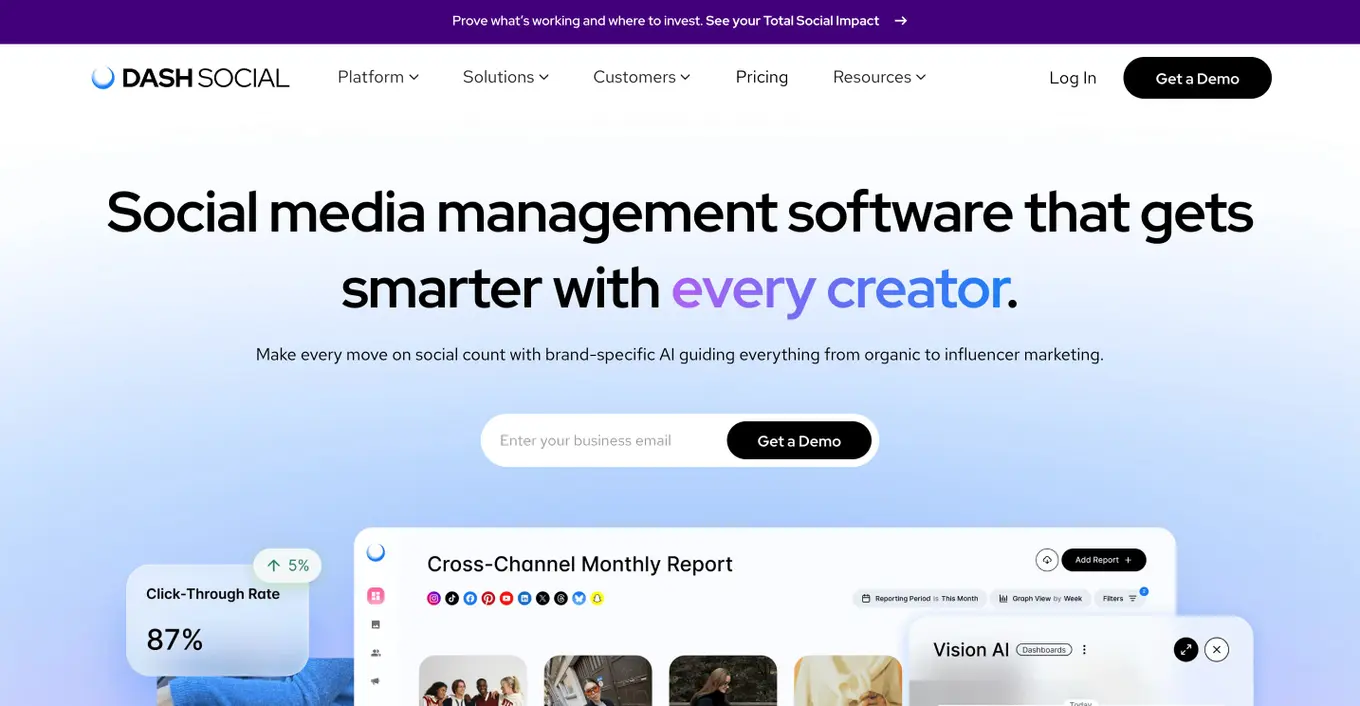
Best for: Teams focused on TikTok and Instagram automation
Dash Social recognizes that short-form video is where the attention is right now. The platform specializes in short-form video automation for platforms like TikTok and Instagram Reels, helping teams automate the distribution and optimization of video content across the most popular short-form video platforms. As video content becomes increasingly important for social media success, this focus makes sense.
Key features:
- TikTok automation features
- Instagram Reels scheduling
- Video content optimization
- Automated hashtag suggestions
- Performance analytics
Pricing:
- Engage: $999/month
- Advance: $1,999/month
- Enterprise: $3,499/month
Buffer
Best for: Solo creators and small teams wanting simple, reliable automation
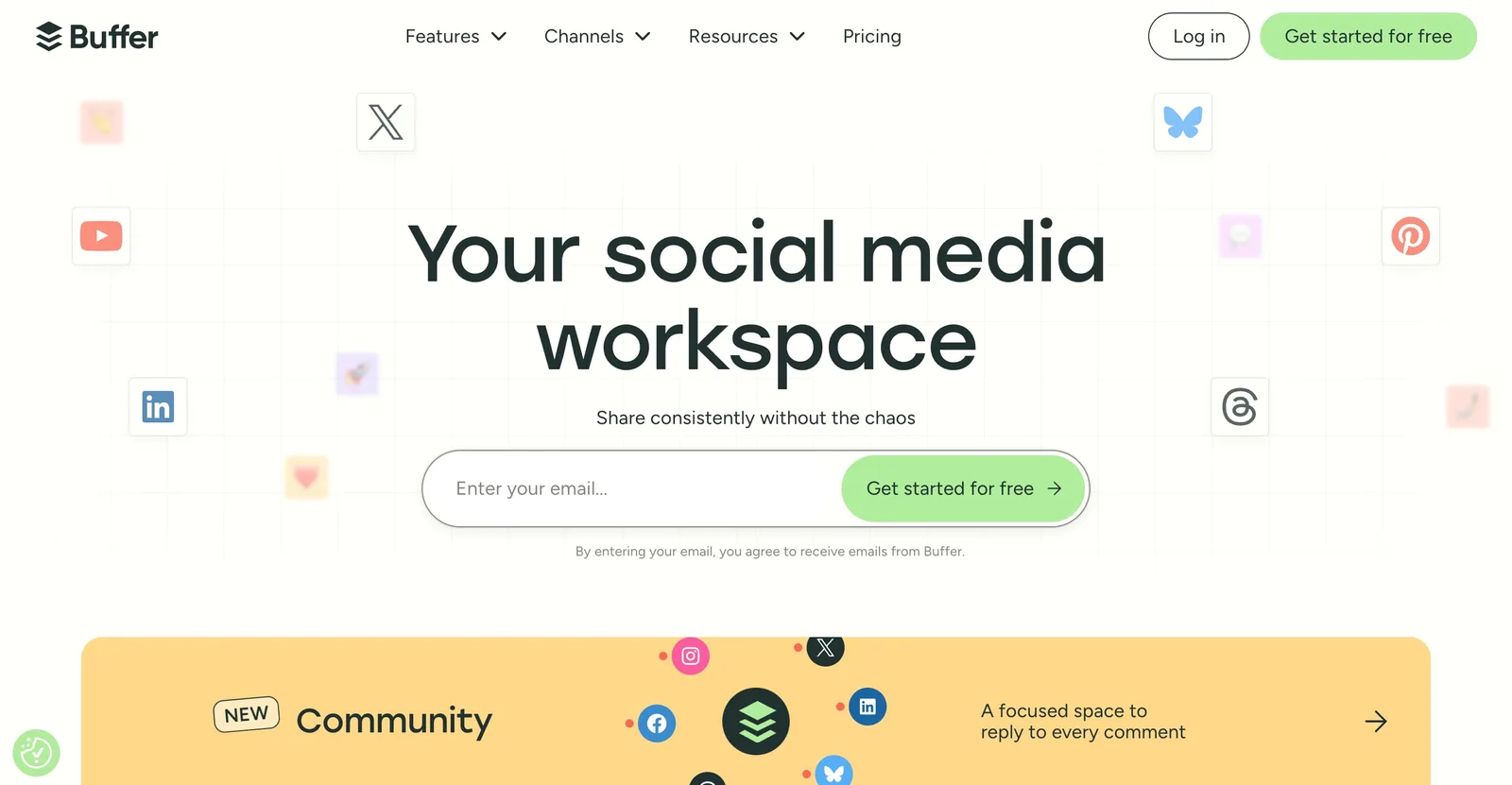
Buffer keeps things simple, and sometimes that’s exactly what you need. The platform offers straightforward automation features with an intuitive interface that’s perfect for beginners who don’t want to spend weeks learning a complicated system. It focuses on simplicity and reliability rather than fancy features, making it ideal for users who want effective automation without complexity or steep learning curves.
Key features:
- Simple post scheduling automation
- Content queue management
- Basic analytics automation
- Team collaboration features
- RSS feed integration
Pricing: These prices are for annual billing.
- Free
- Essentials: $5 per channel/month
- Team: $10 per channel/month
Later
Best for: Visual content creators focused on Instagram automation
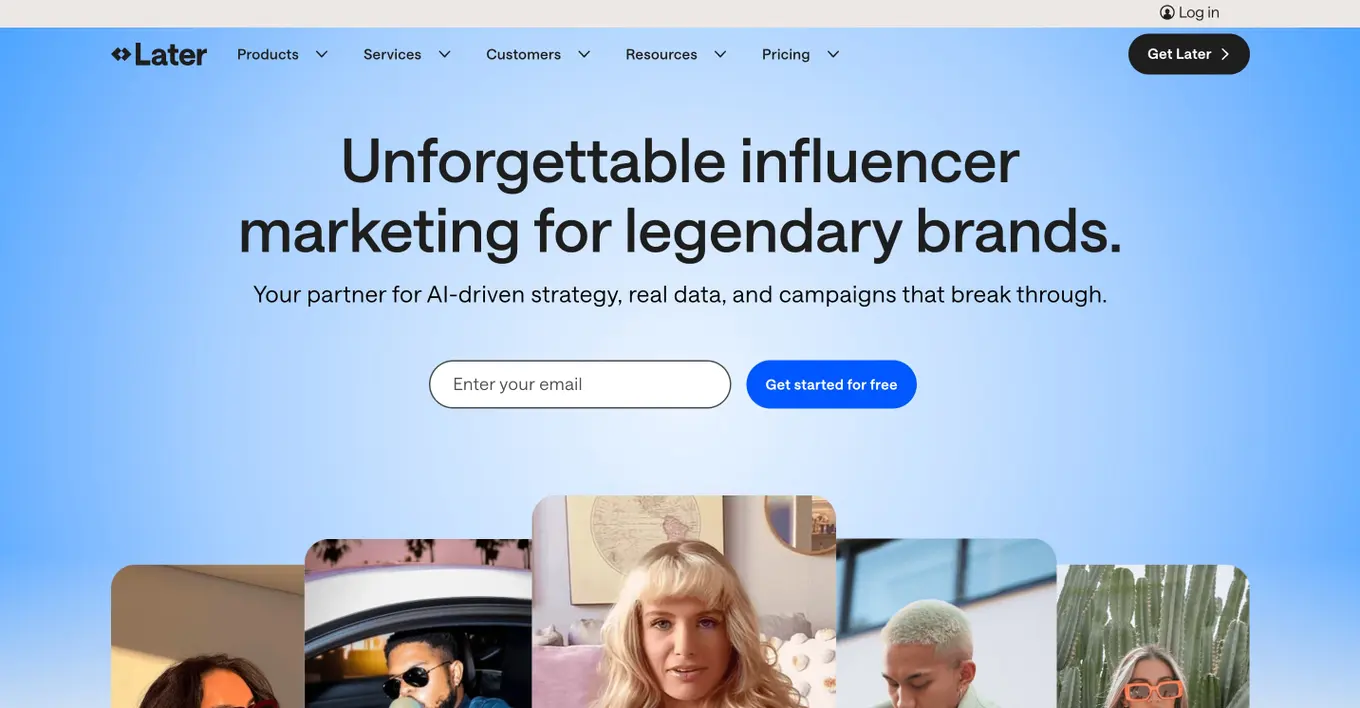
Later built its reputation on visual content scheduling, and it shows. The platform specializes in visual content scheduling with automation features designed for Instagram, Pinterest, and other visual platforms. The visual-first approach makes it particularly appealing to brands and creators whose social media strategy relies heavily on high-quality images and visual storytelling.
Key features:
- Visual content calendar
- Instagram automation features
- Story scheduling automation
- Automated hashtag suggestions
- Link in bio automation
- User-generated content management
Pricing: These prices are for yearly billing.
- Starter: $18.75/month
- Growth: $37.50/month
- Scale: $82.50/month
Zernio
Best for: Developers and AI agent builders who want to automate social media through an API or MCP instead of a dashboard.
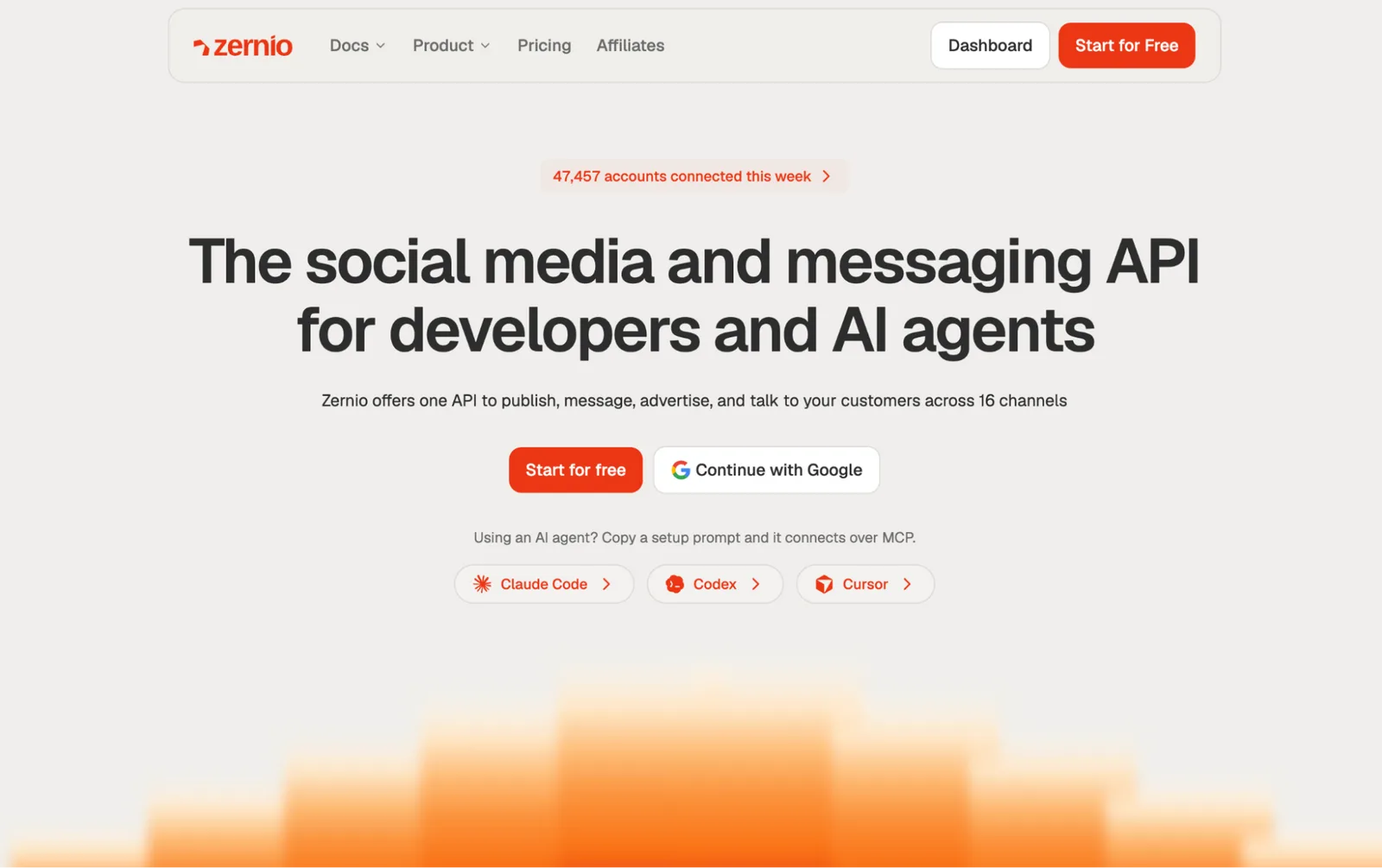
Zernio takes a different route from most tools on this list, because there’s no content calendar to drag posts around in. Instead, it gives you a unified social media API that connects to 16 platforms, so you can build automations straight into your own product or AI agents. Its MCP server and CLI lets AI assistants like Claude, Grok, or OpenClaw publish posts, reply to comments, and pull analytics from a simple prompt.
Key features:
- One API for publishing to 16 platforms, including Instagram, TikTok, LinkedIn, YouTube, and X
- MCP server for letting your agents manage social media for you
- Integration with official APIs of social media channels for secure control
- Comment and DM automation for Instagram, Facebook, and other channels
- WhatsApp automation for chatbots and broadcasts
- Webhooks for real-time post, comment, and message events
- Automated analytics, including best times to post
- Automatic token refresh and rate limit handling
Pricing: Usage-based, billed monthly per connected account. All features are included at every level.
- First 2 social accounts: Free
- Accounts 3–10: $6/account/month
- Accounts 11–100: $3/account/month
- Accounts 101+: $1/account/month

Try Vista Social for free
A social media management platform that actually helps you grow with easy-to-use content planning, scheduling, engagement and analytics tools.
Get Started NowAbout the Author

Content Writer
Russell Tan is a content marketing specialist with over 7 years of experience creating content across gaming, healthcare, outdoor hospitality, and travel—because sticking to just one industry would’ve been boring. Outside of her current role as marketing specialist for Vista Social, Russell is busy plotting epic action-fantasy worlds, chasing adrenaline rushes (skydiving is next, maybe?), or racking up way too many hours in her favorite games.
Loading related tools...

The most complete social media management platform for teams who demand more.






Tools
PublishingAnalyticsEngagementIntegrations
FacebookInstagramLinkedInRedditSnapchatThreadsTikTokX (Twitter)YouTubeMCPVista Page (link-in-bio)All IntegrationsCopyright © 2026 Vista Social LLC. All Rights Reserved.
Social media automation tool FAQs
What tools should you use for social media automation?
The best automation tool depends on your specific needs. Vista Social offers the most comprehensive automation features including DM automation and lead collection. Buffer and Later work well for basic scheduling automation. ManyChat excels at Instagram and Facebook chat automation. Choose based on which platforms you use and what tasks you want to automate.
How do you automate social media posting?
Most automation tools follow a similar process: connect your social accounts, create or upload content, choose posting times, and schedule publication. Advanced tools like Vista Social also let you set up automated DM responses and comment automation. You can automate entire conversation sequences to collect leads and provide customer service while you focus on other tasks.
How can social media automation tools save time?
Automation tools save time by handling repetitive tasks like posting, responding to comments, and generating reports. Instead of manually posting content throughout the week, you can batch create content and let automation handle the publishing. Advanced automation features can also qualify leads and provide initial customer service responses, reducing the manual work required from your team.