

Published on February 20, 2026
12 min to read
17 Hootsuite Alternatives to Consider This Year

Summarize with AI

Table of contents
Summarize with AI

ChatGPT

Claude

Perplexity
Share

Vista Social

X (Twitter)


If you’re weighing Hootsuite alternatives, you’re probably hitting one of two walls: the price doesn’t feel right, or the features you actually need are buried behind a more expensive plan. Either way, you’re not alone—and there are a lot of strong options out there.
The social media management space has grown a lot. Tools today go far beyond basic scheduling, and many of them offer better value for what you get. So which one actually fits the way you work?
This guide breaks down 17 Hootsuite alternatives, covering features, pricing, and who each tool works best for.
Table of contents
Why look for Hootsuite alternatives?
Hootsuite is one of the most recognized names in social media management. But its reputation doesn’t mean it’s the right fit for every team.
The price adds up fast
Hootsuite removed its free plan in 2022, and its current entry-level plan starts at $199/month for each user and up to 10 social accounts. If you need more accounts or more users, your monthly or annual bill can increase fast.
Key features are locked behind higher tiers
Things you’d expect as standard—like bulk scheduling, link-in-bio, customizable reports, and approval workflows—aren’t available on the base plan. Review management, employee advocacy, and ROI reporting are Enterprise-only features. You’ll often end up paying for an upgrade just to access tools that plenty of Hootsuite alternatives include at a lower price point.
The interface can feel cluttered
Hootsuite has been around since 2008, and many users find the dashboard overwhelming compared to newer tools. The learning curve is real—onboarding takes time, the layout doesn’t always feel intuitive for day-to-day use, and it still feels outdated, like they haven’t done much updating since 2008.
Customer support is tiered
Live support is limited unless you’re on the Enterprise plan. Lower-tier customers frequently report delayed responses when they need help. If you’re investing that much time and money into a tool, you want to have better access to customer support.
Social listening and advanced analytics come at a premium
On the Standard plan, you’re limited to searching the past seven days of mentions. Brand alerts and historical data are Enterprise features—meaning you’ll need to pay a lot more to truly monitor your brand in real time.
If any of that resonates, it’s worth looking at what else is out there.
Top 17 Hootsuite alternatives to consider
1. Vista Social
Best for: Social media managers, agencies, and growing brands that want a full-featured platform without the enterprise price tag.
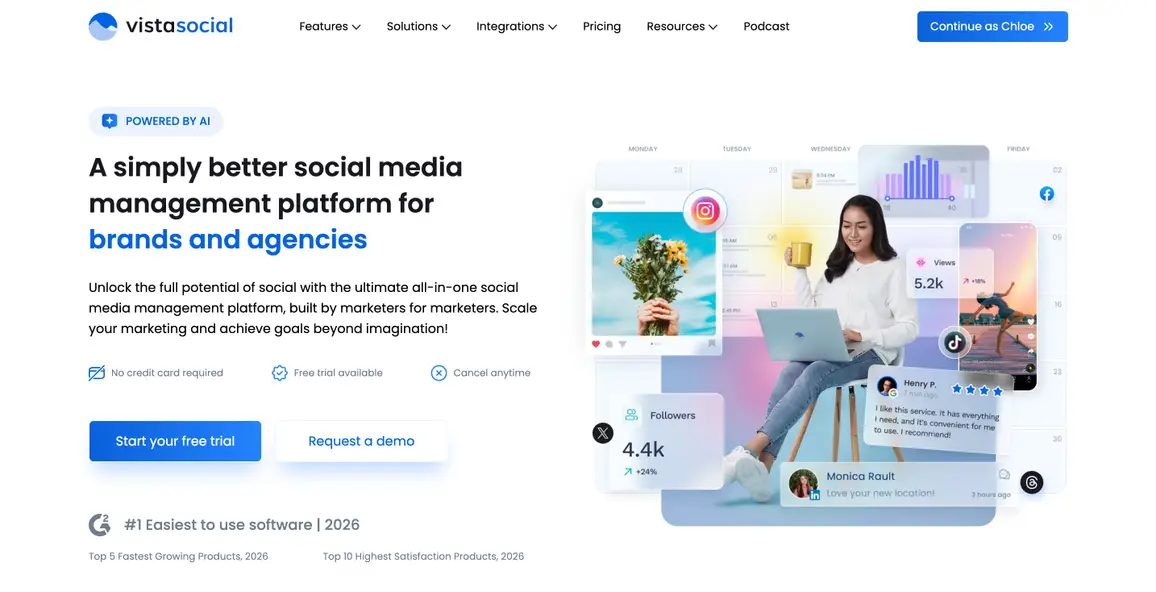
Vista Social is the Hootsuite alternative worth putting at the top of your list. It packs social media publishing, analytics, engagement, social listening, review management, employee advocacy, and AI tools into one platform—and it starts at a fraction of Hootsuite’s cost.
You can schedule posts across Instagram, Facebook, LinkedIn, TikTok, X/Twitter, Pinterest, YouTube, Google Business Profile, Reddit, Threads, Bluesky, and more.
Social analytics go deep with cross-channel reports, competitor analysis, and automated report scheduling—no enterprise upgrade needed. A unified inbox pulls in comments, DMs, and mentions from all connected profiles, with DM automation and team assignment built in.
Vista Social also includes review management, social listening, employee advocacy, and an AI assistant (powered by ChatGPT) for caption writing, hashtag suggestions, and content repurposing.
Agency features include unlimited users on higher plans, approval workflows, and multi-client dashboards. When you stack the features against the cost, it’s hard to find a better deal in this space.
See for yourself with a 14-day Vista Social trial.
Key features:
- Social media publishing across 15+ networks
- Cross-channel analytics and customizable reports
- Unified social inbox with DM automation
- Social listening and brand monitoring
- Review management
- Employee advocacy tools
- AI caption and content generation (powered by ChatGPT)
- Approval workflows and team collaboration
Pricing:
- Professional: $64/month (annual)
- Advanced: $120/month (annual)
- Scale: $304/month (annual)
- Enterprise: Custom pricing
2. Sprout Social
Best for: Enterprise teams with large budgets who need deep analytics and CRM-level reporting.
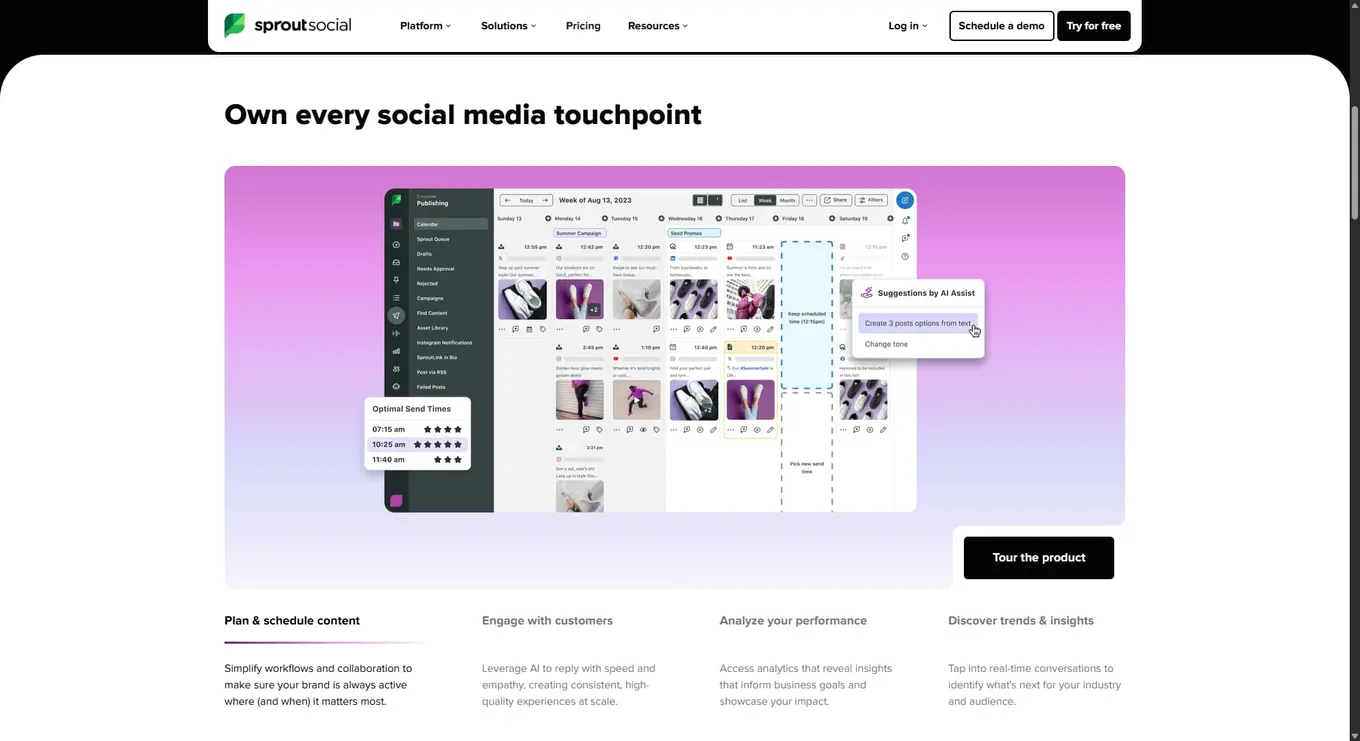
Sprout Social is a powerful platform built for bigger organizations. It combines publishing, social listening, a smart inbox, and detailed analytics in one place. The smart inbox surfaces your most important messages first, and the listening tools go deep on sentiment, trends, and competitor data. Salesforce integration makes it a natural fit for teams that tie social activity directly to CRM workflows.
The tradeoff is price. Essential features like competitive reporting and approval workflows aren’t available on the base plan. If your team needs the full feature set, you’ll need to be on the Professional plan or higher.
Key features:
- Smart inbox for message prioritization
- Social listening with sentiment analysis
- Competitor benchmarking and analytics
- Approval workflows (Professional and above)
- Salesforce and HubSpot integration
- Premium analytics (available as an add-on)
Pricing:
- Standard: $199/month (annual)
- Professional: $299/month (annual)
- Advanced: $399/month (annual)
- Enterprise: Custom pricing
3. Agorapulse
Best for: Teams that prioritize inbox management and need strong ROI reporting.
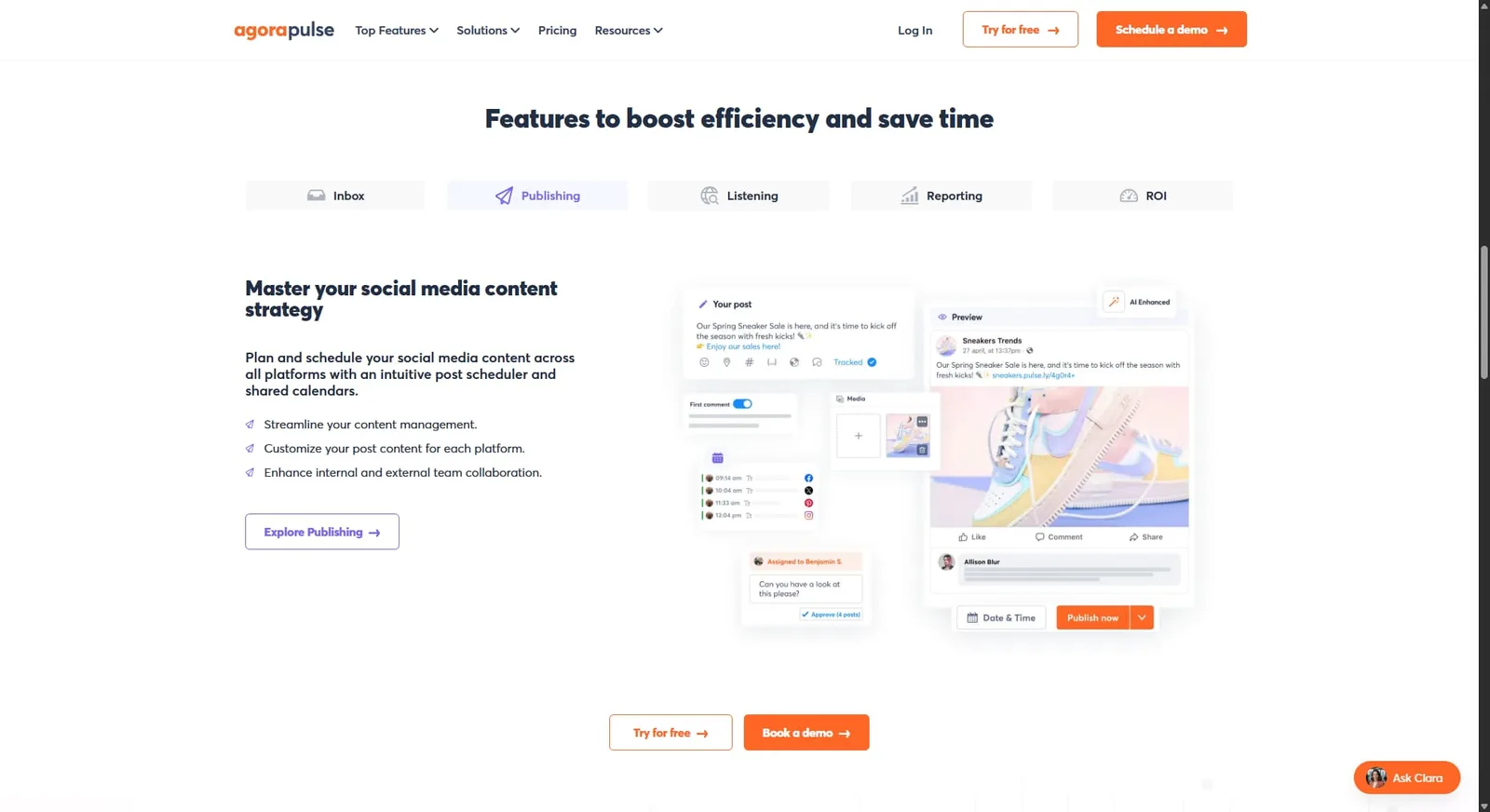
Agorapulse is a reliable all-in-one platform with a clean inbox, solid scheduling tools, and a standout Social Media ROI feature. It connects social activity to Google Analytics data so you can see which posts are actually driving traffic and conversions—which makes it a popular pick for agencies that need to show clients real results.
The inbox is one of the best in the space: easy to triage, assign, and track conversations across platforms. Per-user pricing can add up for larger teams, but the value is strong for small to mid-size agencies.
Key features:
- Unified social inbox with assignment and labeling
- Social media ROI tracking connected to Google Analytics
- Approval workflows
- Competitor analysis
- Customizable client reports
- Scheduling and content calendar
Pricing:
- Standard: $79 per user/month (annual)
- Professional: $119 per user/month (annual)
- Advanced: $149 per user/month (annual)
- Custom
4. SocialPilot
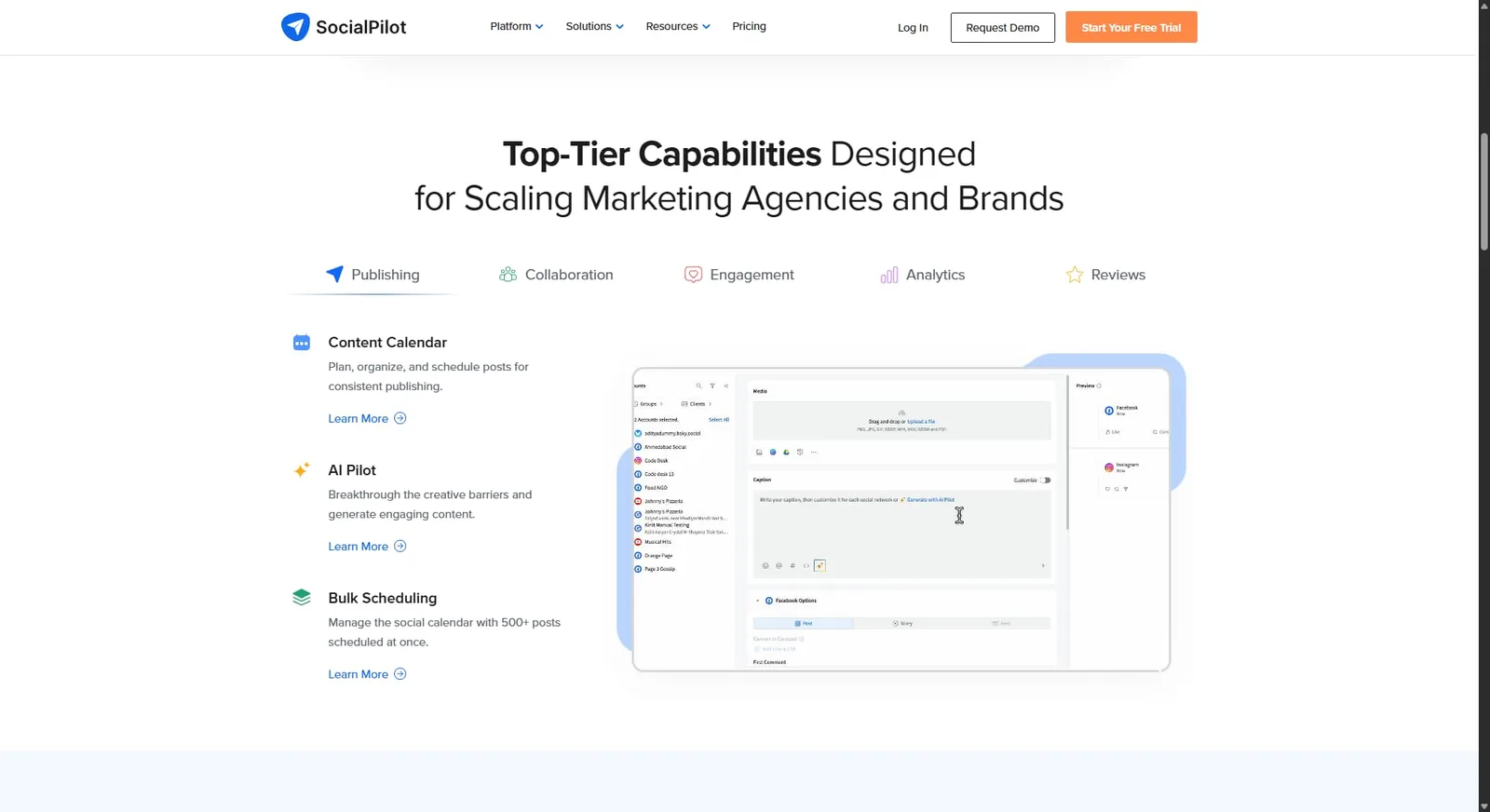
Best for: Agencies and small businesses looking for an affordable tool with solid scheduling and white-label reporting.
SocialPilot is designed with agencies in mind. You get bulk scheduling, a client approval portal, white-label reports, and support for up to 50 social accounts on agency plans—all at a much lower price than most competitors. The client portal lets you share a branded experience without giving clients full platform access.
Analytics are solid, though not as deep as larger platforms. If your main need is scheduling, managing client content, and sending polished reports, SocialPilot does all of that cleanly and affordably.
Key features:
- Bulk scheduling (up to 500 posts at once)
- White-label reports and client portal
- AI caption generator
- Content calendar with team collaboration
- Support for up to 50 social accounts (agency plans)
Pricing:
- Essentials: $25.50/month (annual)
- Standard: $42.50/month (annual)
- Premium: $85/month (annual)
- Ultimate: $170/month (annual)
5. Sendible
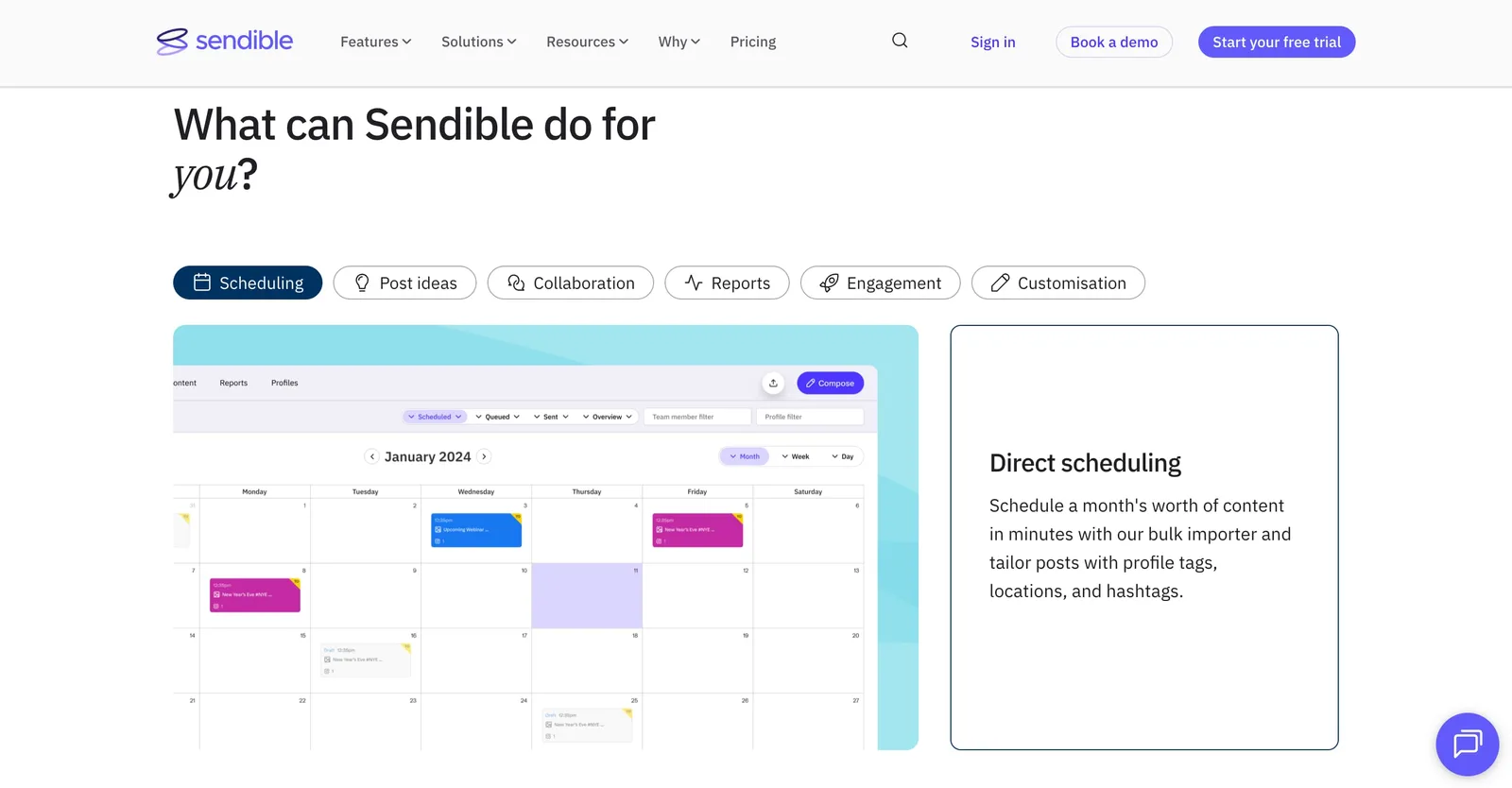
Best for: Scaling agencies that need strong automation, white labeling, and multi-client management.
Sendible has been built for agencies from the ground up. It covers scheduling, reporting, client dashboards, and automation—including RSS-to-social posting for hands-free content curation. A WordPress integration lets you push blog content straight to social, which is a feature most competitors don’t offer.
Custom client dashboards and automated report delivery keep clients in the loop without extra manual work. The interface takes a little getting used to, but once you’re in, the workflow is solid.
Key features:
- Custom client dashboards and white labeling
- Automated report delivery
- RSS auto-publishing
- WordPress integration
- Approval workflows
- Bulk scheduling and content queues
Pricing:
- Creator: $25/month (annual)
- Traction: $76/month (annual)
- Scale: $170/month (annual)
- Advanced: $255/month (annual)
- Enterprise: $638/month (annual)
6. Buffer
Best for: Solo users and small teams who want a clean, no-fuss scheduling tool.
Buffer keeps things simple. If you need to schedule posts across a handful of channels, track basic engagement, and manage a small team, Buffer delivers without a steep learning curve. The free plan is genuinely useful—three channels with no time limit—and the Start Page feature gives you a built-in link-in-bio option.
Paid plans are priced per channel, which works well at low volume. Once you start managing more accounts, the per-channel cost adds up quickly. Buffer doesn’t offer social listening, review management, or deep analytics, but for focused scheduling needs it’s hard to beat the ease of use.
Key features:
- Post scheduling and content calendar
- Basic analytics
- AI caption assistant
- Start Page (link-in-bio tool)
- Free plan for up to 3 channels
Pricing:
- Free
- Essentials: $5 per channel/month
- Team: $10 per channel/month
7. Later
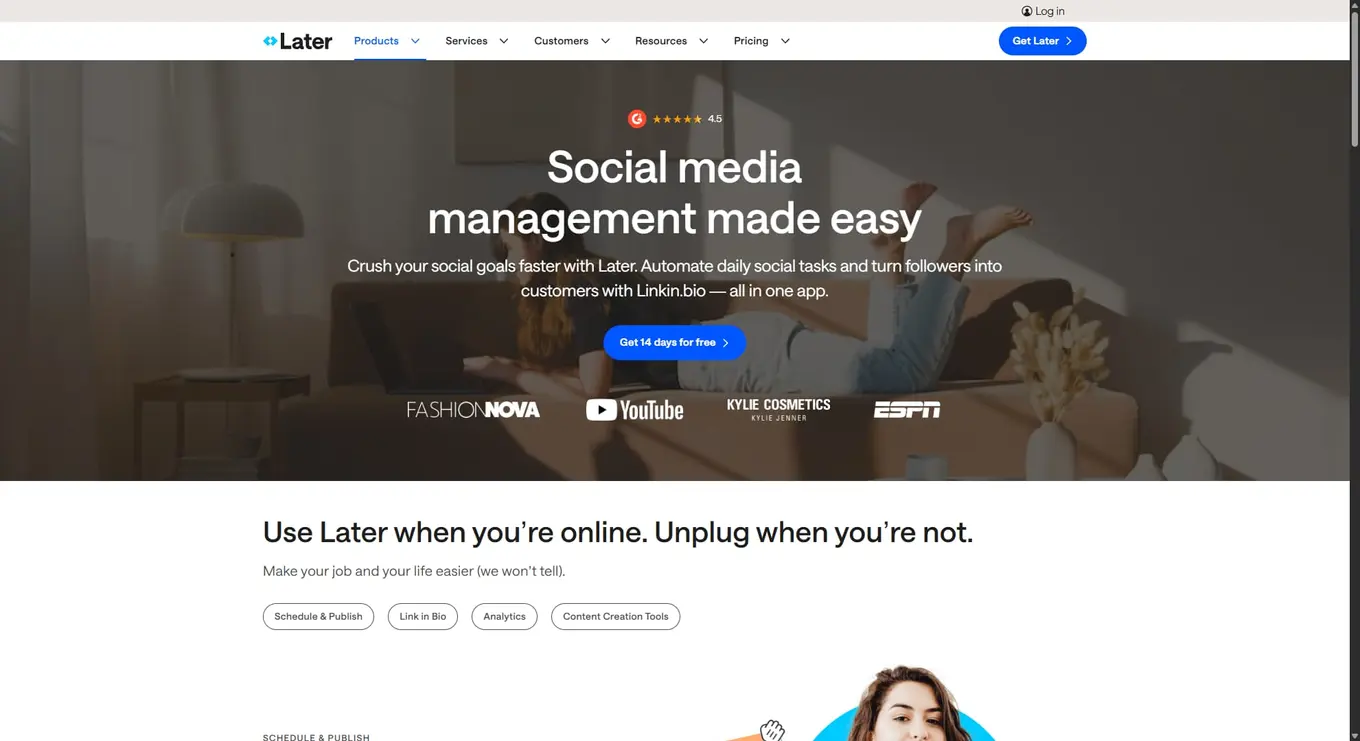
Best for: Visual-first brands and creators who focus heavily on Instagram and TikTok.
Later’s drag-and-drop visual calendar makes content planning feel intuitive, especially for teams that think in grids. It’s a favorite for Instagram-first strategies, with a strong link-in-bio tool (Linkin.bio), hashtag suggestions, and influencer search and management features built in.
The platform covers other major channels too, but Instagram and TikTok are clearly where it shines. The visual preview and grid planner are useful for brands where aesthetics and feed consistency matter.
Key features:
- Visual drag-and-drop content calendar
- Linkin.bio link-in-bio tool
- Hashtag suggestions
- Influencer search and management
- AI caption suggestions
- Instagram and TikTok-focused analytics
Pricing:
- Starter: $18.75/month (annual)
- Growth: $37.50/month (annual)
- Scale: $82.50/month (annual)
8. Dash Social
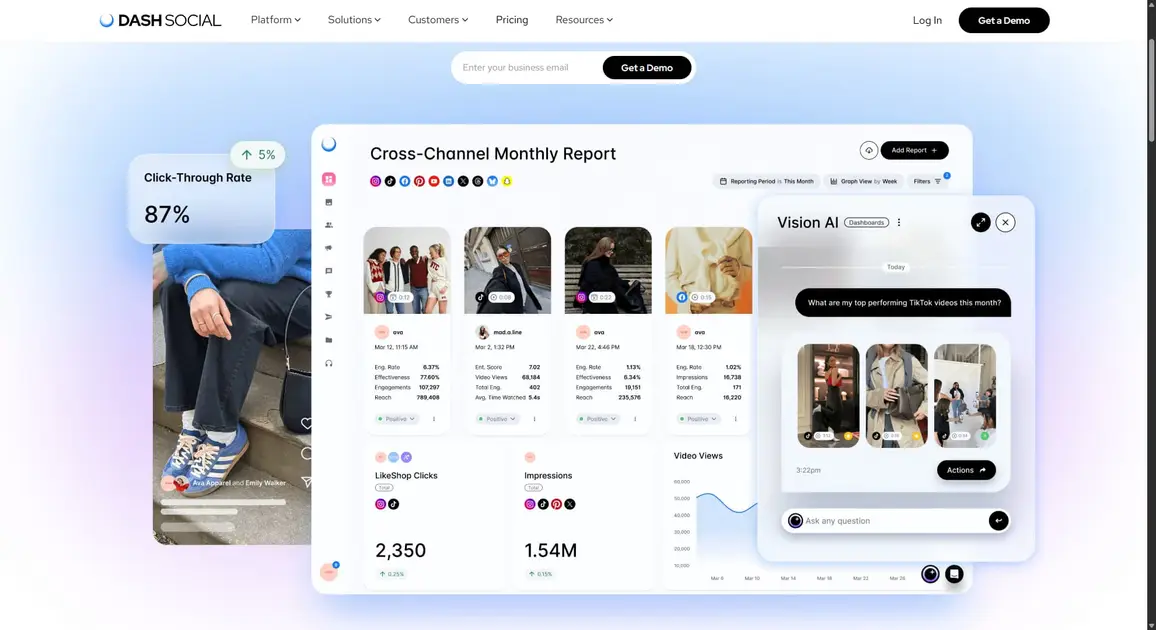
Best for: Growth-focused brands and enterprises that need advanced visual analytics and AI-powered content performance predictions.
Dash Social goes deep on visual intelligence. Its Vision AI feature predicts how photo and video content will perform before you post it—something you won’t find in most tools. It also covers scheduling, community management, social listening, and UGC collection and publishing.
Competitive benchmarking, a link-in-bio tool, and cross-channel analytics round out the feature set. The starting price puts it firmly in the enterprise tier, so it’s best suited for larger brands or agencies that need this level of visual insight.
Key features:
- Vision AI for content performance prediction
- Cross-channel analytics and competitive benchmarking
- UGC collection and publishing
- Community inbox and management
- Social listening
- Link-in-bio tool
Pricing:
- Engage: $999/month
- Advance: $1,999/month
- Enterprise: $3,499/month
9. HeyOrca
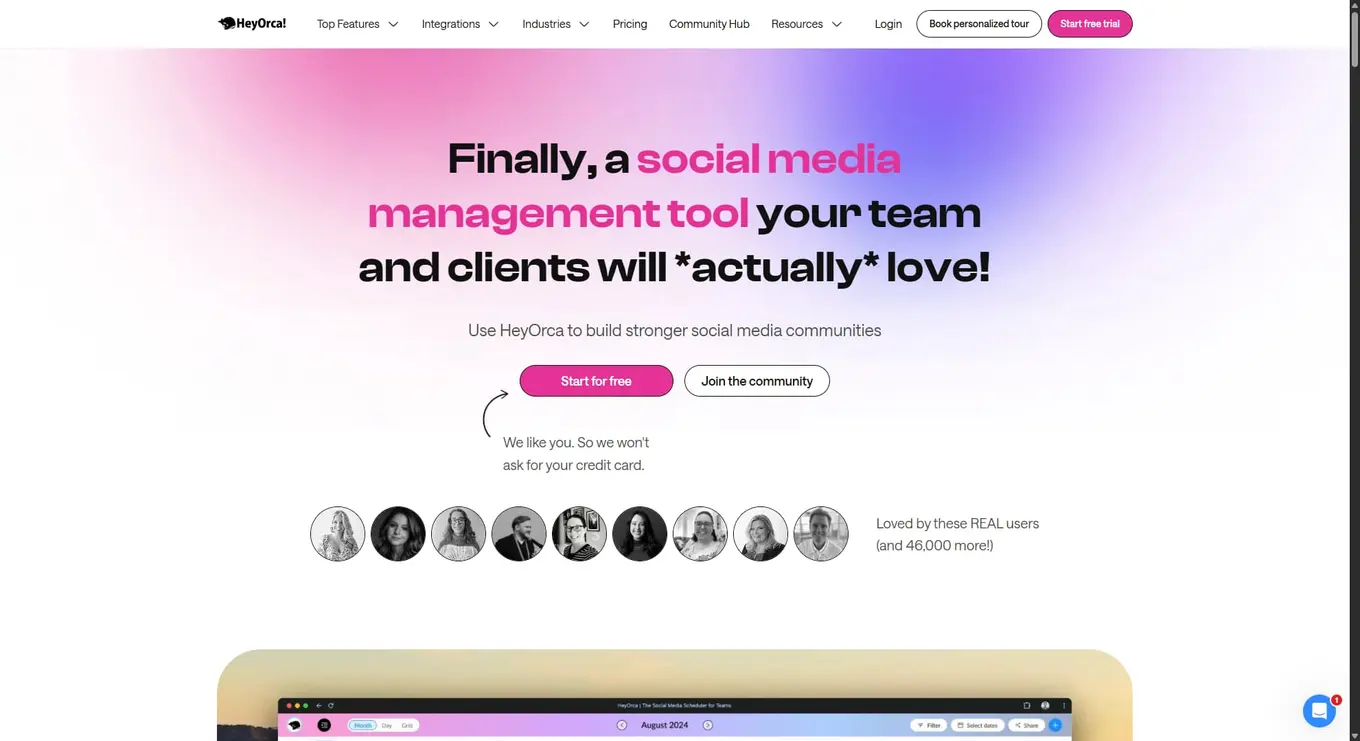
Best for: Agencies that manage multiple client accounts and need a clean client-facing approval process.
What makes HeyOrca stand out is how it handles client collaboration. Clients can review and approve content via a simple link—no login required. That removes a lot of friction, especially with clients who aren’t comfortable logging into a new platform.
The tool is calendar-first and priced per calendar (per client), which makes it easy to scale as you bring on new clients. Every plan includes unlimited users, which is a big deal for growing agency teams.
Key features:
- Client approval via shareable link (no login needed)
- Per-calendar pricing model
- Unlimited users on all plans
- Social inbox
- AI captions
- Client-ready reports
Pricing:
- Free: 1 user, 15 posts/month, 2 profiles
- Basic: $59/calendar/month (annual)
- Pro: $149/calendar/month (annual)
- Enterprise: Custom pricing
10. Loomly
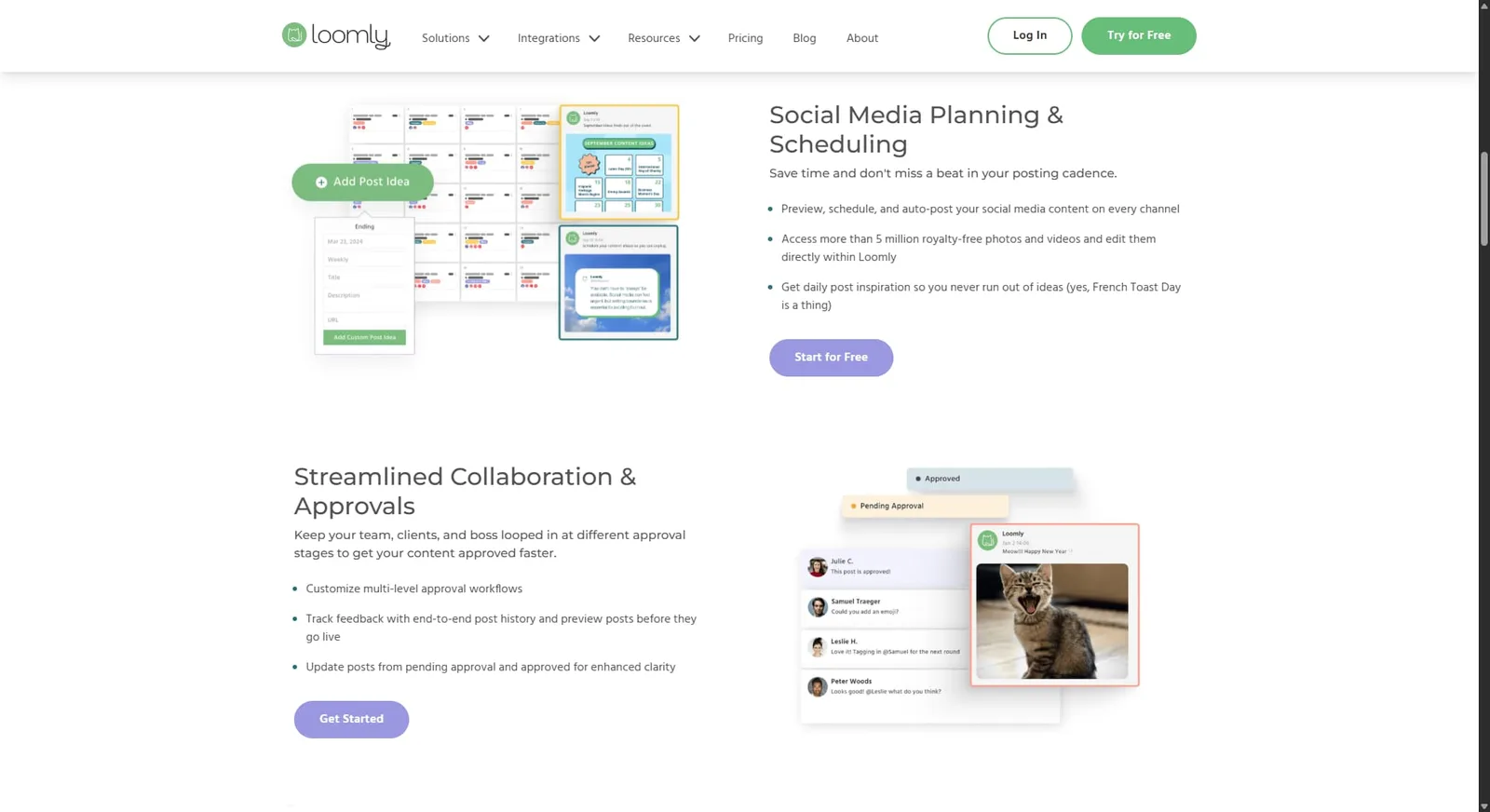
Best for: Teams that want an approachable content calendar with solid collaboration features and multi-network support.
Loomly makes content planning feel manageable. It supports a wide network list—including Snapchat and Google Business Profile—and offers built-in post optimization tips and an idea generator that surfaces trending content and calendar events for inspiration. Multi-level approval workflows are included across all plans.
It doesn’t have social listening, but for teams focused on planning, scheduling, and collaboration, Loomly covers the essentials without a steep learning curve.
Key features:
- Content calendar with multiple view options
- Post optimization tips and idea generator
- Multi-step approval workflows
- Multi-network publishing including Snapchat and Google Business Profile
- Analytics and performance tracking
Pricing:
- Free plan available
- Prices are not publicly available
- Starter: 3 users, 12 social media accounts
- Beyond: unlimited users, 60 social media accounts
11. Statusbrew
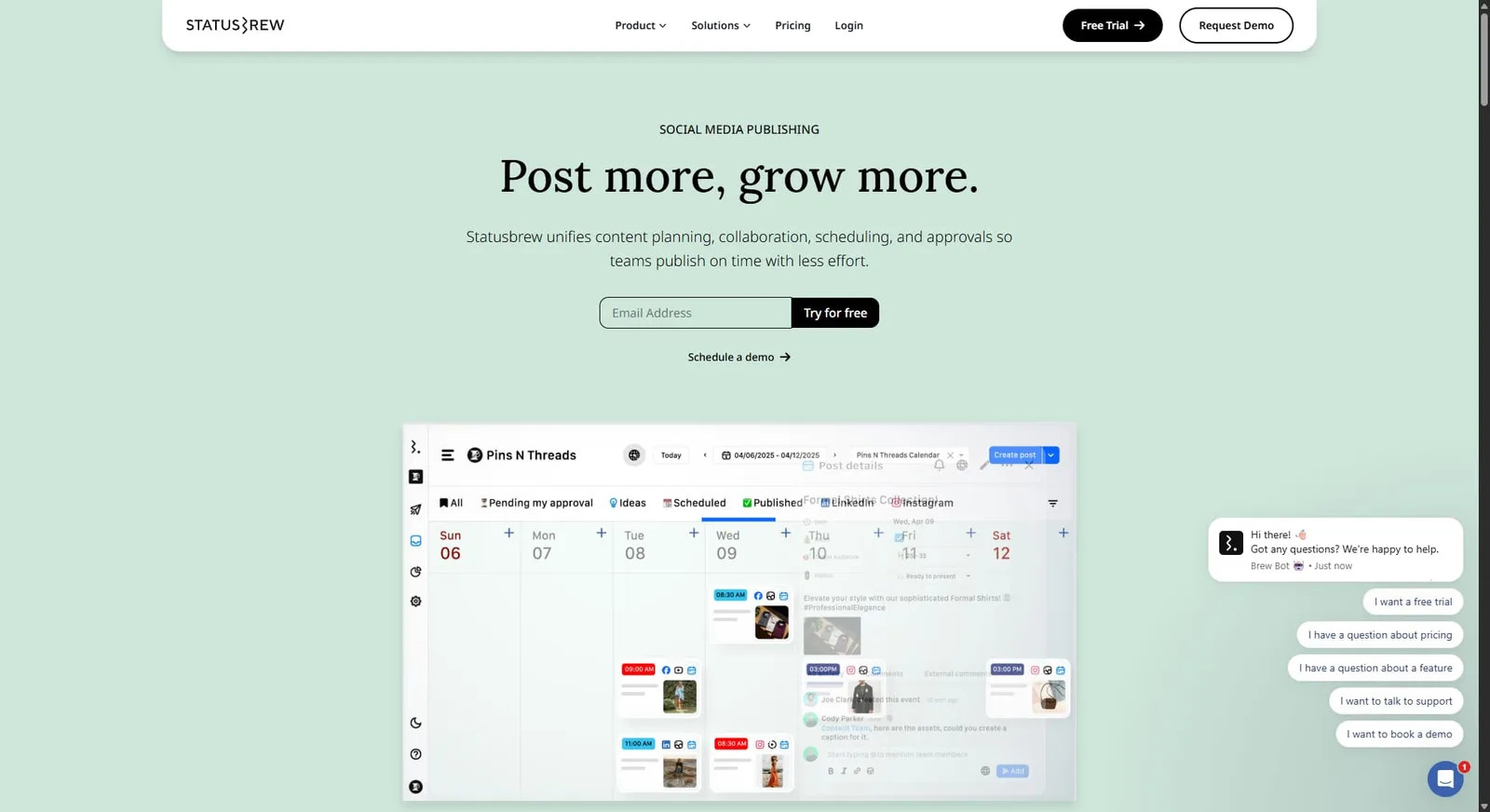
Best for: Mid-size to enterprise teams that need powerful social listening, sentiment analysis, and flexible reporting.
Statusbrew packs a lot into its price point. The unified inbox includes 60+ automation rules for routing, tagging, and responding to messages. Social listening covers X/Twitter, Instagram, Reddit, and web sources with AI-powered sentiment analysis built in. You get 230+ tracking metrics for custom dashboards, and reporting templates are easy to share with clients.
It’s one of the more affordable tools at this level of depth—a solid fit for agencies that need both listening and reporting without paying enterprise prices.
Key features:
- Unified inbox with 60+ automation rules
- Social listening across X, Instagram, Reddit, and web
- AI sentiment analysis
- Competitor benchmarking
- White-label reports
- 230+ analytics metrics
Pricing:
- Lite: $69/month (annual)
- Standard: $129/month (annual)
- Premium: $229/month (annual)
- Enterprise: custom pricing
12. Zoho Social
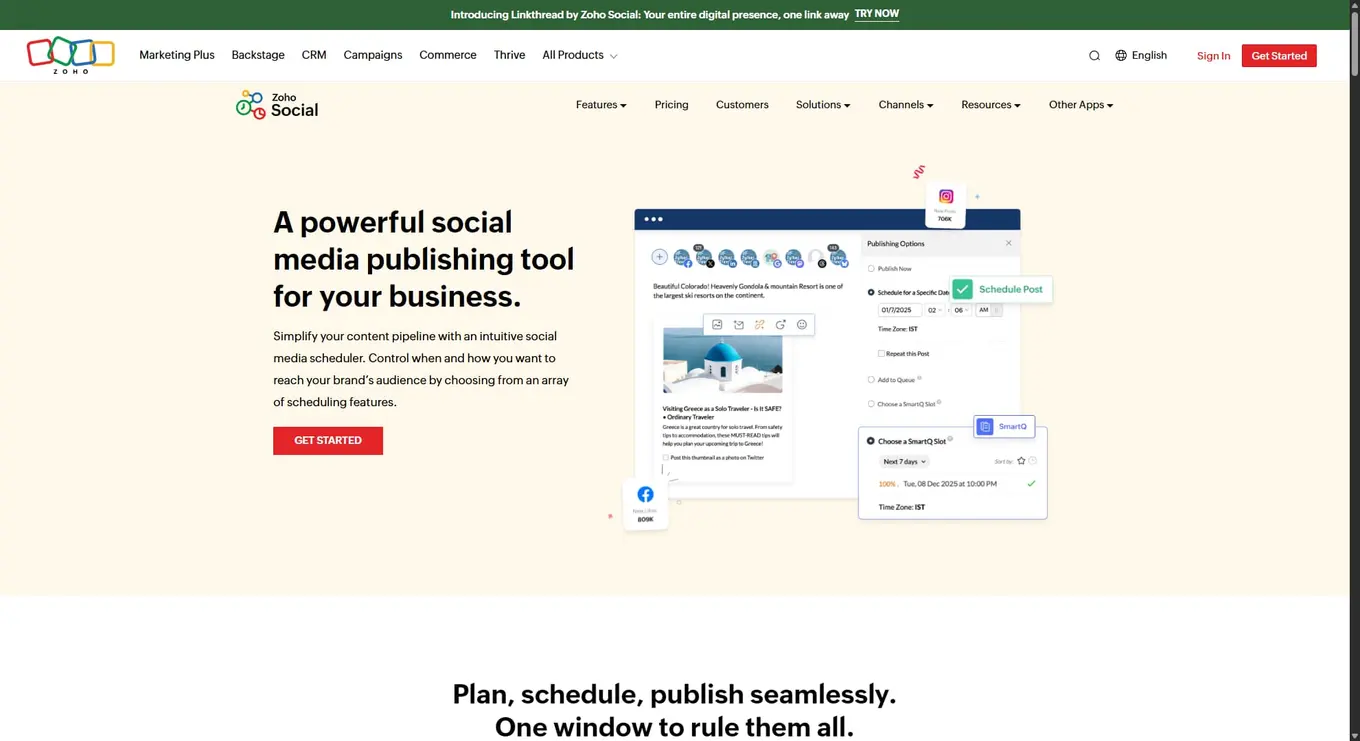
Best for: Teams already in the Zoho ecosystem who want a cost-effective social media management tool.
Zoho Social fits naturally into workflows built around Zoho CRM, Desk, or other Zoho products. The native CRM integration lets you create leads directly from social interactions—useful for sales-driven teams. It handles scheduling, monitoring, team collaboration, and analytics at one of the lowest price points in the category.
It doesn’t have standout AI features or deep social listening, but for Zoho users, the integration alone can justify the cost.
Key features:
- Native Zoho CRM integration
- Social scheduling and content calendar
- Monitoring dashboard
- Team collaboration and approvals
- Social inbox
Pricing:
For businesses
- Free: one brand (six channels), one team member, 24/5 email support, 5 AI credits
- Standard: $10/month (annual)
- Professional: $30/month (annual)
- Premium: $30/month (annual)
For agencies:
- Agency: $230/month (annual); 10 brands (140 channels), 5 team members, 80 AI credits, client invite, portal customization, scheduling/emailing reports
- Agency Plus: $330/month (annual); 20 brands (280 channels), 5 team members, 80 AI credits
13. Planable
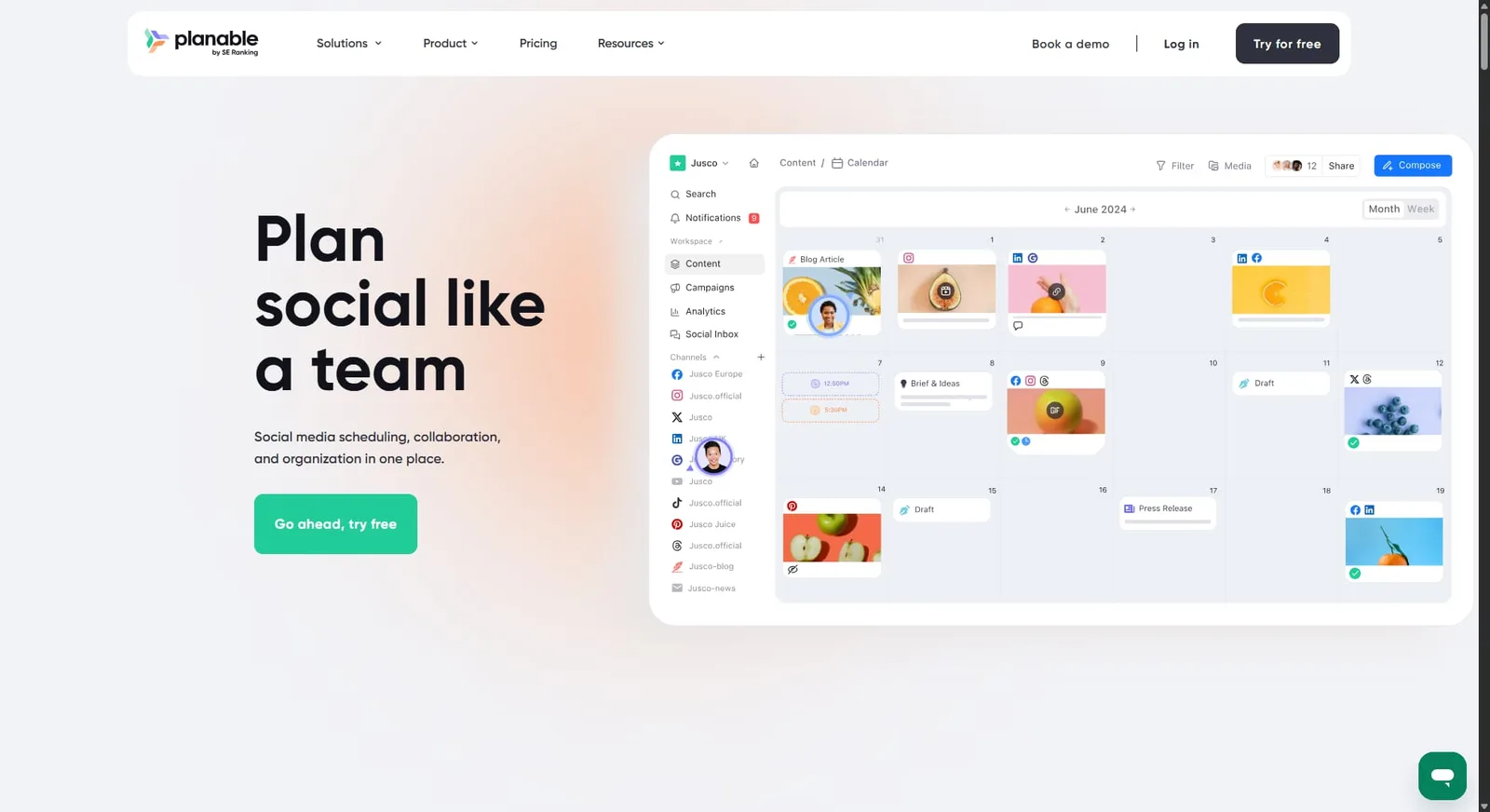
Best for: Agencies and marketing teams with complex content approval workflows and multiple stakeholders.
Planable makes the review and approval process its entire identity—and it does it really well. Posts look exactly how they’ll appear on each platform, including how link previews unfurl, so there are no surprises when content goes live. Teams and clients can comment directly on posts, and approval workflows support multiple stages.
It’s not built for deep analytics or social listening, but for getting content reviewed and approved fast, it’s one of the best tools available.
Key features:
- Pixel-perfect post previews per platform
- Multi-step approval workflows
- Real-time commenting directly on posts
- Four content views: feed, calendar, grid, and list
- Client collaboration without platform login
Pricing:
- The first 50 posts are free.
- Basic: $33/month (annual)
- Pro: $33/month (annual)
- Enterprise: Contact customer service for custom pricing
14. NapoleonCat
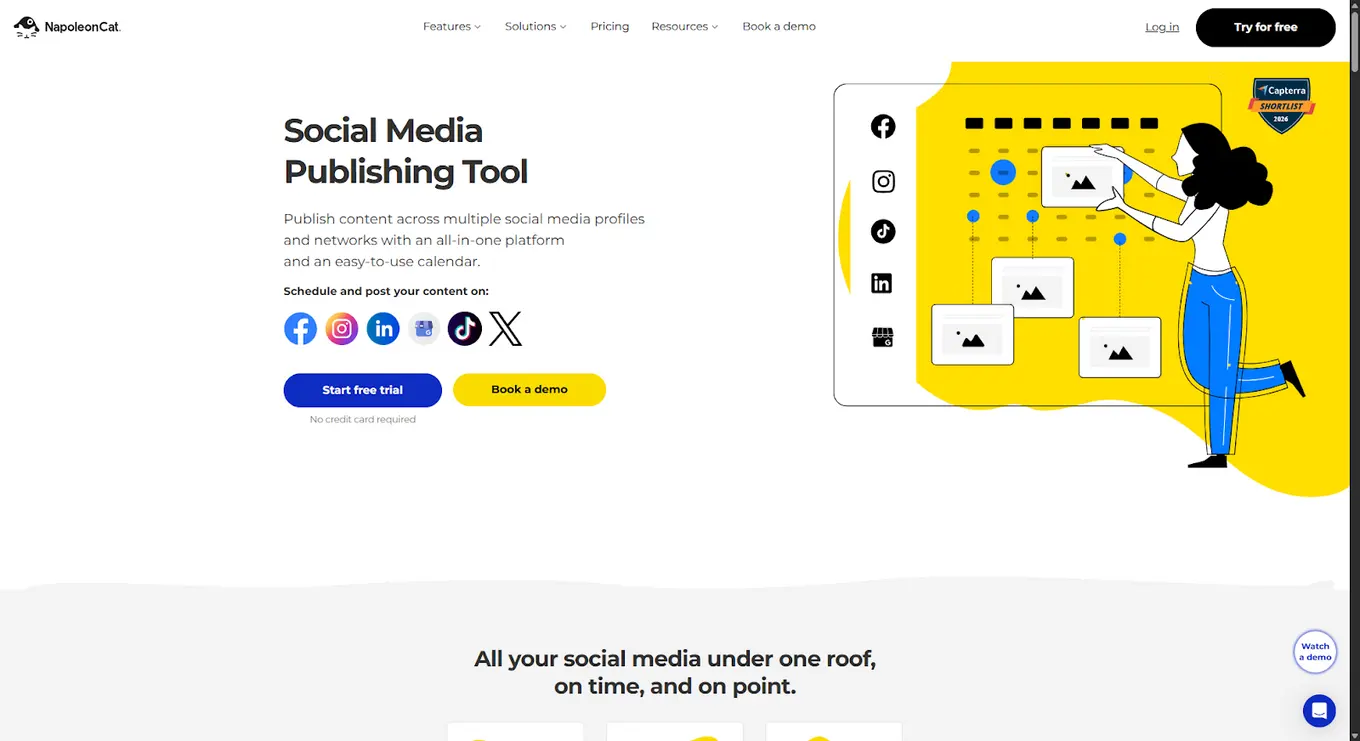
Best for: Customer care teams and brands managing high volumes of comments, messages, and ad interactions.
NapoleonCat is built around moderation. Its auto-moderation engine can automatically hide, delete, or reply to comments based on keywords and rules you set—a significant time saver for brands running paid social campaigns with high comment volume. The Social Inbox includes SLA timers, collision detection to prevent duplicate replies, and multilingual auto-translation.
It’s a strong fit for global brands or high-volume customer care teams. Competitor analysis and analytics are also included.
Key features:
- Auto-moderation engine with keyword-based rules
- Unified Social Inbox with SLA tracking
- Collision detection for team inboxes
- Multilingual auto-translation
- Competitor analysis
- Scheduling and publishing
Pricing:
- Each package includes 2 users and 5 profile slots. The more you add, the higher the cost.
- Standard: from $79/month (annual)
- Pro: from $89/month (annual)
- Expert: from $119/month (annual)
- Enterprise: from $465/month (annual)
15. Rella
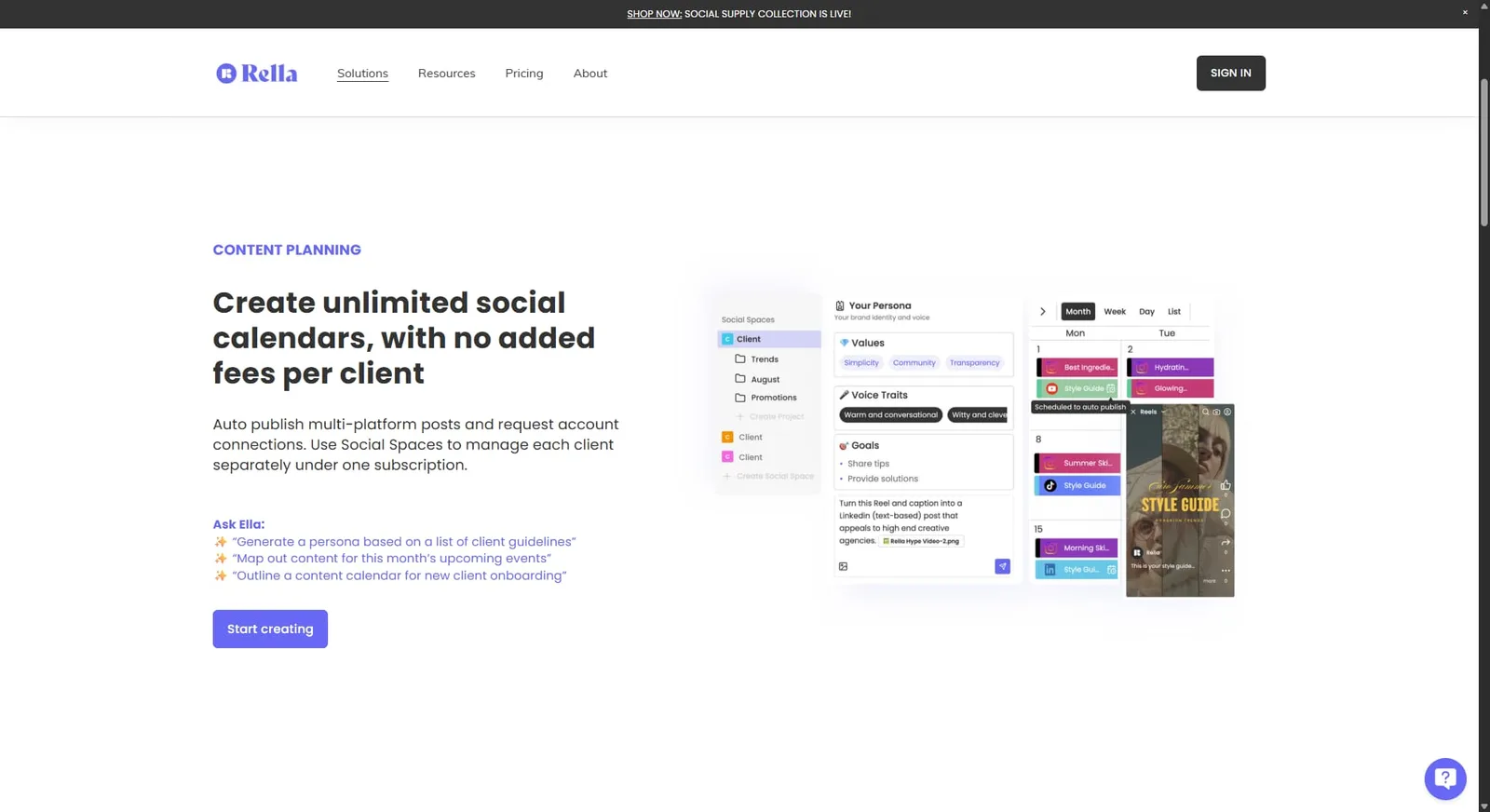
Best for: Creators, freelancers, and small agencies who want a content management tool with project management built in.
Rella blends social media scheduling with project management in one workspace. You get content calendars, Kanban boards, a media library, and client collaboration via shareable links—no client login required. The AI assistant (Ella) helps with caption writing and content strategy.
It’s simpler than most agency tools, but the combination of content planning and task management in a single interface is genuinely useful for creator-led workflows.
Key features:
- Content calendar and Kanban board
- Client sharing via link (no login needed)
- AI caption assistant (Ella)
- Media library
- Unlimited social spaces
- Project and task management
Pricing:
- 14-day free trial available
- Rella Pro: $24/member/month (annual)
- Rella Premium: $36/member/month (annual)
- Rella Premium Plus: $48/member/month (annual)
16. Oktopost
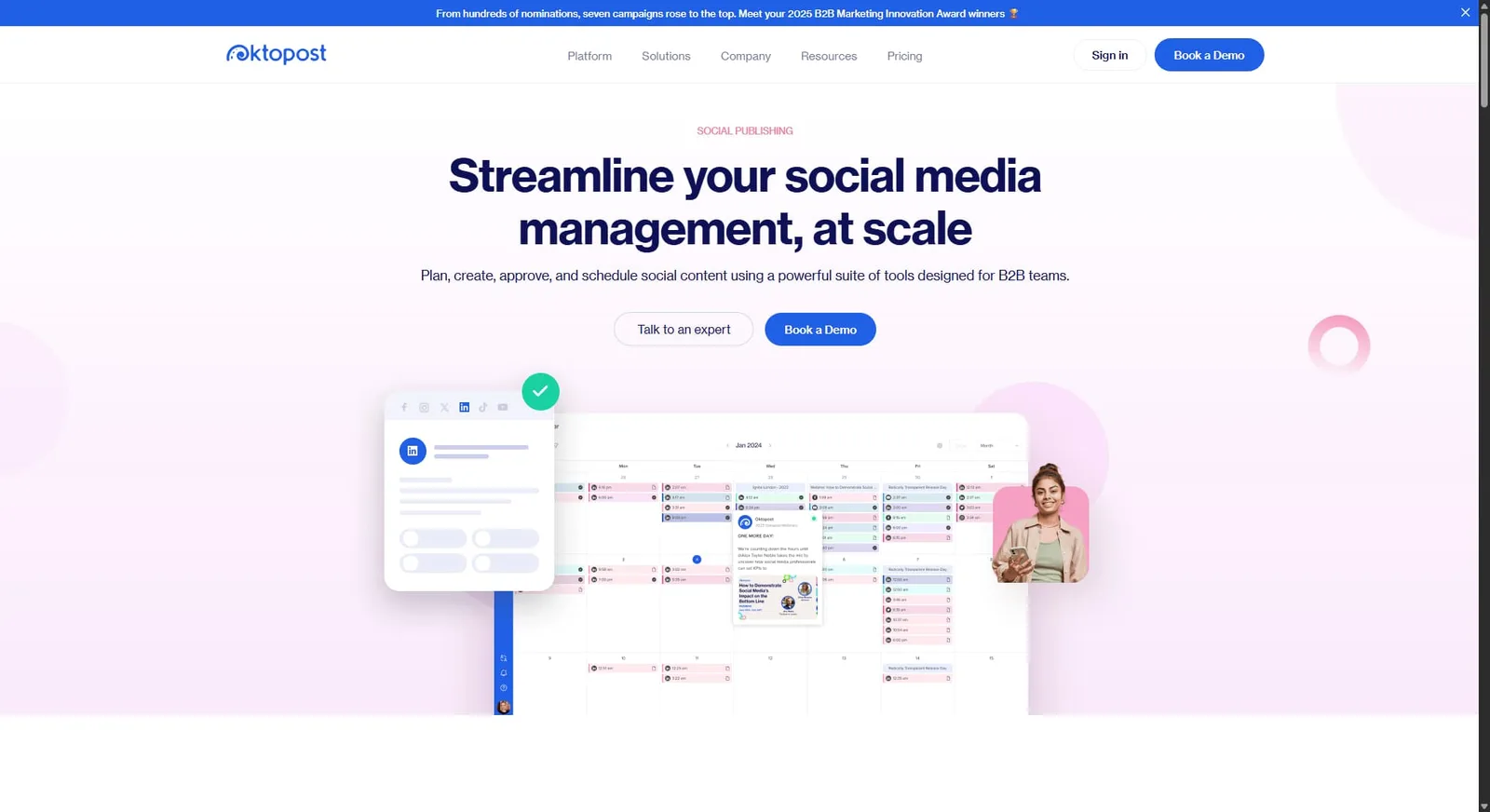
Best for: B2B companies that need to tie social media activity directly to leads and revenue.
Oktopost is purpose-built for B2B marketing teams. Every post gets assigned to a campaign, UTM parameters are added automatically, and the analytics track how social activity moves buyers through the funnel—from first touch to closed deal. It connects to major CRMs including Salesforce, HubSpot, and Marketo.
The employee advocacy feature lets teams turn employees into brand amplifiers with easy content sharing and built-in tracking. Pricing isn’t publicly listed, so you’ll need to contact them for a quote.
Key features:
- Campaign-level post tracking with automatic UTMs
- B2B pipeline and revenue attribution analytics
- CRM integrations (Salesforce, HubSpot, Marketo)
- Employee advocacy with sharing and tracking
- Social publishing and scheduling
Pricing:
- Custom pricing only
- No public pricing or free trial
17. Metricool
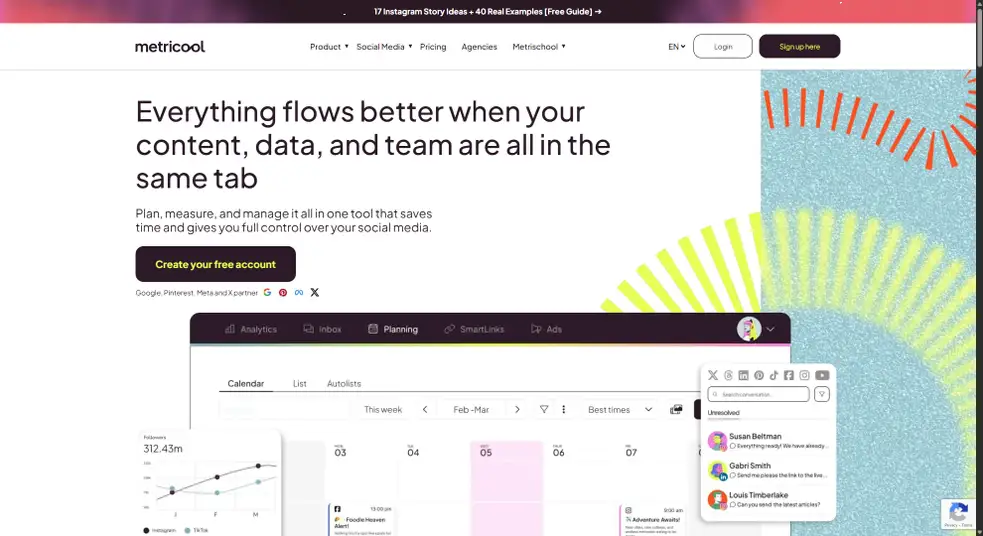
Best for: Data-driven social media managers who want scheduling and ad analytics in one affordable platform.
Metricool is one of the few tools that combines organic social scheduling with paid ad performance tracking—covering Facebook Ads, Google Ads, and more. That makes it a practical choice for teams running both organic and paid social who want all their data in one place.
The free plan is genuinely useful—manage one brand and schedule up to 50 posts per month. Paid plans add competitor analysis, downloadable reports, and a Looker Studio connector for advanced data visualization.
Key features:
- Social scheduling across major platforms
- Paid ad analytics (Facebook, Google, TikTok, and more)
- Competitor analysis
- Looker Studio integration
- SmartLinks (link-in-bio tool)
- Downloadable reports
Pricing:
- Free: 1 brand, 50 scheduled posts/month
- Starter: $20/month (annual)
- Advanced: $53/month (annual)
- Custom: Contact customer service for personalized pricing and features.
Find the right Hootsuite alternative for your team
The social media management space has moved fast. What used to justify Hootsuite’s price tag is now available at a fraction of the cost—and in many cases, with a better user experience.
If you’re managing multiple clients or building a team, tools like Vista Social, Agorapulse, and SocialPilot offer serious value without locking essential features behind an enterprise contract. If collaboration and client approvals are your biggest pain point, Planable and HeyOrca are worth a close look. And if deep analytics or B2B attribution is what you’re after, Metricool and Oktopost fill that gap.
But if you’re looking for one platform that covers publishing, analytics, engagement, listening, reviews, and AI without jumping between tiers to unlock the basics, Vista Social is your most complete option at the price.
Create your Vista Social account today and see how it stacks up against your current tool.
Hootsuite alternatives FAQs
What is the best alternative to Hootsuite?
Vista Social is the best all-around Hootsuite alternative for most teams. It covers social media publishing, analytics, engagement, social listening, review management, and AI tools—all starting at $64/month after a free trial. Compared to Hootsuite’s $199/month entry point (with key features locked behind higher tiers), Vista Social delivers more for less. For specific needs, tools like Planable (approvals), Metricool (analytics), and SocialPilot (agencies on a budget) are also worth considering.
Is Vista Social or Hootsuite better?
For most social media managers and agencies, Vista Social is the stronger choice. You get a more feature-rich platform at a significantly lower price. Vista Social includes review management, employee advocacy, social listening, and AI tools on standard plans or for smaller add-on costs—features that Hootsuite reserves for Enterprise customers. Read Vista Social vs. Hootsuite for a detailed breakdown.
What’s the best social media management platform?
The best platform depends on your team size, budget, and workflow. For most small to mid-size teams, Vista Social and SocialPilot offer the best balance of features and value. Enterprise teams with larger budgets often gravitate toward Sprout Social or Dash Social. Agencies focused on approvals tend to prefer HeyOrca or Planable. And if you’re solo or just starting out, Buffer’s free plan is a solid first step. For a broader overview of your options, check out our social media management tools guide.

Try Vista Social for free
A social media management platform that actually helps you grow with easy-to-use content planning, scheduling, engagement and analytics tools.
Get Started NowAbout the Author

Content Writer
Russell Tan is a content marketing specialist with over 7 years of experience creating content across gaming, healthcare, outdoor hospitality, and travel—because sticking to just one industry would’ve been boring. Outside of her current role as marketing specialist for Vista Social, Russell is busy plotting epic action-fantasy worlds, chasing adrenaline rushes (skydiving is next, maybe?), or racking up way too many hours in her favorite games.
Loading related tools...




Tools
PublishingAnalyticsEngagementIntegrations
FacebookInstagramLinkedInRedditSnapchatThreadsTikTokX (Twitter)YouTubeBlueskyVista Page (link-in-bio)All IntegrationsCopyright © 2026 Vista Social LLC. All Rights Reserved.