

Published on December 1, 2025
9 min to read
Top 10 YouTube Analytics Tools for Growing Your Channel

Summarize with AI

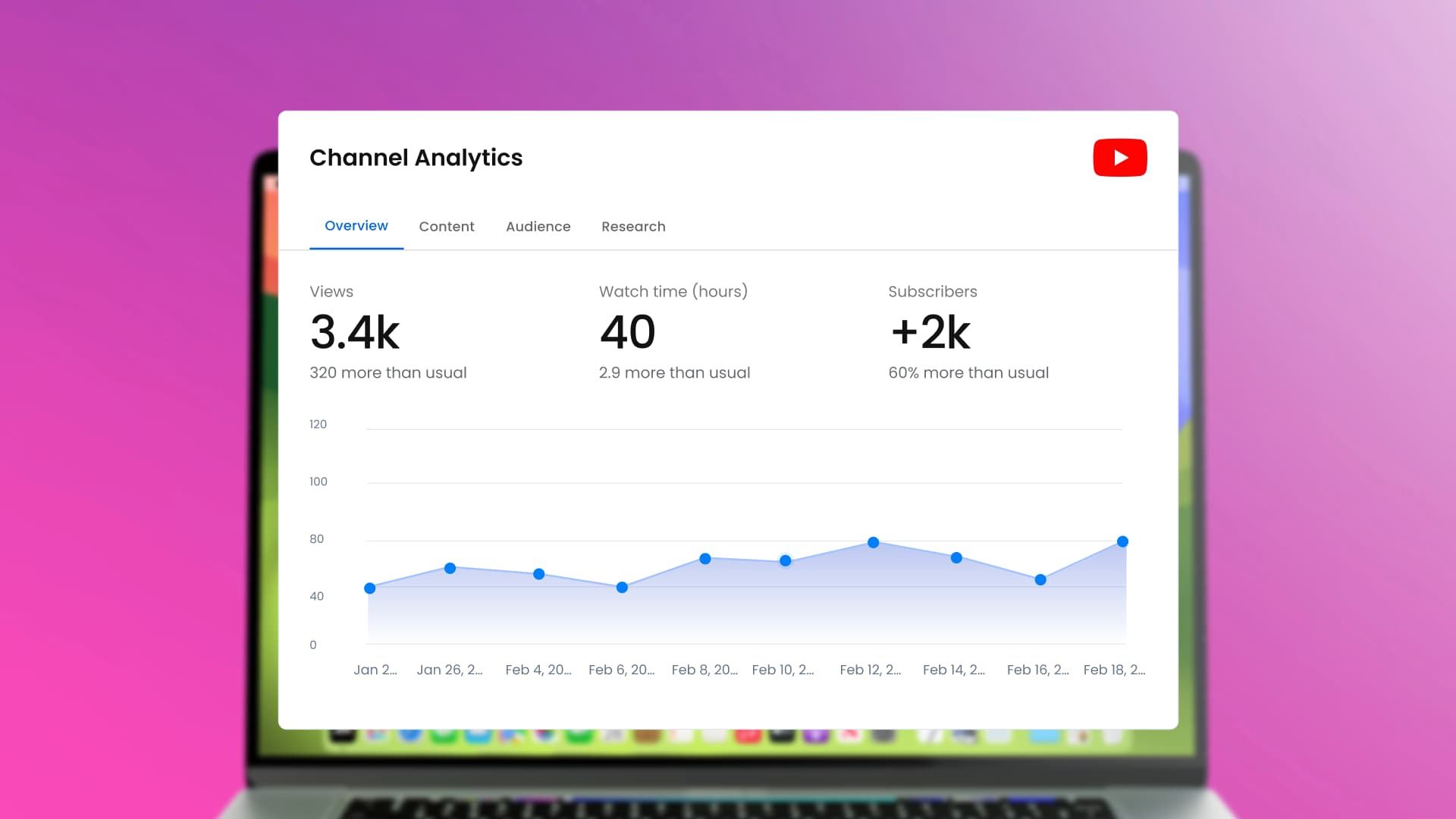
Table of contents
Summarize with AI

ChatGPT

Claude

Perplexity
Share

Vista Social

X (Twitter)


If you want to grow your YouTube channel, you need to know what your viewers enjoy. That’s why the right YouTube analytics tools matter.
YouTube Studio already gives creators strong insights, but some social media analytics tools go beyond the basics. And many users look for platforms that track results across multiple social channels, making it easier to manage their entire online presence in one place.
In this blog, we’ll walk you through the top 10 YouTube analytics tools that can help you grow your channel with confidence and speed.
Table of contents
Why should you use a YouTube analytics tool?
Running a YouTube channel without tracking your performance is like driving in the dark without headlights. You might make videos, but you won’t know what works or what needs fixing.
The platform also follows an algorithm that pushes certain videos based on viewer behavior, so understanding your data helps you work with it instead of against it.
Here’s how YouTube analytics tools can help:
- Know your audience: Learn who watches your videos, their age, location, and what content they enjoy. This helps you make videos that your viewers actually want to see.
- Check video performance: Find out which videos get the most views, watch time, or likes. You can focus on what works and improve what doesn’t.
- Plan better content: Discover the best times to post, the right video length, and topics that keep viewers interested. This makes your content strategy more effective.
- Watch competitors: Compare your channel to others to spot trends and see what works for them. This helps you stay ahead in your niche.
- Grow engagement and earnings: Track which videos get the most comments and shares. This helps you build a stronger community and boost revenue.
Using the right YouTube analytics tools turns your channel from guesswork into a clear plan. They give you the insights you need to make better videos and reach more people.
Top 10 YouTube analytics tools
1. Vista Social
Best for: Brands or teams managing a large social media presence across multiple channels
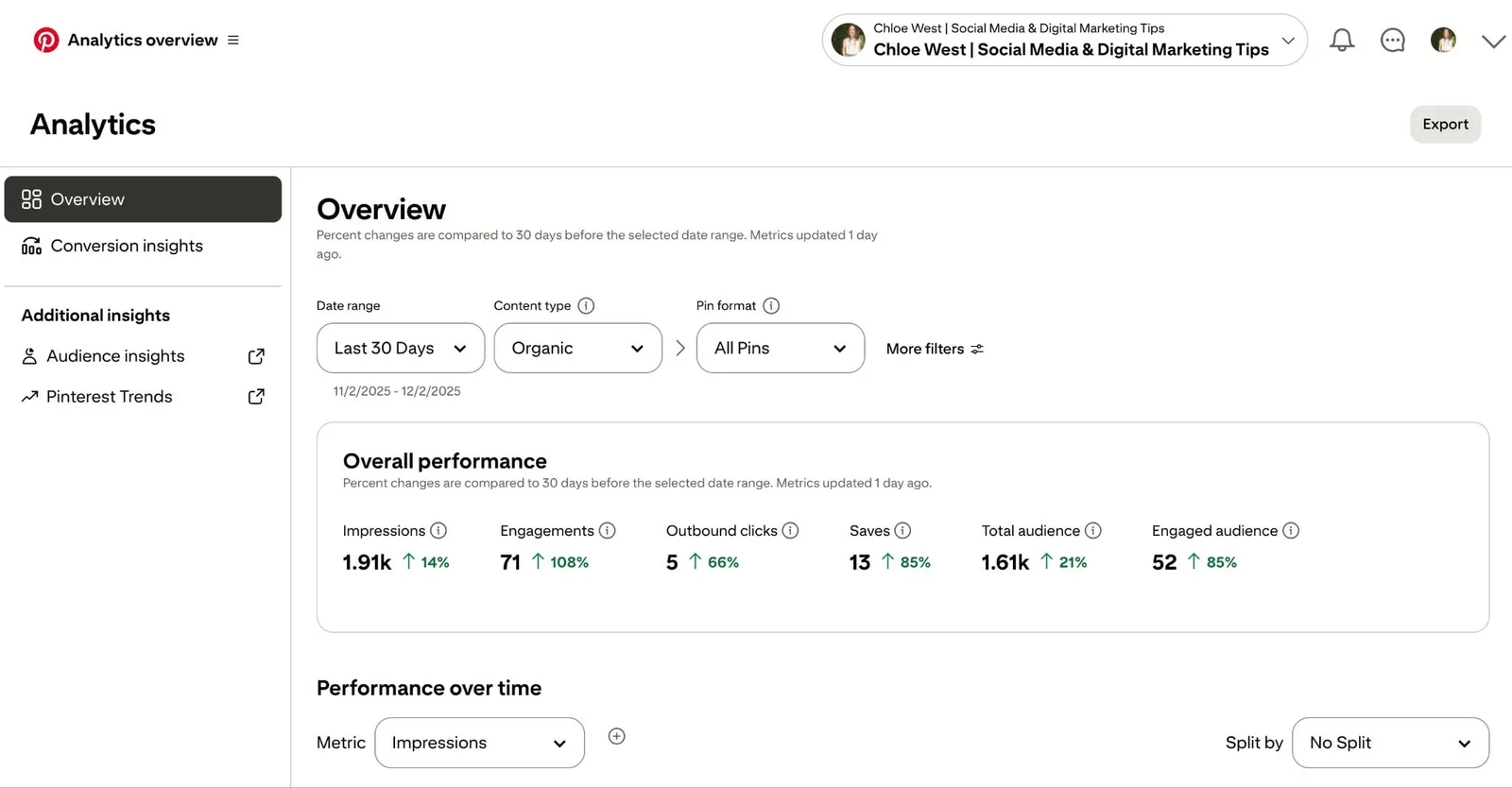
You need Vista Social in your toolkit as it gives you a clear view of your YouTube performance in one easy dashboard. It helps you track growth, understand your viewers, and see which videos do well. You also get automated social media reports and social media brand monitoring, which go far beyond basic tools.
Key features:
- Social media performance report: See your main stats like subscribers, views, uploads, and engagement for any date range
- Post performance report: Review impressions and engagement rate to plan better content
- Sentiment analysis: Learn how viewers feel about your comments and mentions
- Industry benchmark report: Compare your channel with others to find new ways to grow
Pricing: Starts at $64/month
2. YouTube Studio
Best for: Brands and YouTube creators of all levels
YouTube Studio is the native analytics dashboard from YouTube. It gives you key stats to see how your videos and channel are performing. You can track YouTube video views, watch time, likes, comments, shares, and subscriber growth to understand what works and what doesn’t.
Key features:
- See high-level stats and top-performing videos
- Track how many people watch, like, comment, or share each video
- Analyze audience retention to know where viewers stop watching
- Monitor traffic sources to see how viewers find your content
- Check audience demographics and new vs. returning viewers
- Export data for offline use
Pricing: Free
3. TubeBuddy
Best for: YouTube creators, influencers, and entrepreneurs
TubeBuddy is a tool that helps YouTube creators grow faster and optimize their channels. It simplifies video SEO, improves thumbnails, and suggests content ideas. It also helps with audience engagement and workflow tasks so you can spend more time creating videos.
Key features:
- SEO and keyword research tools to find high-ranking keywords
- Competitor scorecard to compare your channel against others
- Insights for the best time to post videos
- Video A/B testing for thumbnails and titles
- Promotion tools to increase video reach
- Analytics to track video performance and engagement
- Workflow tools to save time on bulk actions and tasks
Pricing: Paid plans start at $4.50/month
4. vidIQ
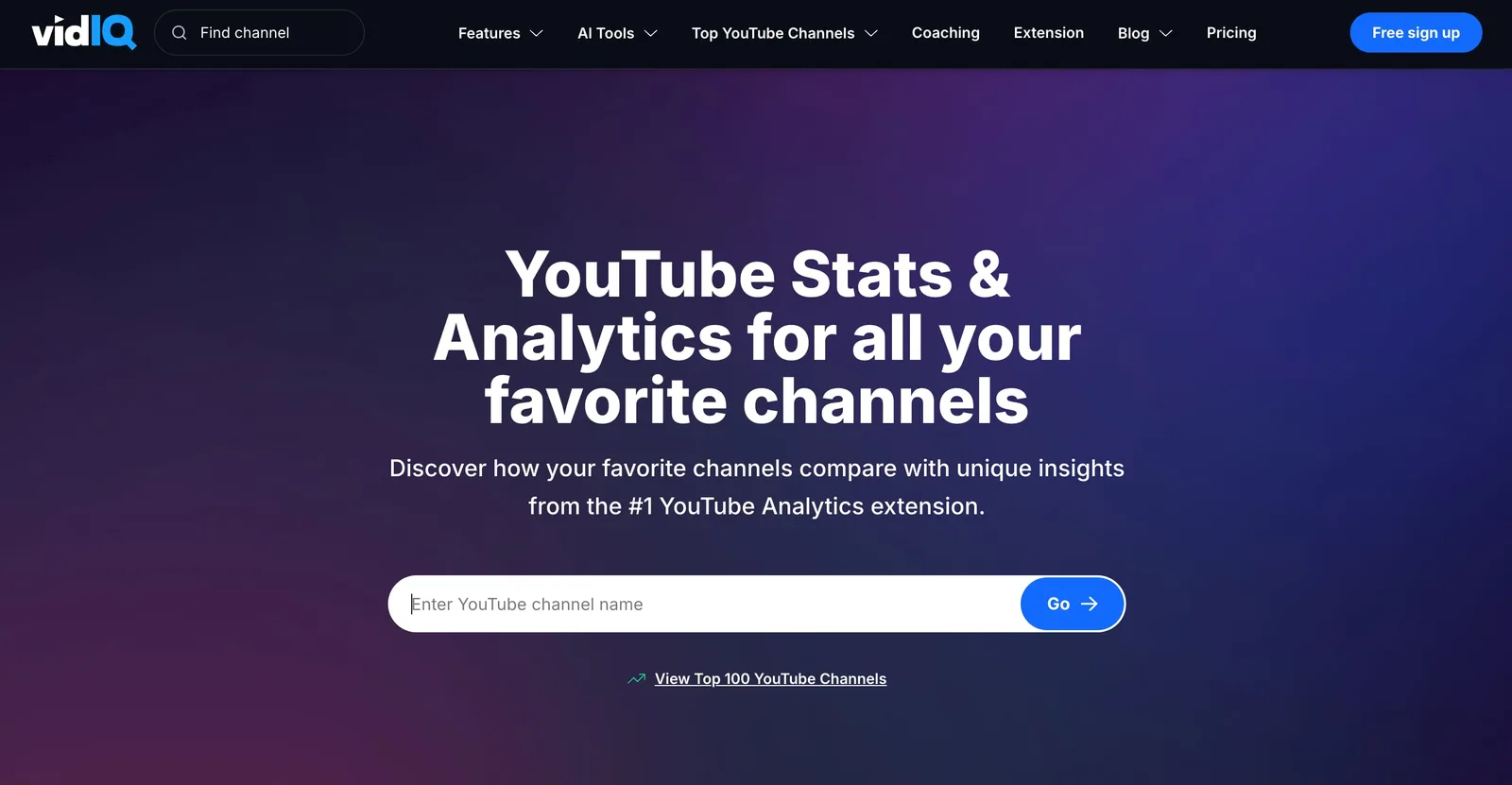
Best for: Content creators
vidIQ helps creators grow their channel. It gives simple tips to improve video SEO and track audience engagement. Beginners can start for free and get useful insights without spending much.
Key features:
- YouTube SEO score showing how well your video ranks
- Keyword research to find trending words for new videos
- Channel audit tracks subscriber changes, views, and watch time
- Engagement metrics show likes, comments, and shares
- Real-time views per hour show how videos perform right now
- Video tips suggest better thumbnails, end screens, playlists, and posting schedule
- Competitor comparison shows how your channel stacks up
Pricing: Free limited plan, with paid plans starting at $16.58/month
5. ViralStat

Best for: Creators and marketers
ViralStat lets you watch how your YouTube videos and social posts perform in one place. You can see what your audience enjoys and get ideas to make better content. It also shows which influencers your viewers follow so you can plan smart partnerships.
Key features:
- See top performing videos and key stats
- Track views, likes, comments, and shares for each video
- Check audience engagement on different platforms
- Find trending topics to create new content
- Discover influencers your audience trusts
Pricing: Starts at $29/month
6. Viewstats
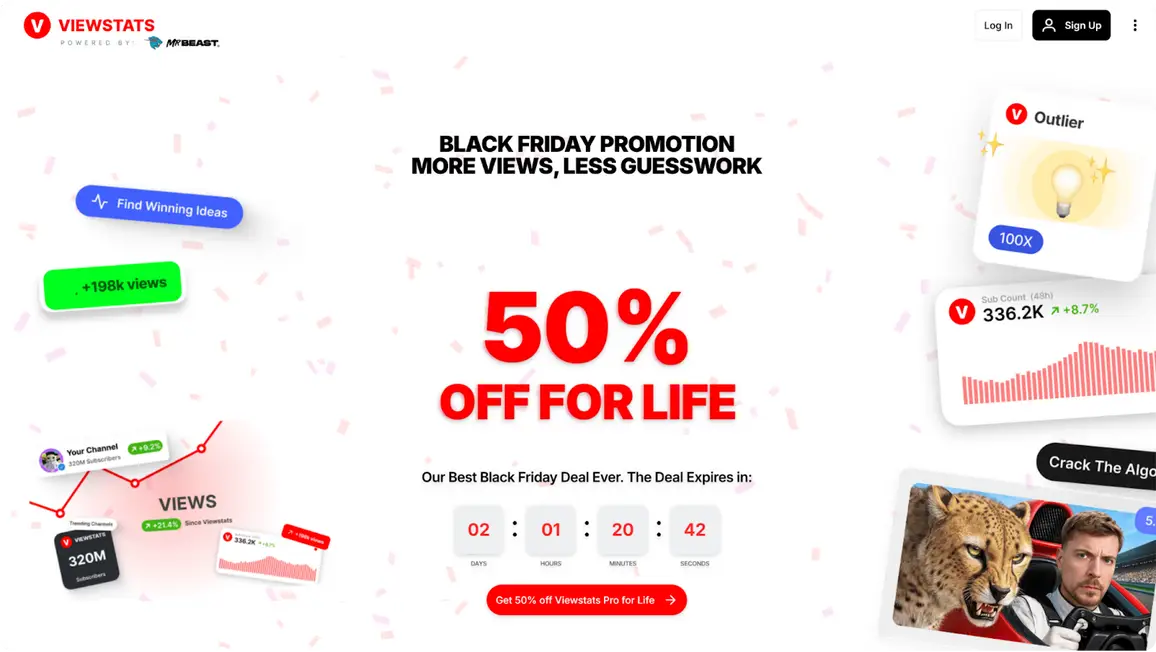
Best for: Creators who want fast insights and growth
Viewstats gives you real-time YouTube data in a clean and easy dashboard. You can check what videos perform well, track competitors, and find new ideas that may go viral. It also lets you test thumbnails and titles so you can improve your click-through rate.
Key features:
- Competitor tracking to compare your growth
- Real-time trend alerts
- A/B testing for thumbnails and titles
- Thumbnail search tool for checking strong design styles
- Detailed channel analytics with revenue estimates
- Trending content lists by category or country
- Browser extension for quick insights on YouTube
Pricing: Free limited plan, with paid plans starting at $49.99/month
7. Social Blade
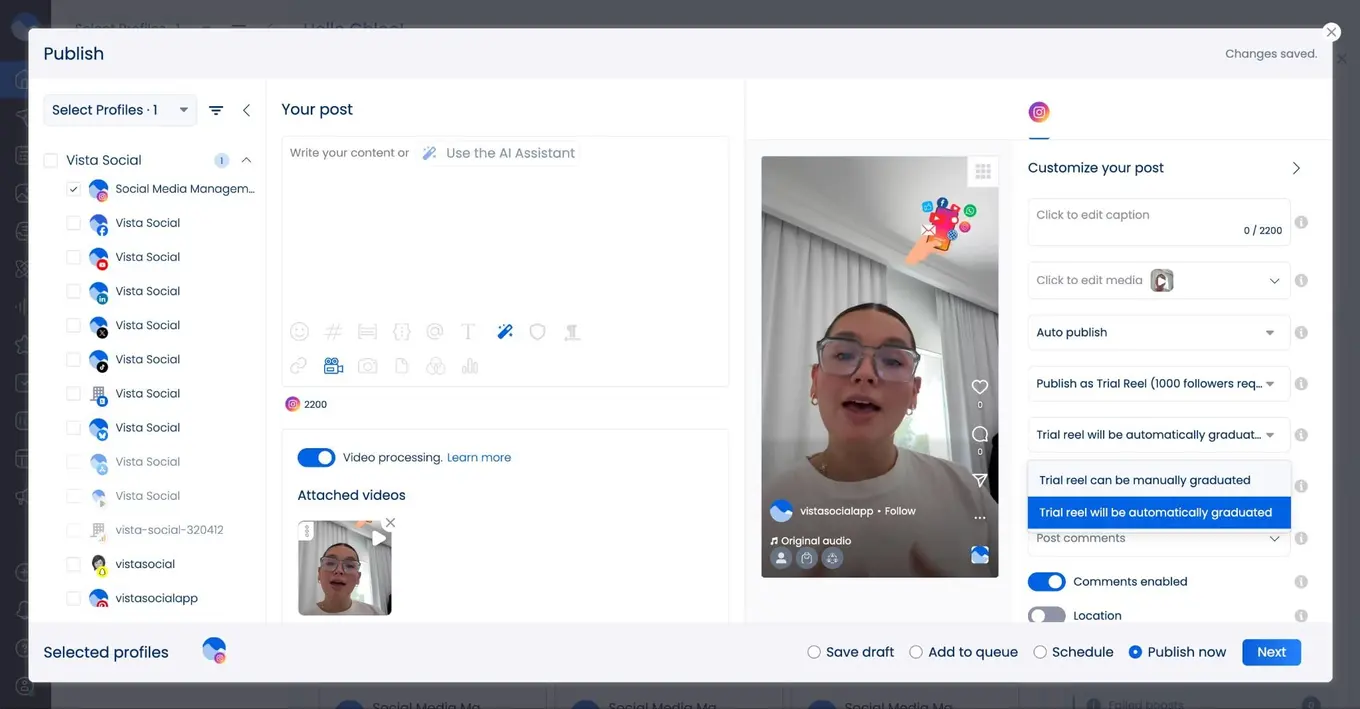
Best for: Competitor research
Social Blade helps you track YouTube channel growth fast. You can view stats for your own channel or check any creator you want to study. It shows uploads, views, and subscriber changes, making it easy to compare performance and spot trends. The platform also gives channels a grade to help you see how strong their growth is.
Key features:
- Performance grade that shows channel strength
- Growth charts for subscriber and view changes
- Channel comparison for spotting competitors
- Video-level stats for views and engagement
- Similar channel suggestions
Pricing: Plans start at $4.99/month
8. Tubular Labs

Best for: Large brands, agencies, and media teams
Tubular Labs helps you understand how people watch and react to videos across many social platforms. It gives you a full picture of your audience so you can spot trends early, plan better content, and make smart decisions. The platform uses a huge video database to help you stay ahead in a fast-moving online world.
Key features:
- View video performance across major social platforms
- Learn what your audience likes and watches
- Search a large video library to find trends
- Group videos by topic for easier planning
- Find creators who match your target audience
- Track brand mentions through social listening
- Get market insights to find new chances to grow
Pricing: Not available on their website
9. Facelift Data Studio
Best for: Data-obsessed marketers and teams
Facelift Data Studio is built for people who want the most detailed view of their YouTube growth. It offers exact analytics, detailed reporting options, and strong tools to understand audience behavior. If you rely heavily on data to guide your content and campaigns, this tool gives you the depth and flexibility you need.
Key features:
- Customizable dashboards that let you build the exact view you want
- Large library of metrics so you can track performance from every angle
- Options for creating your own measurements with advanced data tools
- Secure reporting tools for sharing insights with your team
- API and integration support so you can connect your data to existing systems
Pricing: Available on request
10. UnboxSocial
Best for: Creators, brands, and small businesses
UnboxSocial is an easy-to-use YouTube analytics tool. It helps you track your subscribers and video performance. You can also manage other social media accounts in one place. This makes it simple to see what works and plan your next steps.
Key features:
- Track interactions to see how viewers respond to your videos
- Manage multiple platforms like YouTube, Instagram, Facebook, and Twitter
- Watch subscriber growth over time
- Check video engagement to find your top-performing videos
- See where your traffic comes from
- Review historical trends in subscribers
- Get video tag suggestions for better visibility
- Track campaign performance for paid or organic videos
Pricing: Starts at $9/month
How to choose the right YouTube analytics tool for your needs
YouTube has over 2.5 billion monthly active users. With such a huge audience, knowing how your channel performs is critical.
YouTube’s built-in analytics are helpful, but a full-featured tool can give you insights that go beyond basic numbers. The right tool combines data from various sources. This way, you can clearly see your channel’s performance.
Let’s go over the important features to look for when choosing a YouTube analytics tool.
Ease of use and support
Even a strong tool won’t help if it’s too hard to use. Pick one with clear dashboards, simple navigation, and tutorials. Good customer support helps you solve problems fast and get the most out of the tool.
Real-time monitoring
Some tools give live updates so you can see how videos perform right after posting. Real-time data helps you notice trends, test new ideas, and change your strategy quickly.
Advanced reporting and customization
A good tool lets you build a dashboard that shows the numbers you care about most. It should let you create automatic reports to track growth over time. Key numbers include watch time, engagement, and subscriber growth. Custom reports make it easy to focus on important data and share results with your team.
Audience insights and social listening
Top tools show more than basic numbers. They track how viewers interact with your videos, what topics they like, and how they feel about your content. This helps you make videos your audience enjoys and keeps them watching longer. Since people watch over 1 billion hours of YouTube daily, knowing what your viewers like gives you an advantage.
Competitive benchmarking
The right tool lets you compare your channel with others. You can see which videos work well, spot trends, and find gaps in your content. Learning from competitors helps you improve your videos and grow your audience.
Cross-platform integration
The best tools work with more than just YouTube. They can connect to Instagram, TikTok, and other platforms so you can see all your performance in one place. This gives a full picture of your audience and shows how your videos affect overall growth.
Can grow with you
Your channel will grow, and your tool should grow too. Look for one that allows upgrades or adds new features as your needs increase. This keeps all your data in one place and stops you from needing to switch tools later.
YouTube analytics tools FAQs
What is the best YouTube analytics tool?
Vista Social is one of the best all-in-one tools for YouTube analytics. It gives you reports on video performance and how viewers feel about your videos. You can see which videos get the most likes, comments, and shares. If you want more help with keywords and search optimization, you can also use TubeBuddy. Using both tools together helps you create better videos. You’ll reach more viewers and grow your channel faster.
What metrics should you track on your YouTube channel?
Track views to see how many people watch your videos and watch time to know how long they stay. Audience retention shows if people watch your video until the end. Subscriber growth shows if your channel is gaining loyal followers. Click-through rate shows how many people click your video after seeing the thumbnail. Engagement means likes, comments, and shares. It shows how people connect with your videos. Tracking these numbers helps you know what works and what needs fixing.
What can YouTube analytics tell you?
YouTube analytics reveals how viewers discover your videos. It also shows who your audience is and how they engage with your content. It also shows which videos make the most money if your channel earns revenue. This info helps you enhance your video plan. Focus on the right audience, choose better topics, and find the best posting times. Using analytics makes it easier to grow your views, subscribers, and engagement.

Try Vista Social for free
A social media management platform that actually helps you grow with easy-to-use content planning, scheduling, engagement and analytics tools.
Get Started NowAbout the Author

Content Writer
Content writer and copywriter with over 2 years of experience, specializing in VSL scriptwriting. I’ve worked with various brands to create compelling content. Passionate about storytelling that connects and converts. Loves cats, poetry, and skincare
Loading related tools...




Tools
PublishingAnalyticsEngagementIntegrations
FacebookInstagramLinkedInRedditSnapchatThreadsTikTokX (Twitter)YouTubeBlueskyVista Page (link-in-bio)All IntegrationsCopyright © 2026 Vista Social LLC. All Rights Reserved.