

Published on December 3, 2025
8 min to read
12 Best Pinterest Analytics Tools for Measuring Your Performance

Summarize with AI

Table of contents
Summarize with AI

ChatGPT

Claude

Perplexity
Share

Vista Social

X (Twitter)


Imagine you just launched a new product and shared it on Pinterest. Your Pins look great, full of bright images and clear info, but you have no idea which ones are actually driving clicks and saves.
With 578 million users worldwide, Pinterest is full of potential—but without the right Pinterest analytics tools, it’s hard to know which content is performing best.
These tools make it simple to understand your audience and improve your content. No more guessing. You get clear data that helps you grow.
In this blog, we’ll share the top 12 Pinterest analytics tools you can use to pinpoint your best performing content and boost results.
Table of contents
Why do your Pinterest analytics matter?
If you want your brand to grow on Pinterest, guessing won’t get you far. The best Pinterest analytics tools reveal what works. They tell you who’s interested and how to boost clicks, saves, and shares.
Here’s why smart brands track their performance:
- Know your audience: See who interacts with your pins and what they love. Create content that really grabs their attention.
- Spot popular content: Discover which pins get the most clicks and saves. Double down on what your audience can’t resist.
- Plan better posting times: Find out when your audience is most active. Post at the right time to maximize visibility.
- Measure traffic and results: Track how Pinterest drives visitors to your website. Make sure your pins turn into real leads or sales.
- Track growth over time: Watch how your profile grows and how engagement trends change. Keep improving and stay ahead of the competition.
With these insights, your brand can reach more people and turn Pinterest into a traffic and sales powerhouse.
Top 12 Pinterest analytics tools
1. Vista Social
Best for: Social media managers and teams
Vista Social gives you a clear dashboard to track your Pinterest account performance. It combines data on pins, engagement, clicks, and audience growth so you can see which content works best. It also helps you understand audience sentiment and compare your results with industry standards to improve your strategy.
Key features:
- Social media performance report: Quickly view followers, pins, engagement, clicks, saves, and impressions
- Audience growth tracking: See how your subscriber base changes over time
- Post performance report: Find which posts performed best and compare by labels or categories
- Sentiment analysis: Monitor audience reactions to understand brand perception
- Industry benchmark report: Compare your Pinterest performance to industry averages or competitors
Pricing: Starting at $64/month
2. Pinterest Analytics
Best for: Anyone who wants a clear view of their Pinterest performance without extra cost
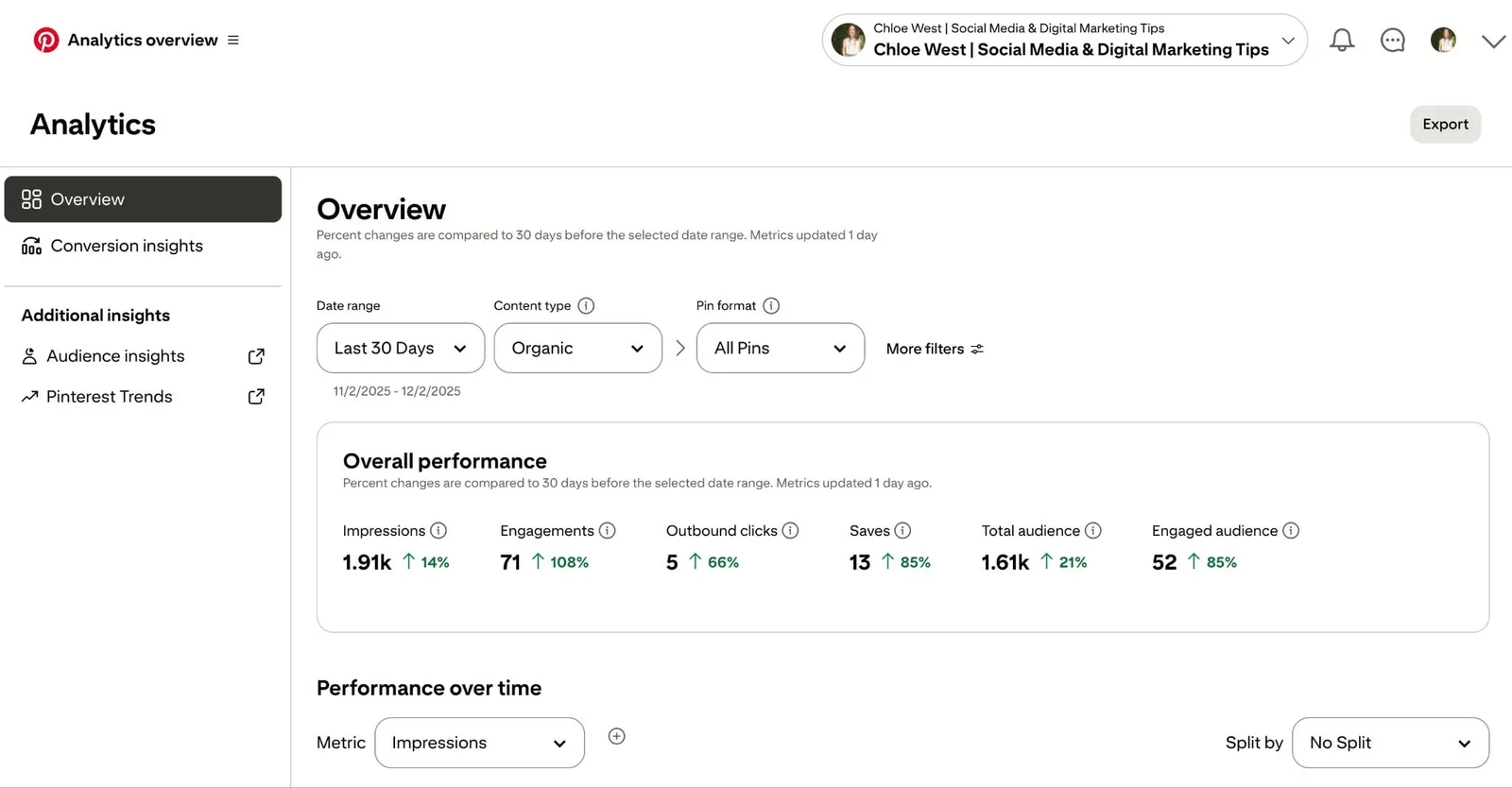
Pinterest Analytics is the built-in tool for business accounts. It shows which pins get the most attention and which boards attract your audience. With this data, you can make smarter decisions about what to pin, how to optimize content, and where to focus your efforts.
Key features:
- See top-performing pins and boards at a glance
- Track saves, clicks, and impressions for each pin
- Learn who your audience is and what they like
- Monitor website traffic coming from Pinterest
- Analyze trends in content performance over time
Pricing: Free with any Pinterest business account
3. Tailwind
Best for: Pinterest influencers, bloggers, and marketers
Tailwind helps you plan pins at the best times so more people see them. You can also track how your pins and boards perform. Built specifically with Pinterest in mind, this tool works well for teams managing multiple Pinterest profiles.
Key features:
- Schedule pins when your audience is most active
- Track pin and board performance including saves, clicks, and engagement
- Multi-board pinning and bulk uploads to save time
- Mobile app for scheduling and managing pins on the go
- Google Analytics integration to measure traffic and revenue from Pinterest
Pricing: Starting at $29.99/month per account
4. SocialBee
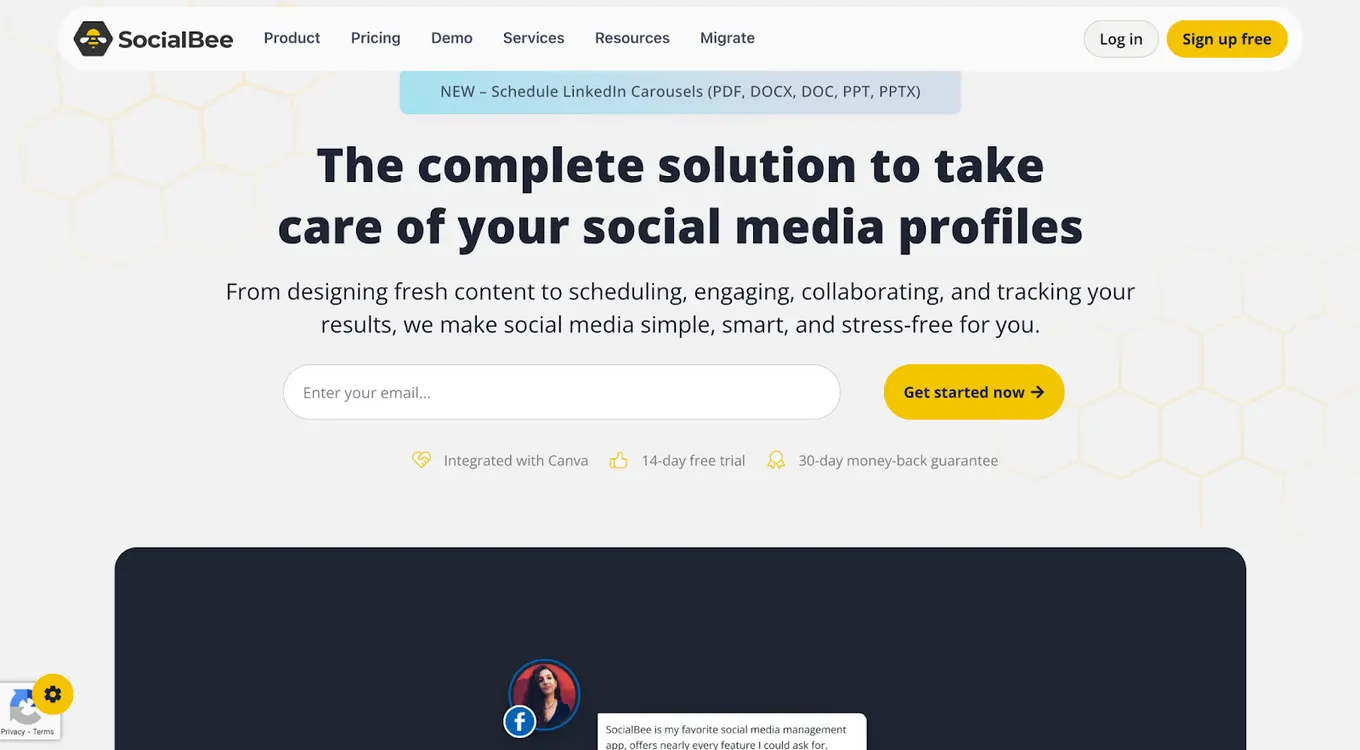
Best for: Marketers, content creators, small businesses, and teams who want scheduling, analytics, collaboration, and engagement features in one platform.
SocialBee helps you plan and publish Pins consistently across multiple boards while keeping your broader social media activity organized. You can schedule content in advance, monitor performance, collaborate with your team, manage conversations and more. Built-in analytics and content creation features support both execution and optimization of your Pinterest strategy.
Key features:
- Schedule and publish Pins across multiple boards using a visual content calendar.
- Track Pin performance with built-in analytics to measure engagement and reach.
- Create, organize, and manage boards alongside your other social media accounts.
- Manage mentions, comments, and DMs across platforms from one unified inbox.
- Generate captions, images, and content ideas with built-in AI features.
Pricing: Plans start at $29/month.
5. Cyfe
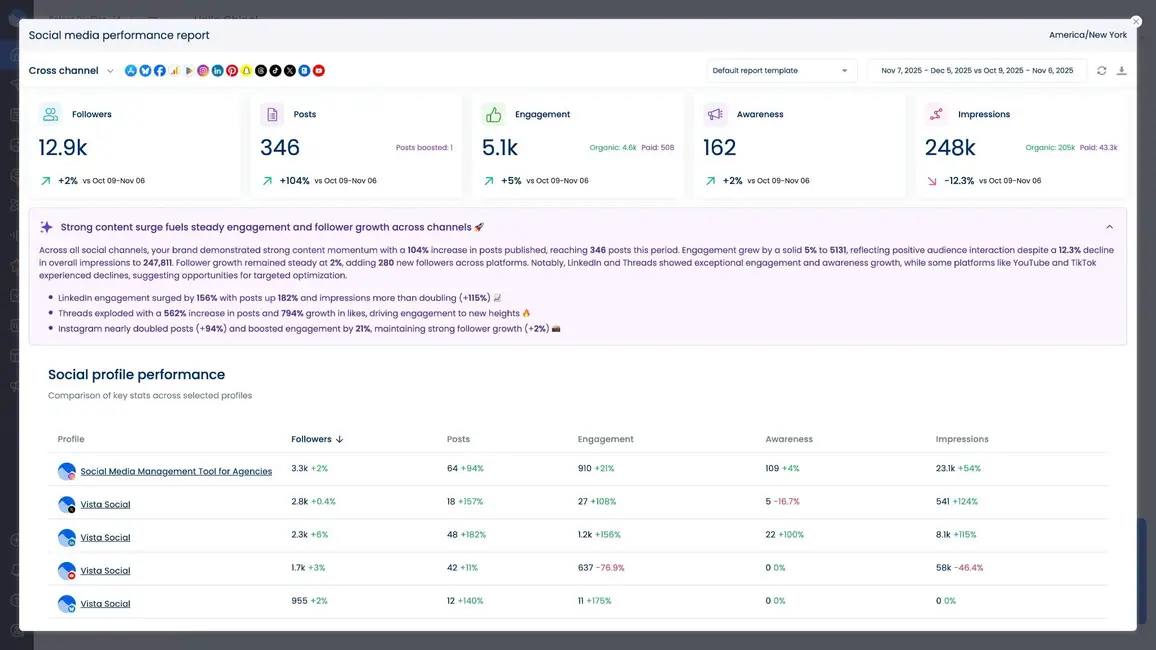
Best for: Businesses and entrepreneurs
Cyfe is a dashboard that shows Pinterest and other platform data in one place. It helps you see how pins perform, how people engage, and how Pinterest drives traffic to your site. All of these key stats are easy to view on a single screen.
Key features:
- Track Pinterest metrics like impressions, saves, clicks, engagement, and follower growth
- Monitor how Pinterest drives traffic to your website
- Integrate with other social media and analytics tools for a complete view
- Automate reporting to keep teams updated with latest data
- Visualize data clearly with charts and real-time monitoring
Pricing: Basic version with limited widgets is free, with paid plans starting at $29/month
6. Pingroupie
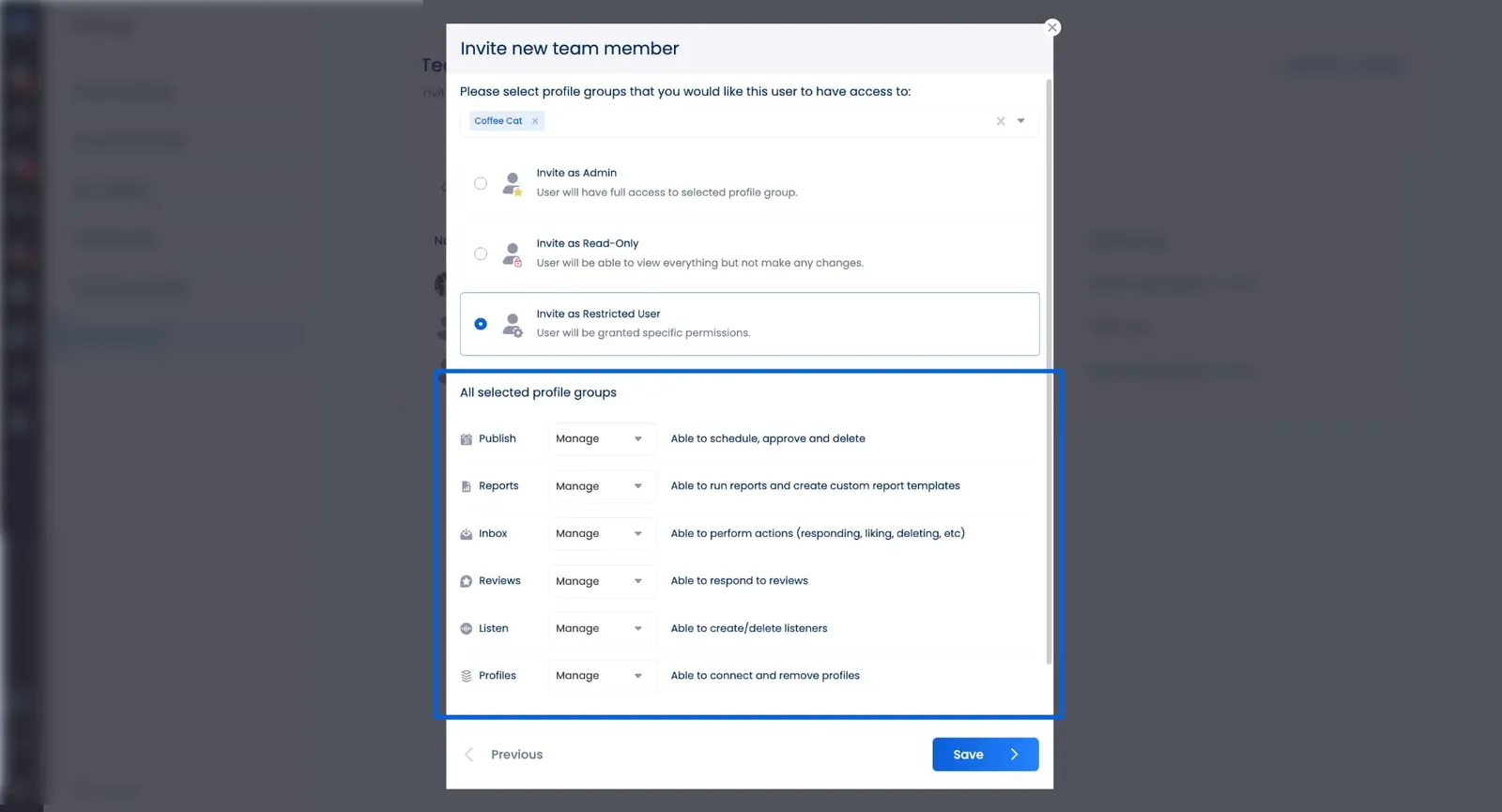
Best for: Anyone who wants to find active Pinterest group boards and grow their reach
Pingroupie helps you find Pinterest group boards where you can share your pins with many people. It’s useful if you want more exposure, join active groups, and keep up with popular topics. The tool shows which boards are active and gives simple data to help you choose the best ones.
Key features:
- Shows board activity including followers, pins, and recent engagement
- Search boards by category, title, or description with filters for active boards
- Track growth trends over the last few months to spot boards that do well
- Find popular keywords and topics in real time
Pricing: Free plan with limited access, with paid plans starting at $9.99/month
7. Supermetrics
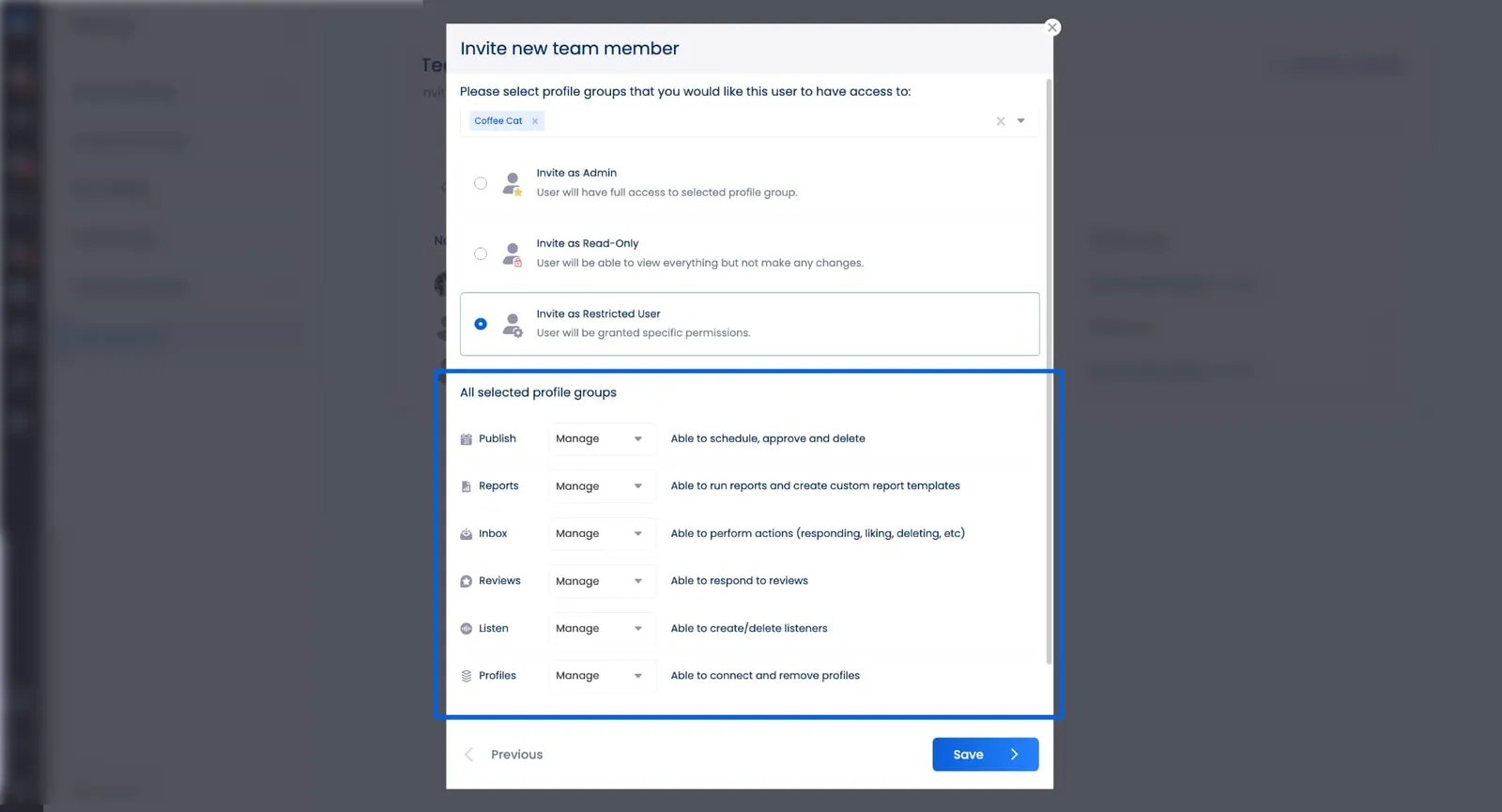
Best for: Marketers and agencies
Supermetrics gathers Pinterest data and social media info. It converts this information into easy-to-read reports with Google Data Studio. It has ready-made templates for organic posts and paid ads so you can quickly see how your account is doing.
Key features:
- Track impressions, clicks, click-through rate, and saves for organic pins
- Check ad performance including cost per click and conversions
- Use ready-made templates to set up dashboards fast
- See weekly performance and clicks by country
- Spark line charts show quick changes in performance
Pricing: Starting at $37/month
8. Iconosquare
Best for: Businesses and teams
Iconosquare helps you turn social media data into useful insights. From one dashboard, you can see how your pins and boards are doing. It saves time and makes it easy to track growth and engagement.
Key features:
- See reach, clicks, saves, and audience growth for your Pinterest account
- Move metrics around to focus on what matters most
- Schedule reports to send automatically daily, weekly, or monthly
- Make branded PDFs or spreadsheets ready to share
- Compare your performance with others and spot trends
Pricing: Starting at $39/month
9. Later

Best for: Marketers, small businesses, and social media managers
Later helps you see how your Pinterest pins are doing while letting you schedule them in advance. You can check engagement, audience activity, and the best times to post. Its visual calendar makes it simple to organize posts and watch your performance over time.
Key features:
- Track engagement, clicks, saves, and audience insights for each pin
- Identify best times to post based on audience activity
- Compare performance with past content to spot trends
- Visual content calendar to plan and schedule pins efficiently
- Collaborate with team members in one central dashboard
Pricing: Free plan for basic pin scheduling, with paid plans starting at $15/month
10. Buffer
Best for: Marketers, small teams, and businesses
Buffer shows you simple data to see how your Pinterest posts are doing. You can check clicks, saves, and overall engagement all in one dashboard. It helps you know what works and when your audience is most active.
Key features:
- See your overall performance with easy charts for impressions, engagement, and audience growth
- Compare your Pinterest data with other platforms in one view
- Check which pins get the most clicks and saves so you can adjust your content
- Get daily updated metrics to track changes and spot trends
- Build quick, clean reports you can download and share with clients or your team
Pricing: Free limited plan, with paid plans starting at $6/month per connected channel
11. Sprout Social
Best for: Medium to large businesses, agencies, and marketing teams
Sprout Social helps you track Pinterest performance and understand what your audience likes. It shows which pins get the most clicks, saves, and views. Teams can also share reports and work together to improve their Pinterest strategy.
Key features:
- Analyze Pinterest post performance and see which pins get the most engagement
- Monitor audience behavior and engagement patterns to improve strategy
- Separate organic and paid performance for better campaign insights
- Visualize data with charts and graphs for clear reporting
- Track competitor performance to benchmark your Pinterest growth
- Collaborate with teams by assigning tasks and sharing insights
Pricing: Starting at $199 per user/month
12. Hootsuite
Best for: Social media managers, teams, and businesses with multiple Pinterest accounts
Hootsuite is a tool that helps you manage Pinterest and other social media accounts in one place. You can schedule pins, track how they perform, and see trends. It gives your team clear data so you know which content works best.
Key features:
- Schedule and publish multiple pins at once
- Track keywords, trends, and audience activity
- See detailed analytics for top-performing pins
- Collaborate with team members and manage accounts
- Use AI tools to create better Pinterest posts
Pricing: Starting at $99 per user/month
Pinterest analytics tools FAQs
What is the best Pinterest analytics tool?
For most users, Vista Social is the best Pinterest analytics tool. It tracks key numbers like impressions, clicks, saves, and engagement for your pins and profile. It shows easy-to-read charts for follower growth, top pins, and audience details. You can also make custom reports and compare your performance with others. Pinterest’s own analytics covers the basics, but Vista Social adds post scheduling, monitoring, and works on multiple platforms. It is a full tool for anyone who wants faster growth on Pinterest.
What metrics should you track on your Pinterest account?
Look at numbers that show how people interact with your pins and boards. Pin impressions show how often your pins appear on screens. Engagement counts clicks, saves, and comments. Audience details tell you about your followers’ interests and locations. Traffic shows how many people visit your website from Pinterest. Top-performing pins show which content people like most. These numbers help you create content that connects with your audience.
What kinds of data does Pinterest’s built-in analytics give you?
Pinterest’s own analytics shows info about your account, boards, and pins. You can see real-time numbers for impressions, saves, clicks, and audience profiles. It also shows trends and which pins do best. This helps you improve your strategy even without extra tools. Using Pinterest’s analytics with a tool like Vista Social gives you deeper insights and a smarter plan for growth.

Try Vista Social for free
A social media management platform that actually helps you grow with easy-to-use content planning, scheduling, engagement and analytics tools.
Get Started NowAbout the Author

Content Writer
Content writer and copywriter with over 2 years of experience, specializing in VSL scriptwriting. I’ve worked with various brands to create compelling content. Passionate about storytelling that connects and converts. Loves cats, poetry, and skincare
Loading related tools...




Tools
PublishingAnalyticsEngagementIntegrations
FacebookInstagramLinkedInRedditSnapchatThreadsTikTokX (Twitter)YouTubeBlueskyVista Page (link-in-bio)All IntegrationsCopyright © 2026 Vista Social LLC. All Rights Reserved.