

Published on March 3, 2026
12 min to read
Top 10 Manychat Alternatives for Automating Conversations

Summarize with AI

Table of contents
Summarize with AI

ChatGPT

Claude

Perplexity
Share

Vista Social

X (Twitter)


Manychat is one of the go-to tools for automating DMs and comments on platforms like Instagram or TikTok. It helps brands respond faster, capture leads, and grow their audience through chat automation.
But Manychat only handles messaging. It won’t schedule your posts, track your analytics, or manage your social inbox, so you’ll still need a separate tool to handle the rest of your social media or customer support strategies.
Then there’s the pricing. Manychat’s Pro plan starts at $15/month for 500 contacts, which sounds reasonable until your list grows. At 10,000 contacts, you’re paying around $145/month, and at 50,000 it jumps past $500. Once you add WhatsApp fees, SMS charges, and AI add-ons, the bill starts to look very different from that $15 starting price.
The global chatbot market is expected to reach $27.29 billion by 2030, which means the tools in this space are only getting better and more competitive. If you want something that goes beyond messaging or you just want to explore your options, here are 10 Manychat alternatives worth considering.
Table of contents
Why look for a Manychat alternative?
Manychat works well for what it does, but it doesn’t cover everything a brand needs. Here’s why many teams start looking elsewhere:
- You need more than just DMs: Manychat doesn’t handle post scheduling, reporting, or social listening. If you want all of that, you end up paying for two or three platforms instead of one.
- Contact-based pricing adds up: The bigger your audience gets, the more you pay, and that’s a tough model for fast-growing brands.
- Limited platform coverage: Manychat focuses on Instagram, Facebook Messenger, TikTok, and WhatsApp. If you’re active on X/Twitter, LinkedIn, or other channels, you’ll run into limitations quickly.
- AI features cost extra: Manychat’s AI capabilities are locked behind a $29/month add-on on top of your Pro plan.
Top 10 Manychat alternatives for automating conversations
With all those stipulations in mind, here are 10 alternatives that take a different approach to automation, each with its own strengths depending on your goals.
1. Vista Social
Best for: Teams that want DM automation and full social media management in one platform
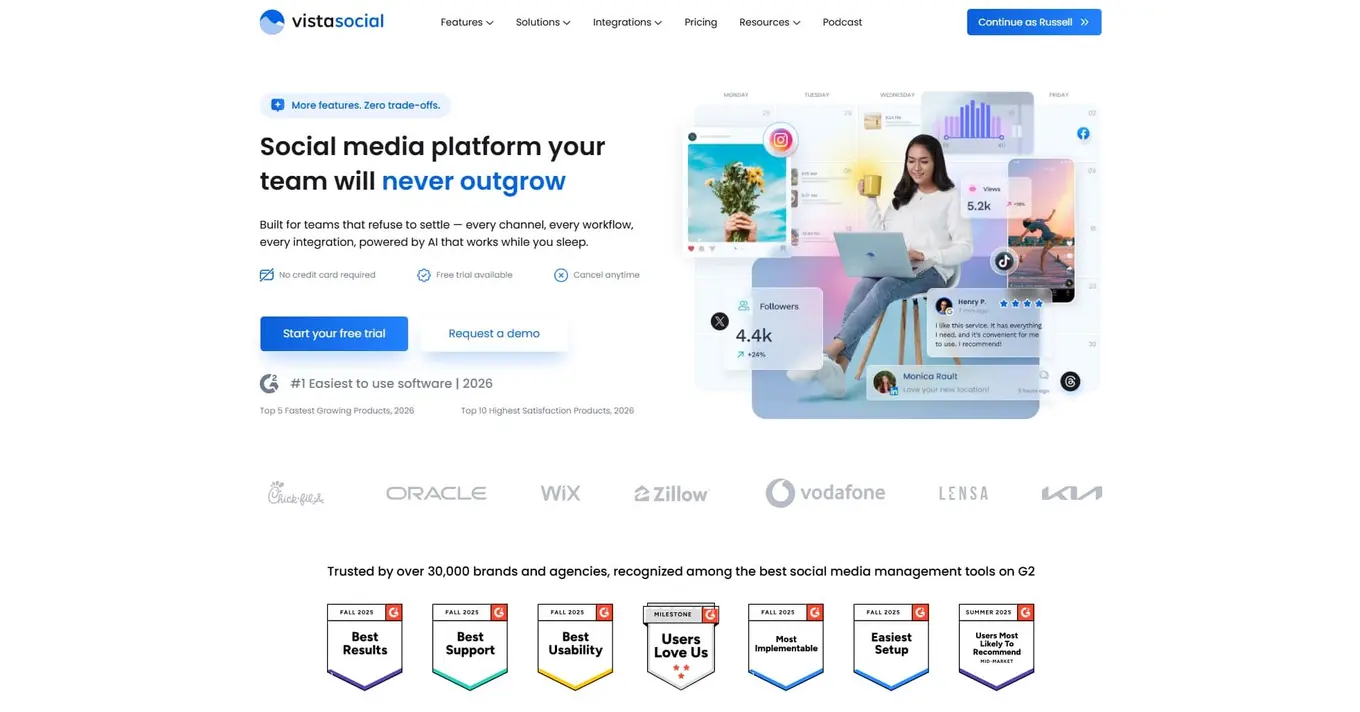
Most tools on this list solve one part of the automation puzzle, but Vista Social is built to handle the entire thing. It’s an all-in-one social media management platform with DM automation built right in.
That means you can:
- Automate your DMs
- Schedule posts
- Track analytics
- Manage your content calendar
- Handle reporting
All from a single dashboard. There’s no need for extra tools or extra costs.
Sure, you get solid DM automation with Manychat. But it’s yet another app to be adding to your already overflowing tech stack. Vista Social removes that headache by keeping your entire workflow in one place.
But what really makes Vista Social stand out is its AI-powered intent detection.
The platform reads incoming messages and figures out what someone is actually asking for, so your automated replies feel more like a real conversation and less like a scripted bot.
For example, instead of your automation only firing when someone mentions the word “sizing” or “shipping,” Vista Social’s AI-powered message intent can actually detect what the customer is asking about and respond with a personalized message catered directly to what the question was.
This all comes down to the prompting. You can easily input a prompt that provides information on sizing, shipping, things like that.
But Vista Social also gives users the ability to train the AI on their own product’s knowledge base or policies.
Upload your entire support center, product information, service details, and more. Input specific guidance or escalation needs to provide even more direction. Test the AI responses to any question your customers might have before you launch.
And let AI fully power your automated DM responses.
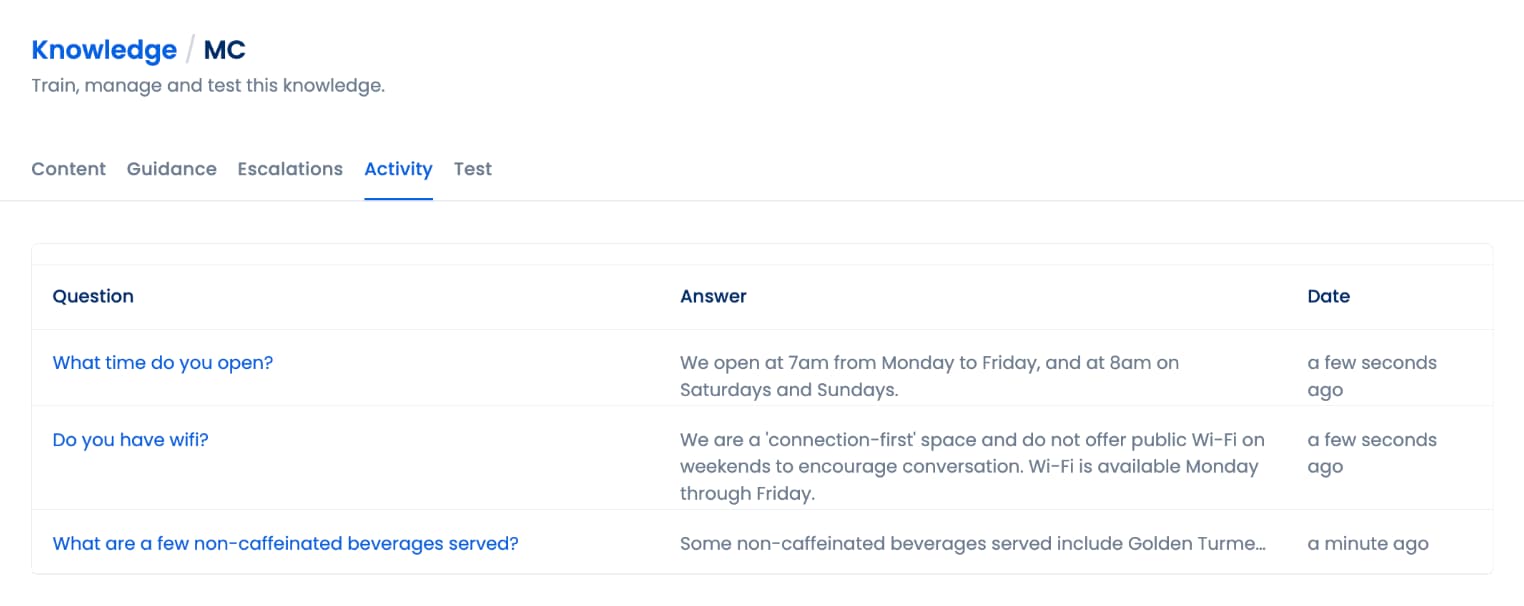
That kind of natural interaction matters when you’re trying to build trust through DMs.
Vista Social also offers social inbox automations for routing messages and managing all your conversations from one unified inbox.
Here’s what you get with Vista Social’s automation features:
- Automate DM and comment responses across Instagram, Facebook, and nearly any other platform
- Collect leads through automated conversation flows that capture contact info
- Automatically route that lead data into your CRM to start nurturing workflows
- Share links and promotions directly (and automatically) in DM conversations
- Detect intent with AI so replies match what people are actually asking about
- Manage your entire social inbox with routing, labels, and team assignments
- Schedule and publish content across 15+ social networks
- Track analytics and generate reports for clients or stakeholders
- Collaborate with your team using approval workflows and role-based access
Want to see it in action? Check out this guide on how to use DM automation for your brand. You can also explore DM automation use cases and DM automation strategies to get the most out of it.
Here’s a quick look at Vista Social’s annual plans:
- Professional: $64/month, billed annually
- Advanced: $120/month, billed annually
- Scale: $304/month, billed annually
- Enterprise: Contact for custom pricing
2. Kayako
Best for: Customer support teams that need a help desk with live chat
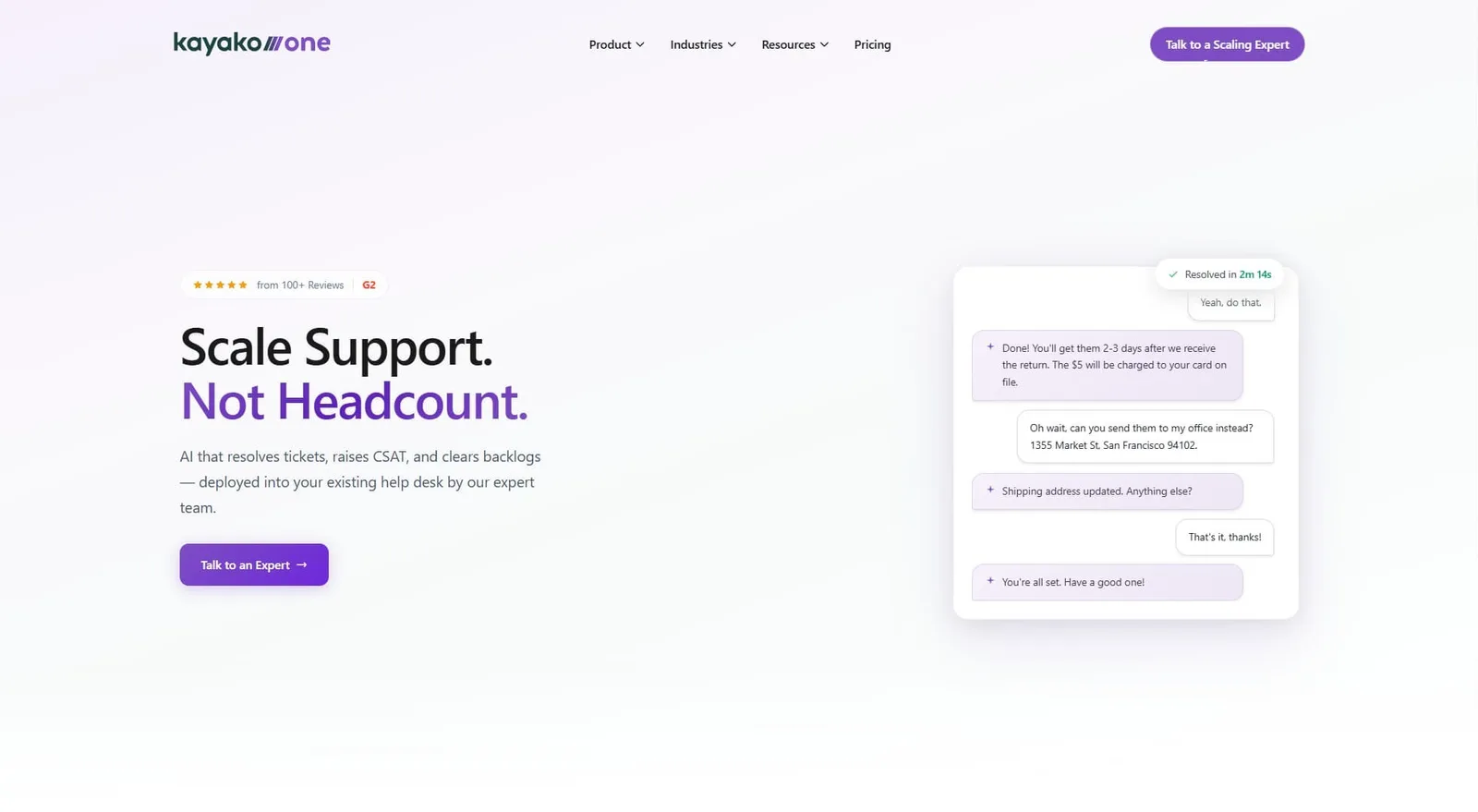
Kayako is a customer support platform that pulls together ticketing, live chat, and a shared inbox. It’s designed for teams that handle a high volume of support requests and want to manage everything from one screen.
This isn’t a social media DM tool like Manychat. Kayako is focused on help desk work like email tickets, website live chat, and tracking customer conversations over time. If your goal is faster response times on support tickets rather than automating Instagram DMs, it’s worth a closer look.
The platform maps the full customer journey, so your agents can see every past conversation before replying. It also supports automation through routing rules and saved responses that help speed up common tasks.
Key features:
- Shared inbox for email, live chat, and social messages
- Customer journey tracking with full conversation history
- Customizable help desk workflows and ticket routing
- Live chat with real-time visitor monitoring
- Knowledge base for self-service support
- Integrations with Salesforce, Slack, and Stripe
Pricing:
- Kayako One: $79/agent/month
- If you’re more interested in Kay, their standalone AI resolution platform, please contact their pricing expert.
3. Tidio
Best for: Ecommerce businesses that want live chat with AI chatbot automation
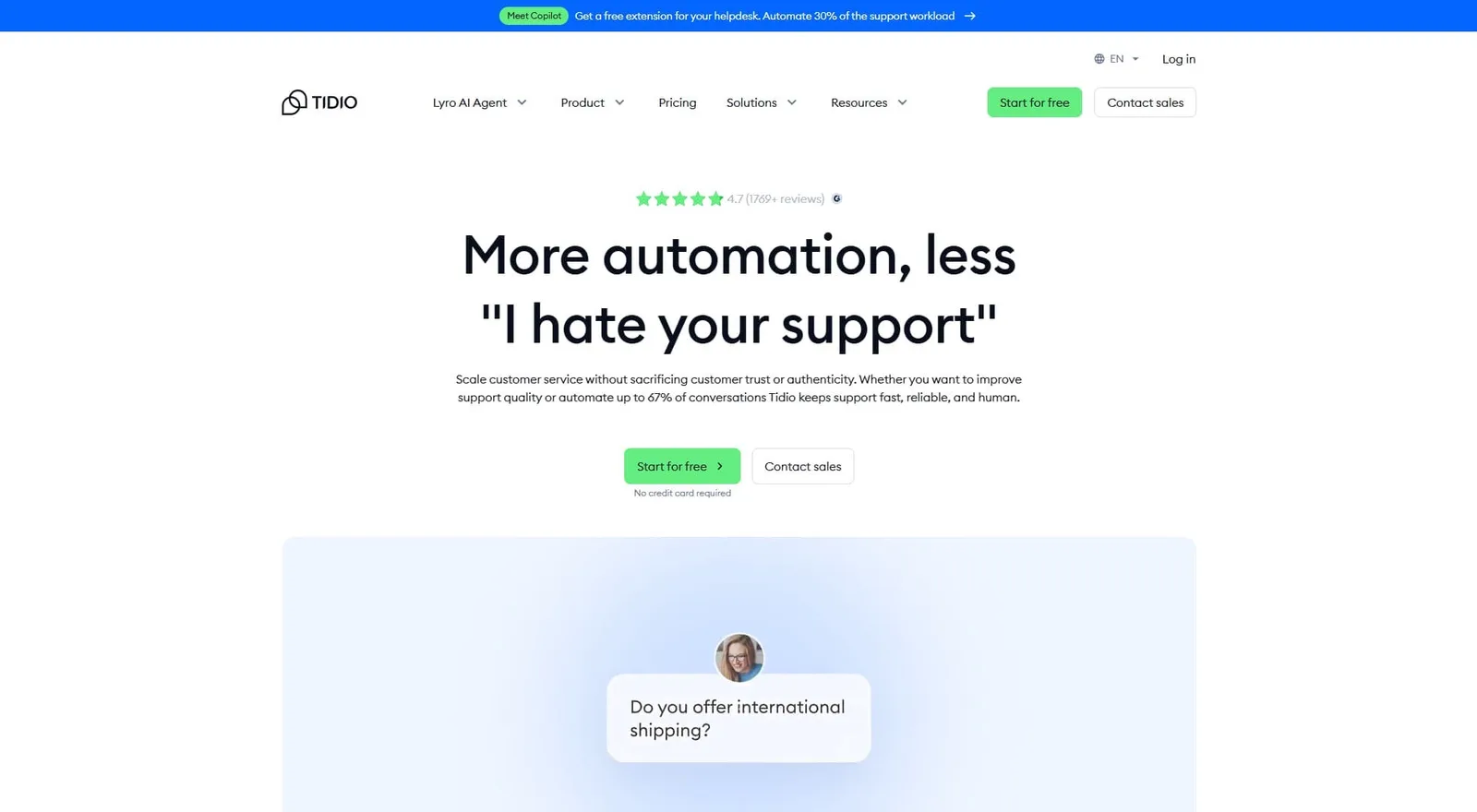
If you run an online store, Tidio is probably already on your radar. It combines live chat, AI chatbots, and automated workflows into one platform, and it’s especially popular with Shopify stores that need fast answers for questions like “Where’s my order?” and “Can I return this?”
Tidio’s AI chatbot, Lyro, is the main draw here. It learns from your support content and handles up to 67% of customer questions on its own, so you don’t need to build complex flows from scratch. Just point it at your docs and it figures out the rest.
Where Manychat is built for social media marketing automation, Tidio is designed around customer support. It works across live chat, email, Instagram, Facebook Messenger, and WhatsApp, and everything flows into a single inbox.
Tidio’s pricing can get tricky, though. The base plans look affordable, but Lyro AI and Flows are billed as separate add-ons, so your real cost could end up much higher than what’s listed on the pricing page.
Key features:
- Lyro AI chatbot for automated customer support
- Live chat with real-time visitor tracking
- No-code chatbot flow builder with drag-and-drop interface
- Multichannel inbox covering chat, email, and social
- Shopify and WooCommerce integrations
- Pre-built chatbot templates for common ecommerce questions
Pricing:
- Free: $0 (up to 50 conversations)
- Starter: $24.17/month (annual)
- Growth: $49.17/month (annual)
- Plus: $749/month
- Premium: Contact sales for custom pricing
Lyro AI starts at $32.50/month and Flows start at $24.17/month. Both are billed separately as add-ons, so factor those in when comparing total costs.
4. Chatfuel
Best for: Businesses that want no-code chatbot automation on Instagram, Facebook, and WhatsApp
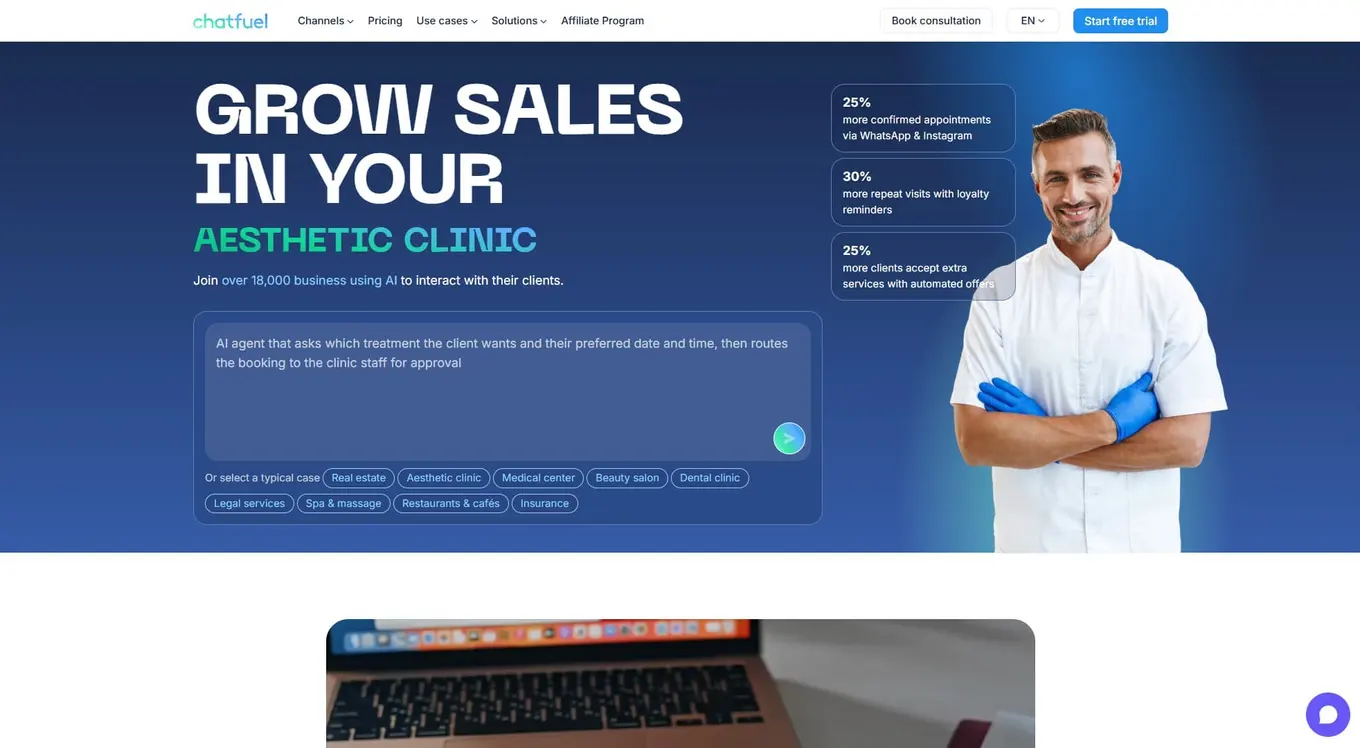
If Manychat had a twin, it would be Chatfuel. It’s a no-code chatbot platform that automates conversations on Facebook Messenger, Instagram DMs, and WhatsApp.
If you’re used to Manychat’s visual flow builder, Chatfuel will feel familiar. You can drag and drop conversation flows, set triggers based on keywords or actions, and manage contacts through a built-in CRM.
Chatfuel also includes Fuely AI for handling more complex questions that go beyond scripted replies, which makes it a strong pick for ecommerce brands using social DMs for lead capture, abandoned cart recovery, and support.
Keep in mind that pricing depends on whether you’re using Facebook/Instagram or WhatsApp, and it’s based on conversations rather than contacts. Some users report unexpected cost jumps when their message volume spikes.
Key features:
- Visual flow builder for creating chatbot conversations
- AI-powered replies through Fuely AI
- Multi-channel support for Messenger, Instagram, WhatsApp, and TikTok DMs
- Built-in CRM for contact management and segmentation
- Ecommerce integrations with Shopify, Stripe, and Calendly
- Broadcast messaging and re-engagement campaigns
Pricing:
- Facebook (Business): From $23.99/month (1,000 conversations)
- WhatsApp & Instagram (Business): From $39/month
- Enterprise: From $400/month
All plans come with a 7-day free trial, and no credit card is needed to get started.
5. Chatbase
Best for: Small businesses that want a simple AI chatbot for their website
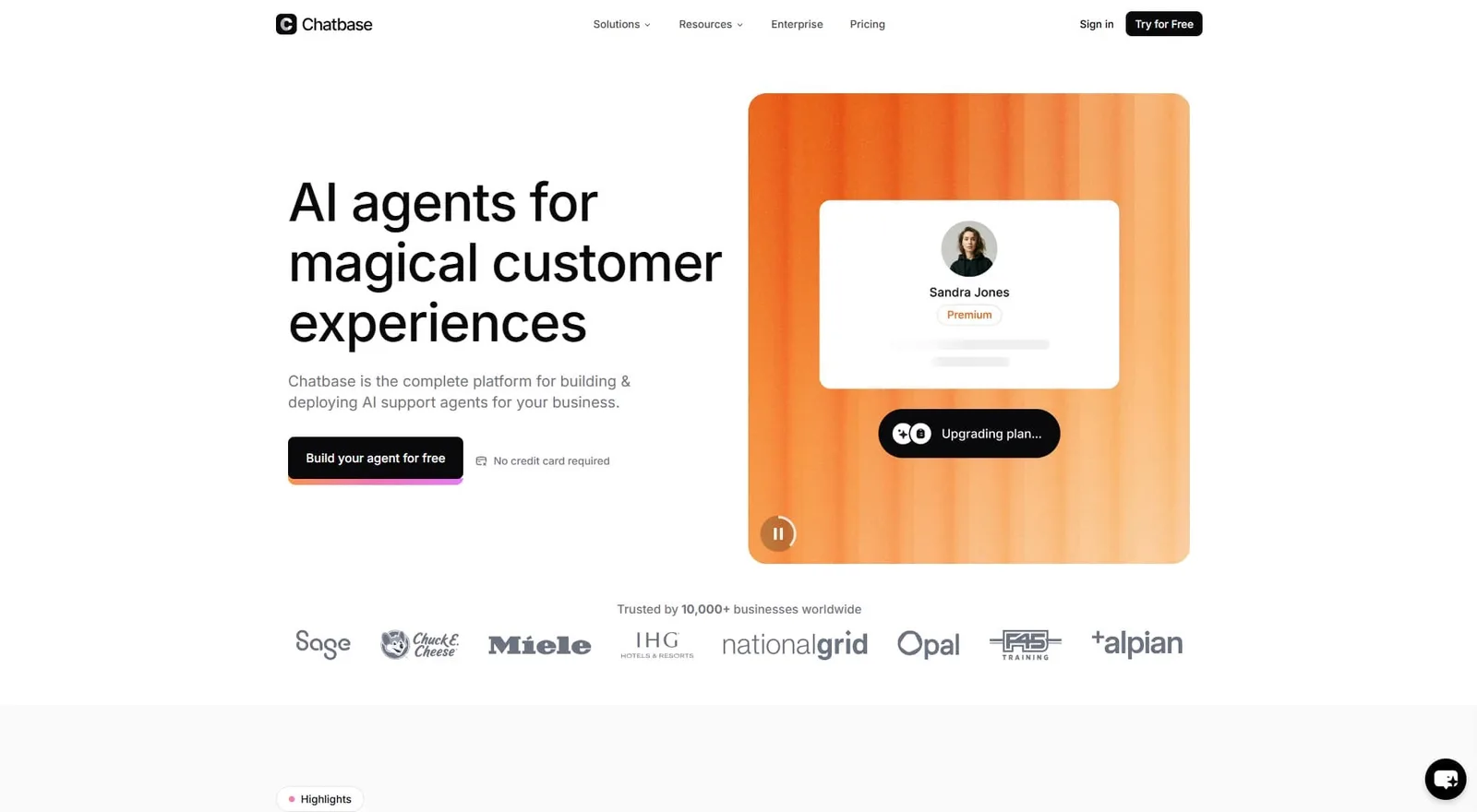
Chatbase takes a different approach to automation. Instead of automating social media DMs, it lets you build custom AI chatbots trained on your own content. You upload your website pages, docs, or FAQ articles, and it creates a chatbot that answers questions based on that information.
There are no complex flows to build and no drag-and-drop editors to learn. You just feed it your data and the AI handles the rest, which makes it a good fit for small teams that don’t have time to map out conversation paths from scratch.
It supports multiple AI models (GPT-4, Claude, Gemini) and lets you embed the bot directly on your site. It also captures leads and connects with tools like Slack, Zapier, and various CRMs.
Chatbase runs on a credit system, though, where every chatbot response costs a certain number of credits depending on the AI model you choose. Those credits burn faster with advanced models, and costs can spike during busy periods if you’re not keeping an eye on usage.
Key features:
- AI chatbot trained on your own website content and documents
- Support for multiple AI models (GPT-4, Claude, Gemini)
- No-code setup where you just upload content and embed on your site
- Lead capture and conversation analytics
- API access for custom integrations
- AI actions for task automation (bookings, subscriptions, etc.)
Pricing:
- Free: $0 (50 message credits, 400 KB per AI agent)
- Hobby: $32/month (500 credits, 5 enabled AI Actions per AI agent)
- Standard: $120/month (4,000 credits, 8 enabled AI Actions per AI agent)
- Pro: $400/month (15,000 credits, 12 enabled AI Actions per AI agent)
- Enterprise: Contact sales for custom pricing
Annual billing saves 20%, and the free plan gives you 100 message credits to test the platform before upgrading.
6. Landbot
Best for: Teams that want conversational landing pages and WhatsApp automation
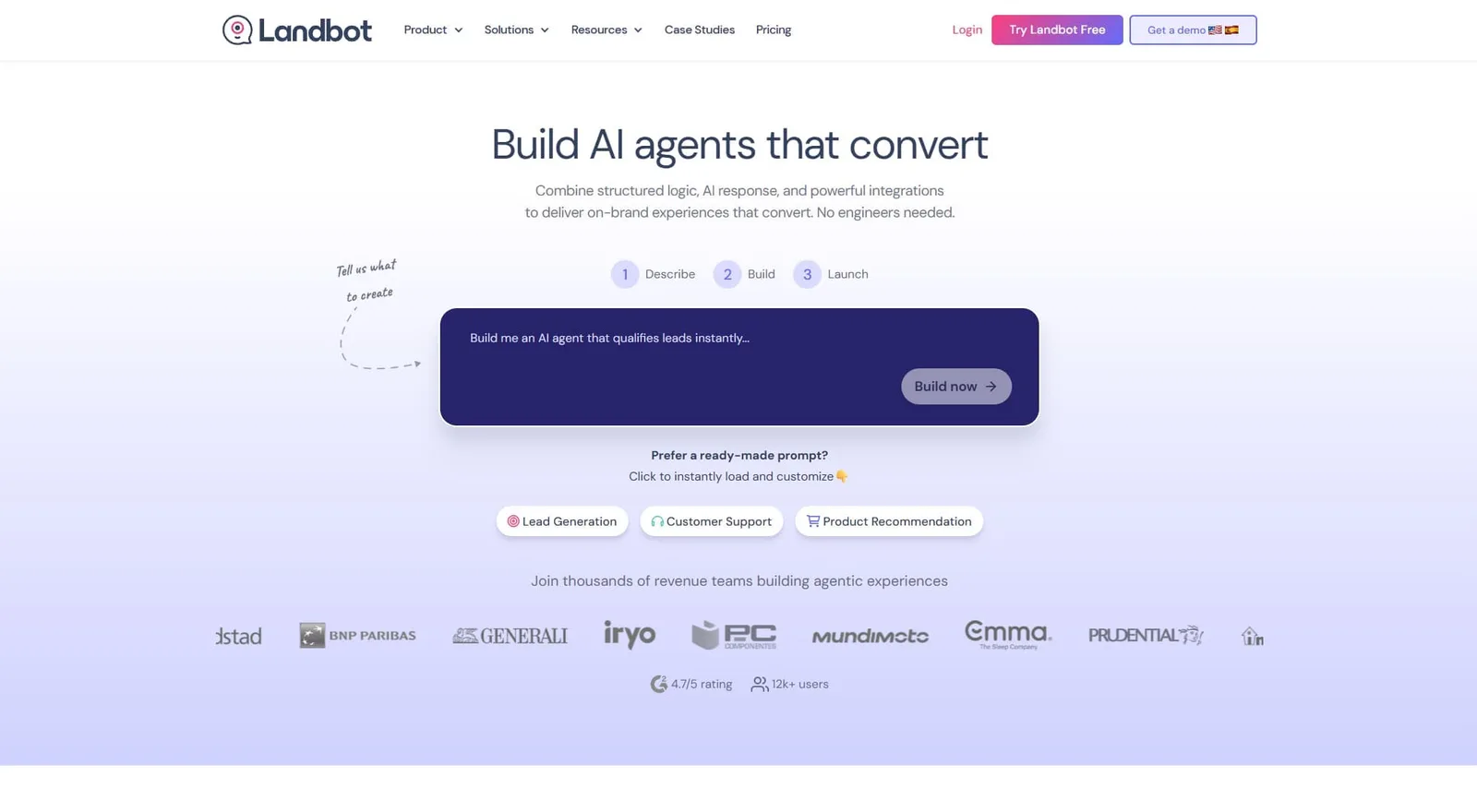
Landbot flips the script on lead capture. Instead of using static contact forms, you build a chatbot that walks visitors through the process in a natural, conversational way. Think of it as a landing page that actually talks back to your visitors.
This approach tends to boost conversion rates because it feels more engaging than filling in form fields. Landbot’s visual flow builder is also one of the most intuitive out there, letting you map out complex conversations without writing a single line of code.
It works on websites, Facebook Messenger, and WhatsApp, but the pricing might catch you off guard. WhatsApp automation starts at $233/month, which is significantly more than what Manychat charges for similar features, so that’s worth considering if WhatsApp is your primary channel.
Key features:
- Visual drag-and-drop flow builder
- Conversational landing pages that replace traditional forms
- WhatsApp, web, and Facebook Messenger support
- AI-powered agents for more natural conversations
- Integrations with HubSpot, Salesforce, Google Sheets, and Calendly
- A/B testing for chatbot flows
Pricing:
- Sandbox: Free forever
- Starter: €40/month (around $46.30/month)
- Pro: €100/month (around $115.75/month)
- WhatsApp Pro: From €200/month (around $231.50/month)
- Business: From €400/month (around $462.99/month)
Annual billing saves 20%, and the free Sandbox plan lets you try the platform before upgrading.
7. Freshchat
Best for: Growing support teams that want AI chatbots within a bigger customer service ecosystem
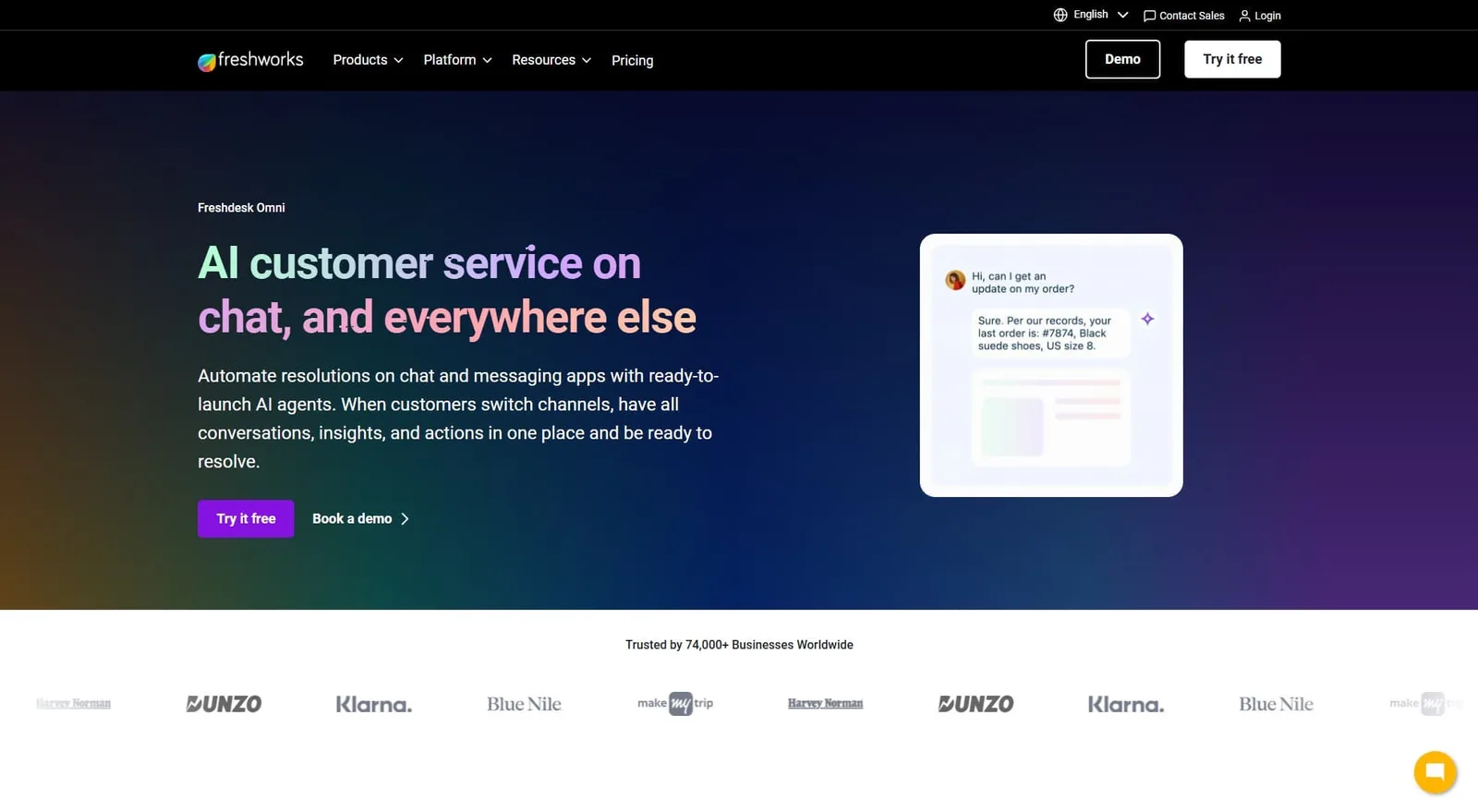
Freshchat is the messaging arm of the Freshworks suite. If you’re already using Freshdesk for tickets or Freshsales for your CRM, Freshchat snaps right into your workflow without any heavy lifting.
It handles messaging across your website, mobile app, WhatsApp, Instagram, Facebook Messenger, and more. Its AI chatbot, Freddy, can tackle common questions and route tricky ones to your human agents when needed.
Freshchat is built for support rather than marketing, so you won’t find comment triggers or social growth tools here. But if you need fast, AI-powered customer service across multiple channels, it handles that job well.
Per-agent pricing means costs grow with your team, which is worth keeping in mind as you scale. Freddy AI features like Copilot also cost extra on top of the base plan.
Key features:
- Unified inbox for chat, email, SMS, and social messaging
- Freddy AI chatbot with knowledge base training
- No-code bot builder with drag-and-drop interface
- Advanced routing and SLA management
- Integration with Freshworks suite and 400+ third-party apps
- CSAT surveys and real-time analytics
Pricing:
- Free: $0 (up to 10 agents)
- Growth: $19/agent/month
- Pro: $49/agent/month
- Enterprise: $79/agent/month
Prices shown are for annual billing, and Freddy AI add-ons cost extra depending on the features you need.
8. LiveChat
Best for: Businesses that want a polished, reliable live chat experience on their website
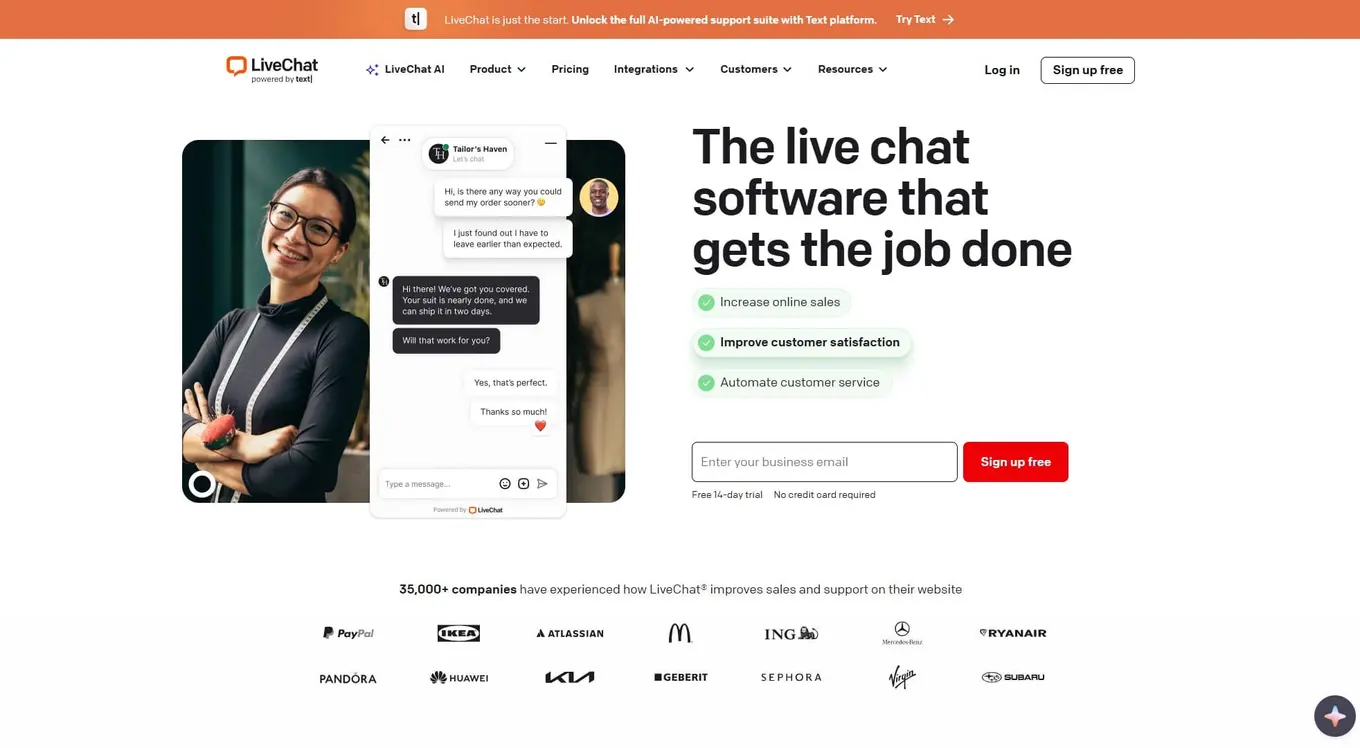
LiveChat does one thing and does it really well: real-time chat with your website visitors. It’s trusted by over 37,000 companies and known for a fast, clean interface that agents actually enjoy using.
This isn’t a social DM automation tool. It’s a dedicated live chat platform with features like canned responses, typing previews, chat routing, and visitor tracking. It also has an AI Copilot that helps agents write faster replies and flag frustrated customers through sentiment analysis. If you want chatbot automation on top of that, you’ll need ChatBot, which is a separate companion product at an additional cost.
The platform plugs into over 200 tools, including Shopify, Salesforce, HubSpot, and WhatsApp, and it also supports Instagram and Facebook Messenger through marketplace add-ons.
Key features:
- Real-time live chat with visitor tracking
- AI Copilot for reply suggestions and chat summaries
- Pre-chat and post-chat surveys
- Omnichannel inbox (WhatsApp, Messenger, SMS via add-ons)
- 200+ integrations including Shopify and Salesforce
- Detailed reporting on agent performance and customer satisfaction
Pricing:
- Starter: From $19/month
- Team: From $49/month
- Business: From $79/month
- Enterprise: Contact for pricing
Prices shown above are for annual billing.LiveChat also has ChatBot, a separate subscription starting at $52/month. There’s no free plan available, but a 14-day free trial is included with all tiers.
9. Drift (by Salesloft)
Best for: B2B sales teams that want AI chat to convert website visitors into pipeline
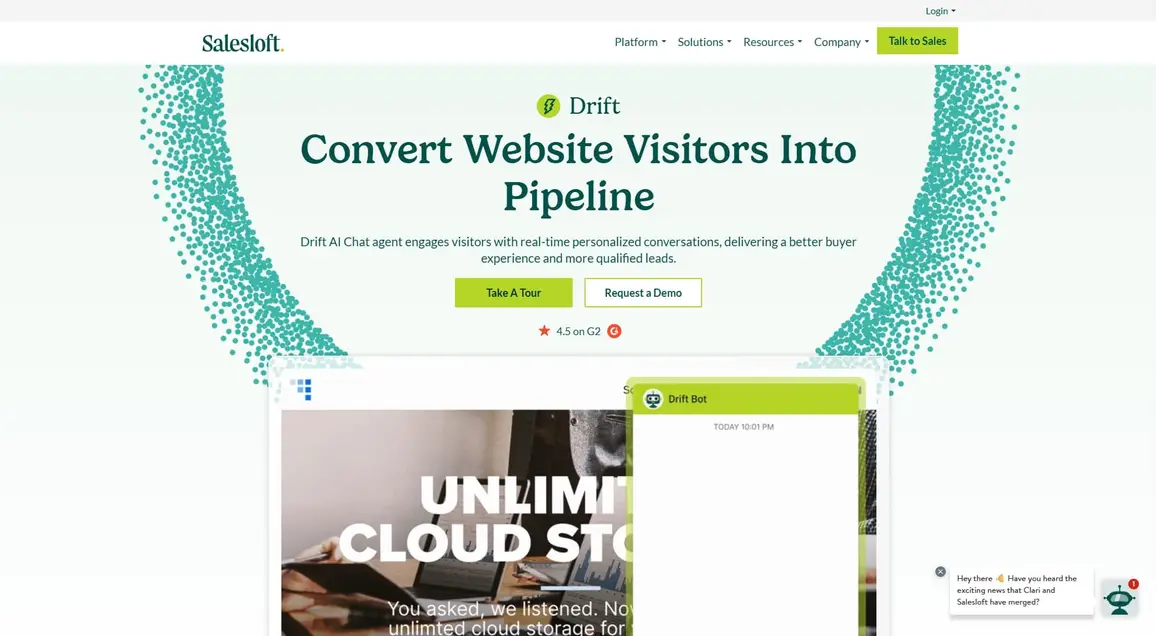
Drift, now part of Salesloft, is a completely different kind of tool than Manychat. Where Manychat helps creators and ecommerce brands grow through social messaging, Drift is built for B2B companies that want to turn anonymous website visitors into qualified pipeline.
Its AI chat agent engages visitors in real time, answers their questions, qualifies leads, and routes high-intent buyers straight to sales reps. It also identifies who’s visiting your site using company-level data, so your team can see which accounts are showing interest before a conversation even starts.
Drift is priced as part of Salesloft’s broader revenue platform, though, which means it costs significantly more than the other tools on this list. It’s best suited for mid-size to enterprise B2B teams with dedicated sales organizations.
Key features:
- AI chat agent for real-time visitor engagement
- Website visitor identification and account-level data
- Lead qualification and instant meeting booking
- Live chat with routing to sales reps
- ROI reporting and conversion analytics
- Integration with CRMs, Salesforce, and Salesloft’s sales platform
Pricing: Drift is part of Salesloft’s platform, so pricing is custom and based on your team’s needs. Contact Salesloft for a quote.
10. Helply
Best for: Support teams that want an AI agent to resolve tickets automatically
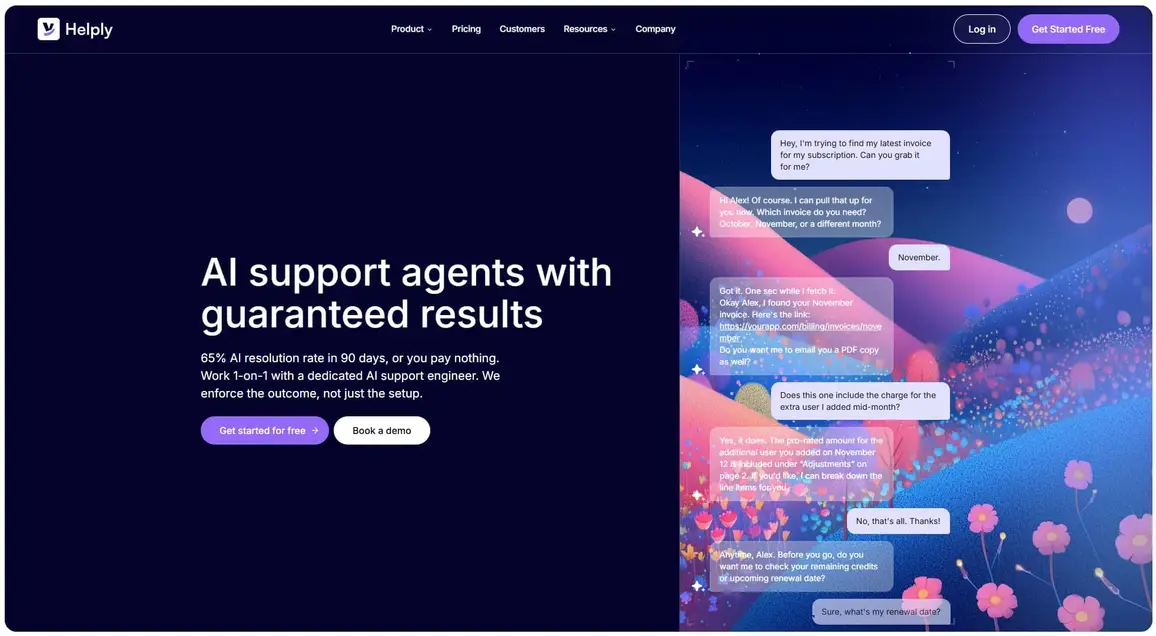
Unlike most chatbots that just answer questions, Helply can actually take action on behalf of your customers. It processes refunds, checks order status, updates account details, and handles other common requests without a human agent stepping in.
What makes Helply especially interesting is its bold guarantee: a 65% AI resolution rate within 90 days, or you don’t pay. You won’t find that kind of commitment on most chatbot pricing pages.
The platform learns from your knowledge base, support tickets, and documentation. It also includes a Gap Finder tool that identifies questions your docs don’t cover yet, so you can keep improving your self-service content over time.
Compared to Manychat, Helply is focused entirely on support automation and connects with help desks like Zendesk, Freshdesk, and Help Scout rather than social platforms.
Key features:
- AI agent that resolves support tickets end-to-end
- Real actions (refunds, billing lookups, plan changes)
- Gap Finder for identifying missing knowledge base content
- Integrations with Zendesk, Freshdesk, Help Scout, and more
- Conversation dashboard for monitoring AI performance
- Smart escalation with full context passed to human agents
Here’s a look at Helply’s annual plans:
- Starter: $32/month (500 message credits, 1 AI agent)
- Growth: $120/month (12,000 message credits, 3 seats)
- Scale: $400/month (40,000 message credits, 5 seats)
- Enterprise: Custom pricing
All plans include VIP 1:1 support and hands-on setup. Save up to 20% with annual billing (prices above reflect annual rates).
Find the right Manychat alternative for your needs
The global chatbot market was valued at $7.76 billion in 2024 and is on track to hit $27.29 billion by 2030. That kind of growth means more tools, more features, and more choices for teams that want to automate their messaging. At this point, the question isn’t whether to use automation, but which tool actually fits the way your team works:
- For ecommerce support, Tidio and Chatfuel are both strong picks. Tidio shines with its AI chatbot, while Chatfuel stays closer to Manychat’s playbook with social chatbot automation.
- If customer support is the main goal, Freshchat, Kayako, and LiveChat offer solid help desk features with live chat and ticketing.
- And for B2B sales teams, Drift turns website traffic into qualified leads through AI-powered conversations.
But if you want DM automation and social media management in one place, Vista Social is the clear choice. You get automated DM responses, AI-powered intent detection, and a full suite of publishing, analytics, and engagement tools without adding another app to your stack. The real advantage is having everything in one dashboard so you can stay consistent without burning out.
Try Vista Social’s DM automations today and see how much easier your workflow gets when everything lives in one place.

Try Vista Social for free
A social media management platform that actually helps you grow with easy-to-use content planning, scheduling, engagement and analytics tools.
Get Started NowAbout the Author

Content Writer
Russell Tan is a content marketing specialist with over 7 years of experience creating content across gaming, healthcare, outdoor hospitality, and travel—because sticking to just one industry would’ve been boring. Outside of her current role as marketing specialist for Vista Social, Russell is busy plotting epic action-fantasy worlds, chasing adrenaline rushes (skydiving is next, maybe?), or racking up way too many hours in her favorite games.
Loading related tools...




Tools
PublishingAnalyticsEngagementIntegrations
FacebookInstagramLinkedInRedditSnapchatThreadsTikTokX (Twitter)YouTubeBlueskyVista Page (link-in-bio)All IntegrationsCopyright © 2026 Vista Social LLC. All Rights Reserved.