

Published on June 29, 2026
14 min to read
12 AI Tools for Marketers: The Short, Honest Stack for 2026

Summarize with AI

Table of contents
Summarize with AI

ChatGPT

Claude

Perplexity
Share

Vista Social

X (Twitter)


If you’ve searched “best AI tools for marketers,” you already know how it goes. You get a list with 87 entries, each one a logo and a sentence, half of them affiliate links. None of them tell you which tools to actually use or how they fit together. You bookmarked it, told yourself you’d come back, and never did.
The real problem with AI in 2026 isn’t that there aren’t enough tools. There are too many, and nobody’s helping you figure out which ones are worth it or how they connect.
This list takes a different approach. It’s 12 tools, grouped by the job each one does. Every pick comes with an honest catch and a clear map of how the tools work together. The goal is something you can act on, not another bookmark folder.
Table of contents
Why more tools made you slower
Most marketing teams aren’t short on AI tools. What they’re short on is a way to make those tools work together.
The typical team has one AI for writing, another for images, a third for video, and a chatbot they opened twice and forgot. None of those tools know what the others are doing. None of them know your brand or what worked last month.
You’ve become the integration layer. You’re copying and pasting between apps that were never designed to talk to each other.
86.4% of marketers now use AI tools, according to HubSpot’s 2026 State of Marketing report. But high adoption doesn’t mean high efficiency. Efficiency comes from a stack built around a hub: one connected platform that handles the core work, with a few specialists plugged in around it.
This list is built on that model. Vista Social and Ask Vista form the hub, where everything for social publishing, management, and automation lives. The other eight tools are specialists. Each one does one specific job well, added where it earns its place and left out where it doesn’t.
A good stack is opinionated and leaves things out on purpose.
The 12 AI tools for marketers
These AI tools for marketers are grouped by role, starting with the hub. Add specialists only where they earn their place.
1. Vista Social
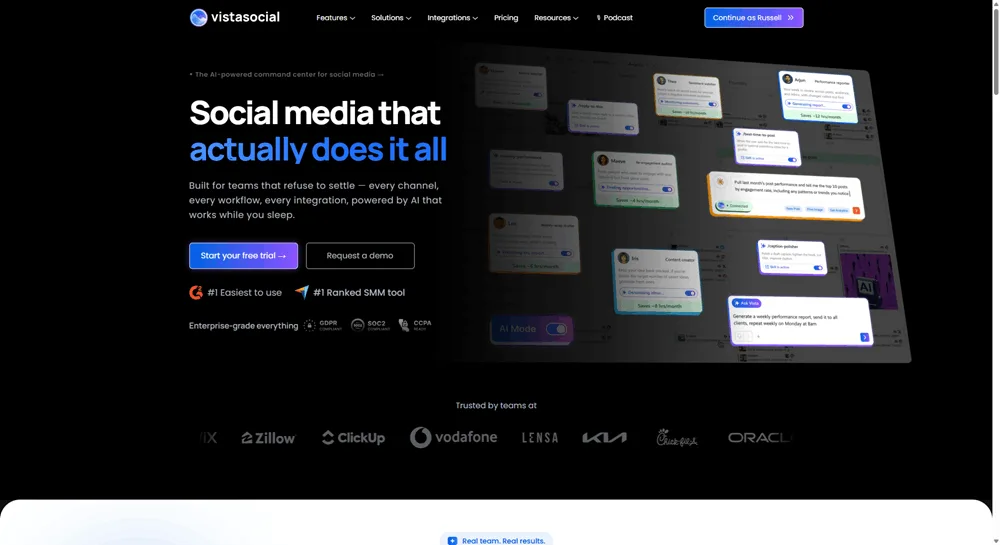
Vista Social is the core of this stack. It handles scheduling, multi-network publishing, inbox management, social listening, and analytics. Everything you need to run social across multiple accounts without losing track. The platform also has built-in AI for caption writing, image generation, and video creation. You don’t need to switch apps every time you need a creative assist.
The reason Vista Social anchors this list is connection. When your publishing hub also handles content creation, reporting, and your inbox, you’re working in one place instead of five. That’s the efficiency most teams are missing.
- Best for: Scheduling, multi-network publishing, inbox management, listening, and analytics. This is the daily operating system for social
- The honest catch: Vista Social is built for social media, not general marketing work. Need to write a whitepaper or build a pitch deck? You’ll reach for another tool. That’s by design, because it does social exceptionally well
- Who needs it: Anyone managing more than one social account or network. This is the hub the rest of the stack plugs into
- Price: See current plans at vistasocial.com/pricing (as of July 2026)
2. Ask Vista
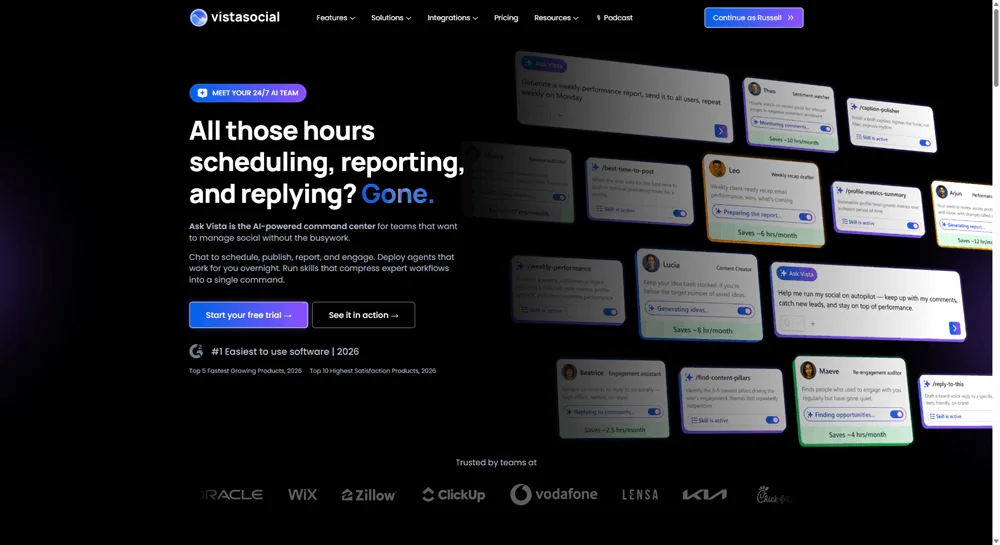
Ask Vista is Vista Social’s AI layer, and it goes well beyond a chatbot. Ask your social data questions in plain language and get real answers fast, without digging through dashboards. You can also deploy AI agents that handle recurring tasks overnight: weekly performance summaries, content scheduling, inbox monitoring. They run while you focus on strategy. Skills add another layer, giving you expert-level output for specific jobs like building content calendars or running competitor analysis.
This is where the hub becomes truly autonomous. Instead of running every report and scheduling every post yourself, Ask Vista handles that work in the background. To understand how agents and skills work in practice, this breakdown of AI agents for social media covers the full picture.
- Best for: Talking to your social data, deploying agents for recurring tasks, and using skills for expert-level output
- The honest catch: Ask Vista is built for social media work. For tasks outside social, like writing a board presentation or researching a new market, you’ll use a different tool in the stack
- Who needs it: Every Vista Social user who wants AI to act on their data, not just answer questions. If you want to see how fast you can get started, this guide walks you through deploying three agents in 15 minutes
- Price: Included with Vista Social plans (as of July 2026)
3. ChatGPT or Claude
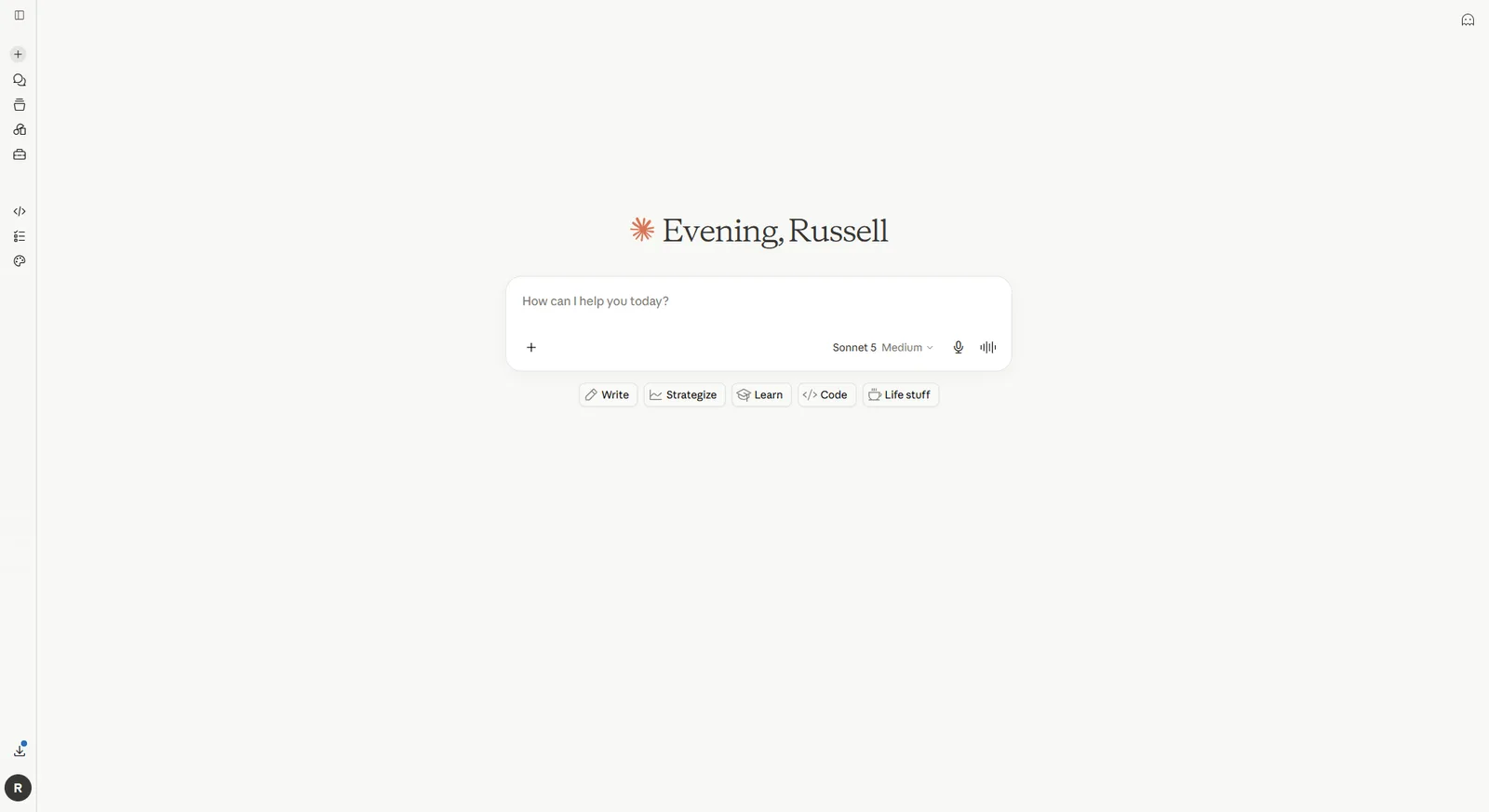
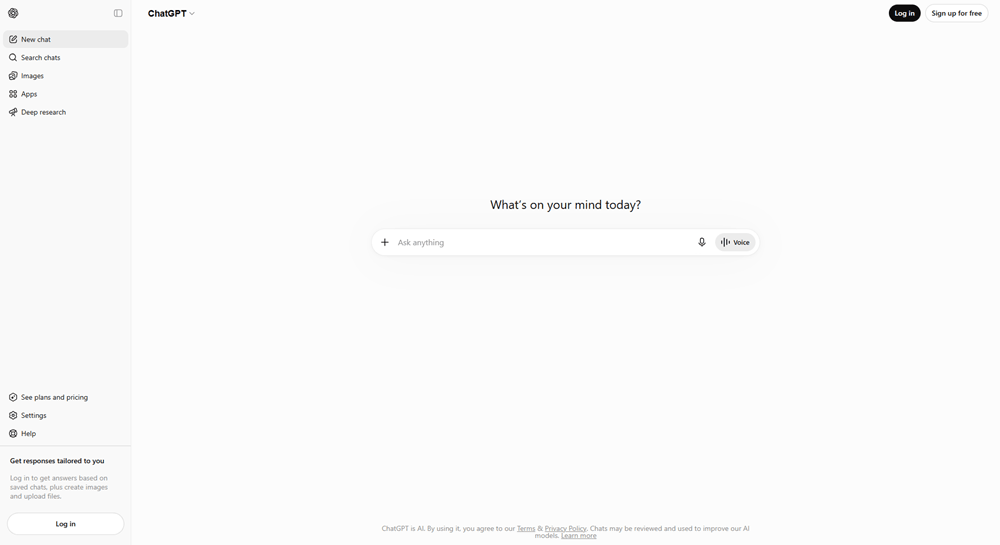
Every marketer needs a general-purpose AI they can open and talk to about anything. ChatGPT and Claude are the two worth knowing well. ChatGPT is the most widely used AI in the world, covering writing, research, ideation, and creative tasks across the board. Claude is the stronger pick for long documents and careful analysis. It also handles large amounts of pasted context better than most tools at this price point.
You’ll reach for one of these for work that lives outside your social stack. That means drafting a sales email, thinking through a campaign angle, or brainstorming an idea from scratch. They’re flexible, capable, and available whenever you need a thinking partner.
A general AI doesn’t know your social accounts, your audience, or your posting history. It’s a thinking partner, not a social media operator. That’s where a social-specific AI comes in, built for the work a general chatbot isn’t designed to handle.
- Best for: Open-ended writing, brainstorming, research, and any task that lives outside your social workflow
- The honest catch: You have to brief it every single time. It doesn’t know your brand, your tone, or what worked last month. For social-specific work, that’s exactly why Ask Vista exists
- Who needs it: Everyone. Pick one, learn to prompt it well, and use it for general work that falls outside the hub
- Price: ChatGPT: Free / Plus $20/mo. Claude: Free / Pro $20/mo (as of July 2026)
4. OpusClip
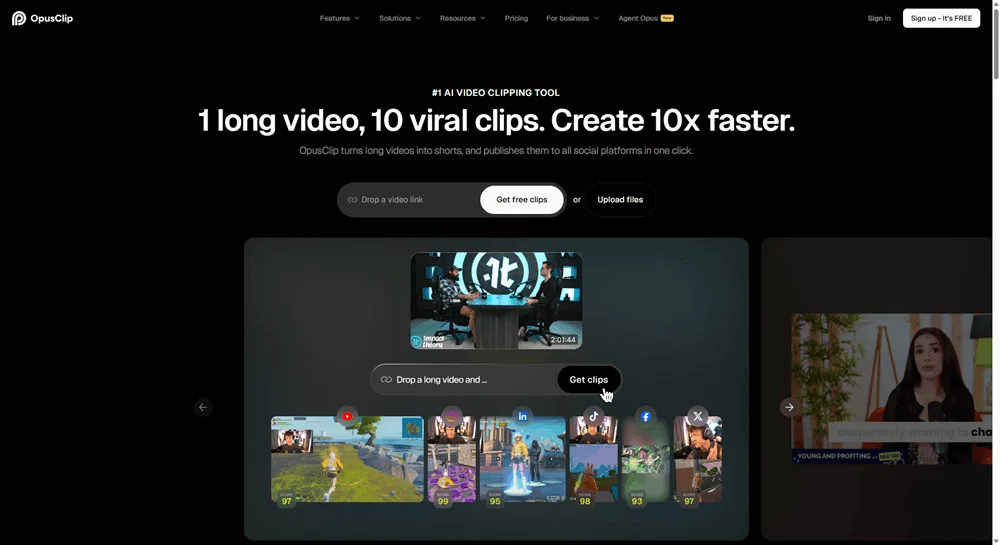
If you have a webinar, podcast, or long-form video sitting unused, OpusClip is the tool for turning it into social content. You upload your video or paste a YouTube link. OpusClip’s AI finds the most engaging moments, cuts them into short clips, adds captions, and formats them for Reels, Shorts, or TikTok.
The quality holds up well. The AI identifies moments with strong hooks, clear speech, and high engagement potential rather than making arbitrary cuts. And because it handles captions automatically, you’re not spending an extra hour in a separate tool before you can post.
- Best for: Turning existing long-form video (podcasts, webinars, interviews, YouTube videos) into ready-to-post short clips
- The honest catch: OpusClip is a repurposing tool, not a creation-from-scratch tool. You need source video for it to work. If your team doesn’t produce long-form video content, this earns nothing in your stack
- Who needs it: Teams with existing long-form video who want to extend its reach on social. If you’re recording podcasts, webinars, or any talking-head content longer than 10 minutes, this is worth adding
- Price: Free (60 min/mo, watermarked) / Starter $15/mo / Pro $29/mo (as of July 2026)
5. forms.app
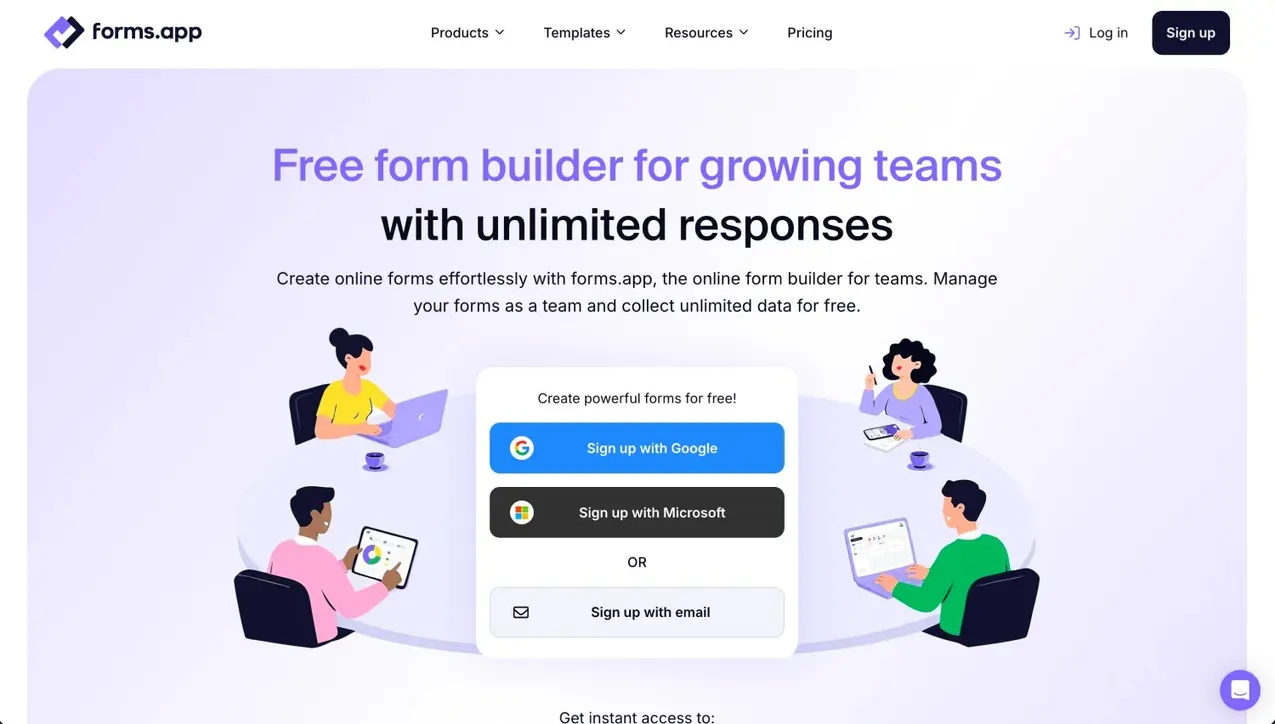
forms.app is an online form builder that helps marketers create forms, surveys, quizzes, lead generation forms, and customer feedback forms in minutes. Simply describe what you want to build, and its AI generates a complete form with relevant questions, helping you launch campaigns faster. With 5,000+ ready-made templates, 30+ customizable field types, and advanced features like conditional logic, payment collection, and e-signatures, forms.app fits a wide range of marketing workflows.
One of forms.app’s biggest advantages is its generous free plan. Unlike many competitors, it offers unlimited responses and unlimited team members, making it an excellent choice for growing marketing teams that need to collaborate without worrying about usage caps. It also has a deep feature set with advanced analytics and a smooth form-filling experience.
Best for: Creating lead generation forms, customer feedback surveys, event registrations, quizzes, and campaign landing forms.
The honest catch: While forms.app excels at collecting and organizing customer data, it isn’t designed for content creation or social media management. It works best as a part of social media campaigns or landing pages.
Who needs it: Marketing teams, agencies, and businesses looking for an AI-powered form builder with advanced features, powerful automation, and one of the most generous free plans available.
Price: Free forever plan available. Paid plans start at $29/month (monthly billing), with discounted annual pricing ($19/month).
6. Midjourney
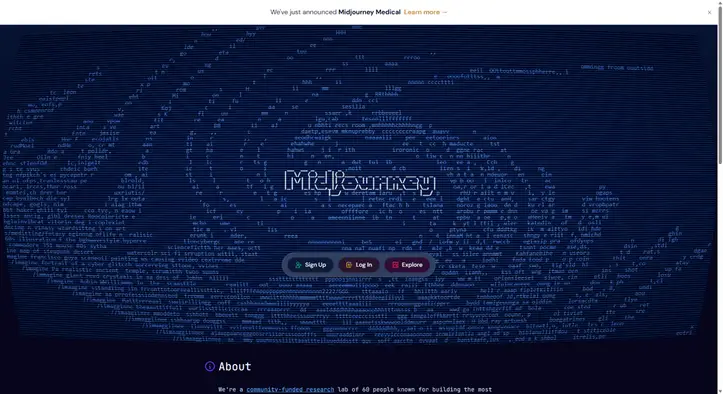
When you need visuals that stop the scroll, Midjourney is the tool most creative teams reach for. The image quality is consistently stronger than other AI generators for distinctive, artistic work. The community is enormous, so good prompt examples are easy to find when you’re getting started.
Worth noting: Vista Social’s built-in image generation handles in-context social posts well. Reach for Midjourney when you need a specific artistic look or imagery that built-in tools don’t quite hit. If you want to get more from any image AI you’re using, 100+ AI image prompt examples are a useful starting point.
- Best for: Distinctive, art-directed visuals where a standard output won’t cut it: campaign imagery, concept work, branded creative
- The honest catch: There’s a real learning curve. Midjourney rewards good prompting, which takes time to develop. For most day-to-day social posts, Vista Social’s built-in image generation is faster and already in context. Reach for Midjourney when you need a specific artistic direction
- Who needs it: Brands that invest in standout creative, agencies building visual campaigns, and anyone who needs imagery that feels intentional rather than generic
- Price: No free tier. Basic $10/mo / Standard $30/mo (as of July 2026)
7. ElevenLabs
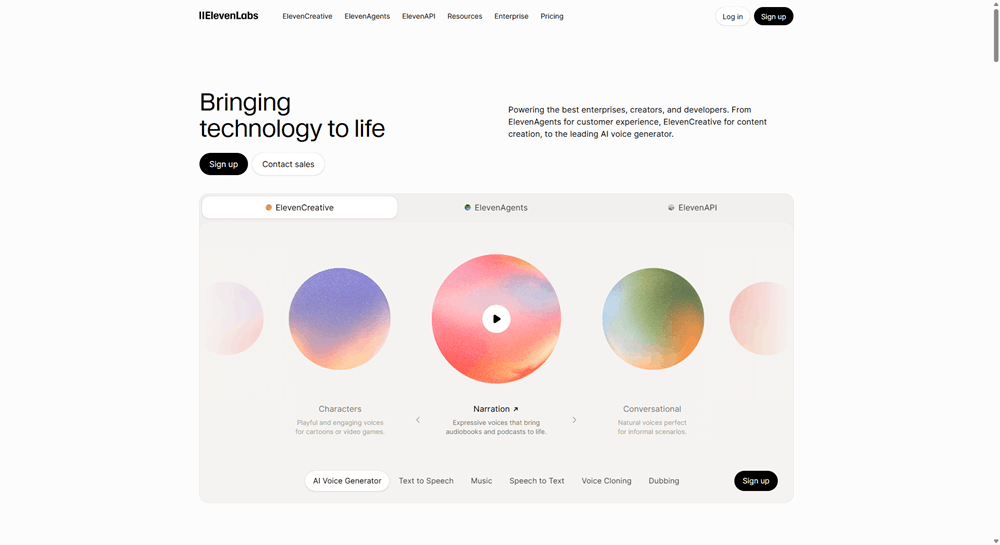
ElevenLabs makes the most natural-sounding AI voices available in 2026. If your team needs narration but doesn’t have a voice actor or recording setup, ElevenLabs covers the gap. It works across product explainers, social ads, and educational content. With dozens of languages and voice styles, it’s also practical for teams localizing content without re-recording everything.
The voice quality has improved significantly over the past two years. At the Creator plan and above, you can clone your own voice and generate narration that sounds like you without recording a word.
- Best for: Natural-sounding voiceovers for video content, across multiple languages and voice styles
- The honest catch: For content where authenticity is the whole point, like a founder story or a customer testimonial, use a real human voice. AI voice is a production tool, not a replacement for personality. Disclose AI voice use where it’s appropriate for your audience and platform
- Who needs it: Video-heavy teams without a dedicated voice talent budget, and teams localizing content across multiple languages
- Price: Free (non-commercial use) / Starter ~$6/mo / Creator $22/mo (as of July 2026)
8. HeyGen
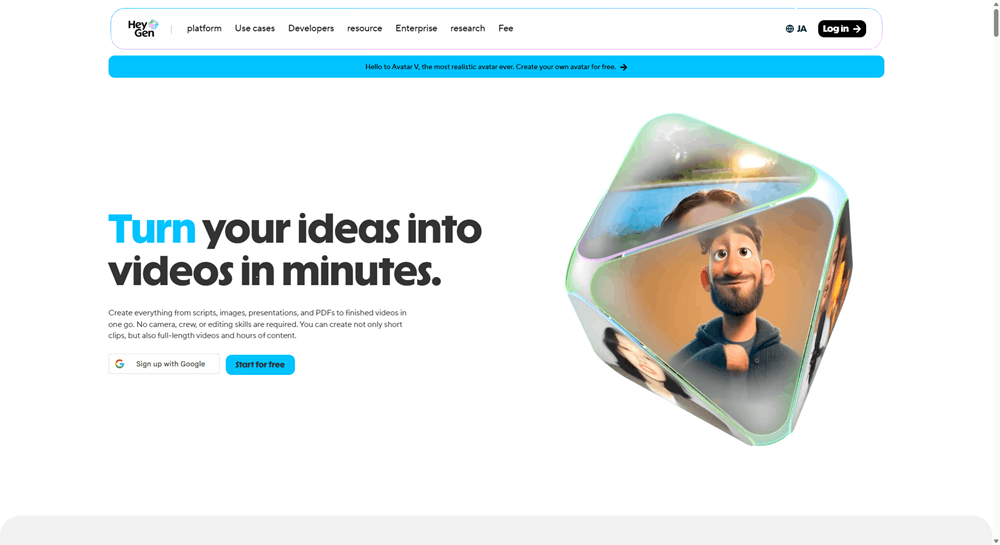
HeyGen lets you create talking-head videos without filming anything. You write a script, choose an AI presenter, and HeyGen generates a video with natural movement and lip sync. It works well for explainer videos, product walkthroughs, and localized content where filming isn’t an option.
The platform also handles video translation well. You can dub an existing video into 175+ languages with synchronized lip sync, which cuts significant work for global teams.
- Best for: Talking-head videos without filming: explainers, product demos, training content, and localized video at scale
- The honest catch: AI avatars can feel uncanny in emotional or brand storytelling contexts. They work best for informational content: training videos, product explanations, internal comms. When your audience needs to feel something, film a real person. Note that Vista Social also has built-in AI video generation, so check both before adding HeyGen to your stack
- Who needs it: Teams that need high video output without a filming setup, and global teams creating multilingual content. If you need prompts to work from, 40+ AI video prompts for brands are a useful starting point
- Price: Free (3 videos/mo, watermarked) / Creator $29/mo (as of July 2026)
9. Descript
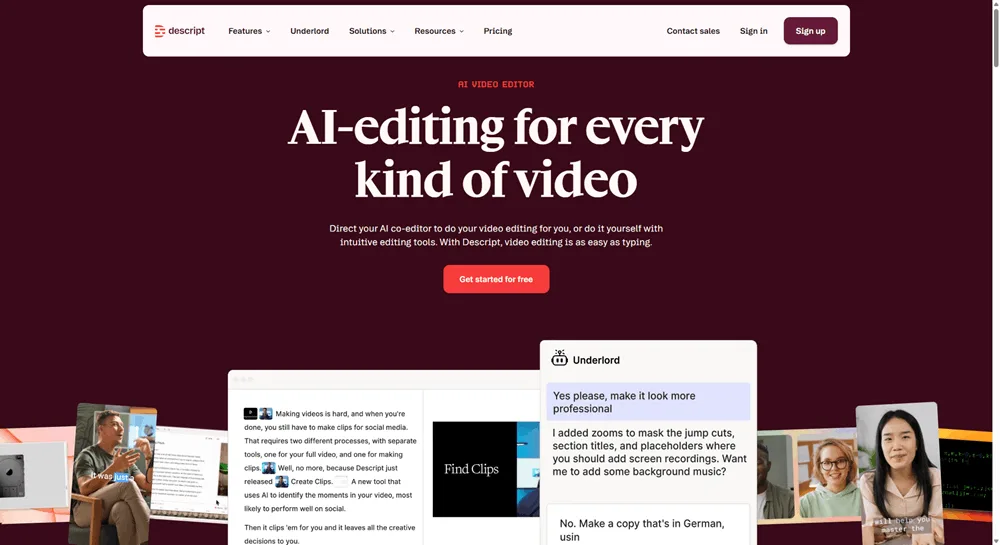
Descript’s core idea is that editing audio or video shouldn’t require a timeline. You transcribe your recording, then edit the text directly. Remove a sentence and it disappears from the audio. Write a correction and Descript generates your voice saying the new words. It also strips filler words and cuts silence automatically, which saves hours on podcast and interview editing alone.
For marketers who produce podcasts or recorded interviews, Descript removes the biggest production bottleneck: the edit itself. Once you transcribe the recording, cutting, correcting, and cleaning up is as fast as editing a Google Doc.
- Best for: Editing podcasts, recorded video, and interviews, especially transcription-heavy workflows where you’d otherwise spend hours on a timeline
- The honest catch: Descript is a real editor with a real learning curve. It’s not one-click magic. And the media hour caps on lower plans mean heavy users will need to pay for a higher tier
- Who needs it: Podcasters, video creators, and anyone who edits long-form spoken content regularly. If your team doesn’t record and edit its own audio or video, this doesn’t belong in your stack
- Price: Free (1 hr/mo) / Hobbyist $16/mo annual / Creator $24/mo annual (as of July 2026)
10. Perplexity
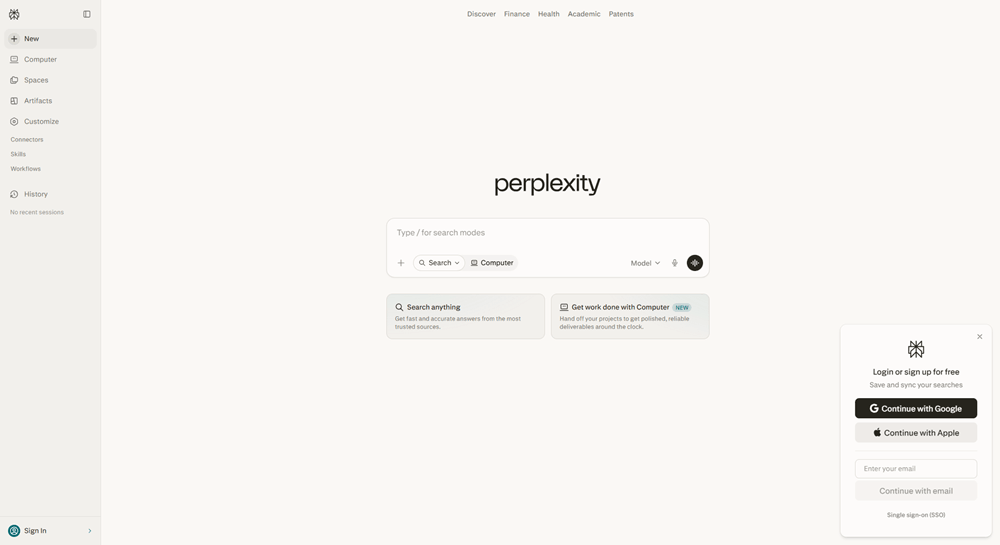
Perplexity is what AI search looks like when it’s done right. You ask a question. It searches the web in real time and gives you a concise answer with citations you can actually check. For research, competitive analysis, or content prep, Perplexity is much faster than starting with a blank AI prompt and hoping the information is current.
The key difference between Perplexity and a general chatbot is sourcing. Every answer links back to where the information came from. That lets you verify before you publish, which matters for any stat or claim that ends up in your content.
- Best for: Fast, sourced research on topics, trends, competitors, or anything where you need current information you can trace back to a primary source
- The honest catch: Still verify sources before publishing. The citations are real, but Perplexity can occasionally misread what a source actually says. Treat it as a strong research starting point, not a final authority
- Who needs it: Marketers who do regular research, competitive scans, or content strategy work. If you spend a lot of time on Google hunting for stats and source articles, Perplexity cuts that time significantly
- Price: Free / Pro $20/mo (as of July 2026)
11. Softr
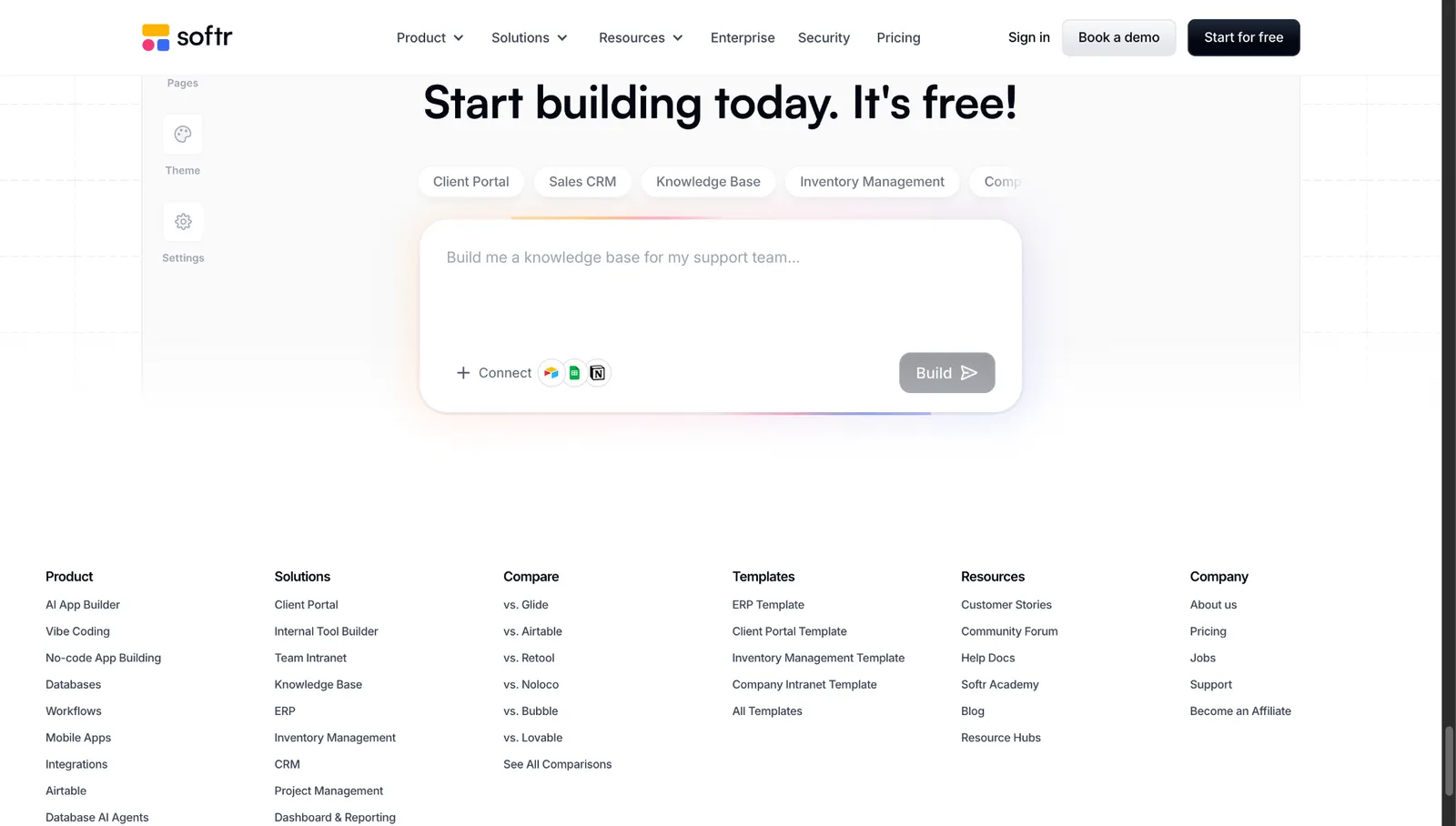
Softr is an AI app builder for creating real business software without code. For marketing teams, that means building the operational tools that generic AI assistants and off-the-shelf platforms don’t cover well: campaign trackers, lead-management systems, content approval apps, dashboards, intake workflows, and other custom internal tools.
Describe what you need to Softr’s AI Co-Builder and it can generate the initial app structure, including the database, pages, navigation, permissions, and workflows. From there, your team can keep editing everything visually. Softr also combines its native relational database with forms, workflow automation, granular user permissions, and integrations, so the app can become part of your actual marketing operations rather than another disconnected tool.
- Best for: Building custom marketing operations apps, campaign trackers, approval workflows, lead-management systems, and internal dashboards without code
- The honest catch: Softr isn’t a dedicated social media, email marketing, or content-generation platform. It earns its place when your team has a recurring process that needs its own app or workflow, not when you just need another AI writing tool
- Who needs it: Marketing ops teams, growth teams, agencies, and lean marketing departments still running important workflows through spreadsheets, forms, and manual handoffs
- Price: Free plan available / Basic $19/mo / Pro $99/mo / Business $329/mo when billed annually
12. Gamma
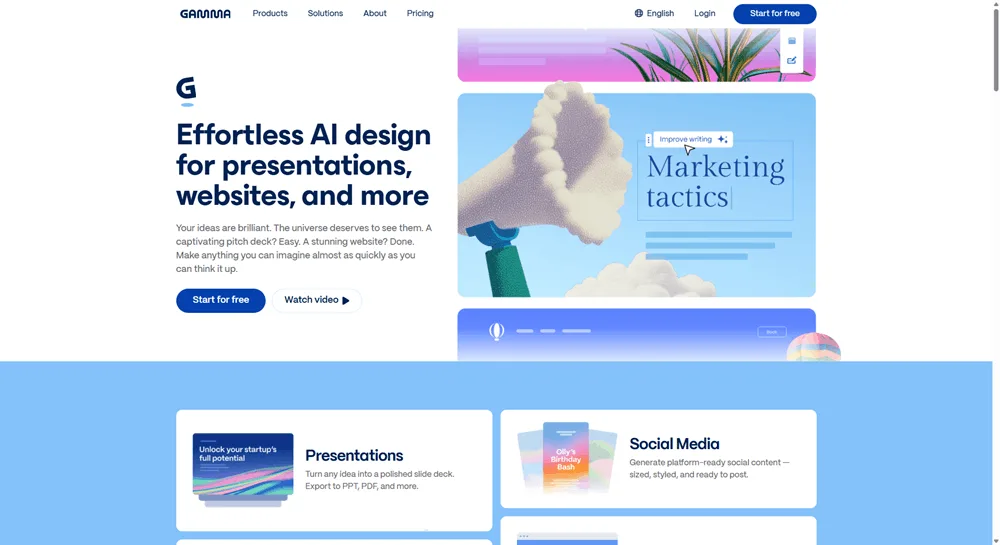
Gamma turns a prompt, an outline, or a pasted document into a clean, well-designed presentation fast. For marketers who build strategy decks, campaign reports, or client presentations regularly, it removes the most frustrating part: the formatting. You focus on the thinking. Gamma handles the layout, then exports to PowerPoint or PDF so you can hand it off to anyone. Because it works from your own content, the output is more useful than what generic slide tools produce.
- Best for: Turning notes, briefs, or rough outlines into a polished presentation quickly: strategy decks, client updates, campaign reports
- The honest catch: Gamma’s templated polish is obvious at the senior level. Any deck going to leadership or a key client will need a human edit to feel custom rather than generated. Use it to reach a solid first draft, not a final deliverable
- Who needs it: Anyone who builds decks regularly and loses time to formatting. It pairs well with Ask Vista’s reporting: pull your social insights and drop them straight into a Gamma deck
- Price: Free (400 one-time credits) / Plus $8/mo annual / Pro $18/mo annual (as of July 2026)
Honorable mentions
Not every tool earns a full card, but these three fill real gaps for certain teams. Add them if the job they do comes up regularly. Skip them if it doesn’t.
Notion AI
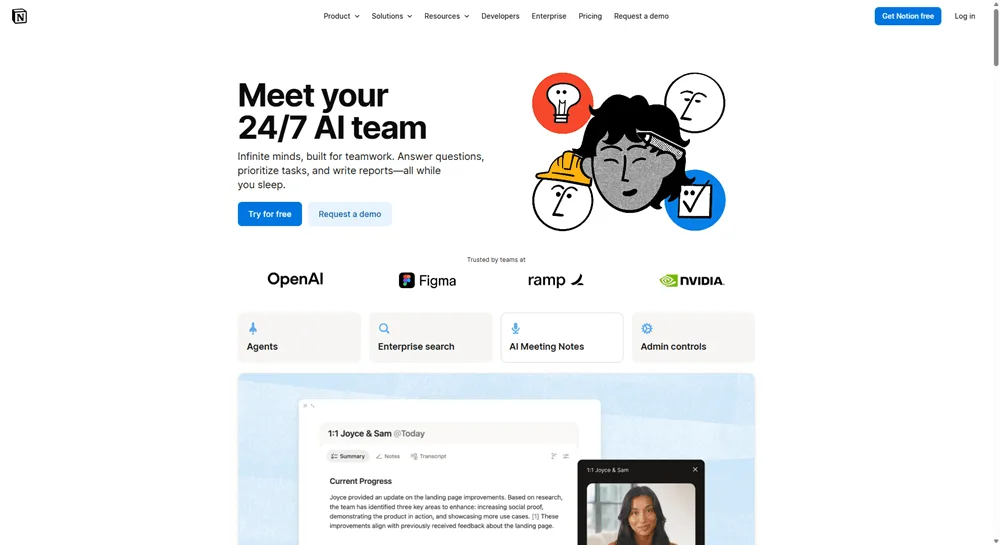
Notion AI turns your knowledge base into a working document system. You can draft, summarize, and pull information across pages without leaving Notion. Full AI features, including agents and Ask Notion, require the Business plan at $20/mo. It’s worth it if your team already lives in Notion, less compelling if you’re just looking for a docs layer.
CapCut
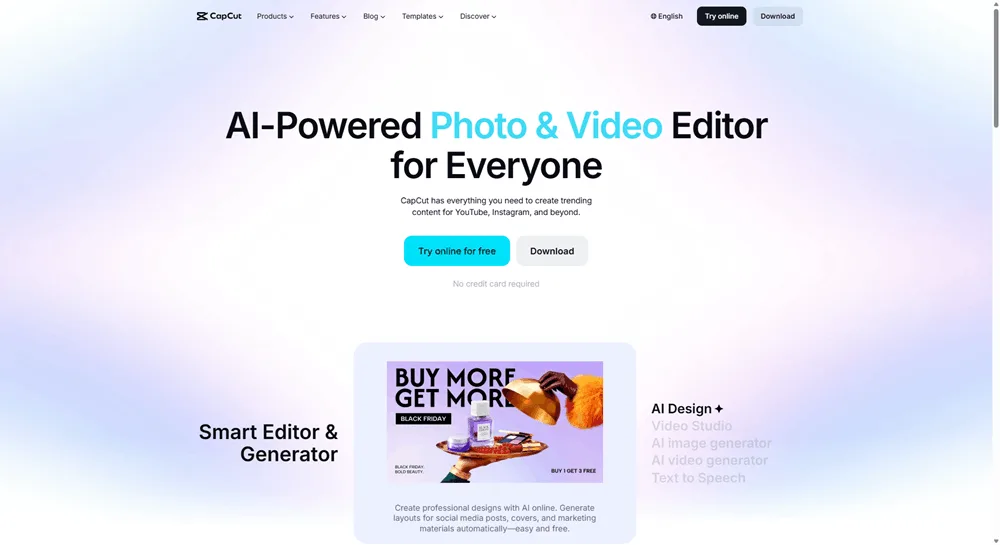
CapCut is built for social-first video editing and it’s fast. The free plan covers basic editing, trimming, and auto-captions well enough for most teams. Pro is $19.99/mo for the full AI toolkit, including camera tracking, vocal isolation, and bulk background removal (as of July 2026).
Fathom
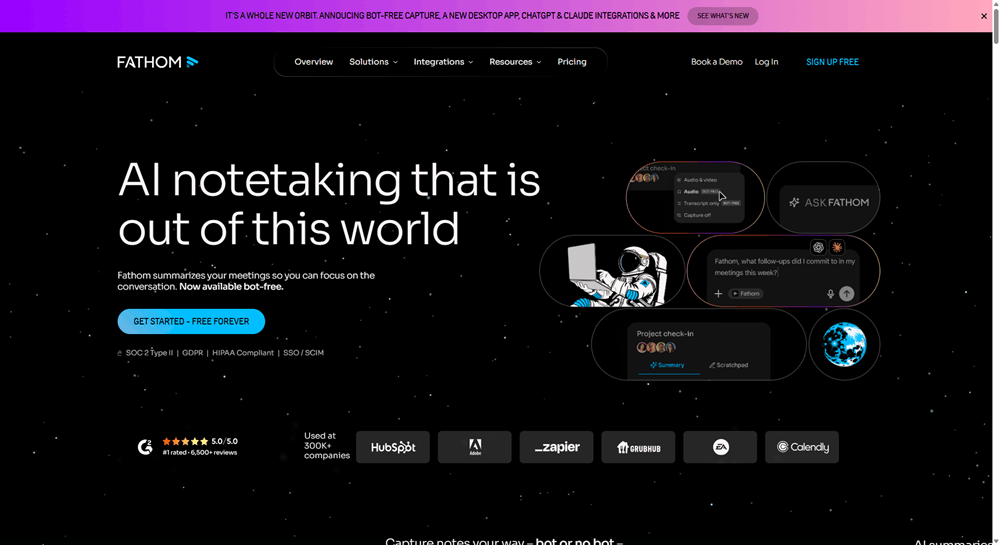
Fathom records, transcribes, and summarizes your meetings automatically, so nothing falls through the cracks between calls. Its free plan covers unlimited recording and transcription with no credit card required. Add it to your stack and stop writing meeting notes by hand.
How the stack fits together
These ten AI tools for marketers are designed to hand off to each other across one workflow, not run as parallel silos. It starts with research. Perplexity surfaces trends, competitive intel, and angles worth pursuing. You bring that into ChatGPT or Claude to develop ideas and draft the rough content. If a campaign needs standout imagery, Midjourney handles the creative direction. If it needs video, OpusClip repurposes existing footage, ElevenLabs adds a voiceover, and HeyGen handles presenter-led content. Descript cleans up any recorded audio or video before it’s posted.
Then it all flows into Vista Social. You schedule, publish, and manage conversations across every network from one place. Ask Vista’s agents handle the recurring tasks: weekly reports, content scheduling, inbox monitoring. You don’t have to manage any of it manually. When it’s time to report, Ask Vista pulls the data and Gamma turns it into a deck.
The point isn’t to use every tool every time. It’s about having a workflow where each job has a clear owner and the hub keeps the pieces connected. The stack is modular. Use a different image tool if you prefer. Leave out Gamma if you don’t build decks. Drop ElevenLabs if video isn’t part of your work. The hub keeps running either way.
Make your AI tools for marketers work as one system
What most marketers actually need is a small set of tools that covers the whole workflow: create, publish, engage, analyze, and automate.
The ten tools in this list do that. But the most important decision isn’t which specialists you add. It’s choosing a hub that connects everything. Anchor your AI stack with Vista Social and Ask Vista. Try Vista Social for free and see what a connected hub actually feels like.
Frequently asked questions
What AI tools do marketers actually need?
Most marketers need four things: a hub for social publishing (Vista Social), a general-purpose AI for open-ended work (ChatGPT or Claude), a research tool (Perplexity), and one or two specialists for the formats they use most. The rest depends on your workflow. If you don’t produce long-form video, you don’t need OpusClip. Build the stack around what you actually do, not what a listicle tells you to add.
What’s the best AI tool for social media?
Vista Social is the strongest all-in-one option for social media management in 2026. It handles publishing across 13+ networks, inbox management, listening, analytics, and built-in AI for content creation. Ask Vista adds an agentic layer for automating recurring tasks and querying your social data in plain language. For most social media managers and marketing teams, it covers everything in one place.
Do I need separate AI tools or one platform?
Both, used thoughtfully. A connected platform like Vista Social handles the core social workflow with AI built in. You don’t have to switch tabs for day-to-day work. Specialists like Midjourney, ElevenLabs, or Descript fill in where a general platform can’t go deep enough. The mistake is building a stack of ten specialists with no hub. You end up being the integration layer between tools that don’t talk to each other.
What’s the best AI tool for video, images, and voice?
OpusClip is the pick for repurposing long-form video into short clips. HeyGen handles AI presenter videos without filming. Descript is built for editing video and podcasts. For high-end creative imagery, Midjourney stands out, though Vista Social’s built-in image generation handles most day-to-day social posts well. ElevenLabs covers voiceover.
How much should an AI marketing stack cost?
A solid stack typically runs $80 to $150 per month for an individual or small team. That covers Vista Social, ChatGPT Plus or Claude Pro, Perplexity Pro, and one or two specialists. The exact cost depends on which specialists you choose. The bigger cost isn’t the subscriptions. It’s the time lost when tools don’t connect. A hub-based stack reduces that cost significantly.
Can one tool replace all of these?
Not entirely, but the hub gets you most of the way there. Vista Social with Ask Vista covers publishing, engagement, listening, analytics, built-in AI creation, and agentic automation. That’s the majority of a social marketer’s daily workflow. The specialists add depth in specific areas: high-end imagery, long-form video editing, sourced research, and presentation design. Start with the hub and add specialists only where you feel the gap.

Try Vista Social for free
A social media management platform that actually helps you grow with easy-to-use content planning, scheduling, engagement and analytics tools.
Get Started NowAbout the Author

Content Writer
Russell Tan is a content marketing specialist with over 7 years of experience creating content across gaming, healthcare, outdoor hospitality, and travel—because sticking to just one industry would’ve been boring. Outside of her current role as marketing specialist for Vista Social, Russell is busy plotting epic action-fantasy worlds, chasing adrenaline rushes (skydiving is next, maybe?), or racking up way too many hours in her favorite games.
Loading related tools...

The most complete social media management platform for teams who demand more.






Tools
PublishingAnalyticsEngagementIntegrations
FacebookInstagramLinkedInRedditSnapchatThreadsTikTokX (Twitter)YouTubeMCPVista Page (link-in-bio)All IntegrationsCopyright © 2026 Vista Social LLC. All Rights Reserved.