

Published on November 5, 2024
18 min to read
12 Powerful AI Content Creation Tools for Social Media

Summarize with AI

Table of contents
Summarize with AI

ChatGPT

Claude

Perplexity
Share

Vista Social

X (Twitter)


Looking to revolutionize your social media game? AI content creation tools are transforming how brands connect with their audiences, making authentic engagement easier than ever.
Today’s social media landscape demands consistent, high-quality content across platforms–from eye-catching Instagram posts to professional LinkedIn updates. While 91% of consumers crave authentic brand interactions, keeping up with this demand can be overwhelming.
Traditional content creation, with its multiple team reviews and lengthy approval processes, often can’t keep pace with social media’s real-time nature. That’s where AI steps in to save the day.
Say goodbye to content creation stress and hello to efficient, engaging social media management with AI content creation tools!
Table of contents
Tool #1: Vista Social: All-in-One Tool for Content Creation and Collaboration
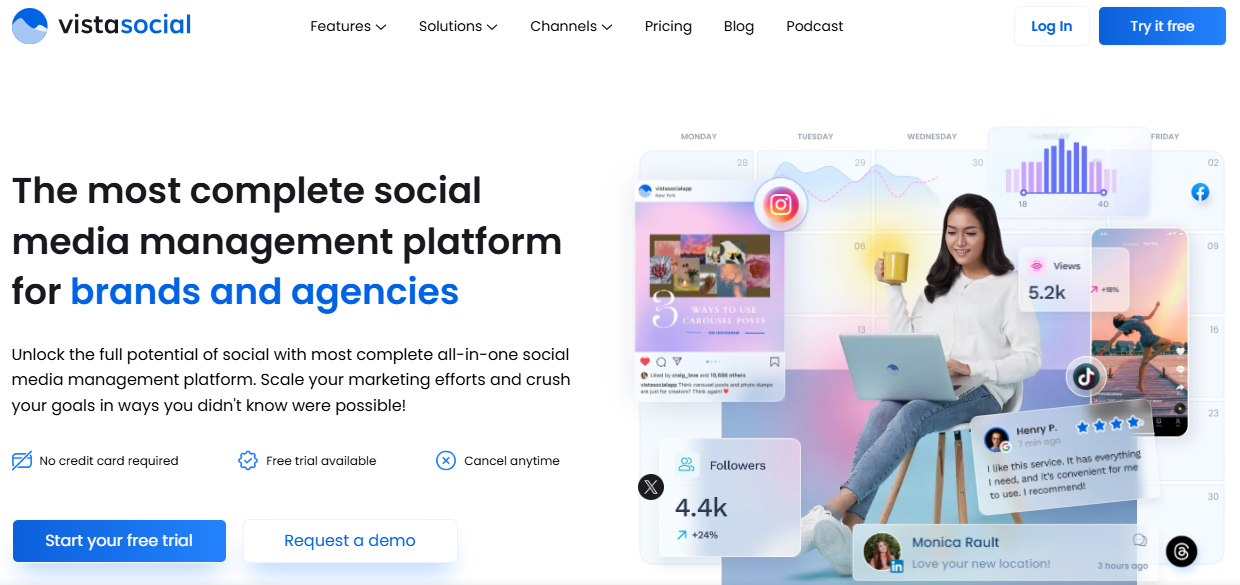
Managing multiple social media accounts used to mean switching between countless tabs and tools. Vista Social changes the game by bringing everything you need into one streamlined dashboard. What makes it truly revolutionary? It’s the first social media management platform to fully integrate ChatGPT technology right into your workflow.
Want to brainstorm your next viral post? Need to schedule content across platforms? Looking to collaborate with your team seamlessly? Vista Social has you covered.
The built-in AI assistant helps you generate engaging content without ever leaving your dashboard, while powerful team features keep everyone on the same page.
No more platform-hopping–just smooth, efficient social media management from start to finish.
Key Features of Vista Social:
- AI Post Generator: Need fresh content ideas? The AI generator creates platform-perfect posts, complete with captions, hashtags, and emojis. It learns your brand voice and keeps an eye on trends, so you can maintain a consistent presence without spending hours on content creation.
- Smart Media Library: Picture this: all your visuals in one place, tagged and categorized by AI. Built-in editing tools let you quickly find and reuse your best-performing content across platforms.
- Hashtag and Caption Magic: No more guessing which hashtags work. The AI analyzes trending topics and your past successes to suggest hashtags that actually reach your target audience. It keeps learning what works for your brand.
- Smart Scheduling: Post at the perfect time, every time. The AI figures out when your audience is most active, and the drag-and-drop calendar makes planning a breeze across different platforms and time zones.
- Team Collaboration Central: Keep everyone on the same page with role-based access, approval workflows, and real-time feedback. It’s like having your whole team in one virtual room, ensuring consistent messaging across channels.
- Analytics That Make Sense: See how your content performs and understand audience reactions through AI-powered analytics. Custom reports help track what matters to your business.
- Cross-Platform Publishing: Your content automatically adapts to each platform’s requirements. Preview posts and make platform-specific tweaks before publishing.
Pros
What you’ll love:
- Save tons of time with AI-powered content creation
- Keep your team working smoothly together
- Stay on top of trends without constant research
- Easy to learn and use
- Works well across different platforms
Cons
What could be better:
- Content templates aren’t very flexible
- Premium features might stretch smaller budgets
- Some advanced features take time to master
- Doesn’t connect with every tool you might use

Tool #2: Canva: Create Stunning Social Graphics in Seconds
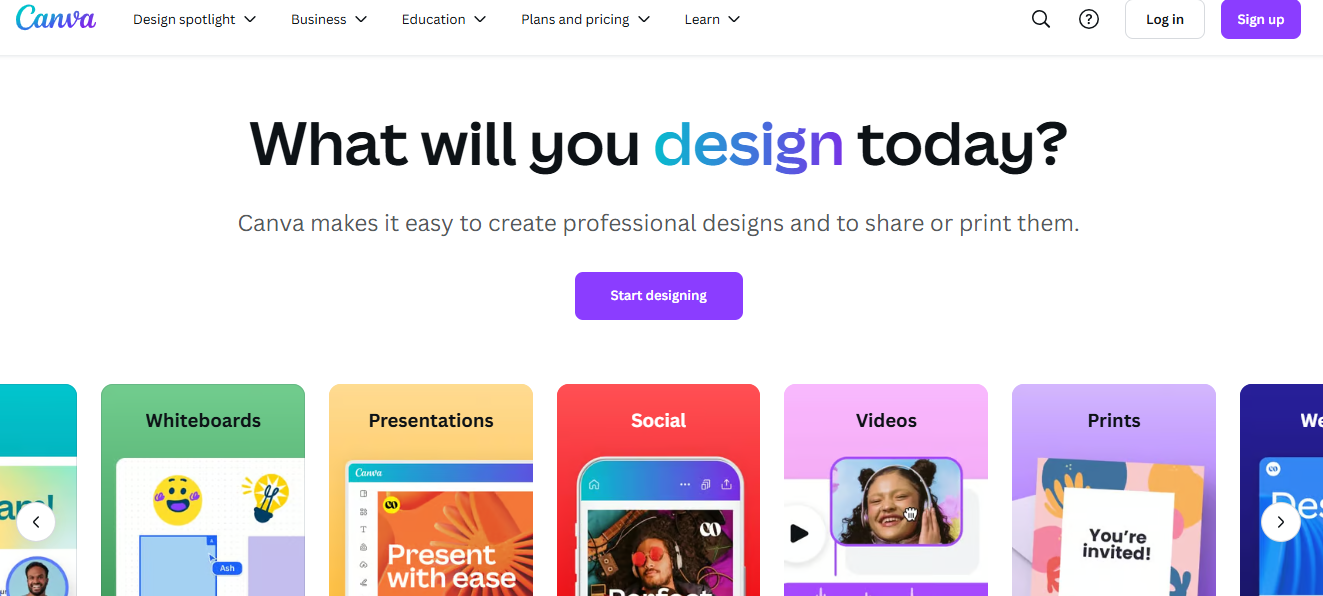
Want to know how to create stunning social media designs without being a pro? Canva‘s got your back! By combining AI smarts with user-friendly tools, it’s revolutionizing how we create professional graphics.
Key Features of Canva:
- Text to Image Generation: Think of it as your personal artist. Just describe what you want, and voilà–Canva creates custom visuals for you! No more endless scrolling through stock photos.
- Magic Design: Drop in an image, and watch Canva work its magic with layouts that actually look good. Perfect when you’re in a hurry but don’t want your content to look rushed.
- Smart Resize: Remember the headache of resizing posts for different platforms? Smart Resize handles that for you. Your Instagram post can become a Facebook banner in seconds.
- Brand Kit AI: Like having a brand guardian that keeps your visual identity consistent. It learns your style preferences and gets better at suggestions over time.
- Magic Background Remover: Need a clean, professional look? One click removes backgrounds–it’s that simple.
- Design Assistant: Think of it as your creative partner, offering tips to make your designs pop.
- Animation Studio: Because static posts are so yesterday! Add movement to grab attention as people scroll
Pros
What you’ll love:
- Anyone can create pro-looking designs (seriously, anyone!)
- Tons of templates to choose from
- AI tools that actually save time
- Great for team collaboration
- Works across all social platforms
Cons
What could be better:
- Want the cool features? You’ll need to pay
- Some stock images cost extra
- Storage space is tight on basic plans
- Missing some advanced design tools
- Templates aren’t endlessly customizable
- No offline mode–you’ll need internet
[Must Read: Design & Create with Canva’s AI Image Generator in Vista Social]
Tool #3: Copy.ai: Your Solution to Captions and Copywriting Challenges
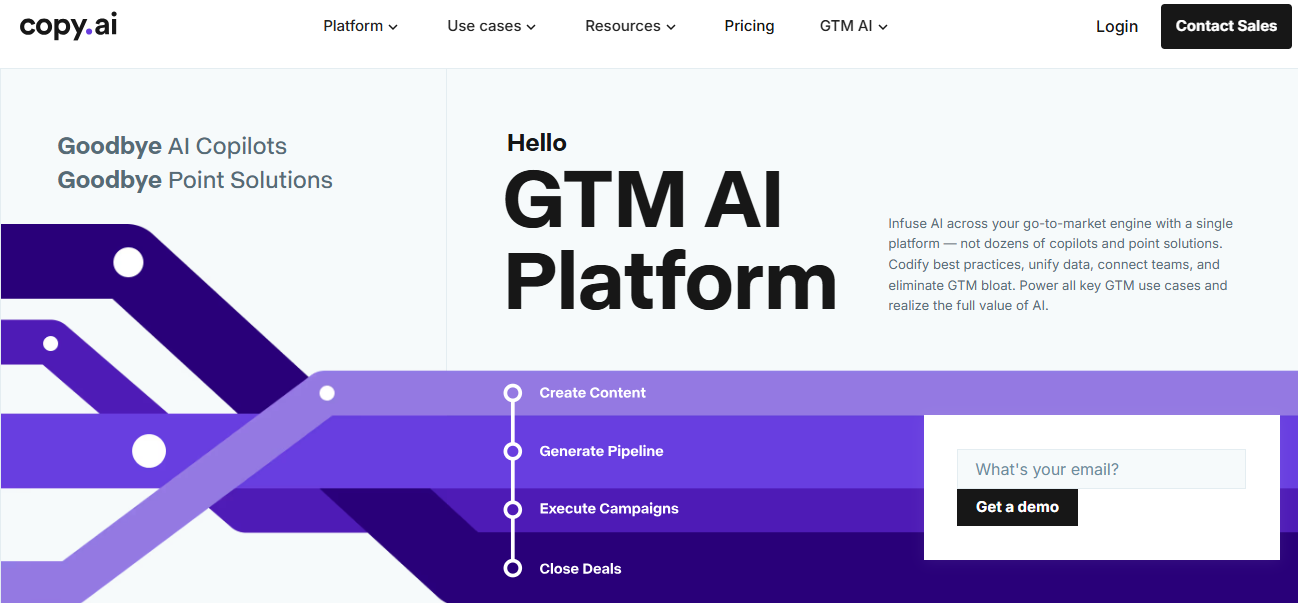
Copy.ai is a game-changer for social media managers, offering AI-driven copywriting solutions that make content creation fast and effective. It’s like having a creative assistant who knows exactly how to write for every social platform while keeping your brand’s unique voice intact.
Key Features of Copy.Ai:
- Social Media Content Generator: Drop in your topic, and boom–you’ve got ready-to-post content for all your channels! No more staring at blank screens wondering what to write.
- Caption Wizard: Need the perfect Instagram caption? The AI looks at your image and whips up options that’ll make your followers stop scrolling. Whether you want to sound professional or fun, it’s got you covered.
- Tone Customization Engine: Want to sound professional on LinkedIn but casual on Twitter? The AI adapts to match your style. Save your favorite tones and keep your brand voice consistent across all posts.
- Multi-Purpose Copy Templates: With over 90 templates, you’ll never run out of ideas. From punchy product descriptions to scroll-stopping ads, it’s all there at your fingertips.
Pros
What you’ll love:
- Saves hours of content creation time
- Creates posts for multiple platforms in seconds
- Keeps your brand voice consistent
- Super easy to use–no tech degree needed
- Learns what you like and gets better over time
Cons
What could be better:
- Might need help with complex industry topics
- Sometimes needs context for specific fields
- Can get repetitive with longer content
- Limited advanced customization options
- May not capture super unique brand voices
- You’ll still need to review everything before posting
Tool #4: Lumen5: Effortlessly Transform Text into Videos
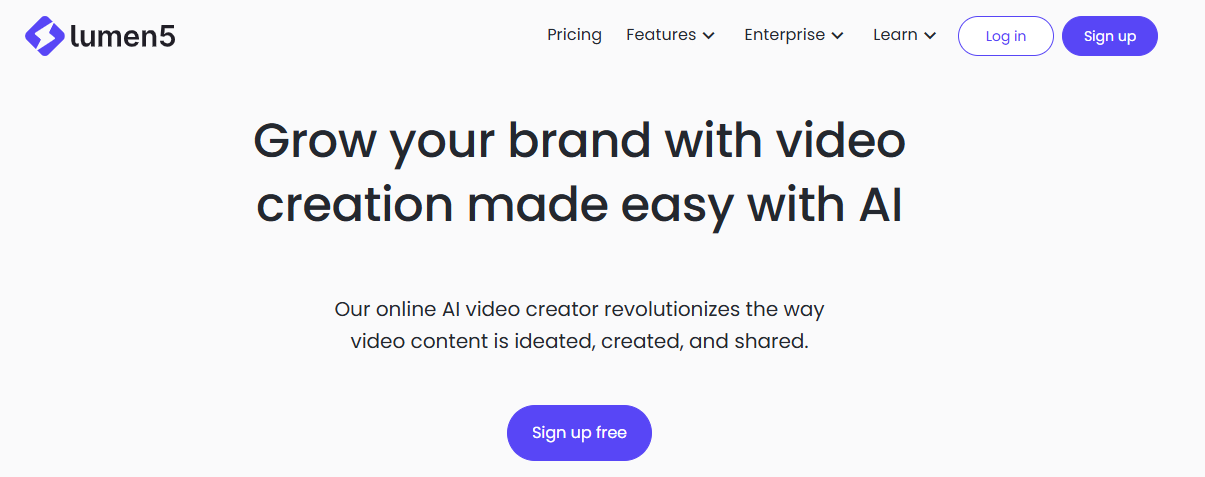
Blog posts into engaging videos without spending hours learning video editing? That’s exactly what Lumen5 does–it uses AI to transform your written content into social media videos that grab attention.
Key Features: of Lumen5
- AI Content Analyzer: It reads through your blog post and picks out the highlights that’ll make your video pop. No more wondering what to include or leave out!
- Smart Scene Selection: Instead of spending hours hunting for the perfect visuals, the AI finds relevant images and clips that match your message.
- Automated Storyboard Creator: Want your video to flow smoothly? The Automated Storyboard Creator handles that. While it suggests the best arrangement, you’re still in control–move scenes around until they feel just right.
- Dynamic Text Overlay Engine: This makes sure your message stands out. Text appears at just the right time and place, and it’s always easy to read, whether someone’s watching on their phone or computer.
- Brand Customization Suite: Keep videos on-brand with options for colors, fonts, logos, and watermarks. Lumen5’s AI applies these elements throughout your video, making brand consistency effortless.
- Multi-Format Export System: Export videos in different formats to suit various social media platforms. Post anywhere without worrying about video dimensions or quality.
- Audio Enhancement Tools: Suggests background music that matches your content’s tone and adjusts audio levels for a polished result.
Pros
What you’ll love:
- Turn one piece of content into many videos
- Save hours on video creation
- Anyone can create professional-looking videos
- Start quickly with ready-made templates
- Post everywhere with optimized formats
- Tons of stock media to choose from
- Keep your brand looking consistent
Cons
What could be better:
- Advanced users might want more creative control
- Better features come at a higher price
- Templates aren’t endlessly flexible
- Longer videos take time to process
- Some media options are premium-only
- Want high-resolution? You’ll need a premium plan
Tool #5: Grammarly: AI Editing to Perfect Your Writing
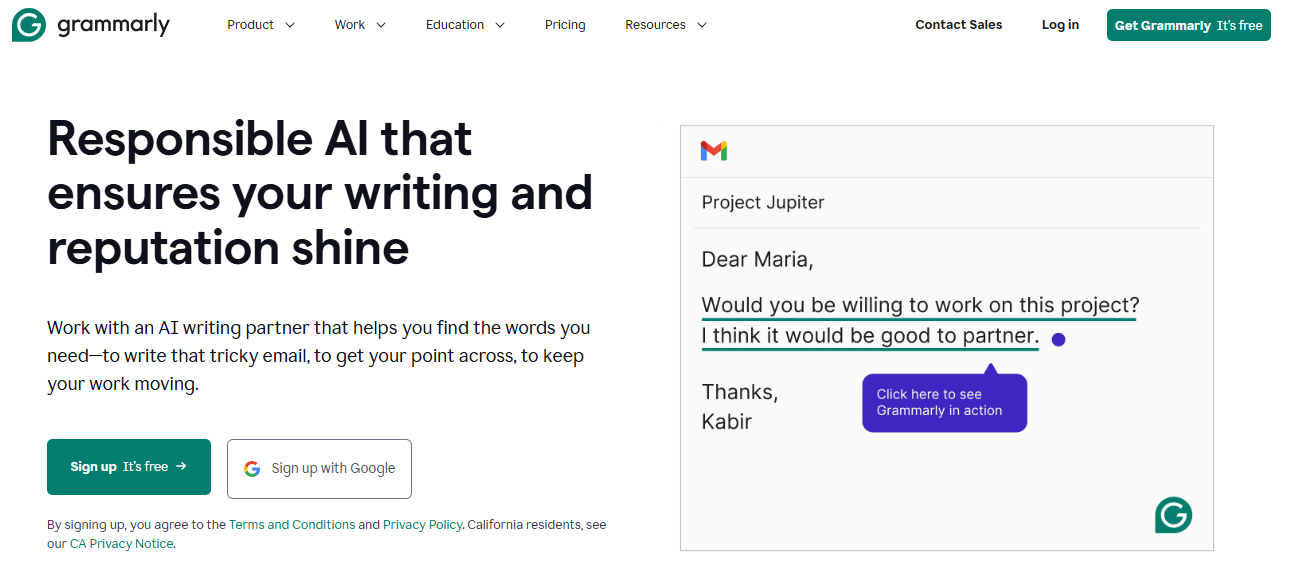
Grammarly elevates social media content by providing real-time AI-powered writing assistance that goes beyond basic spell-checking.
The tool analyzes your content for grammar, tone, clarity, and engagement, ensuring your social media messages are polished and professional while maintaining your intended voice.
Key Features:
- Real-Time Writing Assistant: As you type, Grammarly catches those pesky errors instantly. No more embarrassing typos in your posts!
- Tone Detection Engine: Uses advanced AI to analyze and adjust your writing’s tone across different social media contexts, whether you’re being professional on LinkedIn or casual on Twitter.
- Smart Content Optimization: It does more than fix grammar–it helps you write clearer, punchier content that gets your message across.
- Cross-Platform Integration: Seamlessly works across social media platforms, email clients, and content management systems. The AI adapts its suggestions based on the platform you’re writing for, ensuring appropriate style and format for each channel.
- Customizable Style Guide: Set up your style rules once, and Grammarly helps everyone on your team stay consistent.
- Engagement Predictor: Get insights on how engaging your content might be before you hit ‘post’.
Pros
What you’ll love:
- Catches mistakes before they go live (goodbye, embarrassing typos!)
- Works smoothly across different platforms
- Actually helps you become a better writer
- Saves tons of editing time
- Keeps your brand voice consistent
- Gives platform-specific tips
- Great for team coordination
Cons
What could be better:
- Premium features come with a hefty price tag
- Sometimes suggests changes you don’t really need
- Can be strict with grammar rules
- Might struggle with casual slang
- Gets confused by industry jargon
- Needs internet to work fully
Tool #6: Kapwing Meme Maker: Create Memes That Go Viral
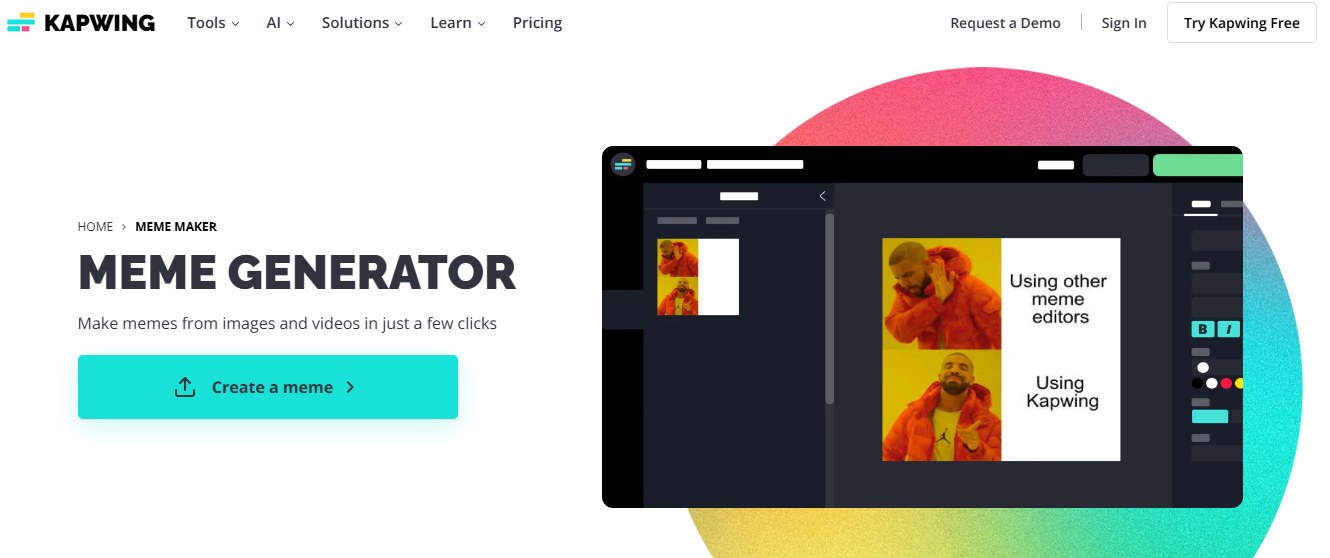
Want to jump into the meme game but not sure where to start? Kapwing’s Meme Maker leverages AI to simplify the creation of trending memes and viral content.
Perfect for brands looking to add humor and relatability to their social media presence, this tool makes it easy to stay current with internet culture while maintaining professional quality.
Key Features of Kapwing:
- Trend Detection System: The AI keeps tabs on what’s hot right now, so you’re never left wondering “Is this meme still relevant?” It’ll suggest trending templates and even tell you which ones are killing it on different platforms.
- Smart Template Customization: No design degree needed! Just drag, and drop, and let the AI handle the technical stuff like text placement and sizing to maintain the meme’s impact while incorporating your unique content.
- Multi-Format Creator: Make memes that look great on any platform. Whether you need a static image for Instagram or a GIF for Twitter, the AI’s got you covered with automatic formatting.
- Content Library Integration: Features an extensive collection of trending meme templates, stock images, and GIFs that are regularly updated by AI based on current trends. Includes search functionality that understands meme context and cultural references.
- Caption Generator: Uses AI to suggest witty captions and text variations that match popular meme formats. It helps craft captions that hit the right note between funny and on-brand.ng relevant to your brand message.
- Collaboration Tools: Enables team members to work together on meme creation with shared templates and brand assets. Includes version control and approval workflows for maintaining brand standards.
Pros
What you’ll love:
- Whip up memes in minutes
- Always up-to-date with trends
- Super easy to use
- Works with all major social platforms
- Tons of templates to play with
- See your changes instantly
Cons
What could be better:
- Free version comes with watermarks
- Need to pay for the fancy features
- Can’t go totally off-script with custom designs
- Limited storage unless you upgrade
- Some features only work in browser
Tool #7: Adobe Express: Create Personalized Graphics Easily
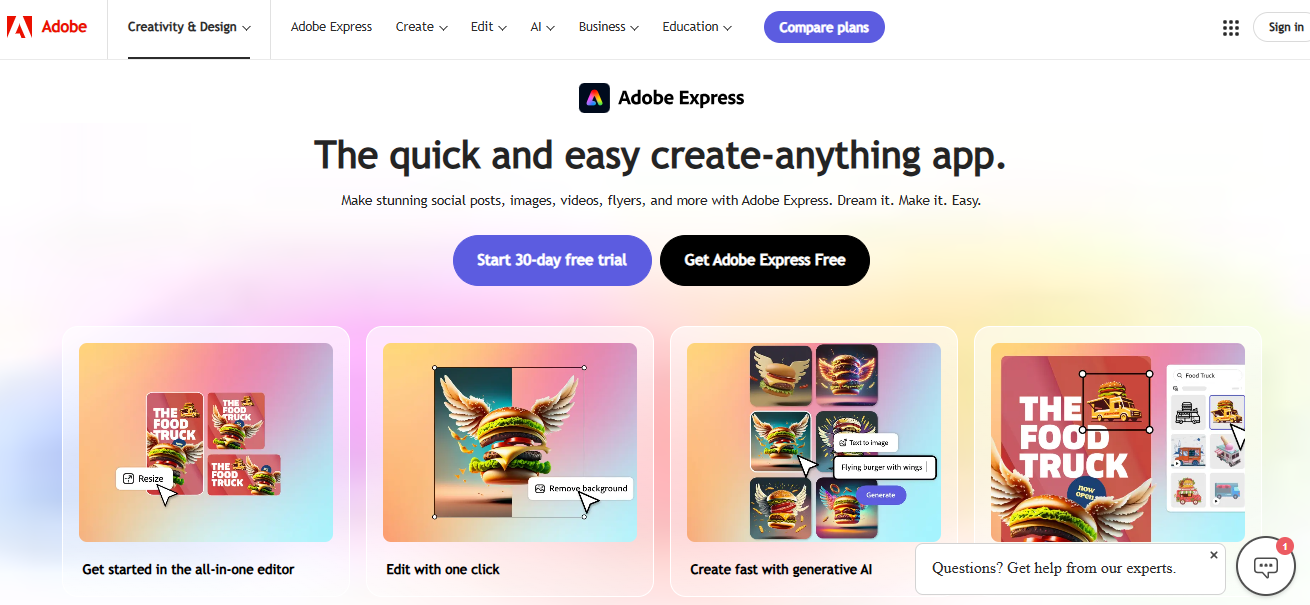
Adobe Express has made graphic design easier than ever, combining AI-driven features with intuitive tools that make high-quality design accessible for everyone—from beginners to pros. Here’s how it helps you create stunning visuals while keeping brand consistency front and center:
Key Features of Adobe Express:
- AI-Powered Templates: Just input your content needs, and Adobe Express provides design templates you can easily adjust to fit your brand. Perfect for quickly creating eye-catching social media posts.
- Smart Object Selection: This AI tool automatically identifies and selects objects in images, streamlining the editing process–especially helpful for designs that require precise adjustments.
- Quick Actions: Tackle common tasks like background removal, resizing, and file format conversion in seconds. This automation keeps your workflow smooth and saves time.
- Brand Kit Integration: Adobe Express automatically applies your brand’s colors, fonts, and logos, helping you stay consistent with every design. The AI even learns your preferences for better suggestions over time.
- Multi-Platform Export: With AI adjustments, your designs are resized and optimized for each social media platform, so everything looks perfect without manual resizing.
- Content-Aware Fill: Remove unwanted elements from images, and the AI fills in the space naturally, maintaining a professional look without visible edits.
- Design Suggestions: Get real-time tips for improving your designs, from color choices to layout tweaks, based on design best practices.
Pros
What you’ll love:
- Anyone can jump right in – no design degree is needed
- Loads of professional templates to start with
- AI tools that make complex tasks simple
- Keeps your brand looking consistent everywhere
- Works seamlessly with other Adobe tools
- Design anywhere with the mobile app
Cons
What could be better:
- The free version is pretty basic
- Some tools take time to master
- Not everything in templates can be changed
- You’ll need internet connection
- Storage space is limited on basic plans
- Works best if you’re already using Adobe products
Tool #8: Jasper.ai: AI-Powered Copywriting for All Social Platforms
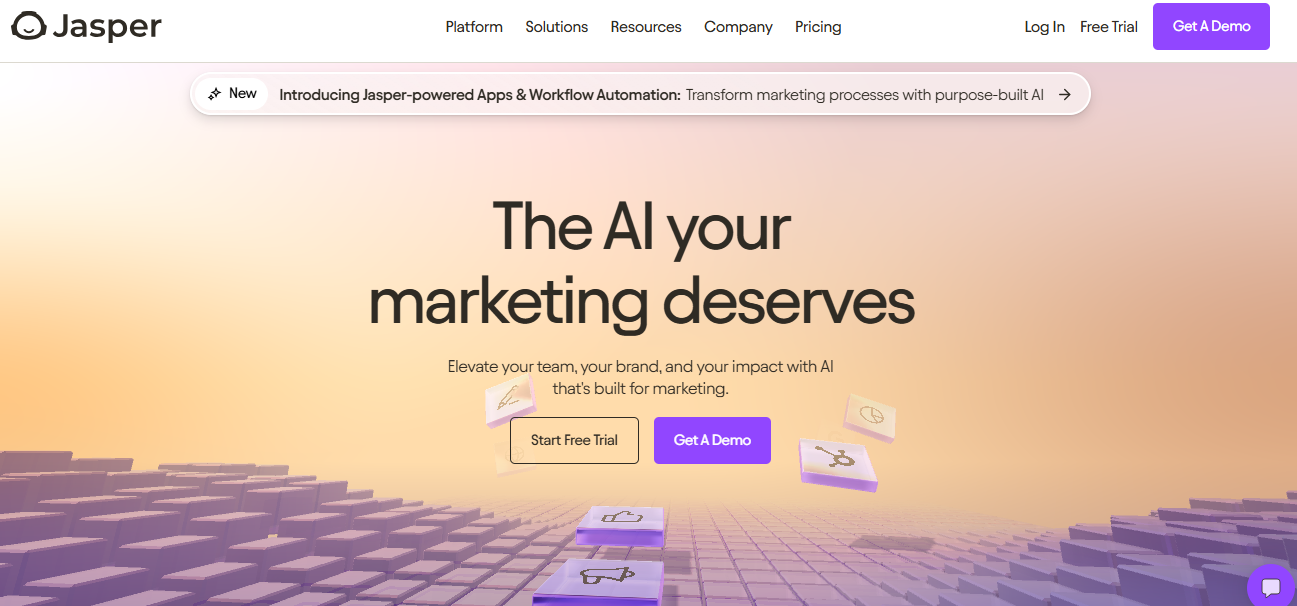
Jasper.ai is a powerful tool for AI-driven content creation, designed to generate engaging, platform-specific copy across social media and other marketing channels.
With advanced language models, Jasper adapts to each social platform’s style, maintaining your brand’s voice and achieving your marketing goals.
Key Features:
- Social Media Command Center: Jasper crafts content optimized for each platform based on proven post patterns and engagement metrics. Tell Jasper what you want to talk about, and it’ll craft posts that feel right at home on Facebook, Instagram, Twitter, LinkedIn, or TikTok.
- Brand Voice Personalization: Jasper learns and applies your brand’s unique voice and tone across all content. It stores your brand guidelines, preferred language, and style, ensuring consistency across every post.
- Multi-Language Content Generation: With support for 25+ languages, Jasper helps your brand reach global audiences while adapting content for cultural nuances and local expressions.
- Content Templates: Jump right in with ready-to-use templates for everything from quick social posts to compelling ad copy. These templates use proven engagement tactics and copywriting techniques for the best results.
- Dynamic A/B Testing: Jasper generates multiple content variations to test and identify the best-performing options for different audience segments, helping you optimize messaging quickly.
- SEO Optimization: Jasper’s built-in SEO tools suggest keywords to boost visibility without sacrificing natural language, helping your content rank and resonate.
- Campaign Integration: Align Jasper’s output with your campaigns across platforms for consistent messaging while adapting to each platform’s unique style and format.
Pros
What you’ll love:
- Works smoothly across all major social platforms
- Creates quality content in minutes
- Keeps your brand voice consistent
- Handles 25+ languages like a pro
- Comes with helpful templates
- Gets better as you use it
- Plays nice with your other marketing tools
Cons
What could be better:
- Costs more than simpler AI writers
- Still needs your human touch to check everything
- Might struggle with very technical topics
- Has word limits on some plans
- Takes time to learn all the features
- Templates sometimes feel a bit rigid
Tool #9: Synthesia: AI-Driven Video Avatars for Engaging Visuals
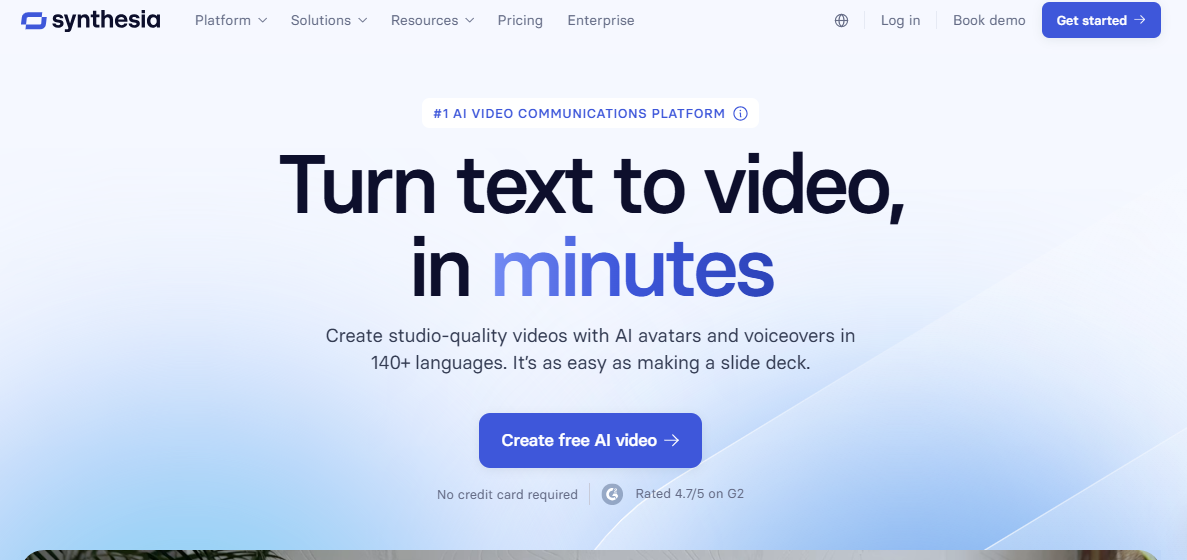
Synthesia makes video content creation fast, easy, and scalable with AI avatars that transform text scripts into professional video presentations.
This AI-powered platform allows brands to produce engaging videos featuring realistic presenters who can speak in multiple languages—no traditional filming needed. It’s perfect for everything from corporate training to multilingual marketing.
Key Features Synthesia:
- AI Avatar Studio: Choose from a library of lifelike digital presenters. Pick from Synthesia’s AI avatar collection, type your script, and watch as they deliver your message with natural movements and perfect lip-sync.
- Multilingual Generation: Create content in over 120 languages with accurate accents and pronunciations. The AI adapts speech and facial expressions to each language, making it easy to reach global audiences.
- Script-to-Video Automation: Turn written scripts into videos with AI-driven text-to-speech that maintains natural flow, emphasis, and tone control for professional delivery.
- Custom Background Integration: Select from virtual sets, custom uploads, or screen recordings. The AI blends avatars seamlessly with backgrounds to give your videos a professional finish.
- Scene Customization: Add multiple scenes, transitions, images, logos, and text overlays, with AI suggestions for optimal visual impact.
- Template Library: Use pre-designed templates for everything from product demos to company announcements, streamlining video creation.
Pros
What you’ll love:
- Produce videos in minutes, not days
- Save big on production costs
- Reach international audiences easily
- Keep quality consistent across all videos
- Update content whenever needed
- No filming equipment required
- Create content on your schedule
Cons
What could be better:
- Avatar options aren’t endless
- Premium features come at a price
- Some movements might look AI-generated
- Can’t match the full range of human expression
- Templates limit some creative freedom
- Needs good internet to work
Tool #10: Crello (VistaCreate): Add Animation for Eye-Catching Posts
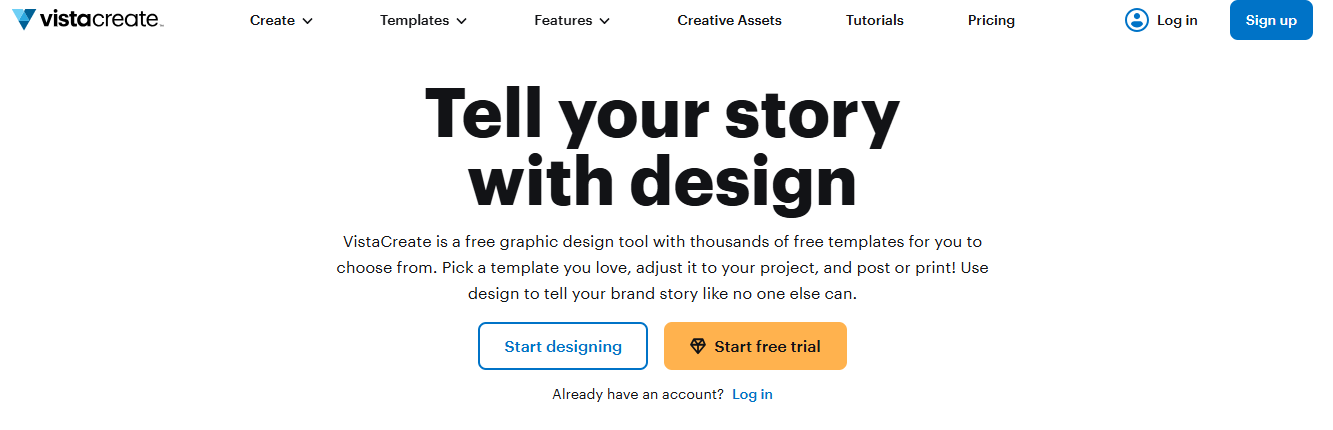
Formerly known as Crello, VistaCreate uses AI to help brands create eye-catching social media content quickly. By turning static designs into animated posts, VistaCreate boosts engagement and keeps your brand on trend.
Its AI analyzes popular design elements and user preferences, suggesting layouts and animations that resonate with your audience.
Key Features of VistaCreate:
- Smart Animation Engine: Breathe life into your static designs with AI-suggested animations. Simply pick your style, and let the tool handle the rest–keeping everything polished and professional.
- Template Intelligence: The AI personalizes templates based on your brand’s look and goals, learning from your past choices to offer more relevant options over time.
- Brand Animation Presets: Save your favorite animation styles to keep your brand’s motion consistent across all posts. No more starting from scratch each time!
- Dynamic Text Effects: Make your message pop with animated text that catches the eye. The AI helps time everything just right for maximum impact.
- Auto-Resize Animation: Posting to multiple platforms? VistaCreate automatically adapts your animated designs to fit perfectly everywhere.
- Motion Library Integration: Access thousands of animated elements with smart recommendations that match your style.
- Real-Time Preview Optimization: AI-assisted previews help fine-tune animation timing and transitions for the best visual appeal.
Pros
What you’ll love:
- Turn static designs into animations in minutes
- Super easy to use, even for beginners
- Tons of templates to choose from
- Packed with images, videos, and animated elements
- Keeps your brand looking consistent
- Works for all social media platforms
Cons
What could be better:
- Need to pay up for the cool features
- Some animation settings can’t be changed
- Watch out for file size limits
- Takes time to master advanced features
- Complex designs might load slowly
- Basic plans come with limited storage
Tool #11 LogoDesign.net
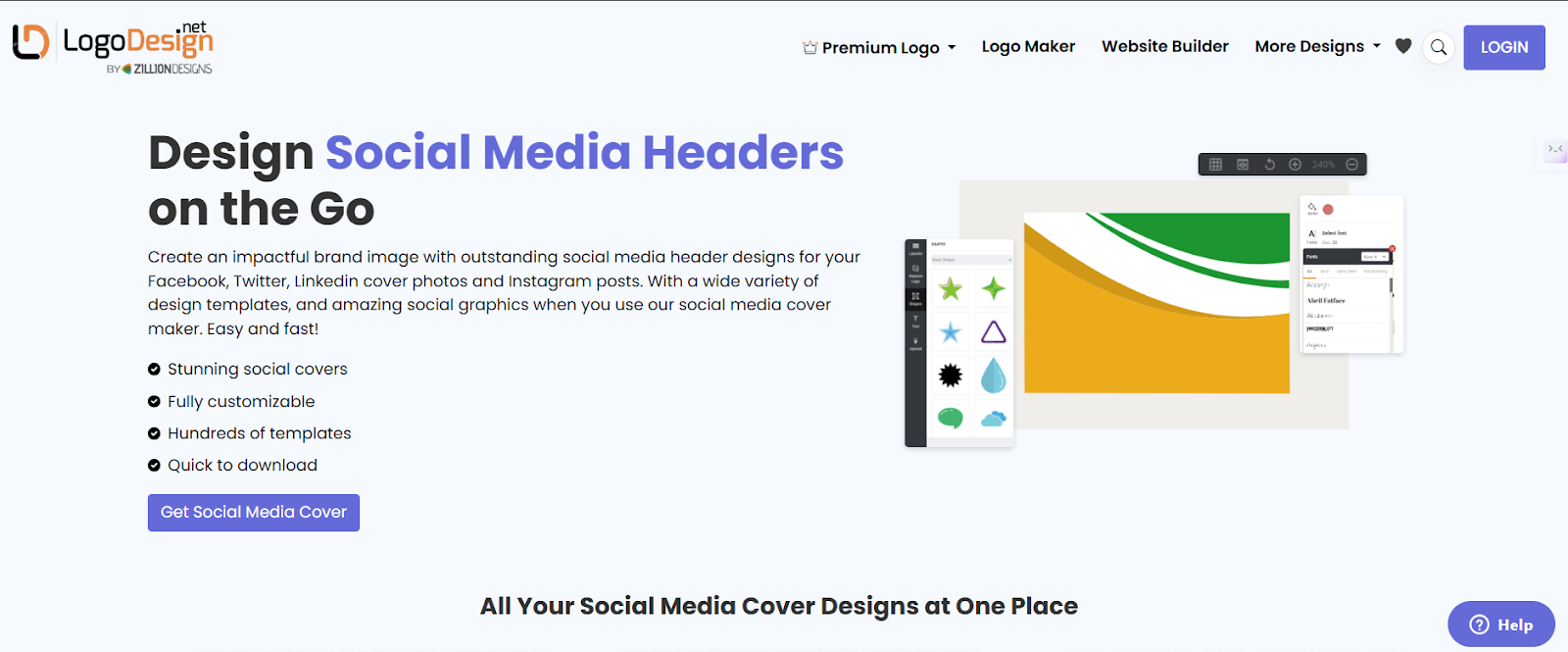
Looking to create a custom cover or banner for your social media profiles? Find just the right template with Logodesign.net’s Social Media Cover Generator. With this tool, you can strengthen your social media presence by creating custom, eye-catching headers.
You can quickly generate covers with your brand’s color palette and access a wide selection of fonts as well.
Key Features:
- Custom Color Palette: Personalize your design with colors that reflect your brand.
- Free Font Library: Choose from a range of free fonts to match your brand’s style.
- Resize Feature: Easily resize designs to fit different platforms (Facebook, Twitter, LinkedIn, etc.).
- Searchable Templates: Access a wide range of pre-designed templates to kickstart your creativity.
Pros:
What You’ll Love
- Easy to use and beginner-friendly
- Customizable features for a unique design
- No cost for fonts and templates
- Saves time with resize and template features
Cons:
What Can Be Better
- Limited to the templates and fonts available in the tool
- Basic customization options for professional designers
- No option for exporting designs in certain high-resolution formats
Tool #12 Podcastle: Create Pro Voiceovers in Minutes (No Mic Needed)
Need studio-quality voiceovers without hiring talent or recording anything yourself? Podcastle delivers a powerful AI voice generator built specifically for creators who want polished audio fast.
For crafting video content, educational material, social media reels, or pretty much anything else, Podcastle is the perfect choice as it gives you access to a library of lifelike AI voices that sound human and are easy to use. You can even clone your own voice for consistency across all your projects.
More than just a voice tool, Podcastle also offers you smart editing features, automatic transcription, and video support. In other words, it’s ideal for creators who require speed, flexibility, and professional-quality content all in one place.
Key Features of Podcastle:
- AI Voice Generator: Choose from ultra-realistic voices across various accents, tones, and languages. Great for narrations, tutorials, voiceovers, and beyond.
- Voice Cloning: Train the tool with a sample of your voice to generate original content that still sounds like you. Ideal for scaling personal branding.
- Text-to-Speech Editor: Just type your script, tweak pronunciation and pacing, and generate ready-to-use voice content in seconds.
- Magic Dust Voice Enhancer: Improve any recorded audio instantly with one click, clean up noise, balance levels, and sound pro without editing experience.
- AI Transcription: Convert audio to text automatically and use it for captions, subtitles, blogs, or documentation, whatever your content needs.
- Visual Audio Tools: Turn voiceovers into shareable, dynamic video content with waveform visuals, subtitles, and branding elements.
- Streamlined Workflow: Record, edit, enhance, and export all within a single browser-based interface. No downloads or complex setups.
Pros What you’ll love:
- Human-sounding AI voices that don’t feel robotic
- Perfect for creators making tutorials, reels, explainer videos, and more
- No mic, no studio, no problem
- Fast, clean editing and enhancement tools
- Ideal for turning written content into engaging audio
Cons What could be better
- Voice customization options are limited on free plans
- Still expanding support for less common languages
- Internet required for full functionality
Best Practices to Maximize Your AI Content Creation Tools
The landscape of AI content creation tools has transformed how we approach digital content. From social posts to full-blown marketing campaigns, these tools are becoming indispensable for creating engaging content at scale.
Let’s explore how to make the most of these powerful allies in your content strategy.
Set Clear Content Goals for Better Engagement
Don’t just create content for the sake of it! Start with clear goals in mind.
Are you looking to drive more traffic? Boost your Instagram engagement? Get more LinkedIn connections? Your goals will shape how you use your AI tools. Think of it like giving your AI a roadmap–the clearer your destination, the better it can help you get there.
For example, if you’re targeting young professionals on LinkedIn, you can guide your AI to create content that speaks their language and addresses their career challenges.
Seamlessly Integrate AI into Your Content Workflow
Getting the most out of AI means making it a natural part of your content creation process–not just an afterthought. Let AI handle the heavy lifting during brainstorming and first drafts, freeing your team to focus on adding those personal touches that make content shine.
Set up templates that reflect your brand voice and use them consistently. This way, you’re not starting from scratch every time, and your content maintains its unique flavor across all platforms.
Regularly Review and Update AI-Generated Content
Think of AI content creation tools as collaborative partners that need guidance and feedback. Keep an eye on how your content performs and adjust accordingly.
Are certain types of posts getting more engagement? Is your audience responding better to specific tones or topics? Use these insights to fine-tune your AI settings. Create a simple review process to ensure everything aligns with your brand standards before hitting ‘publish’.

Try Vista Social for free
A social media management platform that actually helps you grow with easy-to-use content planning, scheduling, engagement and analytics tools.
Get Started NowAbout the Author

Content Writer
Content writer and copywriter with over 2 years of experience, specializing in VSL scriptwriting. I’ve worked with various brands to create compelling content. Passionate about storytelling that connects and converts. Loves cats, poetry, and skincare
Loading related tools...

The most complete social media management platform for teams who demand more.






Tools
PublishingAnalyticsEngagementIntegrations
FacebookInstagramLinkedInRedditSnapchatThreadsTikTokX (Twitter)YouTubeMCPVista Page (link-in-bio)All IntegrationsCopyright © 2026 Vista Social LLC. All Rights Reserved.