

Published on March 5, 2026
10 min to read
11 Community Management Tools to Engage Your Audience

Summarize with AI

Table of contents
Summarize with AI

ChatGPT

Claude

Perplexity
Share

Vista Social

X (Twitter)


Your audience is already talking about your brand. The question is whether you’re showing up to participate in those conversations or letting them happen without you.
Every comment on an Instagram ad, every DM about a product question, every TikTok mention gives you a chance to build trust. But when you’re managing five platforms and hundreds of messages a day, things slip through fast.
That’s where community management tools come in.
The community engagement platform market was valued at over $819 million in 2025 and is projected to nearly triple by 2033. Brands are investing heavily in their communities because it works.
This guide breaks down 11 of the best community management tools available right now, plus what each one does, what it costs, and how it might fit your workflow.
Table of contents
What is community management?
Community management is how you build and maintain real relationships with the people who follow your brand. It goes beyond hitting publish on a post. Sure, showing up is part of the equation. But community management focuses on interacting with comments, responding to DMs, and creating spaces where your audience feels heard.
On social media, that means replying to the person who tagged you in a Story, jumping into a thread about your product, or handling a complaint before it blows up. And doing so in a meaningful and genuine way. A strong social media community takes daily effort and the right systems.
Good community management also sets the tone for how people interact with your brand. When you do it well, followers stick around longer, trust you more, and tell other people about your brand.
How can you use community management tools?
If you’ve ever uncovered a DM that sat unanswered for three days, or lost track of a comment buried under 200 others, you already know why these tools exist.
Community management tools make, for lack of a better term, managing a community easier. Here’s how:
- They bring every conversation into one dashboard. Instagram comments, TikTok DMs, Facebook messages, X/Twitter replies, Google reviews—all in one place. No more logging in and out of five apps to check if someone asked a question.
- They help you move faster. Most tools let you set up instant replies for common questions like “What are your hours?” or “Do you ship internationally?” Your audience gets an answer in seconds, and your team can focus on conversations that need a human touch.
- They track what’s happening across your community. You can see how fast your team responds, which platforms drive the most engagement, and what topics matter most. That data helps you shape better social media engagement strategies over time.
- They can even help you build standalone communities. Platforms like Circle and Mighty Networks allow you to build an online space just for your audience with forums, courses, events, and more. According to CX Today, community-led engagement is becoming a core part of customer experience strategy in 2026, especially as buyers lean on peer recommendations over brand content.
Top 11 community management tools to boost engagement
Building a community should be a key part of your social media strategy this year. Here are some tools that can help.
1. Vista Social
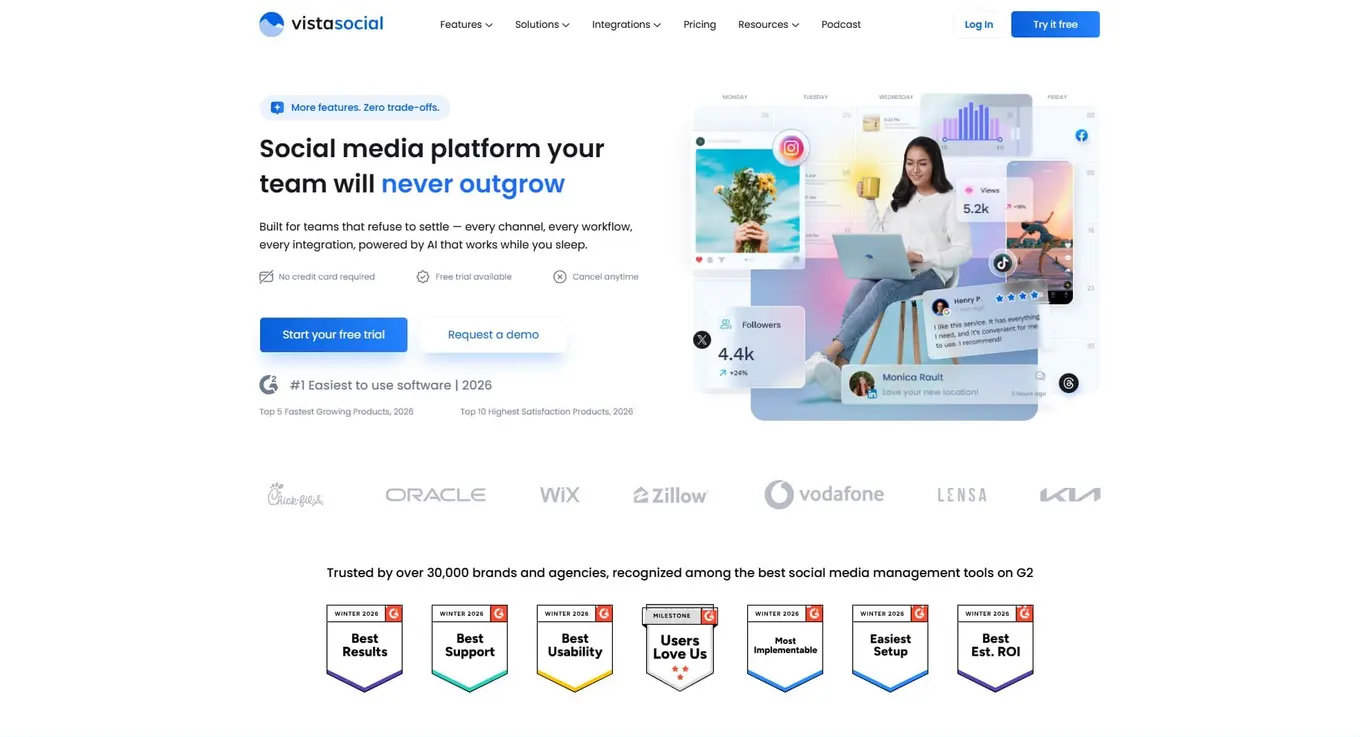
Best for: Social media teams and agencies that need a powerful inbox and smart automation at a price that doesn’t sting.
Vista Social is a modern, all-in-one social media management platform built for teams that want to manage conversations, publish content, and track performance without jumping between tools.
The heart of Vista Social’s community management power is its social inbox. It pulls every comment, DM, mention, and review from all your connected platforms into one clean feed. Your team can reply to a TikTok comment and an Instagram DM without switching tabs.
The real edge is in automation. Vista Social’s inbox automation lets you build rules that sort, label, and respond to messages on autopilot. You can auto-reply to common questions, route specific topics to the right team member, and flag negative comments for immediate attention. The platform also supports DM automations that keep conversations going when your team is offline—a big deal for brands pulling in hundreds of messages a day.
You also get detailed engagement metrics that track reply times, message volume, and trends across every channel. If you need ideas to spark more conversations, check out these questions for social media engagement.
Vista Social supports:
- TikTok
- X/Twitter
- YouTube
- Threads
- Bluesky
- Google Business Profile
- And more
Key features:
- Unified social inbox for comments, DMs, mentions, and reviews
- Inbox automation with custom rules and message routing
- DM automation for faster responses at scale
- AI-powered content creation and scheduling
- Engagement and performance reporting with exportable data
- Team collaboration with task assignments and internal notes
- Review management across Google, Yelp, TripAdvisor, and more
- Social listening to track brand mentions and industry trends
Pricing:
- Professional: $64/month
- Advanced: $120/month
- Scale: $304/month
- Enterprise: Custom pricing
- Free plan and 14-day free trial available
- All the prices listed are billed annually
2. Sprout Social
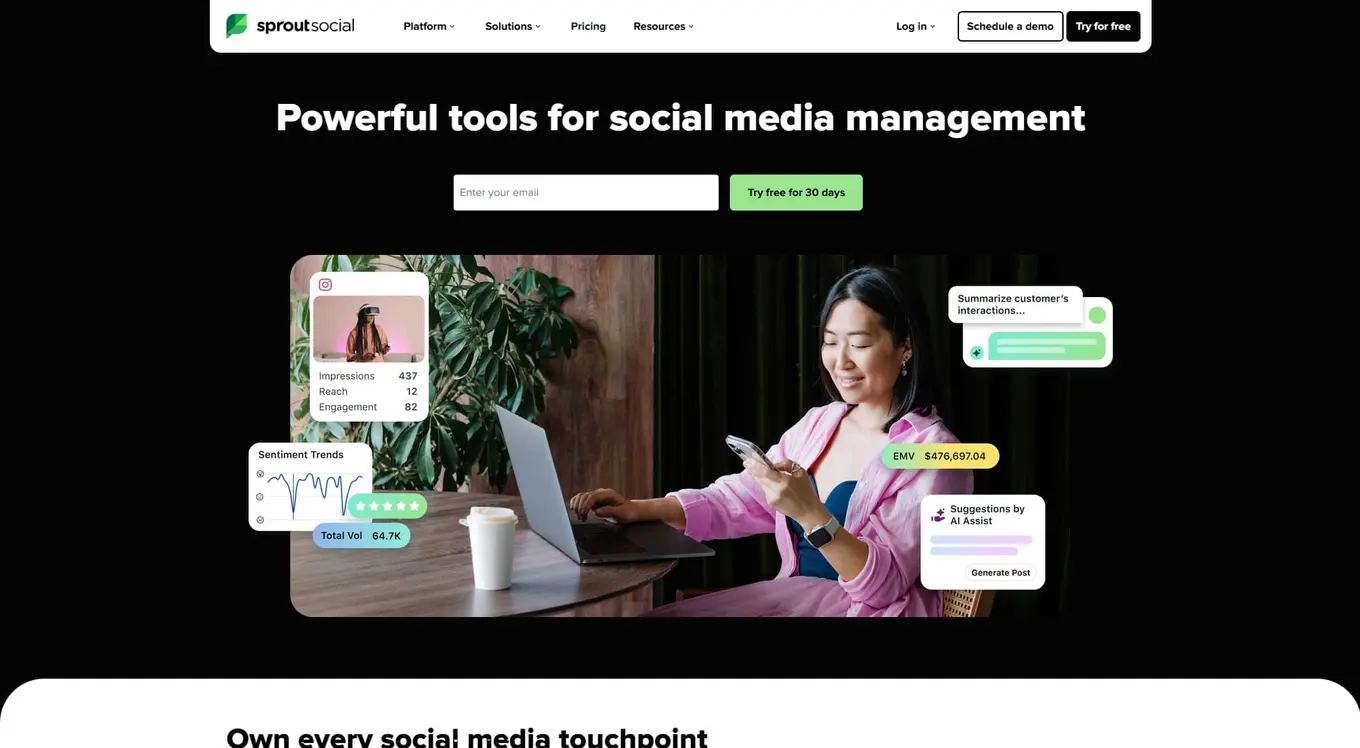
Best for: Large teams and enterprises that need deep analytics and social listening alongside inbox management.
Sprout Social has been around for a while, and it shows in the depth of its reporting. The Smart Inbox brings messages from across platforms into a single feed, and the analytics go deep enough to satisfy data-hungry marketing directors. The platform also includes social listening, sentiment analysis, and employee advocacy tools.
The catch? Pricing is per user, and it adds up fast. A team of five on the Professional plan is nearly $1,500/month.
Key features:
- Smart Inbox for unified message management across platforms
- Advanced analytics and custom reporting
- Social listening and sentiment analysis
- Employee advocacy tools
- CRM-style contact profiles for audience tracking
- Competitive analysis reports
Pricing:
- Standard: $199/user/month
- Professional: $299/user/month
- Advanced: $399/user/month
- Enterprise: Custom pricing
- 30-day free trial available
- All the prices listed are billed annually
3. Statusbrew
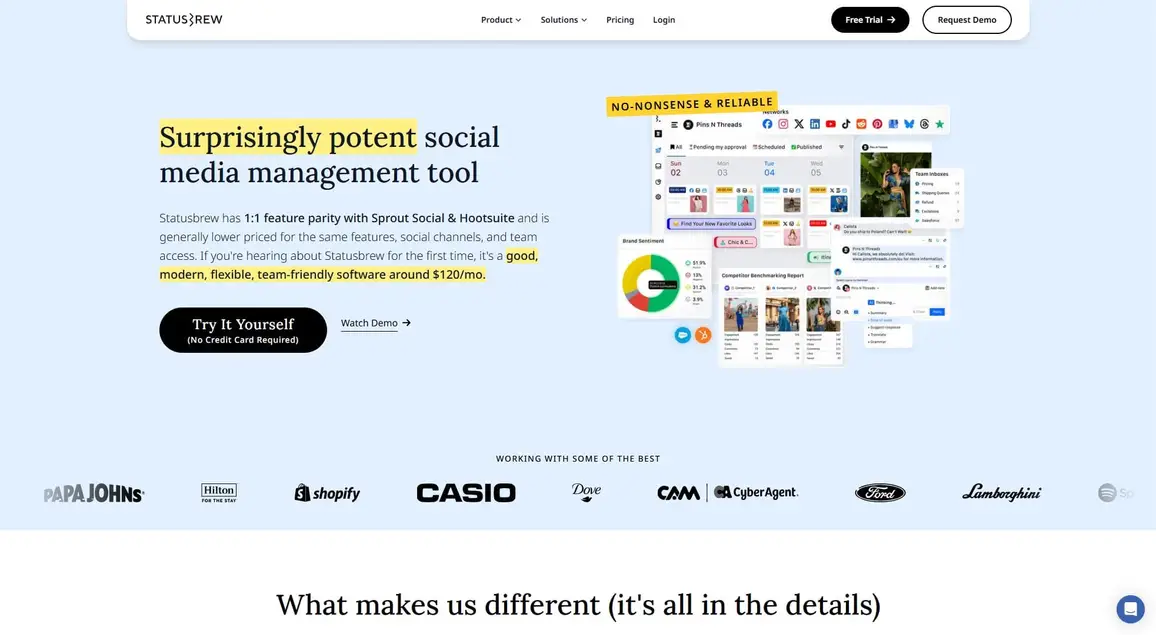
Best for: Teams that deal with high-volume ad comments and need strong auto-moderation tools.
Statusbrew has built a reputation around its engagement inbox, especially for brands running paid social. Its auto-moderation for ad comments automatically hides spam, deletes offensive replies, and handles FAQ responses on both organic and paid posts. If you’re spending on ads and tired of trolls hijacking your comment sections, Statusbrew handles that well.
The platform also offers publishing tools, approval workflows, and analytics with over 230 metrics. It’s priced per team rather than per user, keeping costs predictable as you grow.
Key features:
- Unified inbox for organic and paid social interactions
- AI-powered auto-moderation for ad comments and spam
- Team collaboration with conversation assignment and routing
- Approval workflows for content publishing
- Custom analytics with 230+ metrics and 18 months of data history
- CRM integrations with Salesforce and HubSpot
Pricing:
- Lite: $69/month
- Standard: $129/month
- Premium: $229/month
- Enterprise: Custom pricing
- 14-day free trial available
- All the prices listed are billed annually
4. Agorapulse
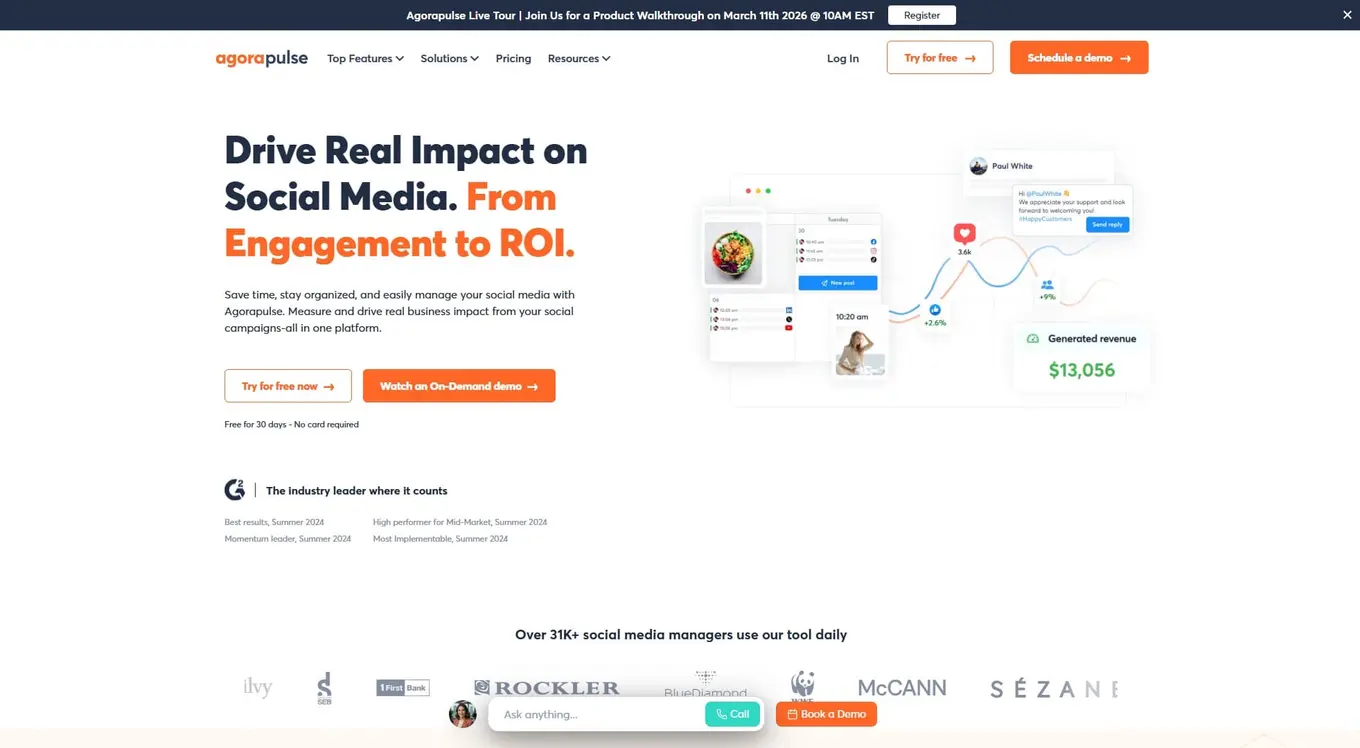
Best for: Small to mid-sized teams that want a clean inbox experience with built-in ROI tracking.
Agorapulse keeps things simple where it matters. The inbox is clean and easy to use, with one-click moderation that lets you review, assign, or label messages fast. What sets it apart is the social media ROI feature, which connects Google Analytics data to your social efforts so you can show how engagement drives traffic and revenue.
The per-user pricing can add up for larger teams, so it’s best suited for smaller groups that need a reliable daily driver.
Key features:
- Unified social inbox with one-click moderation
- Social media ROI dashboard (Google Analytics integration)
- Content scheduling with queue management
- Competitor analysis reports
- Team collaboration with approval workflows
- Canva integration for content creation
Pricing:
- Standard: $79/user/month
- Professional: $119/user/month
- Advanced: $149/user/month
- Custom: Contact for pricing
- 30-day free trial, no credit card required
- All the prices listed are billed annually
5. SocialPilot
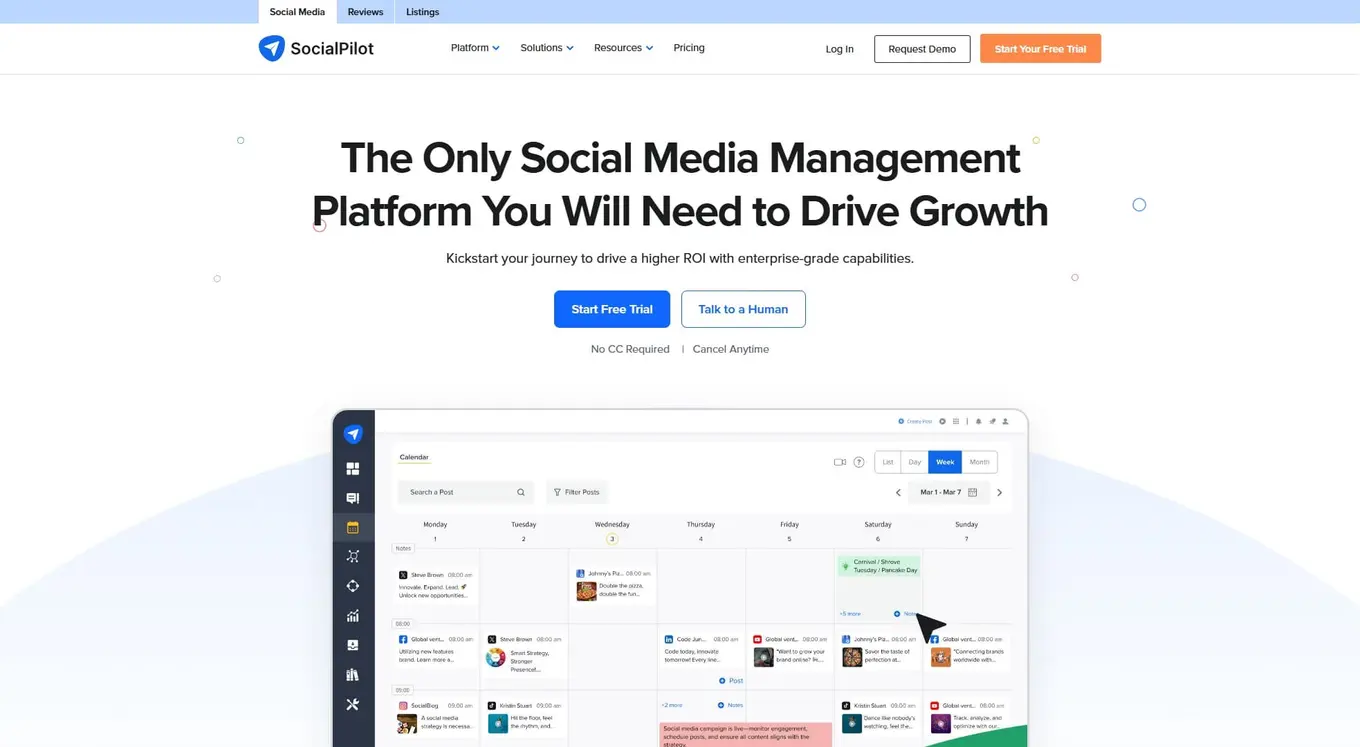
Best for: Budget-friendly agencies that need bulk scheduling and client management without breaking the bank.
SocialPilot isn’t the flashiest tool on this list, but it punches above its weight for the price. It handles bulk scheduling, client approvals, and white-label reporting—the essentials agencies need day-to-day. The social inbox covers comments and messages, though it’s not as deep as Vista Social or Sprout Social.
Where SocialPilot shines is value. The Premium plan gives you 30 social profiles and 6 users for $100/month.
Key features:
- Social inbox for comments and messages
- Bulk scheduling with content calendar
- Client management and approval workflows
- White-label reporting
- AI assistant for content creation
- Content library for saving reusable posts
Pricing:
- Essentials: $25.50/month
- Standard: $42.50/month
- Premium: $85/month
- Ultimate: $170/month
- Enterprise: Contact sales for custom pricing
- 14-day free trial available
- All the prices listed are billed annually
6. Khoros
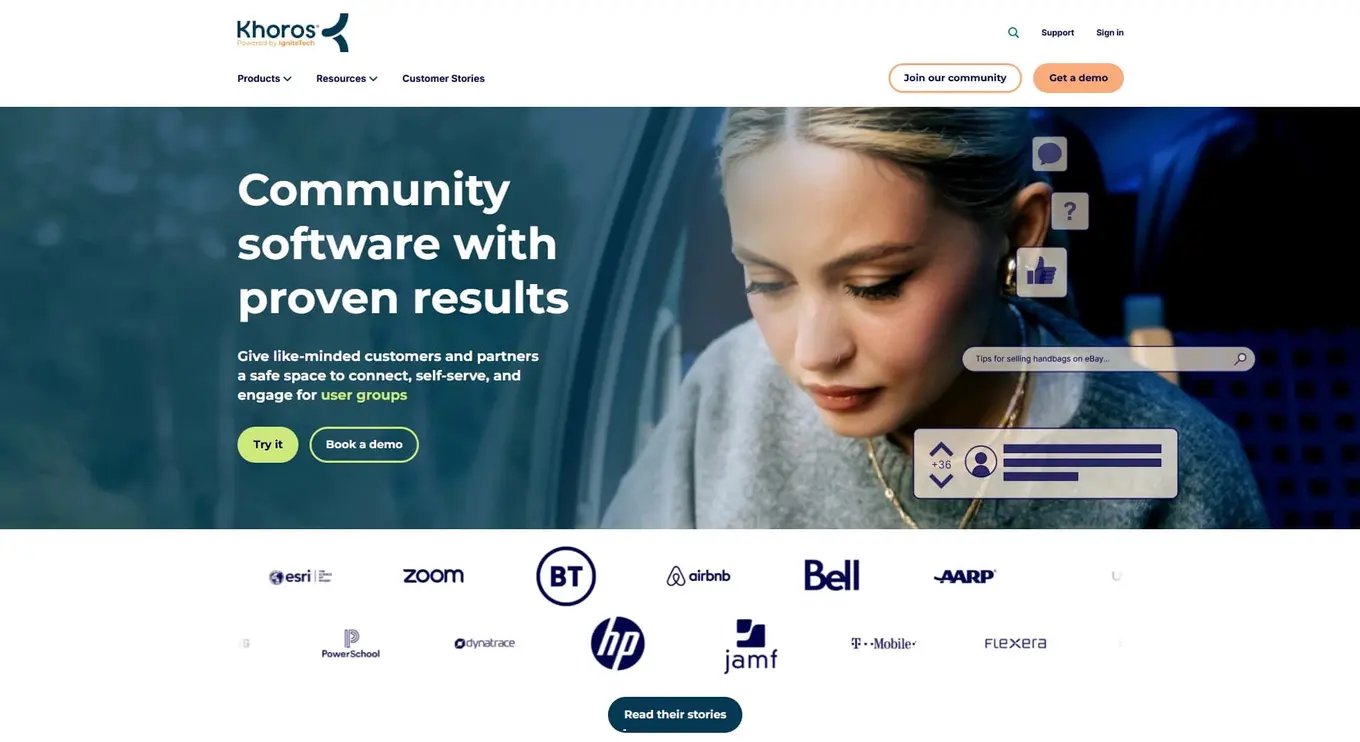
Best for: Enterprise brands that need large-scale community forums, customer care, and social management in one platform.
Khoros plays in a different league. It’s an enterprise platform used by brands like Samsung and Sephora to build branded communities where customers help each other and connect with the brand at scale. It also includes social media management with an agent desktop for customer care teams.
The platform offers AI-powered routing, chatbots, gamification, and advanced moderation. But Khoros doesn’t publish pricing and requires annual contracts that typically start in the five-figure range.
Key features:
- Branded community forums with gamification and knowledge bases
- Agent desktop for social customer care
- AI-powered conversation routing and chatbots
- Social media publishing and social listening
- Advanced content moderation and analytics
- Enterprise-grade security and integrations (Salesforce, SAP)
Pricing:
- Custom pricing only (annual contracts)
- Estimated $50,000+/year based on modules and usage
- Contact sales for a demo and quote
7. Hivebrite
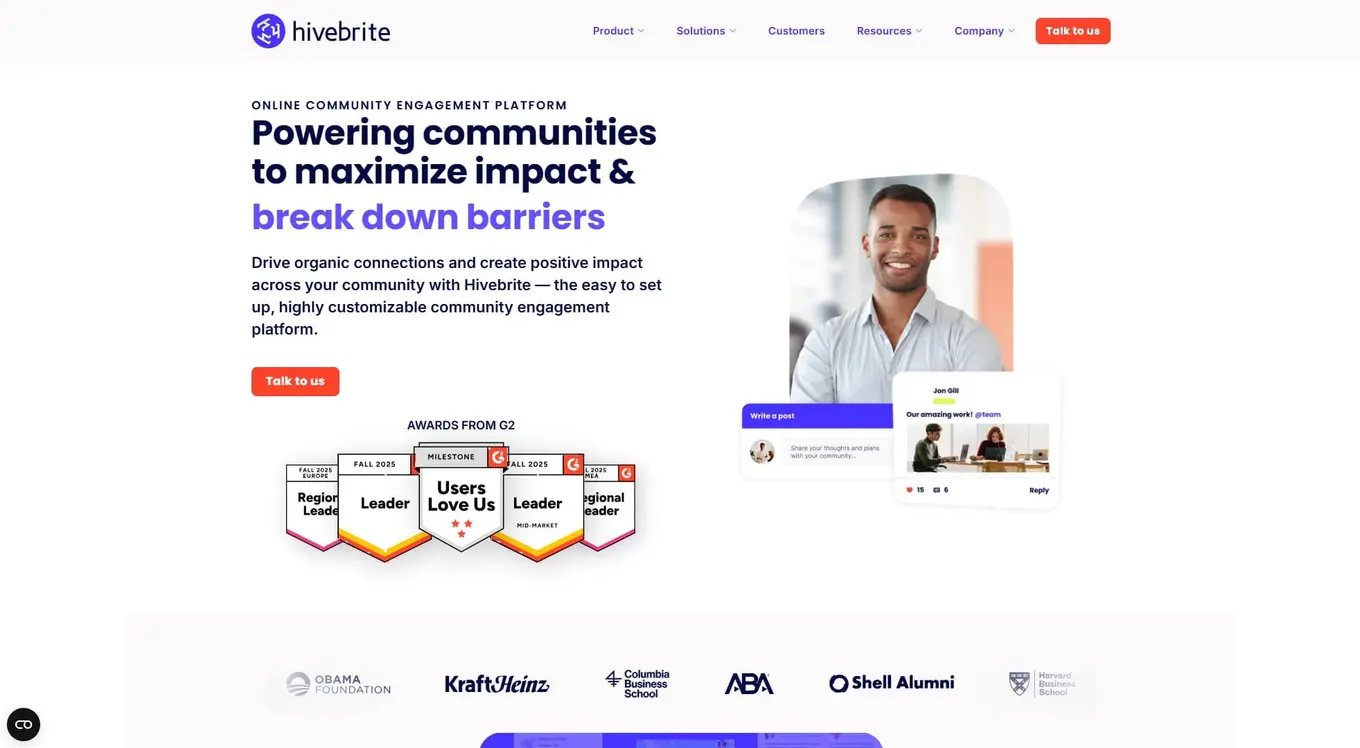
Best for: Universities, nonprofits, and large organizations that need a private, branded community platform.
Hivebrite isn’t built for managing Instagram comments. It’s a dedicated community platform for organizations that want to build private, branded networks for alumni, members, or professional groups. Princeton University uses it for alumni engagement, and WWF uses it to connect supporters worldwide.
It offers event management with payment processing, member directories with segmentation, and detailed analytics. The price tag reflects the enterprise focus—no free trial, and plans start at $799/month.
Key features:
- Private, fully branded community hub
- Member directory with segmentation and permissions
- Event management with online registration and payments
- Content management (blogs, forums, resource libraries)
- Engagement tracking and community analytics
- SSO and advanced data privacy controls
Pricing:
- Hivebrite offers three plans: Connect, Scale, and Enterprise
- Contact sales for a product demo and for custom pricing
- No free trial available
8. NapoleonCat
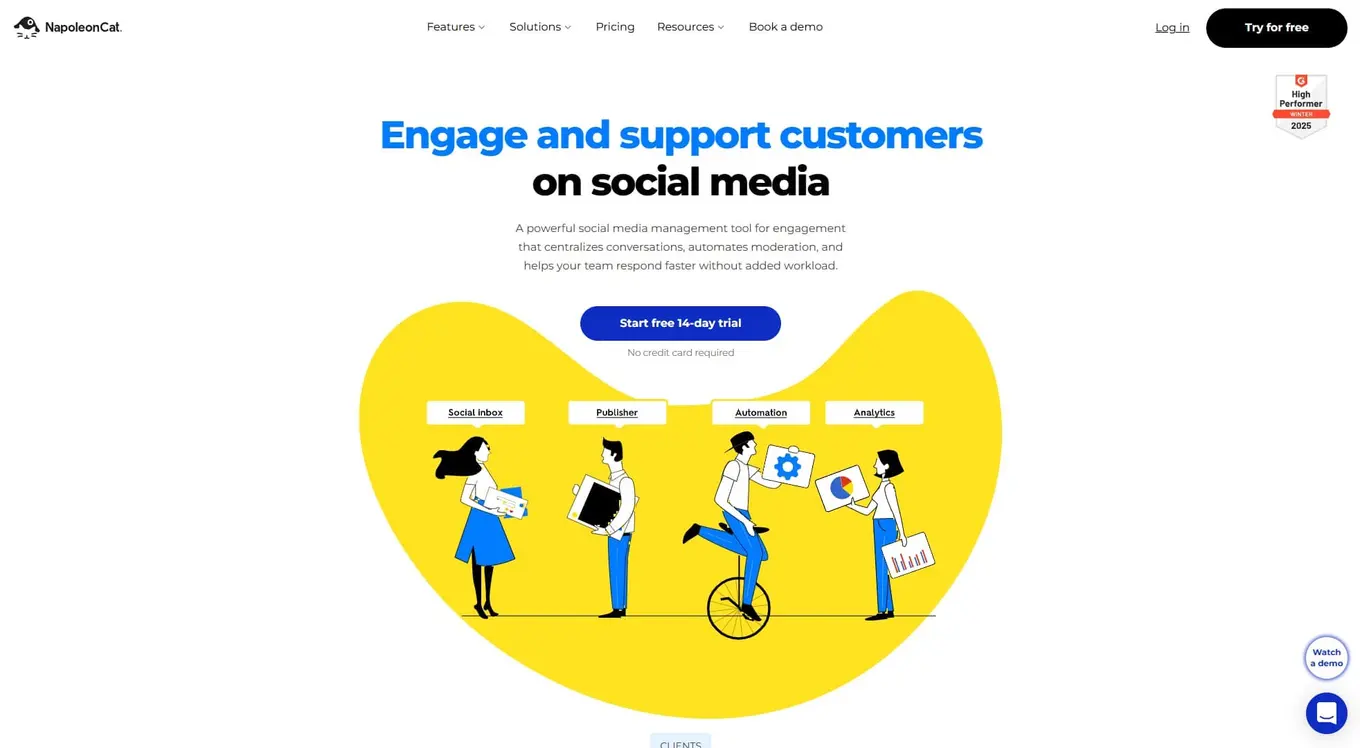
Best for: E-commerce brands and customer support teams that need AI-powered auto-moderation around the clock.
NapoleonCat has carved out a niche in auto-moderation. Its AI tools automatically detect and remove spam, hide offensive content, and reply to FAQs—on both organic posts and paid ads, 24/7. For e-commerce brands getting flooded with “Is this still in stock?” comments at 2 AM, that’s a big deal.
The platform also includes sentiment tagging, competitor benchmarking, and a unified social inbox. Pricing is usage-based—you pick the number of users and profiles you need.
Key features:
- Social inbox for comments, DMs, reviews, and ad interactions
- AI-powered auto-moderation (organic and paid posts, 24/7)
- Sentiment tagging for brand perception tracking
- Content scheduling and publishing across platforms
- Competitor benchmarking and analytics
- Supports Facebook, Instagram, TikTok, X, LinkedIn, YouTube, Google Business Profile
Pricing:
- Standard: $79/month
- Pro: $89/month
- Expert: $119/month
- Enterprise: Starting at $465/month (custom)
- Pricing increases with additional users and profiles
- 14-day free trial, no credit card required
- All the prices listed are billed annually
9. Sociality.io
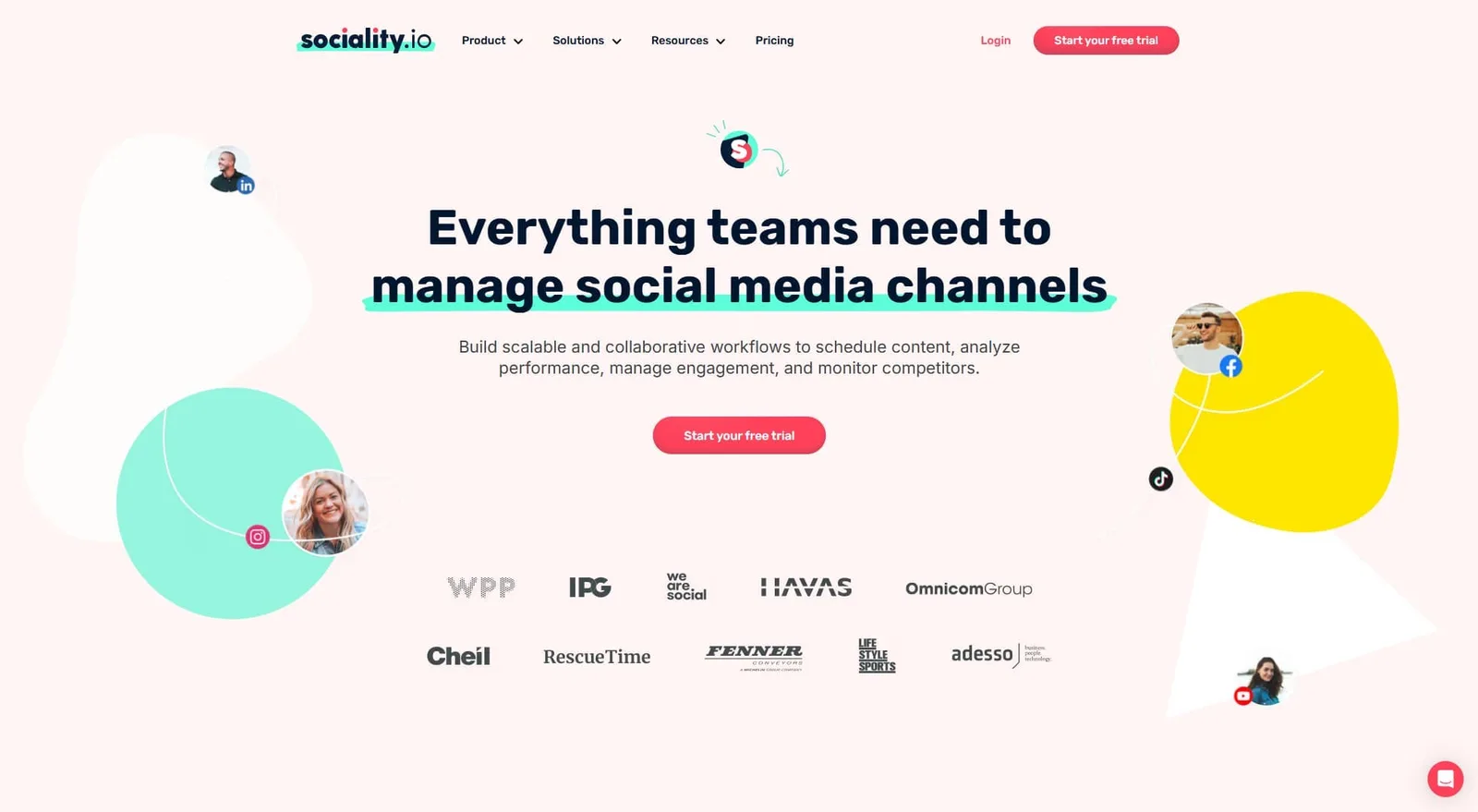
Best for: Teams that want publishing, engagement, listening, and competitor analysis all included in every plan.
Sociality.io takes a refreshing approach—every plan includes all five core modules: Engage, Publish, Listen, Analytics, and Competitor Analysis. You’re not paying extra to unlock listening or competitor reports. That makes it a strong value play for teams that want the full picture without tier-hopping.
The main gap is no AI content generation, so you’re writing everything yourself. But if engagement management paired with social listening is your priority, Sociality.io delivers.
Key features:
- Unified inbox for engagement management
- Social listening with sentiment analysis and alerts
- Competitor benchmarking reports
- Content scheduling with team collaboration
- API access for custom integrations
- 50% nonprofit discount available
Pricing:
- Pro: $83/month
- Business: $166/month
- Enterprise: Custom pricing
- 14-day free trial, no credit card required
- All the prices listed are billed annually
10. Circle
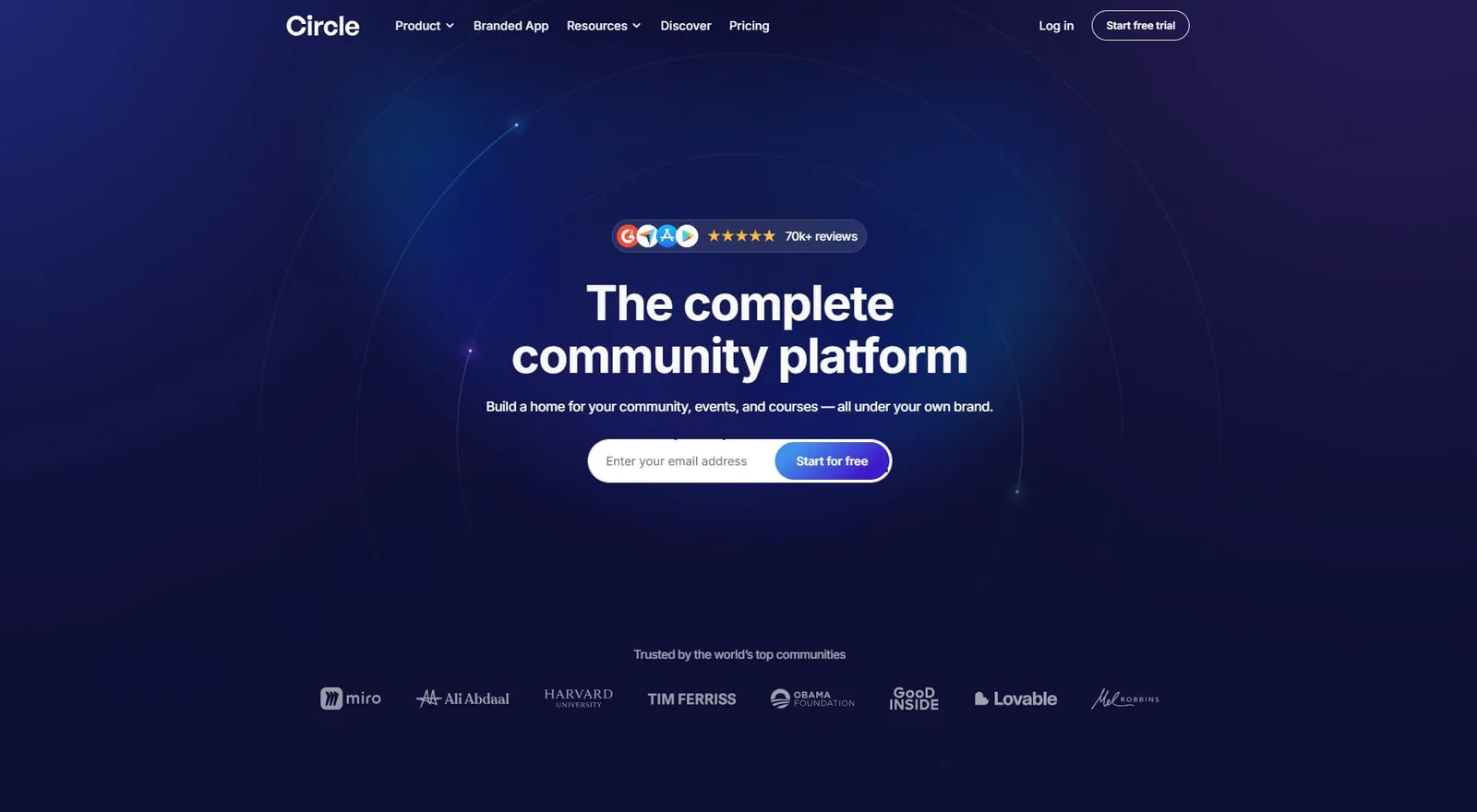
Best for: Creators, coaches, and brands that want to build a branded membership community with courses and events.
Circle is a community platform, not a social media management tool. It gives you a branded space where members join discussions, take courses, attend live events, and chat with each other.
It’s popular with course creators and businesses that want to own their audience relationship outside of social media algorithms. Circle recently added a website builder and email marketing hub, making it closer to an all-in-one platform. If you’re brainstorming engagement post ideas for a community, Circle gives you the space to test them.
Factor in transaction fees (0.5%–2% depending on plan) if you’re processing payments through the platform.
Key features:
- Discussion spaces, group chats, and direct messaging
- Built-in course builder and live event hosting
- Membership paywalls and payment processing
- Custom branding, website builder, and landing pages
- Email marketing hub with automations
- Branded mobile app (on higher plans)
Pricing:
- Professional: $89/month
- Business: $199/month
- Circle Plus: Custom pricing
- 14-day free trial, no credit card required
11. Mighty Networks
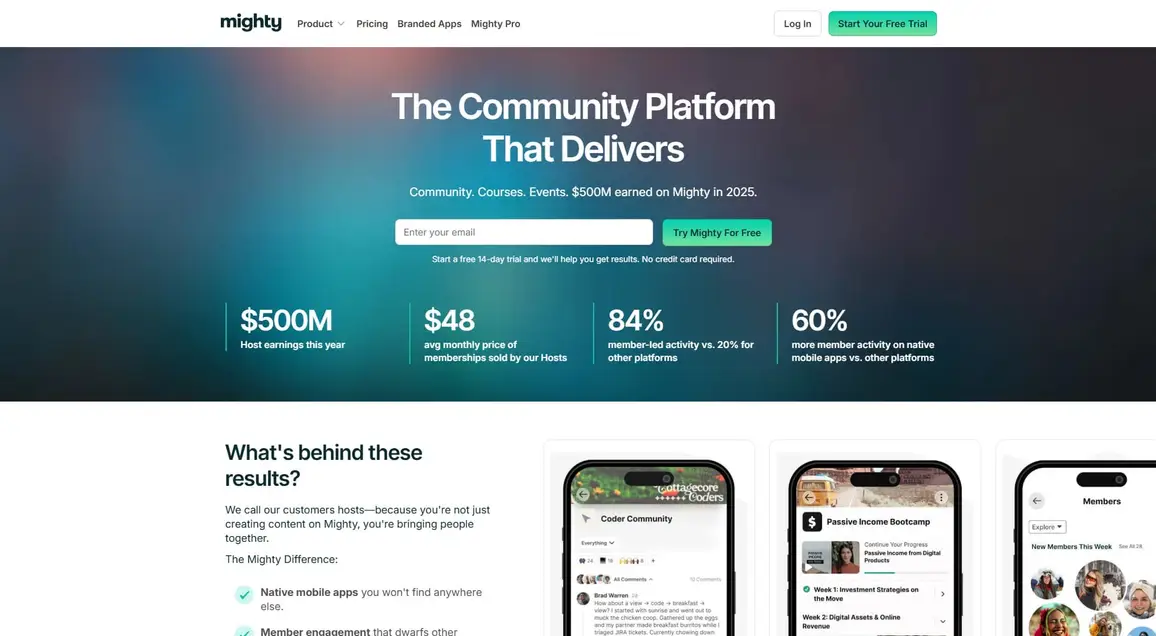
Best for: Educators and entrepreneurs who want to combine community, courses, and events in a single branded app.
Mighty Networks is built for people who want to turn their knowledge into a business. It combines community spaces with course delivery, live streaming, and event hosting—all under your brand. You can even launch a custom mobile app on iOS and Android.
Like Circle, this isn’t a social media management tool. It’s for building standalone communities where members interact, learn, and pay for access.
Key features:
- Community spaces with activity feeds, polls, and Q&A
- Course builder with cohort-based and self-paced options
- Live streaming and virtual event hosting
- Branded mobile app (iOS and Android)
- Membership tiers with payment processing
- Member analytics and engagement tracking
Pricing:
- Launch: $79/month
- Scale: $179/month
- Growth: $354/month
- Mighty Pro: Contact for custom pricing
- 14-day free trial, no credit card required
- All the prices listed are billed annually
Choose the right community management tool for your brand
Picking the right tool depends on what problem you’re actually trying to solve.
If your biggest challenge is keeping up with social media conversations, focus on tools with strong inbox features. Vista Social, Sprout Social, Agorapulse, and NapoleonCat all bring comments, DMs, and mentions into one place so your team can respond faster.
If you need a space that lives outside social media, platforms like Circle, Mighty Networks, and Hivebrite are purpose-built for memberships, courses, and private groups—but they won’t help you manage your Instagram inbox.
For most social media managers and agencies, the sweet spot is a tool that handles both engagement and publishing. Team size matters—per-user pricing gets expensive fast. Platform support is worth checking—not every tool supports TikTok, Reddit, or Bluesky. And if message volume is high, automation features will save your team hours every week.
For inspiration on what great engagement looks like, check out these social media engagement examples from brands doing it right.
If you want one platform that covers social inbox, automation, scheduling, AI tools, and reporting without an enterprise budget, give Vista Social a try. It’s free to start and takes minutes to set up.
Community management tools FAQs
What are community management tools?
Community management tools help you manage interactions with your audience. Social media-focused tools pull comments, DMs, mentions, and reviews into one inbox so your team can respond from a single dashboard. Dedicated community platforms like Circle and Mighty Networks help you build standalone spaces with forums, courses, and events.
Which features should I look for in a community management tool?
Start with a unified inbox that brings conversations from all your platforms into one view. Automation features like auto-replies and message routing save time on repetitive tasks. Team collaboration tools matter if you’re not working solo. And strong analytics help you track response times and engagement trends. If you’re part of a marketing Slack community, you know how important these features are for staying organized.
Can community management tools integrate with my social media accounts?
Yes. Most social media management tools connect to Facebook, Instagram, TikTok, X, LinkedIn, YouTube, and Pinterest. Some also support Threads, Bluesky, and Reddit. Community platforms like Circle and Mighty Networks don’t manage social accounts directly, but they connect with other tools through Zapier or APIs.

Try Vista Social for free
A social media management platform that actually helps you grow with easy-to-use content planning, scheduling, engagement and analytics tools.
Get Started NowAbout the Author

Content Writer
Russell Tan is a content marketing specialist with over 7 years of experience creating content across gaming, healthcare, outdoor hospitality, and travel—because sticking to just one industry would’ve been boring. Outside of her current role as marketing specialist for Vista Social, Russell is busy plotting epic action-fantasy worlds, chasing adrenaline rushes (skydiving is next, maybe?), or racking up way too many hours in her favorite games.
Loading related tools...




Tools
PublishingAnalyticsEngagementIntegrations
FacebookInstagramLinkedInRedditSnapchatThreadsTikTokX (Twitter)YouTubeBlueskyVista Page (link-in-bio)All IntegrationsCopyright © 2026 Vista Social LLC. All Rights Reserved.